
Quick verdict
- What it is
- Store information collected; independent summary not yet available.
- At a glance
-
- Free to download
Categories and search queries
Official categories
- Education
- Books
AppCorpus categories
Key functions
| Function | Availability | Access | Scope | Evidence |
|---|---|---|---|---|
| Free app | Yes | Free | — | Store published |
Screens
App Store
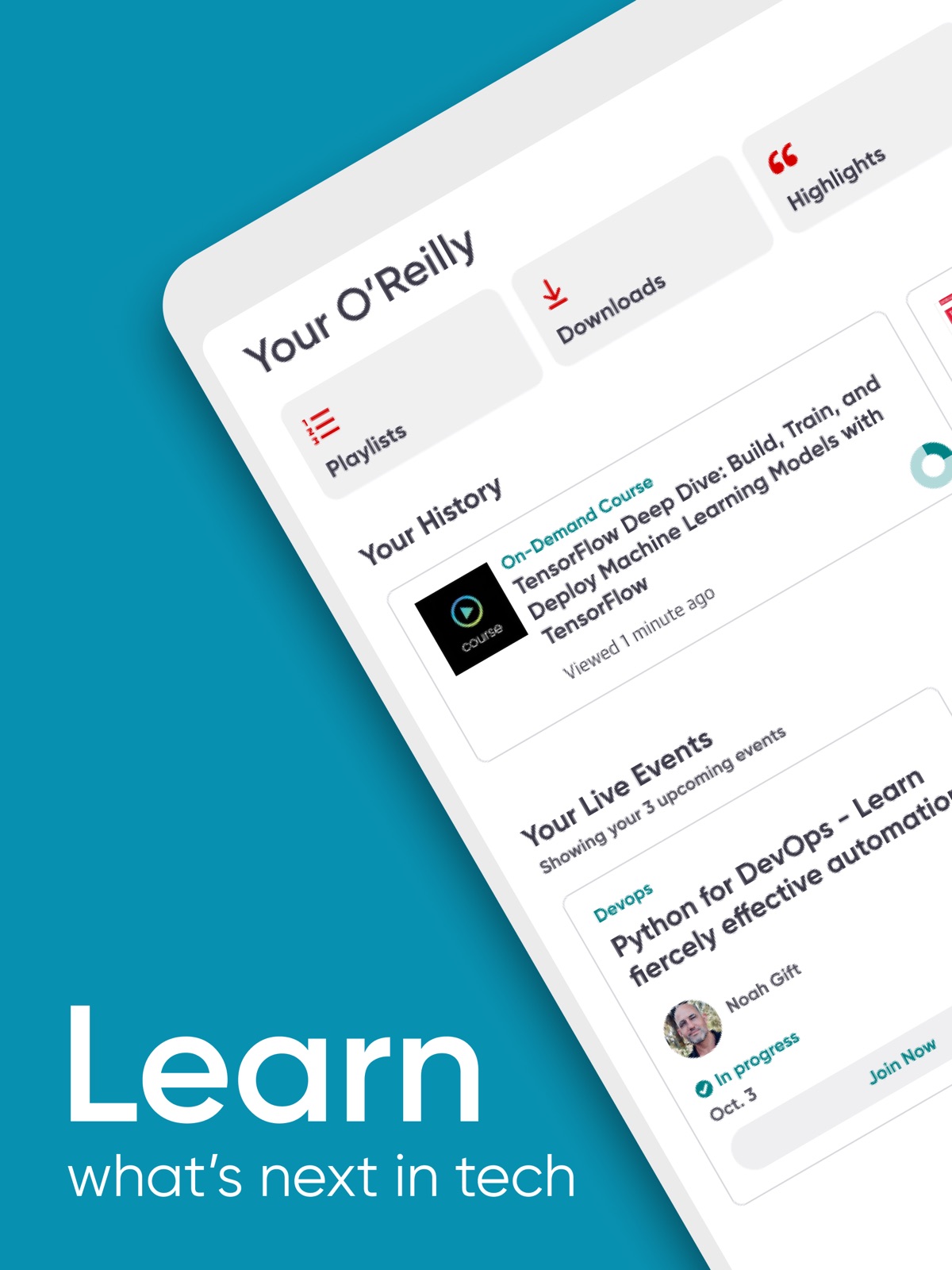
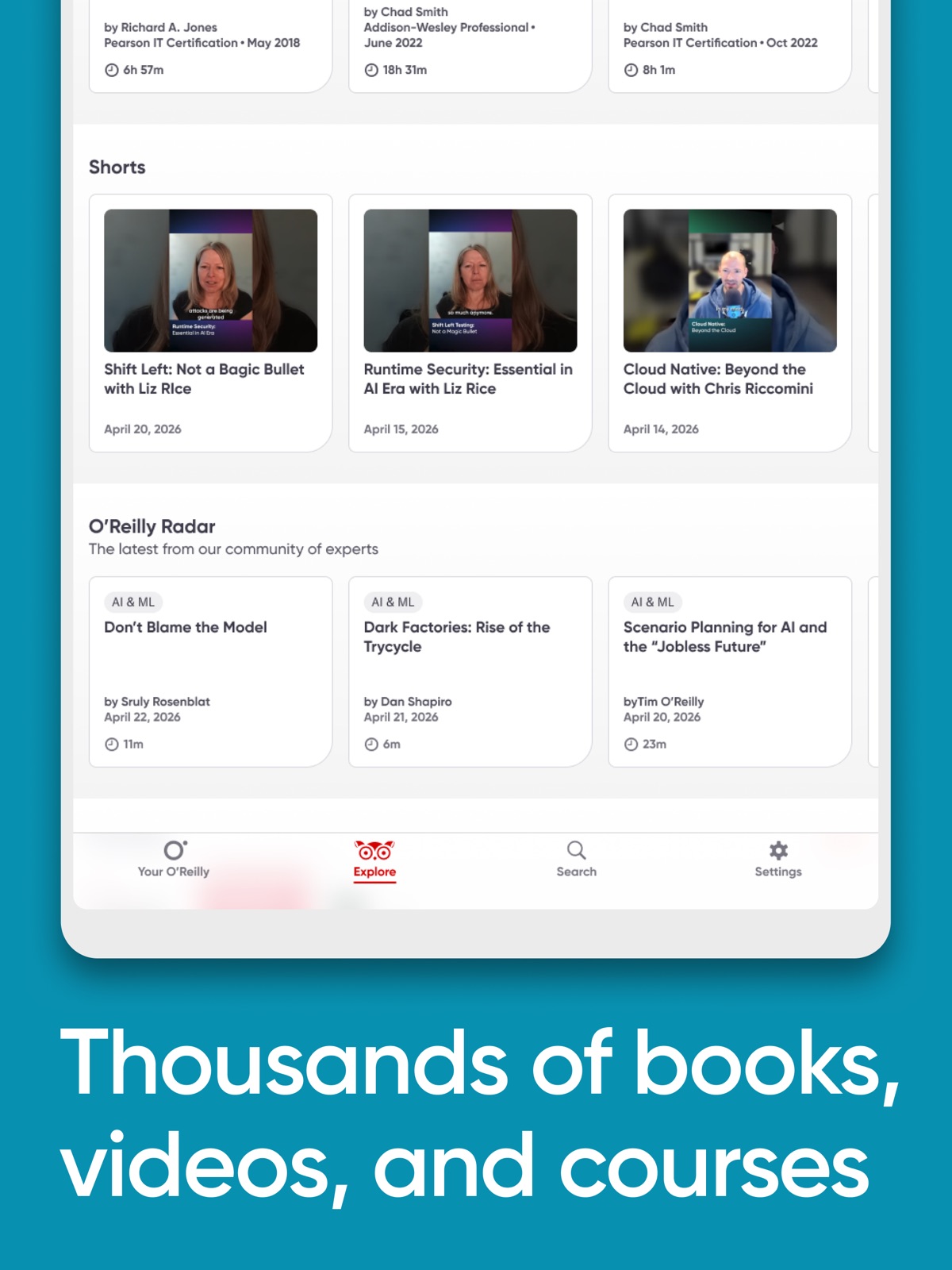
20 store screenshots
Pricing & paywalls
App Store
- Free
Ratings & reviews
App Store
-
5/5Great Reads, Platform Needs Work
First off, I love the content of this app and appreciate the developers who have made it a reality so I hope the poor rating and following statements only encourage the platforms growth. My biggest complaint is how painful the transition process is between devices. I would love to pick up where I left off on my iPad when I switch to my MacBook and, then later, back again. I'm thankful that the history seems to sync up (most of the time) but in the scenario provided I generally have to go searching through the book to find where I was on the other device. The irony is the highlighting seems to persist so clearly the location could likely as well. Also, (another major pain point) I like to have a few books I'm consistently working through but often open up a number of other books for reference throughout the day. This result in an absolute disaster in my history. It would be nice to pin a few books to the top of the history view or very least filtering and sorting capabilities so these books don't get lost in the clutter. Obviously deleting the others is an option but then you lose visibility to the fact that you've referencd the book before so it's only a half-baked remedy to an unsolved problem.
Brandon.Jaus · 5 Sep 2026
-
5/5The BEST (OG) learning portal.
I really hope O’Reilly is around for a really long time. This portal is an absolute must if you want to grow in your career and advance your skills. They have ALL the technology (and others) books you’ll ever need and want! When I need a paper copy I check it out at O’Reilly first to decide if I want it. Most of my books though are digital copies there and I read them on my IPad. They have sandboxes for learning environments, live conference access, certification training books and courses; live and on demand, and more. The app is solid rarely have any issues. I started with a paid work subscription from work 11 years ago; as soon as it expired I got my own out of pocket and have had it ever since. It’s one of the best investments I have made for my continuing education; try it and I’m sure you’ll think so too. Thank you O’Reilly team!!
AjCaroline · 5 Sep 2026
-
2/5Needs improvement
The catalog O’Reilly offers is invaluable but many hiccups with app crashing and log ins disrupt the continuity of reading across and within platforms. When using the desktop portal, the website requires me to log in each new day in spite of repeatedly checking the ‘remember me’ box. The mobile site isn’t much better, often loosing my log in information when accessing the site through links. The app has similar problems, it never remembers my place if I move from my safari to the app and rarely knows what book I was even looking at. Often I have to search for my reading material each time I access a particular chapter assigned by my school instead of just using their provided link 😤 Attempting to use the app once finding my desired reading material is just as frustrating. The app will not allow me to scroll across images, constantly opening them instead of panning down. This forces me to attempt grabbing the narrow spaces between the images. Worse than all of this is that if I leave the app for a long period of time, it will crash while running in the background but instead of rebooting will get stuck to whatever page I’m on and not allow me access any controls and will jump back to the top of the back if I shift the orientation of the phone. The only solution to this is to close the app and wait a few minutes before launching it again. Really disappointed in the mechanics of this platform and have noticed my teachers moving away from it as well in preference to Lynda to due it’s smooth utility.
KraigBurgess · 5 Sep 2026
-
1/5App is Pretty Pointless. Learning Platform is Not Much Better.
I don’t recommend using the app at all. In the old days the app was like an extension to the website where you could easily pick up where you left off. Now all you get are “Trending”, “Upcoming Conferences”, “Recommended For You” and “Recently Added”. No history of what you had been reading or watching on the web. There’s a tab for your playlists, but that’s a poor substitute for a history* view since that means users that often search for several distinct technologies must now save every single result to a playlist. If you’re fortunate enough to only work in one domain and it uses a trendy technology, the app might be okay. But for anyone that used to use O’Reilly Media as a technical reference library - I’d say save yourself the time and hassle and skip this app. * - The history feature is also broken in the web interface anyway, so I’m not really sure their learning platform as whole is worth the price anymore. It’s been broken for months now and I think that’s kind of a telling sign. Here you have a media company whose primary focus is publishing technical literature with an emphasis on software development. In that domain is website and app building - and these are the products they release. An app that basically tells you nothing more than Google and a website that only half works. Perhaps the developers should read some of the books contained in the learning platform...
PS1913 · 5 Sep 2026
-
4/5A Great Resource As a Student
I’m really grateful that my university grants their students’ free access to this database because this is a treasure trove of knowledge. My only complaints is the inconsistent categorization. The way that I find content is searching by keyword subject, but the problem that I have found is that some content you would have expected to see in a different category end up showing up in a different category. Sometimes this is understandable because that is what will happen with books that feature broader content which puts the book itself in a grey area for trying to determine what makes one of that book’s covered subjects more representative of what the book is about than the other subjects that were brought up. I can understand why categorizing can be problematic; however, I still feel like people need to be aware that they may miss out on content because some of it might be listed under a different subject than they were expecting.
Darksummers · 5 Sep 2026
Privacy & accessibility
App Store
Privacy
- Data Linked to You — Analytics — Identifiers — Device ID Developer declared
- Data Linked to You — Analytics — Search History Developer declared
- Data Linked to You — Analytics — Usage Data — Product Interaction Developer declared
- Data Linked to You — App Functionality — Contact Info — Email Address Developer declared
- Data Linked to You — App Functionality — Identifiers — Device ID Developer declared
- Data Linked to You — App Functionality — Identifiers — User ID Developer declared
- Data Linked to You — App Functionality — Search History Developer declared
- Data Linked to You — App Functionality — Usage Data — Product Interaction Developer declared
- Data Linked to You — App Functionality — User Content — Other User Content Developer declared
- Data Linked to You — Product Personalization — Search History Developer declared
- Data Linked to You — Product Personalization — Usage Data — Product Interaction Developer declared
- Data Linked to You — Contact Info Developer declared
- Data Linked to You — Identifiers Developer declared
- Data Linked to You — Search History Developer declared
- Data Linked to You — Usage Data Developer declared
- Data Linked to You — User Content Developer declared
- Data Not Linked to You — App Functionality — Diagnostics — Crash Data Developer declared
- Data Not Linked to You — App Functionality — Diagnostics — Performance Data Developer declared
- Data Not Linked to You — Diagnostics Developer declared
Accessibility
- Dark Interface — SUPPORTED Store published
- Differentiate Without Color Alone — SUPPORTED Store published
- Sufficient Contrast — SUPPORTED Store published
- VoiceOver — SUPPORTED Store published
Versions
App Store
-
10.26.0
We’ve made some accessibility improvements to the app
-
10.27.0
This update helps you stay on track, right from the start: * Shared with You Integration Content shared via Messages now appears in a new “Shared with You” section—making it easier to rediscover what others send you. * Onboarding and Learning Notifications If you're a new user, we now offer helpful notifications introducing you to the app’s full potential. To support consistent habits and help you stay on track with your learning goals, we’ll remind you to revisit your recently used videos, audiobooks, and books. Make sure notifications are enabled to get the most out of these new features.
-
10.28.0
Welcome to no more squinting - Now you can pinch to zoom in our videos and catch every detail.
-
10.29.0
We’ve brought O’Reilly YouTube Shorts directly into your Explore screen. Now you can quickly discover bite-sized insights from industry experts, right inside the app. These short, focused videos are perfect when you’re on the go.
-
10.30.0
Bug fixes and improvements
-
10.31.0
Bug fixes and improvements
-
10.32.1
Our book reader’s Text-to-Speech just got an upgrade! Now, as the narration reads aloud, the text is highlighted in real time—making it easier to follow along, stay focused, and fully immerse yourself in every book.
-
10.33.0
Bug fixes and improvements
-
26.0.0
We’ve refreshed the Your O’Reilly screen to make it easier to get to the things you use most. The top section now features swipeable quick access tiles like Playlists, Downloads, Highlights, and Shared with You. Instead of scanning down the page, you can now swipe through your most-used options in one clean row. This update also includes various fixes to improve stability, reduce occasional UI hiccups, and keep everything running smoothly.
-
26.1.0
We’ve fixed a few dark mode display issues on iOS 26 and made behind-the-scenes improvements for a more reliable experience.
-
26.10.0
We’ve made some accessibility improvements to the app
-
26.1.1
We’ve fixed a few dark mode display issues on iOS 26 and made behind-the-scenes improvements for a more reliable experience.
-
26.11.0
We’ve made a minor bug fix to our video player as well as some accessibility improvements throughout the app.
-
26.12.0
We’ve made feature and accessibility improvements throughout the app
-
26.13.0
Use Siri to Ask O’Reilly without even opening the app! Ask a question using Siri and get a fast, AI-generated overview from O’Reilly.
-
26.14.0
· 29 Jul 2026
This release improves search filtering and playlist labels. We’ve also added “See All” options for O’Reilly Radar and YouTube Shorts. Additionally, downloaded videos can now have captions.
-
26.15.0
This release contains minor bug fixes and small updates to Live Events and Playlists user interface.
-
26.16.0
• Downloads are easier to manage - you can now remove individual downloaded clips directly from the video picker. • Live event search results now show the date and time of the next session, so you can see what's coming up at a glance. • Better Spotlight search - your downloaded content stays searchable from your iPhone or iPad, and content you've removed no longer shows up in results. • Fixed an issue on iOS 18 where closed captions could appear even when "Always Show Captions" was turned off in Settings.
-
26.17.0
· 2 Sep 2026
• Fixed an issue where the download and Chromecast controls disappeared from the video player when you went offline. • Fixed a few bugs that appeared when resizing the video player or reader when using an iPad • Improved reliability when your network connection drops, so a brief interruption no longer leads to repeated errors
-
26.2.0
We’ve added more granular playback speed options to the audio player, so you can fine-tune how fast (or slow) you listen to audiobooks. Plus, as always, this release includes performance improvements and bug fixes to keep everything running smoothly.
-
26.2.1
We’ve added more granular playback speed options to the audio player, so you can fine-tune how fast (or slow) you listen to audiobooks. Plus, as always, this release includes performance improvements and bug fixes to keep everything running smoothly.
-
26.3.0
Minor bug fixes and improvements
-
26.4.0
We’ve fixed some bugs including: Video playback speeds are now working as expected. The fastest available speed is 2x, not 3x. Fast, but not that fast. Offline highlights now retain their selected color instead of defaulting to yellow.
-
26.5.0
Minor bug fixes and improvements
-
26.6.0
We fixed up a few visual quirks so things look the way they’re supposed to again. Navigation got a polish. Book content display issues fixed, so your reading experience is back to behaving itself.
-
26.7.0
Search just got a bit smarter. Get an AI-generated overview when you ask a question - right alongside your usual results.
-
26.8.0
Minor bug fixes and improvements
-
26.9.0
What’s New: Badges! You earned it. Now you can show it on mobile. The same completion badges you know from O’Reilly’s web platform are now available in the app - ready to earn, view, and share.
Alternatives
- DataCamp: Data Science & AI — Same category + similar ratings
- Pocket Prep IT & Cybersecurity — Same category + similar ratings
- Codecademy Go — Same category + similar ratings
- Pluralsight — Same category + similar ratings
- CompTIA Security+ Exam Prep — Same category + similar ratings
- LinkedIn Learning — Same category + similar ratings
Availability by market
- US
Data quality & evidence
- Page completeness
- Live store listing
- Last verified
- 5 Sep 2026
- Sources
- App Store
- Independent summary has not been published yet.