
Quick verdict
- What it is
- Store information collected; an Apoku editorial summary is not yet published.
- At a glance
-
- Free to download
Categories and search queries
Official categories
- Utilities
Apoku categories
Key functions
| Function | Availability | Access | Scope | Evidence |
|---|---|---|---|---|
| Free app | Yes | Free | Context-specific | Store published |
| Apple Wallet | Unknown | Unknown | Scope unknown | Store published |
Screens
App Store
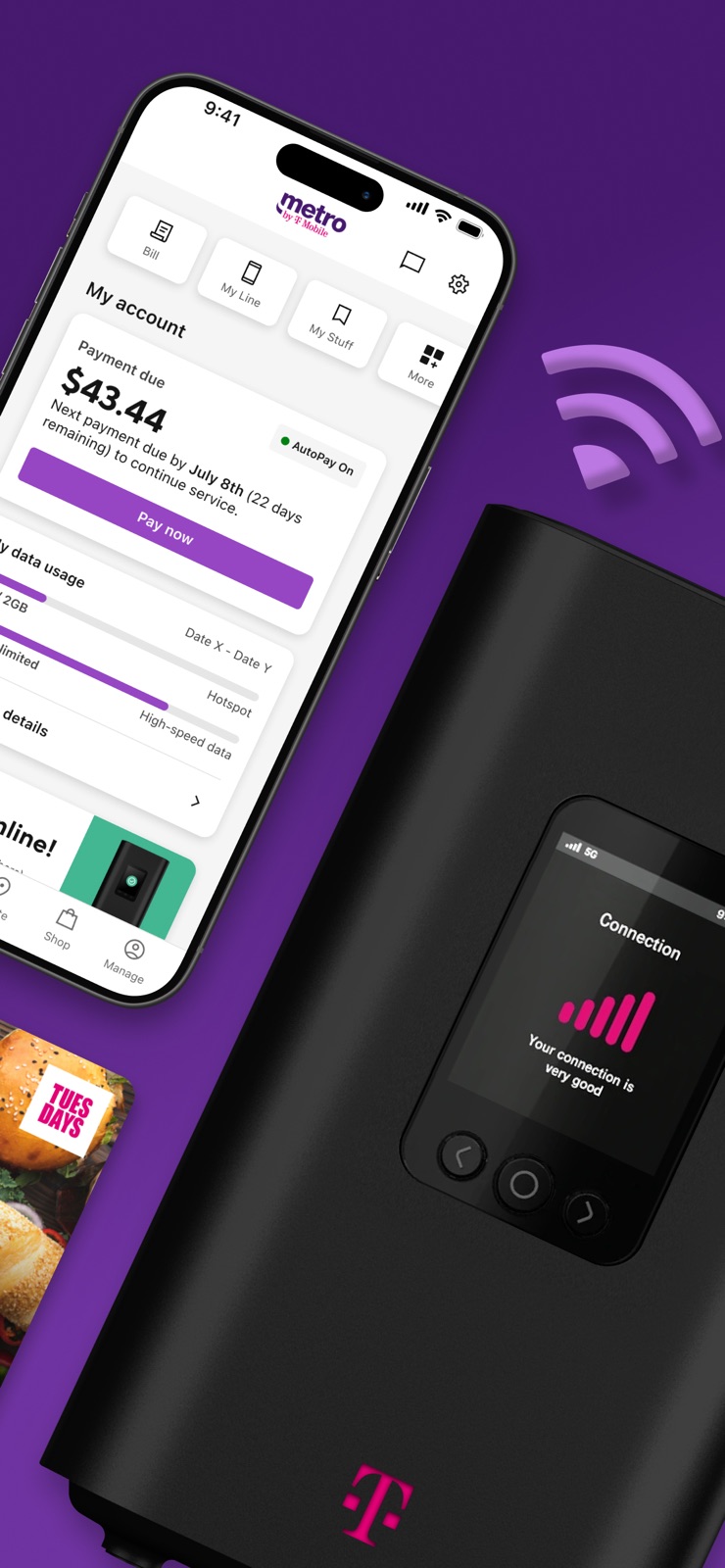
7 store screenshots


Pricing & paywalls
App Store
- Free to download
Ratings & reviews
App Store
-
5/5My favorite phone store/app!
I highly recommend myMetro app and Metro PCS in general! They have the best selection and prices and I think everyone should use Metro by T-Mobile for their smart watches, tablets, and of course their phone service and internet service as well! Great promotions on Tuesdays too and great deals all month long on all types of the best phones! Also if you switch over from a different carrier a lot of times Metro PCS by T-Mobile will give you a free smart phone and great deals! Make sure you look at the actual stores Yelp or Google reviews as I noticed some stores are better than others and the best bet to get the best service and deals is online as their is no commission and some of the stores have guys that just care about selling stuff not what you actually need. But that’s everything and anywhere you go these days so make sure the store has good reviews and do not feel pressured to buy something you don’t want and to get the best deal possible as different stores/people will give you better pricing than what another store will but online as I said before or the customer service on the phone will give you the best prices and are straight forward! Take care and I highly suggest you switch to Metro PCS by Metro and use this user friendly app to see great deals and pay your bill amongst other things! Thanks Metro PCS by T-MOBILE you rock!
inyourbestdreams · 29 Sep 2026
-
2/5Go with AT&T or Verizon or Mint even… Anybody but Metro PCS.
I just got a brand new iPhone with Metro PCS. The phone’s WiFi was on but I had forgotten to actually connect to it at my house, so I used up the 35 GB of high speed within a week… I could deal with it if it dropped to 3G speeds, or even 2G, but my internet while using data is pretty much non-existent. It doesn’t matter if it’s during “peak time”, it never works. I read that throttling down to 2G speeds on Metro is equivalent to the old dial-up speeds, but I NEVER remember AOL 4.0 going this slow. 90% of the time, it moves so slow, the connection will just time out and make me reload the page, thus starting from the beginning again. It’s frustratingly ridiculous. I do GrubHub and couldn’t even look up a building name on Google Chrome in the 12 mins it took to get to the address. And it takes 1.5-2 mins for routes to plot out on Apple Maps, so I have to sit parked and wait for it. I’ve only had this phone with Metro for 5 weeks, but I’m switching over to AT&T. It’s nice having a $40 a month phone bill, but I wouldn’t pay $5 a month for something that only worked while I was at home. And I used to think Sprint was bad because I used to have to step out of the house to get reception enough to make a phone call… But Metro PCS is a total joke.
kramer costanza · 29 Sep 2026
-
2/5You can barely Access the App(1 work around found check bottom)
Literally the apps features only load(barely) 10% of the time no matter if The device is using cellular network or Wi-Fi because The pin authenticator barely activates and show up resulting in you bypassing it then the app telling you in every section its having issues loading. This had been a problem for YEARS now whats wit the putting to the side of this issue? Why has this issue never been resolve? Its present in multiple devices and across multiple connection types. Can we at least get any public information on a fix or upcoming solution to the bug. We already know it isn't a connection issue on users end because as stated the bug is present on multiple devices across multiple network types. The app is constantly updating so the bug is less likely to be linked to a version mismatch. Can we have any type of updated information on this issue and/or a possible fix soon would make life so much easier. ##Work Around for now## Enable airplane mode then load into the app, when prompted to Reconnect Disable airplane mode then press the reconnect button and the authenticator should load
ByteSower · 29 Sep 2026
-
2/5No hotspot data
No hotspot data and I’m trying to pay the bill early and unable to download app. We were told $124 for two lines & hotspot but no it’s $170! This and t-mobile did the same saying my phone bill with a new iPhone and “unlimited unlimited data” post pay would be around $89 but it was $160 so my service got shutoff and they want $899 for the iPhone that’s locked now. I’m a senior and disabled on limited income and this seems to be a trend that they give you one price in the store then it’s almost double that amount when you get the actual bill and it’s too late because you’ve downloaded all your information on it. I can see Class Action lawsuits INCOMING soon because it’s close to Fraud. Stop putting people in debt without phone service to make your few bucks of commission because it’s really against the law! You’re making people choose between a phone or food & gas and it’s not ok. Someone from T-Mobile better start taking care of it quickly because it’s probably going to put you into bankruptcy and us taxpayers are not going to bail you out for being sneaking snake oil salesman.
CyberDgirl17$ · 29 Sep 2026
-
1/5You need to fix this asap!
The app needs a fix asap in regards to the way it signs you into your account. The app automatically “knows” your phone number automatically and will advise you to confirm a one time pin and the pin to the account. The problem is when you have more the one number activated on your phone. Example, I have 2 services (eSIM) in my iPhone 16 pro. I have my main number which is a metro phone number, and I also have a T-mobile service for the T-Satellite. Now the metro app doesn’t automatically recognize my metro number, in fact doesn’t show like it is reading a number at all. Looks like it’s showing as if I’m a new customer, etc. When I manually press “Log in” to see if I can manually get in to my account, literally nothing happens. I get a spinning loading screen and the loading screen will go away and the page will stay in the same “Log in” page. I hope you guys can fix this asap because I am sure I am not the only one who uses more then one phone service on their device and having trouble with this. Once this issue is fixed I will change the review to a 5 star. This is super important due to the app being useless to me while it operates like this.
BANGnBANDIT · 29 Sep 2026
Privacy & accessibility
App Store
Privacy
- Data Linked to You — Analytics — Diagnostics — Crash Data Developer declared
- Data Linked to You — Analytics — Identifiers — Device ID Developer declared
- Data Linked to You — Analytics — Identifiers — User ID Developer declared
- Data Linked to You — App Functionality — Contact Info — Phone Number Developer declared
- Data Linked to You — App Functionality — Contact Info — Physical Address Developer declared
- Data Linked to You — App Functionality — Contacts Developer declared
- Data Linked to You — Developer’s Advertising or Marketing — Location — Coarse Location Developer declared
- Data Linked to You — Developer’s Advertising or Marketing — Location — Precise Location Developer declared
- Data Linked to You — Contact Info Developer declared
- Data Linked to You — Contacts Developer declared
- Data Linked to You — Diagnostics Developer declared
- Data Linked to You — Identifiers Developer declared
- Data Linked to You — Location Developer declared
- Data Not Linked to You — Analytics — Diagnostics — Performance Data Developer declared
- Data Not Linked to You — Analytics — Usage Data — Product Interaction Developer declared
- Data Not Linked to You — Diagnostics Developer declared
- Data Not Linked to You — Usage Data Developer declared
- Data Used to Track You — Identifiers — Device ID Developer declared
- Data Used to Track You — Identifiers Developer declared
Accessibility
No accessibility labels collected yet.
Versions
App Store
-
10.4.0
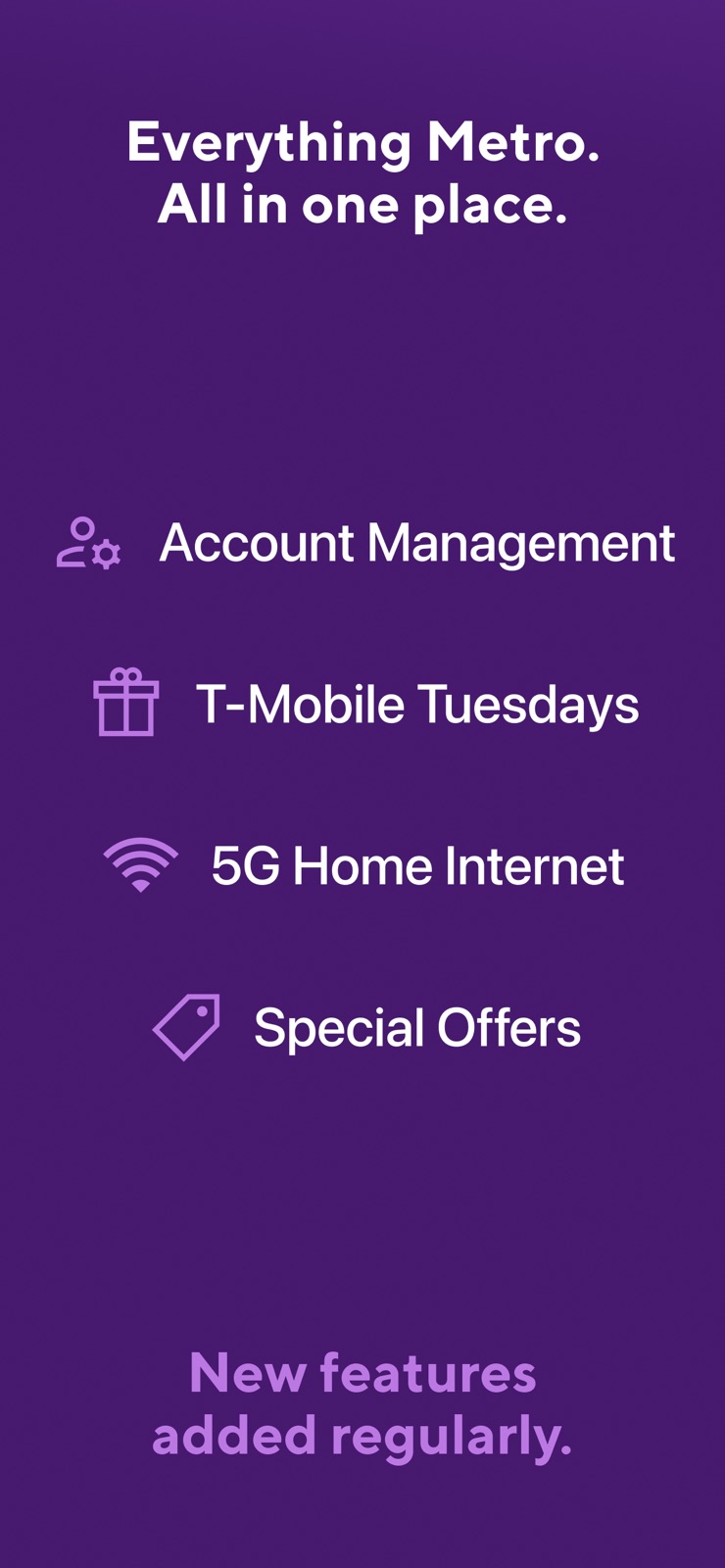
Manage your account and 5G Home Internet Get exclusive deals with T-Mobile Tuesdays Pay your bills and sign up for Autopay Find support and customer resources
-
10.6.0
Manage your account and 5G Home Internet Get exclusive deals with T-Mobile Tuesdays Pay your bills and sign up for Autopay Find support and customer resources Bug fixes for enhanced performance
-
10.6.1
Bug fixes
-
10.8.0
Bug fixes
-
10.9.0
Bug fixes
-
11.0.0
We’re always improving the app with regular updates for stability, speed, and polish.
-
11.2.0
We’re always improving the app with regular updates for stability, speed, and polish.
-
11.3.1
We’re always improving the app with regular updates for stability, speed, and polish.
-
11.3.2
We’re always improving the app with regular updates for stability, speed, and polish.
-
11.4.0
We’re always improving the app with regular updates for stability, speed, and polish.
-
11.5.1
We’re always improving the app with regular updates for stability, speed, and polish.
-
11.6.0
We're always improving the app with regular updates for stability, speed, and polish.
-
11.7.1
Track your device upgrade, activate your new phone, and switch devices — all without leaving the app. Plus, new security protections keep your account safe while keeping you informed every step of the way.
-
11.8.0
We’re always improving the app with regular updates for stability, speed, and polish.
-
11.8.1
We’re always improving the app with regular updates for stability, speed, and polish.
-
11.9.2
· 19 Jul 2026
We’re always improving the app with regular updates for stability, speed, and polish.
-
11.9.3
Bug fixes and performance improvements, including: Add a line with a faster, easier experience. Benefits tab now shows personalized offers based on your activity and interests. New dining map filters to search by cuisine, rating, price, and more. Enhanced Notification preferences for all users. Magenta Pass can now be saved via Samsung Wallet.
-
12.0.0
· 15 Aug 2026
We’re always improving the app with regular updates for stability, speed, and polish.
-
12.0.8
We’re always improving the app with regular updates for stability, speed, and polish.
-
12.1.0
· 26 Sep 2026
Getting into your Metro app just got a whole lot easier. No more PIN required, open the app and you're in, automatically. Already a T-Mobile customer? Link your accounts and manage everything from one place. Enjoy a refreshed guest pay experience. Plus, a fully redesigned home screen puts everything you need front and center. Metro just keeps getting better.
-
1.641.10
We’ve made myMetro even more secure! From now on you’ll need your 8 digit account PIN whenever you start the app. And if you ever forget your PIN just hit the “Forgot PIN?” button and we’ll walk you through two quick and simple PIN recovery steps.
-
1.651.31
We have updated myMetro for enhanced security; you’ll have to enter your phone number and a temporary PIN whenever you start the application.
-
1.660.5
Our latest version gives you more control over your account security. You’ll now be able to use myMetro to control whether anyone can transfer any of your lines to another wireless carrier. Likewise, you can prevent anyone from changing the SIM card on any lines on this account. We also improved the information we give about upgrading your phone and made additional small user experience improvements in the app.
-
1.670.14
We improved the error messages in the application to help you troubleshoot payment and login issues. We also introduced small usability improvements in the login, privacy, and FAQ sections of the application.
-
1.680.5
In the latest version of myMetro we added functionality to make your account more secure. We also addressed an issue in the Switch Phone flow; you’ll be able to switch your metro device using this functionality.
-
1.690.24
We've enhanced myMetro login for easier, but still secure access. No more phone number or SMS PIN required when using mobile data. We hope you enjoy this improvement and find it makes your experience with myMetro even better.
-
1.700.60
In the latest version of myMetro we increased your support options and added additional ability to manage other lines on your account.
-
1.710.16
Updating your profile information is now more convenient than ever with the new app version—modify your account name and address with ease.
-
1.720.11
We've updated the app for increased security.
Alternatives
- My Total Wireless: Account App — Same category + similar ratings
- Boost Mobile — Same category + similar ratings
- DTE Energy — Same category + similar ratings
- Reliant — Same category + similar ratings
Availability by market
- US
Data quality & evidence
- Page completeness
- Live store listing
- Last verified
- 29 Sep 2026
- Sources
- App Store
- Apoku editorial summary has not been published yet.