
Quick verdict
- What it is
- Store information collected; independent summary not yet available.
- At a glance
-
- Free download · core features require a paid plan
- In-app purchases
- From $2.91/mo
Categories and search queries
Official categories
- Photo & Video
- Business
AppCorpus categories
Key functions
| Function | Availability | Access | Scope | Evidence |
|---|---|---|---|---|
| Family Sharing | Yes | Unknown | App Store | Store published |
| Free app | Yes | Free | — | Store published |
| In-app purchases | Yes | Limited free | — | Store published |
| Subscription | Yes | Paid | — | Store published |
Screens
App Store
27 store screenshots

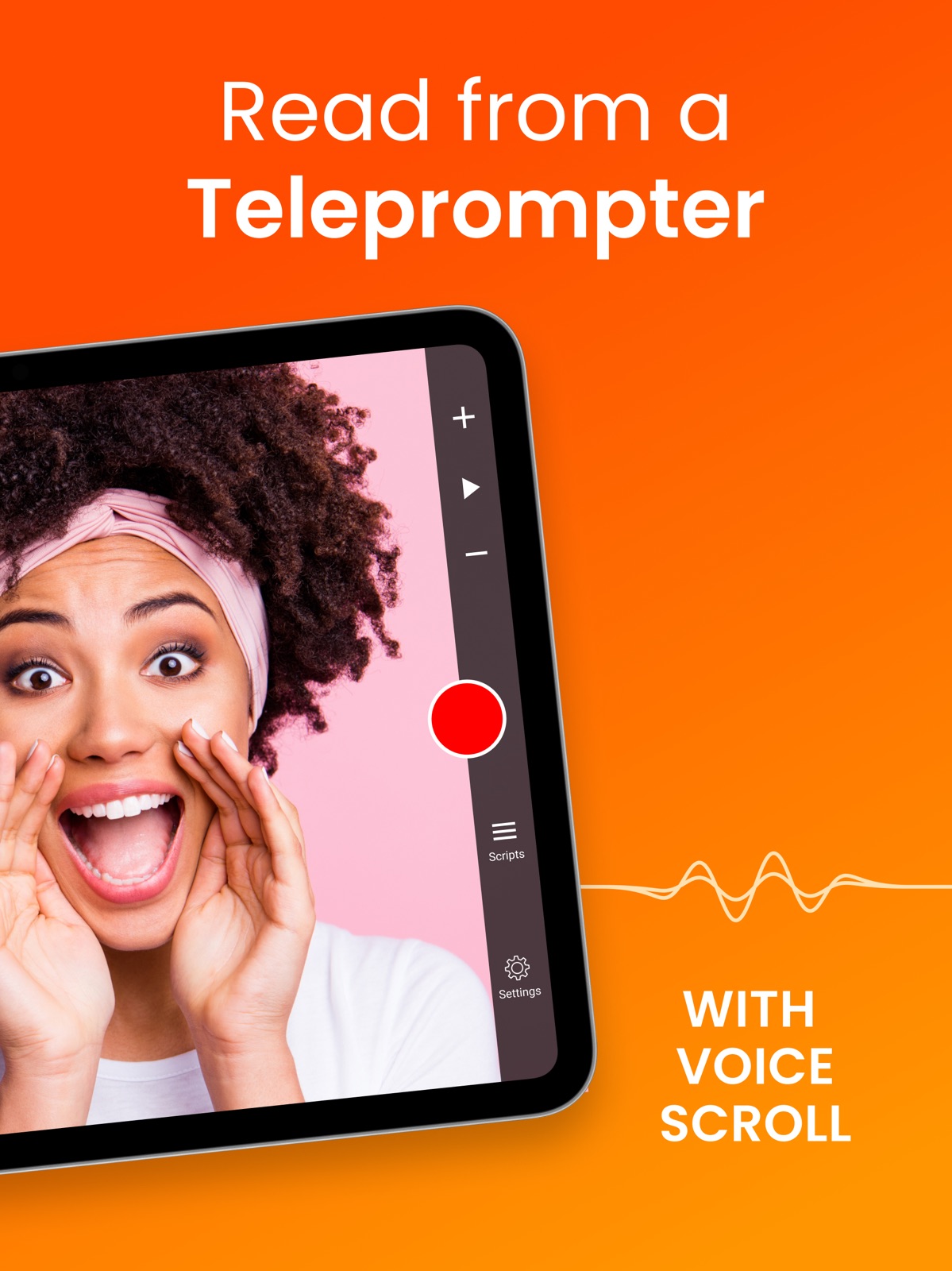


Pricing & paywalls
App Store
- Premium — $34.99/year ($2.91/mo) (derived from the IAP title)
Ratings & reviews
App Store
-
3/5Needs option to shift text higher on screen, especially the lines being read during voice scroll
Could you create an option to have the voice control scroll higher in the screen so that I’m looking into the camera when reading? This app is really well done otherwise. The only advantage Bigvu has on this is having the text running all the way into the camera. Also the text is not centered around the iPhone camera (which is slightly left of center). Can you create an option to be able to shift text not only towards or away from center, but any direction on that axis. Looking towards the camera when reading makes a big difference for a teleprompter. Will update review to 5 stars if changes made because it works great otherwise.
Sammyboyboy1321 · 30 Aug 2026
-
2/5Works well except for two major issues
Please provide an updated version this app where I DO NOT need to have an active internet connection in order to use the app which I am paying for access to. If I am in a location without internet access on my phone or WiFi the app locks up and can’t be used. Or is there a change to setting I need to make? This is needed because sometimes a person needs to make edits and record in remote locations without internet connections. The other issue is that for some reason when I try to use the app on my iPhone 12 mini I am only able to record in portrait mode with blurred background when NOT in 4k mode. I have reinstalled several times and it doesn’t make a difference. In 4k mode it works fine, but that generates really large files which I don’t need. How to fix?
t.h.omar · 30 Aug 2026
-
2/5It’s okay
Im an actor. I use this to record my self tapes. It was never perfect but use to be better. I rely on the voice activation. It has always just stopped randomly as if its suddenly stopped listening and then scrolls up super fast which is incredibly frustrating. After the most recent update, when using voice activation, it just stops. Often in the same place. And you can literally shout the lines into the speaker and it wont move. It’s incredibly frustrating, especially when you’re in the middle of a good take and it just stops responding and you have to start over now terrified that it will stop again, which it always does. Recently I had to also print out the sides anyway, so that I can switch to hard copy to reference so Im not forced to start the scene over. When my subscription ends I will try to find a more reliable voice activated teleprompter, as I believe it could be revolutionary for self tapes.
TitaniaFaerieQueen · 30 Aug 2026
-
5/5Intuitive to Use
Updated Review: Of the three Teleprompter apps I’ve used, this is my favorite one. Unfortunately, I wasn’t ready to purchase this app, but to my surprise, my card was charged before my three day trial was over. I appealed to Apple twice to get a refund because I believed my card was unfairly charged and I wasn’t ready to buy this app. Now Apple doesn’t allow me to appeal again to get a refund. I also find it frustrating when a developer’s response encourages me try things I’ve already done, and is unwilling to think creatively to at least meet me halfway with my issue. Nevertheless, I still give the app five stars. ⭐️⭐️⭐️⭐️⭐️
Kyler C · 30 Aug 2026
-
5/5This App Was a Level Up!
I decided to focus on building my personal brand this year instead of just focusing on my company. I began recording short videos on various topics to showcase my expertise in a few key areas. For my first few videos, I just used the camera app on my phone with a ring light and a tripod. However, my scripts were on my tablet slightly offset from my camera. Bad move! From my eye movement a person could readily tell I was reading from a transcript. Teleprompter for Video changed all of that. It was easy to download and install on my iPhone. I was able to quickly learn all of the functionality. And the basic post-production features made me feel like a pro very quickly. I’ve recorded several videos with it, even in 4k now. The quality is there and now I’m running it through my RodeCaster Pro II and beginning to perform post-production activities in Adobe Premier. Teleprompter is a worthwhile investment for new and seasoned podcasters. I look forward to what I will be able to produce next.
#iamDjedhi · 30 Aug 2026
Privacy & accessibility
App Store
Privacy
- Data Linked to You — App Functionality — Contact Info — Email Address Developer declared
- Data Linked to You — App Functionality — Purchases — Purchase History Developer declared
- Data Linked to You — App Functionality — User Content — Other User Content Developer declared
- Data Linked to You — Developer’s Advertising or Marketing — Contact Info — Email Address Developer declared
- Data Linked to You — Developer’s Advertising or Marketing — Contact Info — Name Developer declared
- Data Linked to You — Contact Info Developer declared
- Data Linked to You — Purchases Developer declared
- Data Linked to You — User Content Developer declared
- Data Not Linked to You — Analytics — Diagnostics — Crash Data Developer declared
- Data Not Linked to You — Diagnostics Developer declared
- Data Used to Track You — Contact Info — Email Address Developer declared
- Data Used to Track You — Contact Info — Name Developer declared
- Data Used to Track You — Contact Info Developer declared
Accessibility
No accessibility labels collected yet.
Versions
App Store
-
10.0.0
We’ve rolled out a big upgrade to Eye Contact Enhancement. It now does an even better job keeping your eyes looking at the camera. You can read notes or a script and still look like you’re making great eye contact. We also fixed a bug that could cause the app’s storage usage to grow over time. Enjoy :)
-
10.0.1
We added some new features in this version and fixed a few bugs. Power users with large script libraries will notice faster refreshes thanks to an improved script extraction method from our database. We also updated Eric, our AI script writer and editor, for a smoother writing and editing experience. Finally, we resolved several issues and made general stability improvements. Thanks for using the app :)
-
10.1.0
In this update, we added an option to centre your text during recording, plus support for recording in stereo when using external microphones. You can also now recommend Teleprompter for Video to your friends. Finally, we fixed a couple of bugs with importing scripts and using virtual backgrounds. Enjoy :)
-
10.2.0
In this update, we added a new popup that lets you know when important policies, like our Privacy Policy or Terms of Use, have been updated. This way, you’ll always be informed when something changes and can quickly review what’s new without having to check manually. Thanks for using the app :)
-
11.0.0
In this update, you can now save or share all of your recordings at the same time. We’ve also improved caption sync for better timing, and added MDM support so organisations can apply security settings based on company policies. Enjoy :)
-
11.1.0
In this update, we fixed a bug where the microphone indicator and audio waveform could behave incorrectly during voice recognition. We also made a few minor stability improvements behind the scenes. Thanks for using the app :)
-
11.1.1
In this update, we fixed a bug where the microphone indicator and audio waveform could behave incorrectly during voice recognition. We also made a few minor stability improvements behind the scenes. Thanks for using the app :)
-
11.1.2
In this update, we fixed a bug where the microphone indicator and audio waveform could behave incorrectly during voice recognition. We also made a few minor stability improvements behind the scenes. Thanks for using the app :)
-
11.1.3
In this update, we fixed a bug where the microphone indicator and audio waveform could behave incorrectly during voice recognition. We also made a few minor stability improvements behind the scenes. Thanks for using the app :)
-
11.2.0
In this update, we made behind-the-scenes improvements to keep the app fast and stable. We also updated our codebase to stay compatible with the latest iOS releases. Thanks for using the app :)
-
11.2.1
In this update, we made behind-the-scenes improvements to keep the app fast and stable. We also updated our codebase to stay compatible with the latest iOS releases. Thanks for using the app :)
-
11.2.2
In this update, we made behind-the-scenes improvements to keep the app fast and stable. We also updated our codebase to stay compatible with the latest iOS releases. Thanks for using the app :)
-
11.3.0
· 22 Jul 2026
In this update, we’ve added support for saving multiple logos, making it easy to switch between them whenever you need. Perfect for trying different looks or swapping branding for different projects. Thanks for using the app :)
-
9.0.1
We’re excited to share that the app is fully ready for iOS 26, including the new Liquid Glass design, and we’ve tidied up a few iOS 26 quirks. OneDrive script imports are smooth again. The script editor now shows a live word count so you can track length as you write. We’ve also added extra security to protect your personal details and scripts. Thanks for using the app—keep the feedback coming!
-
9.0.2
We’re excited to share that the app is fully ready for iOS 26, including the new Liquid Glass design, and we’ve tidied up a few iOS 26 quirks. OneDrive script imports are smooth again. The script editor now shows a live word count so you can track length as you write. We’ve also added extra security to protect your personal details and scripts. Thanks for using the app—keep the feedback coming!
-
9.0.3
We’re excited to share that the app is fully ready for iOS 26, including the new Liquid Glass design, and we’ve tidied up a few iOS 26 quirks. OneDrive script imports are smooth again. The script editor now shows a live word count so you can track length as you write. We’ve also added extra security to protect your personal details and scripts. Thanks for using the app—keep the feedback coming!
-
9.0.5
We’re excited to share that the app is fully ready for iOS 26, including the new Liquid Glass design, and we’ve tidied up a few iOS 26 quirks. OneDrive script imports are smooth again. The script editor now shows a live word count so you can track length as you write. We’ve also added extra security to protect your personal details and scripts. Thanks for using the app—keep the feedback coming!
-
9.0.6
We’re excited to share that the app is fully ready for iOS 26, including the new Liquid Glass design, and we’ve tidied up a few iOS 26 quirks. OneDrive script imports are smooth again. The script editor now shows a live word count so you can track length as you write. We’ve also added extra security to protect your personal details and scripts. Thanks for using the app—keep the feedback coming!
-
9.0.7
This version has some bug fixes and stability improvements.
-
9.0.8
This version has some bug fixes and stability improvements.
-
9.1.0
We’ve enhanced the floating mode to make it more responsive and easier to use.
-
9.1.1
This version has some bug fixes and stability improvements.
-
9.1.2
Fixed an audio sync issue that occurred when mirroring during recording on iOS 26.
-
9.2.0
We’ve improved Voice Scrolling so the script follows your voice even more closely.
-
9.2.1
We’ve improved Voice Scrolling so the script follows your voice even more closely.
Alternatives
- Teleprompter: Floating Notes — Same category + similar ratings
- BIGVU Teleprompter Captions AI — Same category + similar ratings
- Vozo AI Video Translator & Dub — Same category + similar ratings
- Captions AI for Videos - Dubs — Same category + similar ratings
- VEED Lite: Quick Video Edits — Same category + similar ratings
- Captions: AI Edits Your Video — Same category + similar ratings
Availability by market
- US
Data quality & evidence
- Page completeness
- Live store listing
- Last verified
- 30 Aug 2026
- Sources
- App Store
- Independent summary has not been published yet.