Quick verdict
- What it is
- Store information collected; independent summary not yet available.
- At a glance
-
- $2.99
Categories and search queries
Official categories
- Reference
- Navigation
AppCorpus categories
Key functions
| Function | Availability | Access | Scope | Evidence |
|---|---|---|---|---|
| Family Sharing | Yes | Unknown | App Store | Store published |
Screens
App Store
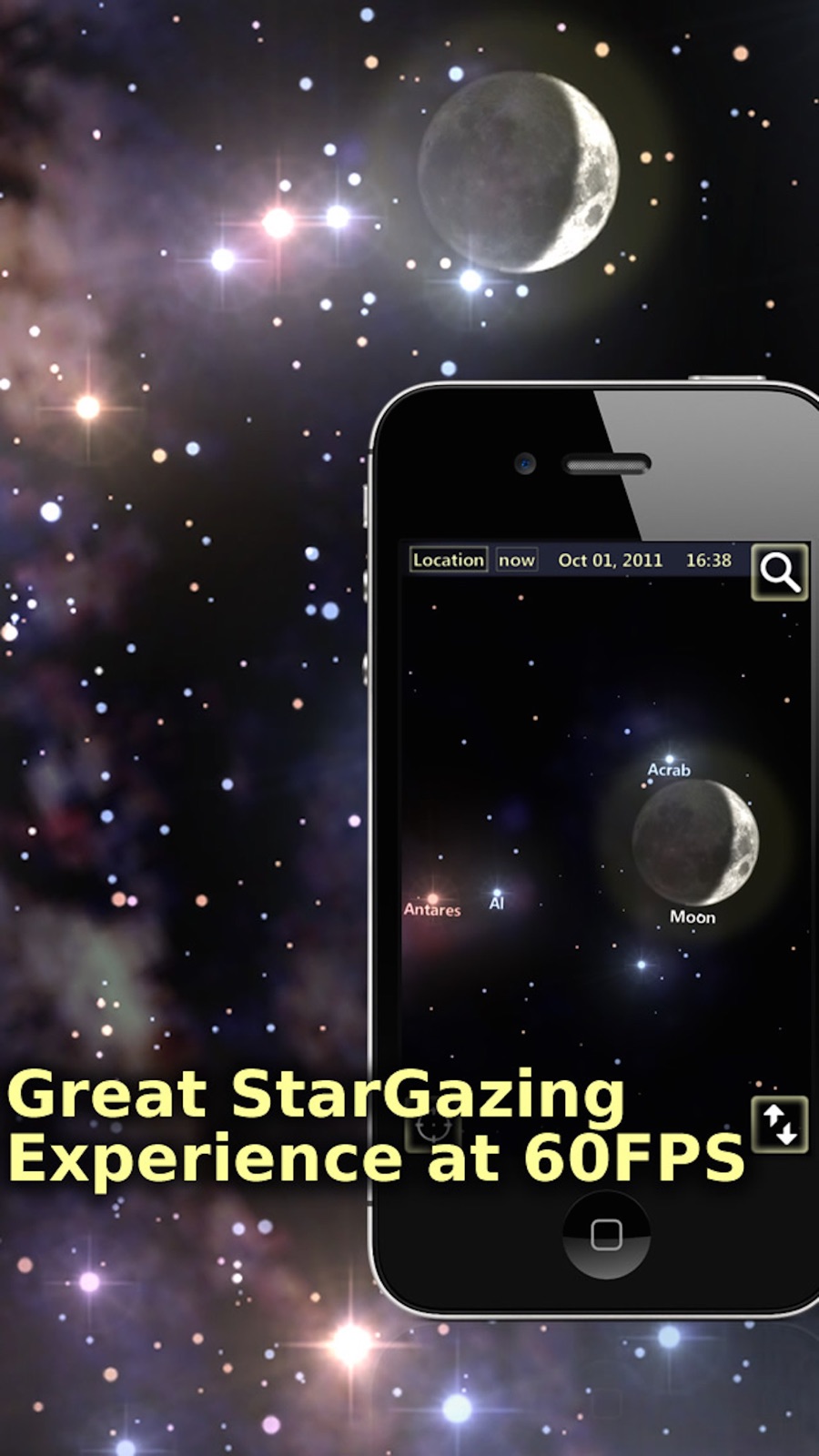
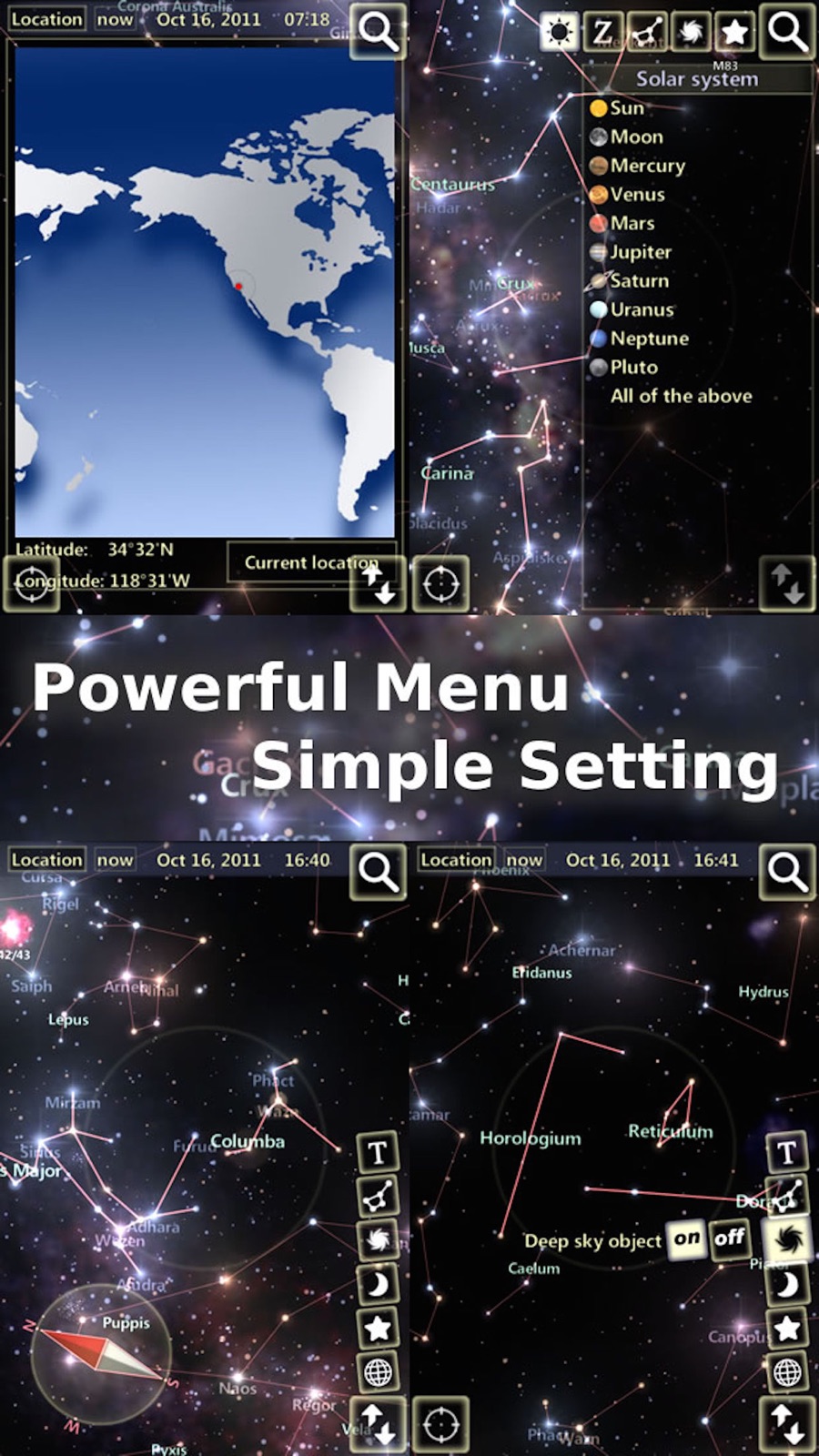
5 store screenshots


Pricing & paywalls
App Store
- Price: $2.99
Ratings & reviews
App Store
-
5/5My favorite app of this type
I am a very casual dabbler when it comes to astronomy - I don't even own a telescope. However, I do like to be able to look up the occasional unusually bright object visible to the naked eye even in city lights. I most recently enjoyed the near conjunction of Venus and Jupiter in the morning sky. Venus I figured out based on past knowledge but I would never have known I was also seeing Jupiter without the help of this app. I have downloaded and tried a number of similar apps but for my purposes this one is by far my favorite and my go-to and the only one I found worthy of taking the time to leave a review. It doesn't keep me stuck for 15 seconds on a splash screen before opening, and I don't have to have music interrupting my podcasts if I don't want it (both big pet peeves of mine with some of the competitive apps). But most important of all is the great flexibility - the user has the choice, through the settings, of whether or not to see such things as zodiac names or constellation outlines. What else can I say other than if you are going to have one stargazing app this is the one to get.
MMDGP · 6 Aug 2026
-
5/5The best star tracking app out there
I love this app because it doesn’t need an internet connection to work. It uses your phones compass and downloaded content to show the stars and constellations. I use this app a lot when I go back country back packing.
Twin_adventures · 6 Aug 2026
-
5/5Interesting app
Very pleased with stargazer. Easy to use but wish it would give a brief description of stars: size, mass, age, distance, composition and iron level. All in relation to our sun.
jasper jon · 6 Aug 2026
-
5/5Great app!
It’s very accurate and is perfect to help me spot stars and planets, it showed me the best time to see Saturn and I will see it for the first time because of this app :)
Chtite451 · 6 Aug 2026
-
5/5Love it, but...
This is a great app. I absolutely love it. My only complaint is that sometimes it’s not calibrated right. I’ll be pointing south and the app is saying say West. And I try to recalibrate it. Other then that it’s great.
tauras1672 · 6 Aug 2026
Privacy & accessibility
App Store
Privacy
- No Details Provided Developer declared
Accessibility
No accessibility labels collected yet.
Versions
App Store
- 1.0
-
1.1
- icon bug fixing - performance improvement
-
1.5
- iPhone 5 fullscreen & iOS6 support! - Show beautiful constellation artwork and constellation auto highlight! - Capture a screenshot and share with your friends on Facebook, Twitter or save to Photos. (Only share to Twitter on iOS5) - Fullscreen button added! - Pan with single finger also works when hold-up iPhone, hold-down then hold-up again to return auto-track mode. - Search item can be un-selected by click it again.
-
1.6
- iOS7 support! - Fix screen truncated issue when click share button! - Turn off Grid by default.
-
1.8.8
- iPhone 6 and iPhone 6 Plus full resolution support. - iOS8 support. - Settings will be saved. - Hide all menus automatically when hold up the device and point to the sky. - Show the Horizon Line. - Other amazing features are coming soon!
-
1.9.0
- iOS 9 support! - Add background music! - Add Ecliptic line. - Tune star brightness and fonts. - Change grid line divided by 24 longitudinally (by hours), and 18 latitudinally (10 degrees each).
-
1.9.11
- iOS10 & iPhone 7 support - Fix the issue of motion sensor rarely not updating
-
1.9.17
· 3 Dec 2017
This update from Apple will improve the functionality of this app. No new features are included. - iOS11 & iPhone X support - Performance optimization (10% faster) - Reduce app size
Alternatives
- Star Walk 2 Pro: Sky Map Live — Same category + similar ratings
- SkySafari — Same category + similar ratings
- Star Gazer: Sky Map& Astronomy — Same category + similar ratings
- Classic Sky Map 2 — Same category + similar ratings
- Celestron SkyPortal — Same category + similar ratings
- SkyView® — Same category + similar ratings
Availability by market
- US
Data quality & evidence
- Page completeness
- Live store listing
- Last verified
- 6 Aug 2026
- Sources
- App Store
- Independent summary has not been published yet.