Quick verdict
- What it is
- Store information collected; an Apoku editorial summary is not yet published.
- At a glance
-
- Free to download
Categories and search queries
Official categories
- Photo & Video
- Productivity
Apoku categories
Key functions
| Function | Availability | Access | Scope | Evidence |
|---|---|---|---|---|
| Free app | Yes | Free | Context-specific | Store published |
Screens
App Store
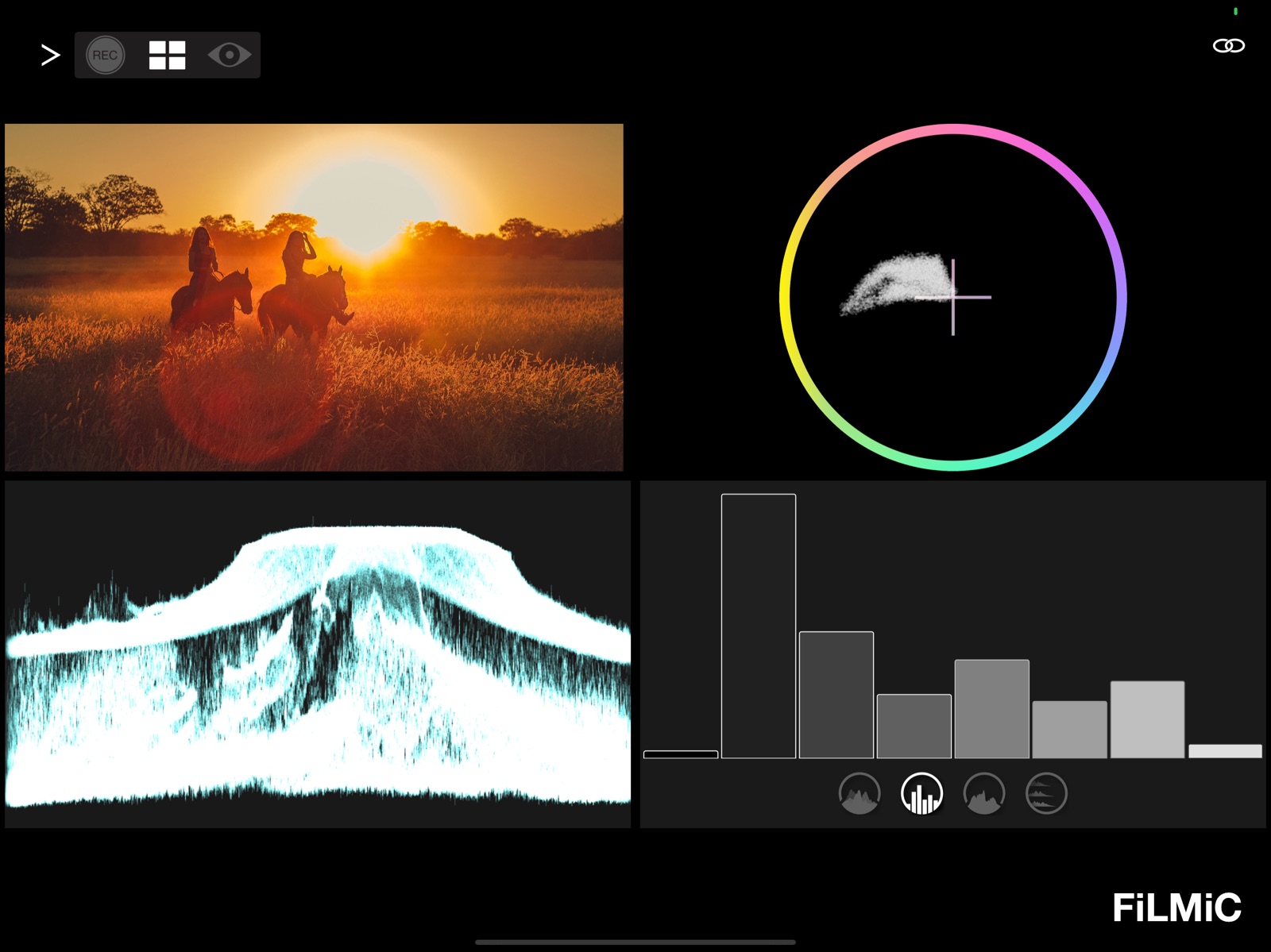
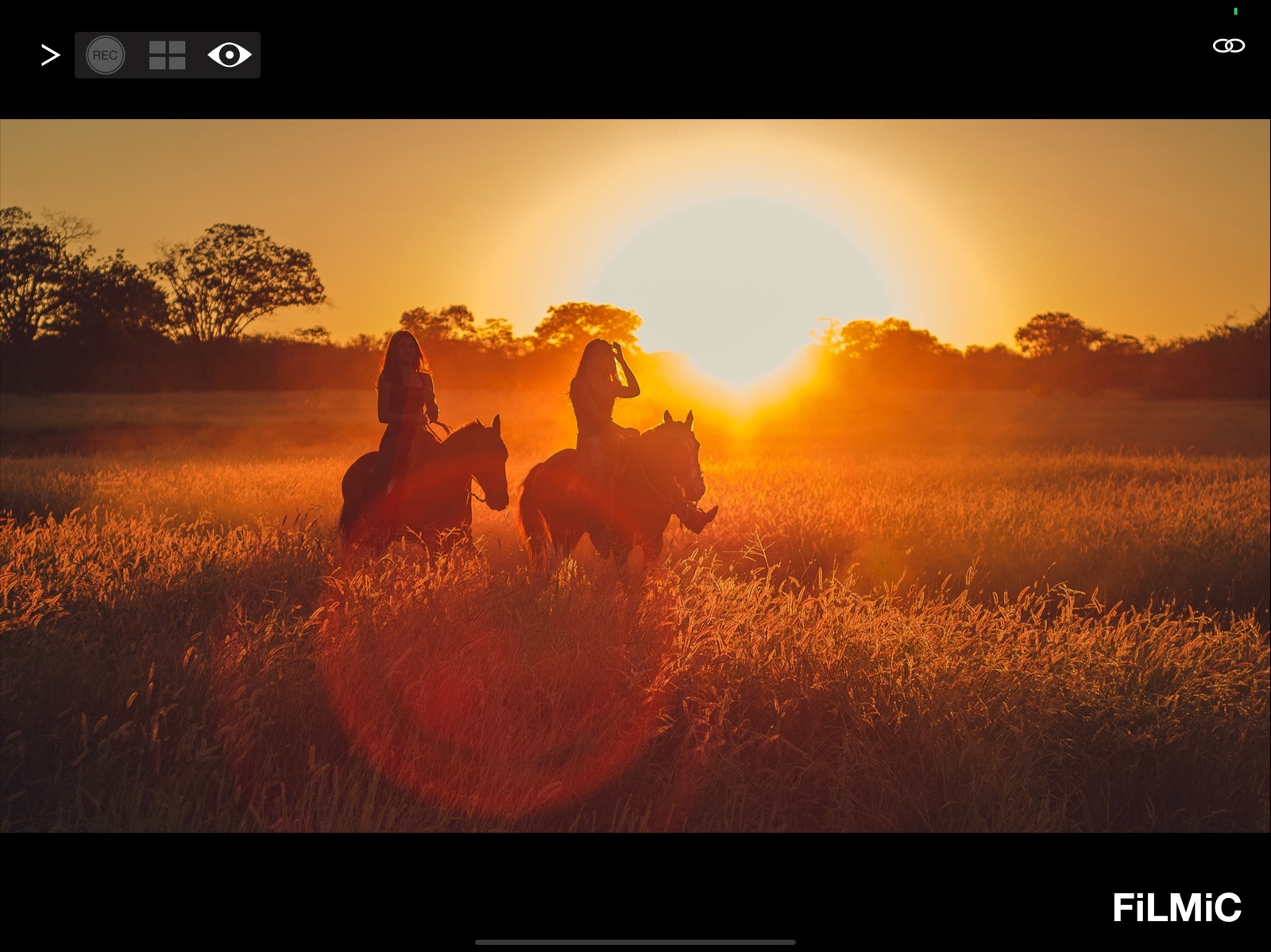
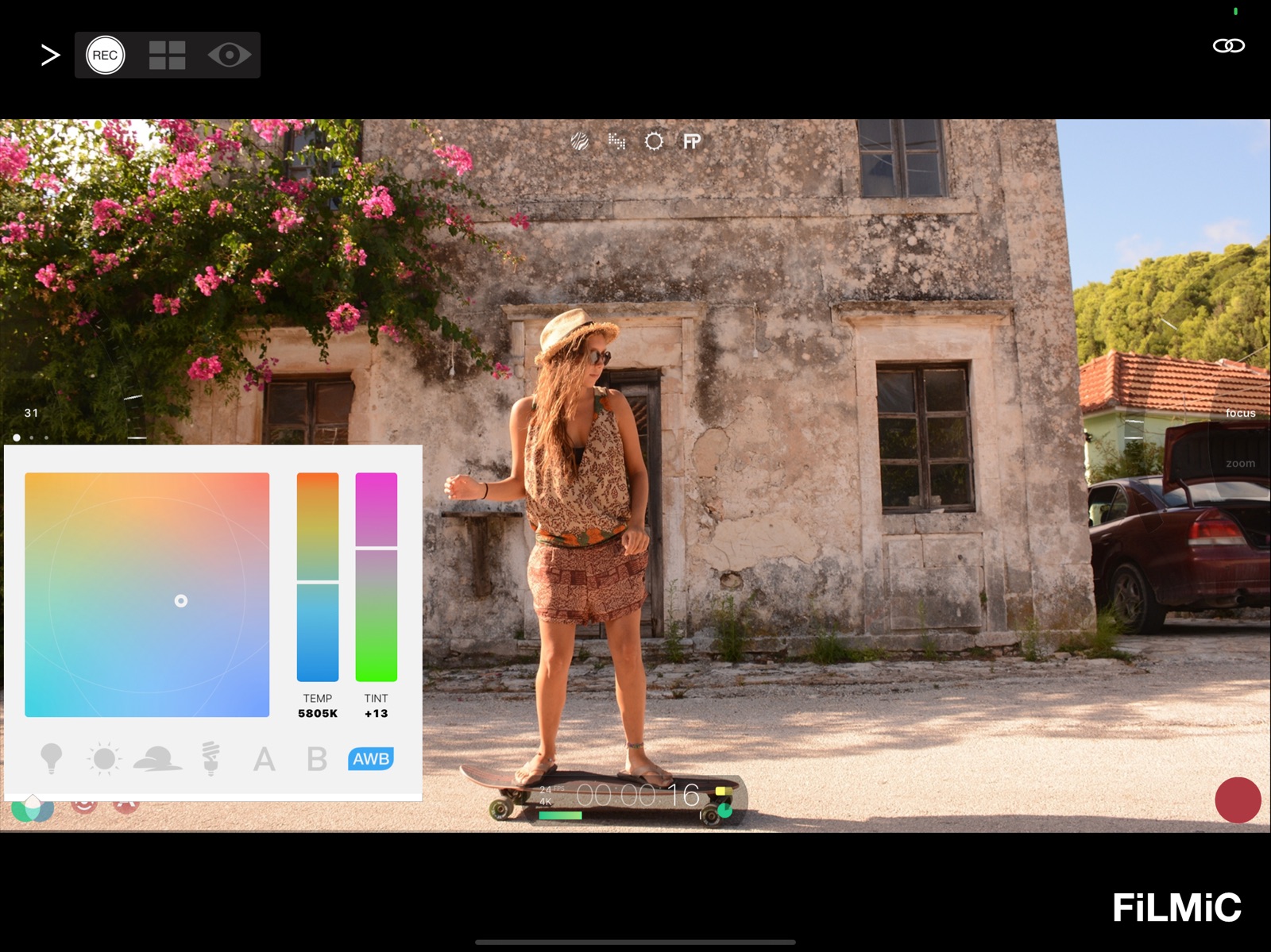
18 store screenshots

Pricing & paywalls
App Store
Shown for US
- Free to download
Ratings & reviews
App Store
Shown for US
-
2/5Lag in control ruins the app.
I certainly appreciate being able to frame a shot on the bigger screen of my iPad, but I downloaded this so I could adjust focus while recording without having to tap the screen and create that little shake in my video. For this, it’s useless. Here’s why. I want to gently and smoothly go from focused on a character in the foreground to the one in the background. Filmic pro has this feature. You can set two focal lengths and set a speed to go from one to the other. It can go fast or very slow or everything in between. It’s buttery smooth. BUT!!! When you use the remote to do this, the lag makes it so that when you start the buttery smooth process of changing from one focus to the next, the signal from the remote doesn’t change the focus smoothly. The phone gets no signal to change for a moment, so nothing does, then, when the remote device is done with the smooth change it focus, that signal gets sent to the recording phone. So when you play back the video, what you have is the opposite of buttery smooth. It is a jagged snapping from one focal length to another. It makes the best feature of the remote literally unusable. It’s not a remote, it’s a laggy monitor. Not useless, but a million miles from what it purports to be.
Mithrandier was taken · 5 Aug 2026
-
1/5So Disappointed
I was very excited to use the app. I wanted to use my iPad as a monitor screen and a remote so that there was no camera shakiness when adjusting focus on the screen and when pressing record on a perfectly framed shot… well, the app stays the same size on your iPad screen as your iPhone so it didn’t work as a good monitor, and the lag is insane. I tried to adjust focus on a still shot using my iPad as the remote… it just skipped the whole transition of focus so it went from the object being in focus to out of focus in the snap of your fingers. I want my money back that I spent on filmic pro. The only reason I got the app it was for the manual focus and it is not worth it without a remote. I would rather spend money (like $300) on an iPhone rig like a beastcage, get real camera lenses, and hook up a tilta nano nucleus to actually adjust the focus of the lens itself instead of the focus of the iPhone camera. The $15 or whatever I spent on this is not worth it. And another thing, the added “color effects” on this app are not any better than the iphones standard effects that you can turn on before recording on your regular iPhone camera. And if you are interested in focus peaking, filmic pro’s focus peaking is just incorrect. It’s supposed to highlight areas that are in focus.. it oftentimes just highlights the borders of whatever objects it sees. i never write reviews but I thought I would help whatever early stage filmmaker out there to not waste their money… surprisingly online filmic pro is renowned as the best filming app for iPhone… don’t be fooled. As of right now there is no such thing as a great filming app for the iPhone. If anything, the only good thing about this app is that can do auto white balance and it’s easy to set the exposure.
Genius Johnson · 5 Aug 2026
-
5/5Filmic Support is Great!
I’m changing my review after getting really great tech support from the Filmic crew. I had an issue of the remote not being able to control both the iPhone 12 and 13 Max Pro as camera A and B because it was calling them the same name, and still doing so after I changed the names of both phones to be different. Turns out the app was using the old names from cache inside the Filmic Pro app - so reinstalling the remote app was not getting it to see the new names! I reinstalled Filmic Pro on both phones and it now sees the new phone names and allows me to control both phones. Thank God they explained it to me and that resolved the issue, now I can control both phones and all is well with the remote app again. Being a one man film crew, I use this app on my iPad to lock the exposure and focus with me as the subject from both camera angles, and for this the app is great!
InnerAlchemyCenter · 5 Aug 2026
-
1/5DO NOT BUY THIS APP!!
The reviews from 2 years ago are *still* valid. This app *cannot* do any manual control. Set two focus points and it *cannot smoothly move between them*. Same with exposure. It seems easy enough to sync the two start/stop settings targets and just remotely tell the cam to now move between them as if you had just tapped it, but for some reason this is beyond this app’s capability. You *can* press record. I’ll make myself feel better by saying the 1-star I have to give it is for being able to do that. Kudos. You earned that 1 star! Now fix everything else please.
JohnSlaughterJr · 5 Aug 2026
-
3/5It works
There is lag as others have mentioned but it’s transmitting and controlling over WiFi so it’s to be expected. It’s NOT supposed to be a Teradek system. My issue is switching between 2 iPhones, doesn’t work. Tested with an iPhone 5s and 8 Plus. The Remote app needed to be restarted to display the feed that was not the first one viewed. Even though the other appears in the list of devices, the app had to be quit and restarted to switch to the other device and see video. Both phones are running different version of iOS (12.4.5 and 13.3.1) so possible API differences could be a factor. Dunno.
Frankdrizzo · 5 Aug 2026
Privacy & accessibility
App Store
Privacy
- Data Linked to You — App Functionality — Contact Info — Email Address Developer declared
- Data Linked to You — Contact Info Developer declared
- Data Not Linked to You — Analytics — Diagnostics — Crash Data Developer declared
- Data Not Linked to You — Analytics — Diagnostics — Other Diagnostic Data Developer declared
- Data Not Linked to You — Analytics — Diagnostics — Performance Data Developer declared
- Data Not Linked to You — Analytics — Identifiers — Device ID Developer declared
- Data Not Linked to You — Analytics — Location — Coarse Location Developer declared
- Data Not Linked to You — Analytics — Usage Data — Other Usage Data Developer declared
- Data Not Linked to You — Analytics — Usage Data — Product Interaction Developer declared
- Data Not Linked to You — App Functionality — Location — Precise Location Developer declared
- Data Not Linked to You — Diagnostics Developer declared
- Data Not Linked to You — Identifiers Developer declared
- Data Not Linked to You — Location Developer declared
- Data Not Linked to You — Usage Data Developer declared
Accessibility
No accessibility labels collected yet.
Versions
App Store
-
3.1
v3.1 includes performance optimizations and bug fixes for FiLMiC Remote. It resolves an issue that prevented the zebra live analytic from displaying.
-
3.2
v3.2 of FiLMiC Remote includes numerous performance and stability improvements and is recommended for all filmmakers: - Connection reliability has been improved. - All known crashes have been resolved. - White balance controls restored during recording in Remote. - Support for manual exposure control of ultra wide lens on iPhone 11/11 Pro devices. If you have any questions, suggestions or findings please contact us at [email protected]
-
3.2.1
v3.2.1 of FiLMiC Remote includes further stability improvements and performance optimizations and is recommend for all filmmakers. If you have any questions, suggestions or findings please contact us at [email protected]
-
3.2.2
v3.2.2 of Remote includes bug fixes and performance improvements and is recommended for all filmmakers. If you have any questions, suggestions or findings please contact us at [email protected]
-
3.3.0
FiLMiC Remote v3.3.0 adds support for iOS 14. If you have any questions, suggestions, or findings please contact us at [email protected]
-
3.3.1
v3.3.1 of FiLMiC Remote includes multiple bug fixes and performance enhancements for a smoother remote control shooting experience, and is recommended for all filmmakers. If you have any questions, suggestions or findings, please contact us at [email protected]
-
3.3.2
v3.2.2 of FiLMiC Remote includes better support for iPhone 12 series devices, and adds Russian and Korean localizations. If you have any questions, suggestions or findings, please contact us at [email protected]
-
3.4.0
v.3.4.0 of Remote adds full support for 10-bit capture and LogV3 which was introduced in v6.13.0 of FiLMiC Pro. If you have any questions, suggestions or findings please contact us at [email protected] - and if you enjoy shooting with FiLMiC Pro, please consider leaving us a review. Happy filming!
-
3.4.1
v3.4.1 of FiLMiC Remote includes numerous bug fixes, performance enhancements, and new functionality, including: — You can now mirror your Remote preview only, under ‘Settings’ > ‘Device’ > ‘Mirror Preview Image’. This will not impact the recorded file and is for preview framing purposes only. — Full frame reticles now auto unlock after engaging them via a double-tap for a snappier auto shooting experience. — Improvements to the notification HUD in FiLMiC Remote. — Plenty of minor bugs have been squashed for a smoother remote shooting experience. If you have any questions, suggestions or findings please contact us at [email protected] and if you enjoy shooting with FiLMiC Remote, please consider leaving us a review.
-
3.5.0
v3.5.0 of FiLMiC Remote adds full support for the exciting new features introduced in FiLMiC Pro v6.14.0: — Quick lens picker: You can now switch lenses directly from the main camera UI. No more diving into settings to switch between lenses! We’ve also revamped the camera menu under settings to include more information about each lens including the aperture and 35mm equivalent focal length. — Advanced CMS support. Under Settings > CMS > you now can access ‘Advanced’ CMS which allows you to adopt a file naming scheme found on traditional cinema cameras. This will help integrate FiLMiC Pro into more traditional workflows. Our previous CMS option is still there, and has just been rebranded as ‘Slate’. — Plenty of minor bug fixes and performance improvements. If you have any questions, suggestions or findings please contact us at [email protected] and if you enjoy shooting with FiLMiC Remote, please consider leaving us a review.
-
3.5.1
v3.5.1 of FiLMiC Remote includes the following feature and performance improvements: — Ultra-wide selfie lens support for M1 iPad Pros! — Support for 1.55x anamorphic lenses. — Reticle interaction has been greatly improved, especially when reticles overlap with each other, or with the manual arcs. You should find these much easier to interact with. — Horizontal image flip and vertical image flip (35mm lens adapter) can now be enabled concurrently. — Live analytics no longer available on iPhone 6s/6s+/SEgen1 when in 4K to improve capture reliability. Max frame rate for Flat/Log capture has been reduced to 25fps to improve frame rate adherence. — Support for iOS 12 has been removed. iOS 13 or newer is now required for FiLMiC Remote. — Preset settings have been updated to match the new design recently introduced in FiLMIC Pro. — Lots of minor bug fixes for a smoother shooting experience. If you have any questions, suggestions or findings please contact us at [email protected] and if you enjoy shooting with FiLMiC Remote, please consider leaving us a review.
-
3.6.0
v3.6.0 of FiLMiC Remote includes new functionality and bug fixes for an even better remote capture experience: — New Functionality • Added support for the new ultra-wide selfie camera available on the M1 iPad Pro! • Added support to select Stereo mics under the Settings > Audio menu. — Bug Fixes and Performance Improvements • Fixed a bug in which using the manual arc pull points could cause manual controls to become unresponsive. • Fixed a bug which could cause the reticle to appear locked when it was unlocked. • Plenty more under the hood improvements for a better capture experience. If you have any questions, suggestions or findings please contact us at [email protected] and if you enjoy shooting with FiLMiC Remote, please consider leaving us a review.
-
3.7.0
v3.7 of FiLMiC Remote adds full support for film looks which were made available in FiLMiC Pro 6.16.0. If you have any questions, suggestions or findings please contact us at [email protected] and if you enjoy shooting with FiLMiC Remote, please consider leaving us a review.
-
3.7.1
v3.7.1 of FiLMiC Remote includes new functionality for an even better remote capture experience: — New Functionality • Added support for our brand new Infrared Film Look pack (optional in-app purchase) • Added support for ProRes formats under the Settings > Resolution menu (requires iPhone 13 as FiLMiC Pro device). • Added support for Auto/50Hz/60Hz shutter under the Frame Rate menu. If you have any questions, suggestions or findings please contact us at [email protected] and if you enjoy shooting with FiLMiC Remote, please consider leaving us a review.
-
3.7.10
Filmic Remote v3 is now called Remote Legacy. Filmic Remote v4 is now integrated directly into Filmic Pro v7.5. Remote Legacy is designed for use with Filmic Pro v7.4.2 and earlier (including Filmic Legacy).
-
3.7.11
Filmic Remote v3 is now called Remote Legacy. Filmic Remote v4 is now integrated directly into Filmic Pro v7.5. Remote Legacy is designed for use with Filmic Pro v7.4.2 and earlier (including Filmic Legacy).
-
3.7.12
· 24 Jan 2025
Bug fixes and performance improvements.
-
3.7.2
v3.7.2 of FiLMiC Remote removes our Thanksgiving splash screen and includes assorted minor fixes for a better filming experience. If you have any questions, suggestions or findings please contact us at [email protected] and if you enjoy shooting with FiLMiC Remote, please consider leaving us a review.
-
3.7.3
v3.7.3 of FiLMiC Remote resolves the most frequent crasher and is recommended for all filmmakers. If you have any questions, suggestions or findings please contact us at [email protected] and if you enjoy shooting with FiLMiC Remote, please consider leaving us a review.
-
3.7.4
v3.7.4 is a small maintenance release including bug fixes and performance improvements. If you have any questions, suggestions, or findings please contact us at [email protected]
-
3.7.5
v3.7.5 is a small maintenance release including bug fixes and performance improvements. If you have any questions, suggestions, or findings please contact us at [email protected]
-
3.7.6
V3.7.6 of FiLMiC Remote improves the quality of live preview when paired with FiLMiC Pro on devices running iOS 15.4 and newer, and also adds support for ProRes LogV3+ selection under the Imaging > Tone Panel. As always we hope you enjoy this update. If you have any questions you can contact us by writing to [email protected] — and if you enjoy filming with FiLMiC Remote please leave us a positive review on the App Store.
-
3.7.7
V3.7.7 of FiLMiC Remote improves the quality of live preview when paired with FiLMiC Pro on devices running iOS 15.4 and newer, and also adds support for ProRes LogV3+ selection under the Imaging > Tone Panel. As always we hope you enjoy this update. If you have any questions you can contact us by writing to [email protected] — and if you enjoy filming with FiLMiC Remote please leave us a positive review on the App Store.
-
3.7.8
V3.7.8 of FiLMiC Remote improves the quality of live preview when paired with FiLMiC Pro on devices running iOS 15.4 and newer, and also adds support for ProRes LogV3+ selection under the Imaging > Tone Panel. As always we hope you enjoy this update. If you have any questions you can contact us by writing to [email protected] — and if you enjoy filming with FiLMiC Remote please leave us a positive review on the App Store.
-
3.7.9
v3.7.9 includes minor improvements for a better remote control experience.
Alternatives
- Filmic Legacy — Same category + similar ratings
- Cinema P3 Pro Camera — Same category + similar ratings
Availability by market
- US
Data quality & evidence
- Page completeness
- Live store listing
- Last verified
- 5 Aug 2026
- Sources
- App Store
- Apoku editorial summary has not been published yet.