
Quick verdict
- What it is
- Store information collected; independent summary not yet available.
- At a glance
-
- Free to download
Categories and search queries
Official categories
- Utilities
AppCorpus categories
Key functions
| Function | Availability | Access | Scope | Evidence |
|---|---|---|---|---|
| Free app | Yes | Free | — | Store published |
Screens
App Store
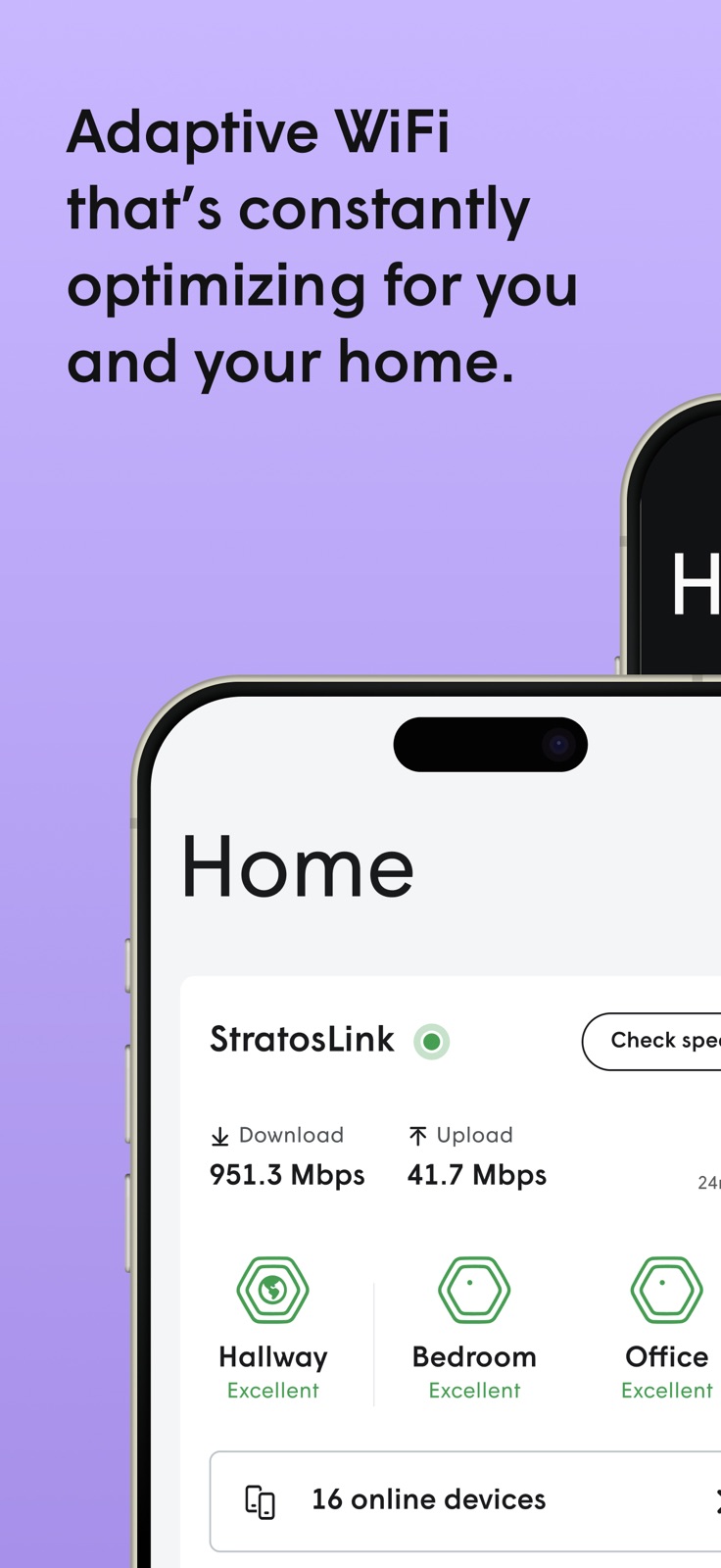
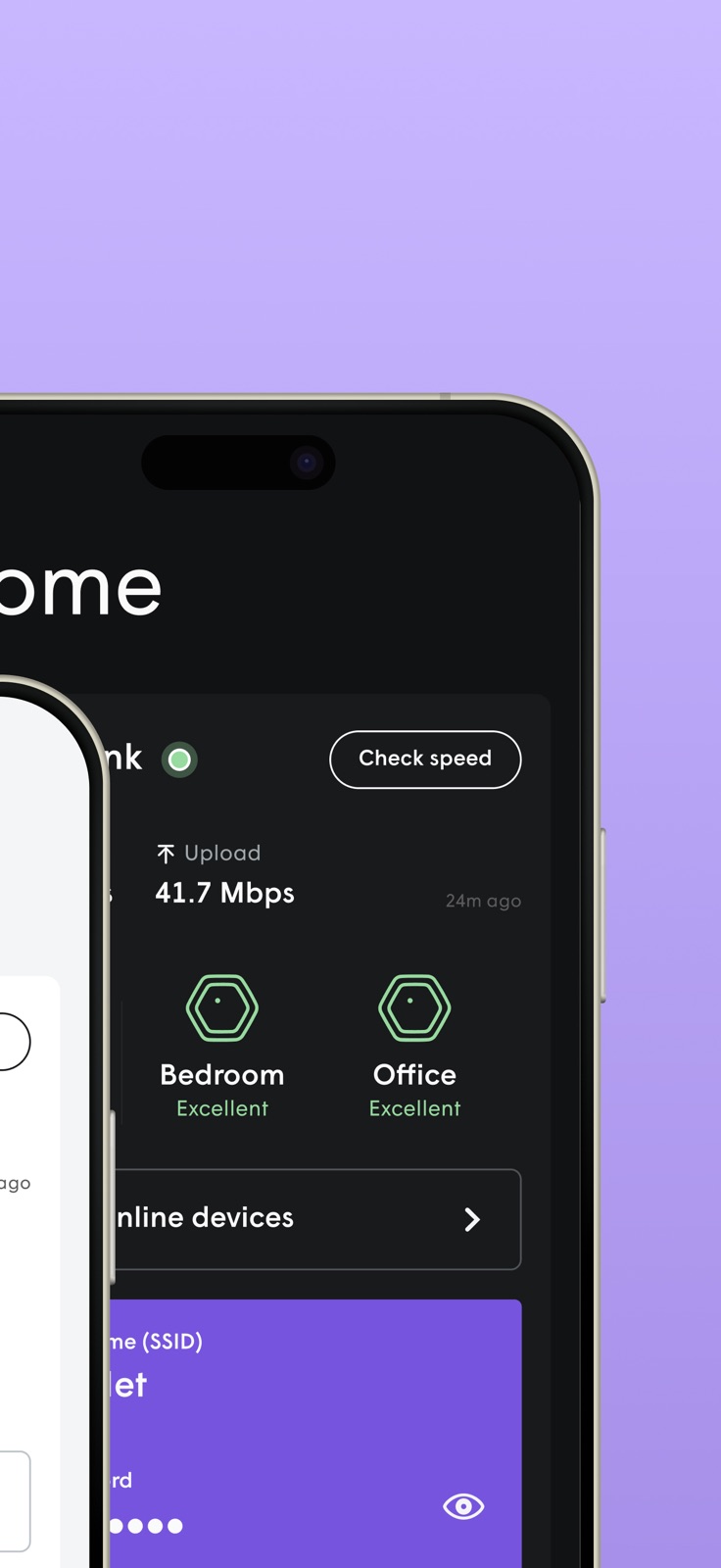
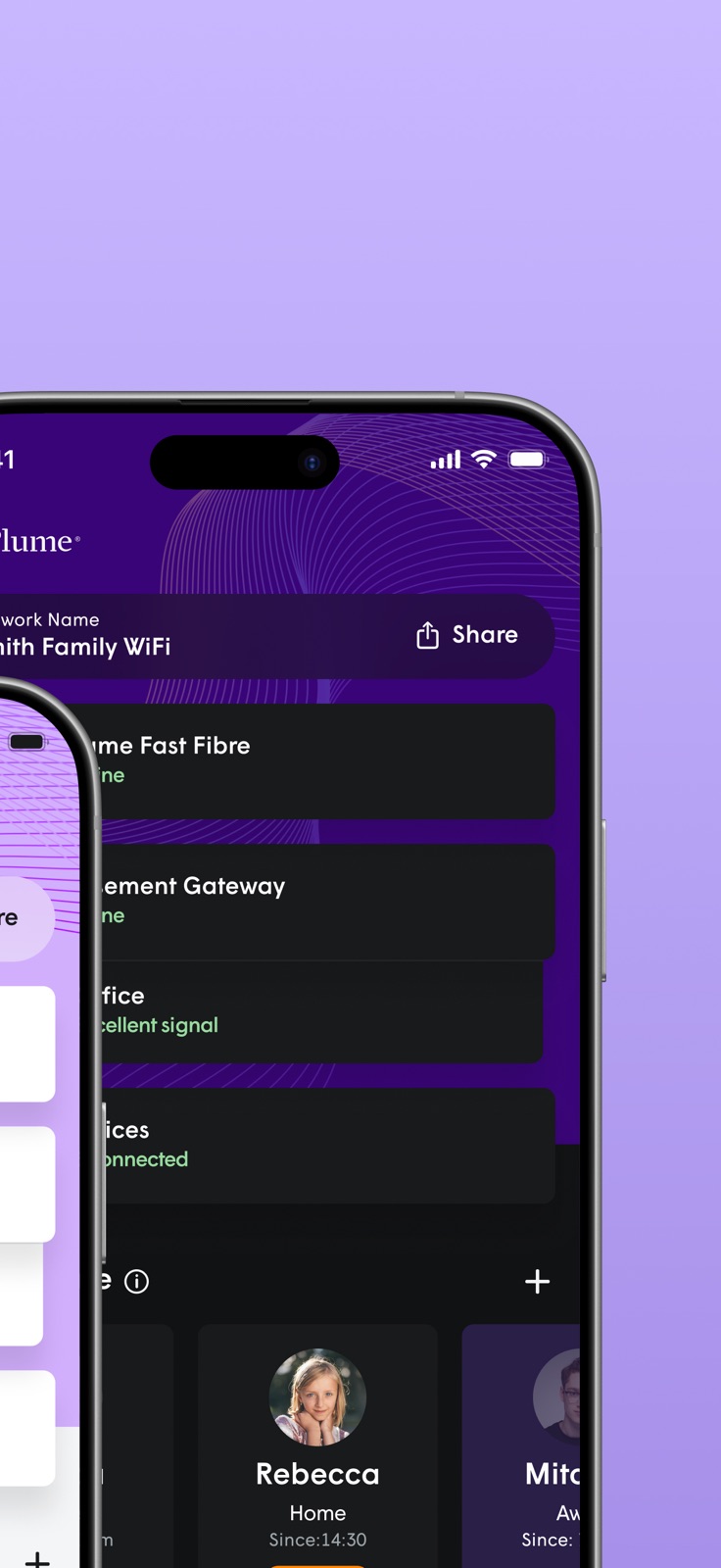
15 store screenshots

Pricing & paywalls
App Store
- Free
Ratings & reviews
App Store
-
5/5Love it!
Works great; I have six units scattered throughout the house; mobile devices (laptop, chrome books, iPad, and phones) all of them seamlessly transfer from one pod to another. Also, I have fixed devices such as a wifi enabled thermostat and wifi enabled audio visual equipment. I just did not realize that my set up required turning off the wifi on my router-that was easy but had to explore the settings on the router. I just set up plume with the same SSID and password as the router and devices started communicating via the plume with out any issues. I have two pods connected to the router via cat6 cables , the other four pods are just plugged in wall sockets around the house; the cloud at plume monitors all the connections ( ?on a weekly basis??) and using this app I can see how plume has reconfigured the pods to talk to each other as the kids come and go. I live in suburbs and can see multiple SSIDs belonging to my neighbors. I am pleased with my purchase. Just started seeing what the updated app can do. I have no connection with the website arstechnica--they have two good articles on how plume works. UPDATED on October 3, 2018: I really like the new version of the app on my iPhone-I feel the app is more intuitive.
JollyGreenWV · 30 Aug 2026
-
5/5Plume WiFi pods.
I have been using 2 of these devices for about 3 weeks and love them. Prior to me having Plume, I had a good dual band WiFi router. Sometimes had issues streaming from 2 tv’s and getting signal into one of the back rooms at the extreme of the house, not any more. Even with the first pod, the 5g range was much greater when I connected the second, I have WiFi throughout my whole house and into back and front yard. The Plume app makes it the simplest setup I’ve come across. The first time I plugged mine in it did take a long while for the app to find it, about 6-8 mins. so be patient. Plugged in the second, found it straight away, they updated then I just followed the onscreen instructions for naming my network and I was good to go. No more streaming issues. The app is very intuitive as far as looking at what devices are connected and checking bandwidth etc. love the fact you can name each pod individually also. I would recommend Plume to anyone, especially if you’re unsure of technology/WiFi etc.
Tctechdude · 30 Aug 2026
-
1/5Complete new app, but terrible interface
Honestly I’m just very confused. It’s been months since the design of this new app and it’s still extremely unintuitive to the extent that I’ve stopped recommending Plume to friends as I cannot support the family that use this app without getting completely lost in it myself. If all I want to do is find the password I have to click on an unlabeled icon, then a mysteriously labeled other icon and then know to tap on the “show all” to show my passwords (which is very tiny text even on our current large phones). Working with passwords is pretty much the most important thing to do on a wifi network and it’s so incredibly hidden that only a lost monkey or a basement hacker can find it on first try. Yes, I’m disappointed in this user interface and would like to see massive changes made. Please work with a U/I designer that favors humans over pretty icons and silly names. Old review: I like that a lot of features of an added in the new app, but it honestly is not a better app. There are a lot of confusing items, especially in the motion sensing sections. The worst is that the interface will spontaneously reset itself in lists and go to the top even when no changes have happened. The app is slowly getting better but generally doesn’t do the needed basics of a wifi app without tapping around this confusing interface.
Pagan Poetry · 30 Aug 2026
-
4/5Generally good
Obviously, if you have a Plume WiFi set-up you need this app, and if you don't, you don't. That said, I'm giving my thoughts here in the hopes they may be useful to someone considering Plume. Generally the app works well, is clearly laid out, and other than a few odd choices is intuitive enough. It does not feel like a native iOS app though, and the navigation stack seems quirky if you're expecting the usual iOS drill-down approach. There is no iPad app (guys, this app is being used for heavy lifting, throw us a bone here), so you're going to be stuck doing all your network tweaking on your phone. Fortunately for most users, heavy tweaking should not be required. It's a shame there's no way to set the icons for devices: I have a HomeKit switch that shows up as a laptop, and I cannot change that. Also, while Plume grabs ZeroConf (Bonjour) names from devices so most devices on your network will be nicely named in the devices list, HomeKit devices show up with little to no differentiation. It'd be nice if the app could be updated to mine the HomeKit catalog for device names.
adbe · 30 Aug 2026
-
5/5Excellent product
I received two plume super pods and service as part of my ISP’s managed equipment. I cannot tell you how much I love this product. I live in a hone built in the 1800s so running Ethernet is a chore, and I was worried that the signal would quickly degrade from room to room with these pods, however that is simply not the case. I receive fantastic signal, and the pods provide full coverage of my home. I run my whole security system and all IoT devices on them flawlessly. I also use the Ethernet port included on the super pod to run a POE switch which runs an IP phone test lab I use for work. Not a single problem. The app is easy and intuitive to use once you get used to it, and instead of setting up a separate ssid for my IoT devices, I can log into the same access point and use a separate password for either a guest or “internet only” option. This is simply awesome. As someone working in the IT sector, I highly recommend this product and app.
Taco Crisma · 30 Aug 2026
Privacy & accessibility
App Store
Privacy
- Data Linked to You — Analytics — Diagnostics — Crash Data Developer declared
- Data Linked to You — Analytics — Diagnostics — Other Diagnostic Data Developer declared
- Data Linked to You — Analytics — Identifiers — Device ID Developer declared
- Data Linked to You — Analytics — Usage Data — Product Interaction Developer declared
- Data Linked to You — App Functionality — Contact Info — Email Address Developer declared
- Data Linked to You — App Functionality — Contact Info — Name Developer declared
- Data Linked to You — App Functionality — Contact Info — Physical Address Developer declared
- Data Linked to You — App Functionality — Diagnostics — Performance Data Developer declared
- Data Linked to You — App Functionality — Financial Info — Payment Info Developer declared
- Data Linked to You — App Functionality — Identifiers — Device ID Developer declared
- Data Linked to You — App Functionality — Identifiers — User ID Developer declared
- Data Linked to You — App Functionality — Location — Coarse Location Developer declared
- Data Linked to You — App Functionality — Purchases — Purchase History Developer declared
- Data Linked to You — App Functionality — User Content — Photos or Videos Developer declared
- Data Linked to You — Contact Info Developer declared
- Data Linked to You — Diagnostics Developer declared
- Data Linked to You — Financial Info Developer declared
- Data Linked to You — Identifiers Developer declared
- Data Linked to You — Location Developer declared
- Data Linked to You — Purchases Developer declared
- Data Linked to You — Usage Data Developer declared
- Data Linked to You — User Content Developer declared
Accessibility
No accessibility labels collected yet.
Versions
App Store
-
25.1.166.0
Introducing Plume Home - A new name, new design, and new features. Redesigned to make managing your WiFi network easier and more intuitive than ever. From boosting coverage to monitoring security and privacy, easy network management is now at your fingertips. —---------------------------------------------------------- What’s changed: New and improved design Plume Home has been redesigned to create a more intuitive set of information and controls for your WiFi network. Home dashboard Your new home screen summarizes how you can get the most out of your WiFi network. Once your setup is complete, you can easily manage active features and view a real-time activity feed of what your network is doing for you. Improved user experience Enhancements to improve feature engagement and accessibility including support for dark mode. Groups of devices Group devices for easier organization or categorize them however you like. For example, separating work versus personal devices to ensure each performs at its best when you need it. Traffic Boost Formerly Network Priority, we’ve added the ability to prioritize individual applications on the network. Manual boosting of devices, profiles and app categories is also available. Focus schedules The previous “freeze schedule” feature has been improved to let you pause the internet not just for home devices, but also for profiles, app categories (like streaming or gaming), or individual applications. Improved setup and feature guides We've added new screens to help you troubleshoot common onboarding issues, plus tips to optimize your network setup based on your home's size and layout. When you update or launch Plume Home, you'll also see helpful explanations of how to make the most of new features right away. Network performance ratings Devices and extenders are now rated from Poor to Excellent based on WiFi signal strength and data transfer capability. Content filter settings We updated content filter tiers to Restricted, Moderate, Light, and None. Your previous settings for content will transfer to the new tiers in Plume Home. Motion Renamed from Sense.
-
25.1.167
Listing updates Functional improvements
-
25.1.168
Bug fixes and improvements
-
25.1.169
Bug fixes and improvements
-
25.1.170
Bug fixes and improvements
-
25.1.171
Bug fixes and improvements
-
25.170.0
We've made significant improvements to your Plume app, including: - Enhanced Home Screen: Get an instant overview of your internet status, WiFi equipment health, and connected devices. - Smarter Timeouts: - Instant Device Timeout: You can now pause internet access for any individual device without needing to assign it to a profile or group first. - Indefinite Timeouts: Need to pause a device or profile for a longer period? You can now set timeouts that last indefinitely. - Easy Access: Start a timeout directly from the home screen, device details, or via profiles. - Timeout Management: See all active timeouts on your home screen, including remaining time, and easily edit or remove them. - Improved Device Details: Now view the specific WiFi frequency band and channel number your device is connected to, giving you more insight into your network. Update now for an improved WiFi experience!
-
25.170.1
We've made significant improvements to your Plume app, including: - Enhanced Home Screen: Get an instant overview of your internet status, WiFi equipment health, and connected devices. - Smarter Timeouts: - Instant Device Timeout: You can now pause internet access for any individual device without needing to assign it to a profile or group first. - Indefinite Timeouts: Need to pause a device or profile for a longer period? You can now set timeouts that last indefinitely. - Easy Access: Start a timeout directly from the home screen, device details, or via profiles. - Timeout Management: See all active timeouts on your home screen, including remaining time, and easily edit or remove them. - Improved Device Details: Now view the specific WiFi frequency band and channel number your device is connected to, giving you more insight into your network. Update now for an improved WiFi experience!
-
25.170.2
Bug fixes Stability improvements
-
25.173.0
What’s New This update includes numerous bug fixes and performance enhancements to keep things running smoothly. We’ve also added a powerful new Usage page under the Network tab. You can now view detailed, device-level metrics for data uploaded and downloaded over the past 24 hours, 7 days, and 30 days — giving you better insight and control over your network.
-
25.173.1
Bug fixes and improvements
-
25.177.0
- Usage Insights: Go to Network → Usage for device, profile, and app-level data across 24 hours, 7 days, or 30 days. - Quick Actions: Tap the 3-dot menu next to any device to boost performance, timeout internet, assign to a profile, and more. - Many bug fixes and performance improvements.
-
25.177.1
Bug fixes Improvements
-
25.180.0
- Updated Welcome Screen - Many bug fixes and performance improvements
-
26.206.0
What's New in Plume Home - Introduced ability for users to submit feedback from the Settings screen - Users can now see which devices are connected per password in MPSK networks - Launched a Chat Support capability option for ISP partners - Many bug fixes and performance improvements
-
26.206.1
Bug fixes and improvements
-
26.210.0
- Introduced ability to edit the device's category, brand, and model - Updates to the UX for blocking and allow-listing website for profiles and devices - Many bug fixes and performance improvements
-
26.213.0
Bug fixes and improvements
-
26.216.0
· 25 Jun 2026
- We're refreshing Plume Home with a redesigned Home screen and a new Devices tab, rolling out to a limited number of users before ramping up over the next month. It's now easier to see your network status and manage family members and connected devices. - Many bug fixes and performance improvements
-
26.219.0
· 6 Aug 2026
This update completes the rollout of our new Home and Devices pages, as well as an improved flow for assigning devices to profiles and groups.
-
3.141.1
Bug fixes Stability improvements
-
3.141.3
Bug fixes Stability improvements
-
3.141.4
Bug fixes Stability improvements
-
3.141.5
Bug fixes Stability improvements
-
3.141.6
Feature updates Bug fixes
-
3.141.7
Bug fixes Functional improvements
Alternatives
- SmartHub — Same category + similar ratings
- Mobile Link for Generators — Same category + similar ratings
- enbrighten — Same category + similar ratings
- Rain Bird — Same category + similar ratings
Availability by market
- US
Data quality & evidence
- Page completeness
- Live store listing
- Last verified
- 30 Aug 2026
- Sources
- App Store, Google Play
- Independent summary has not been published yet.