
Quick verdict
- What it is
- Store information collected; independent summary not yet available.
- At a glance
-
- Free to download
Categories and search queries
Official categories
- Medical
- Health & Fitness
AppCorpus categories
Key functions
| Function | Availability | Access | Scope | Evidence |
|---|---|---|---|---|
| Free app | Yes | Free | — | Store published |
Screens
App Store
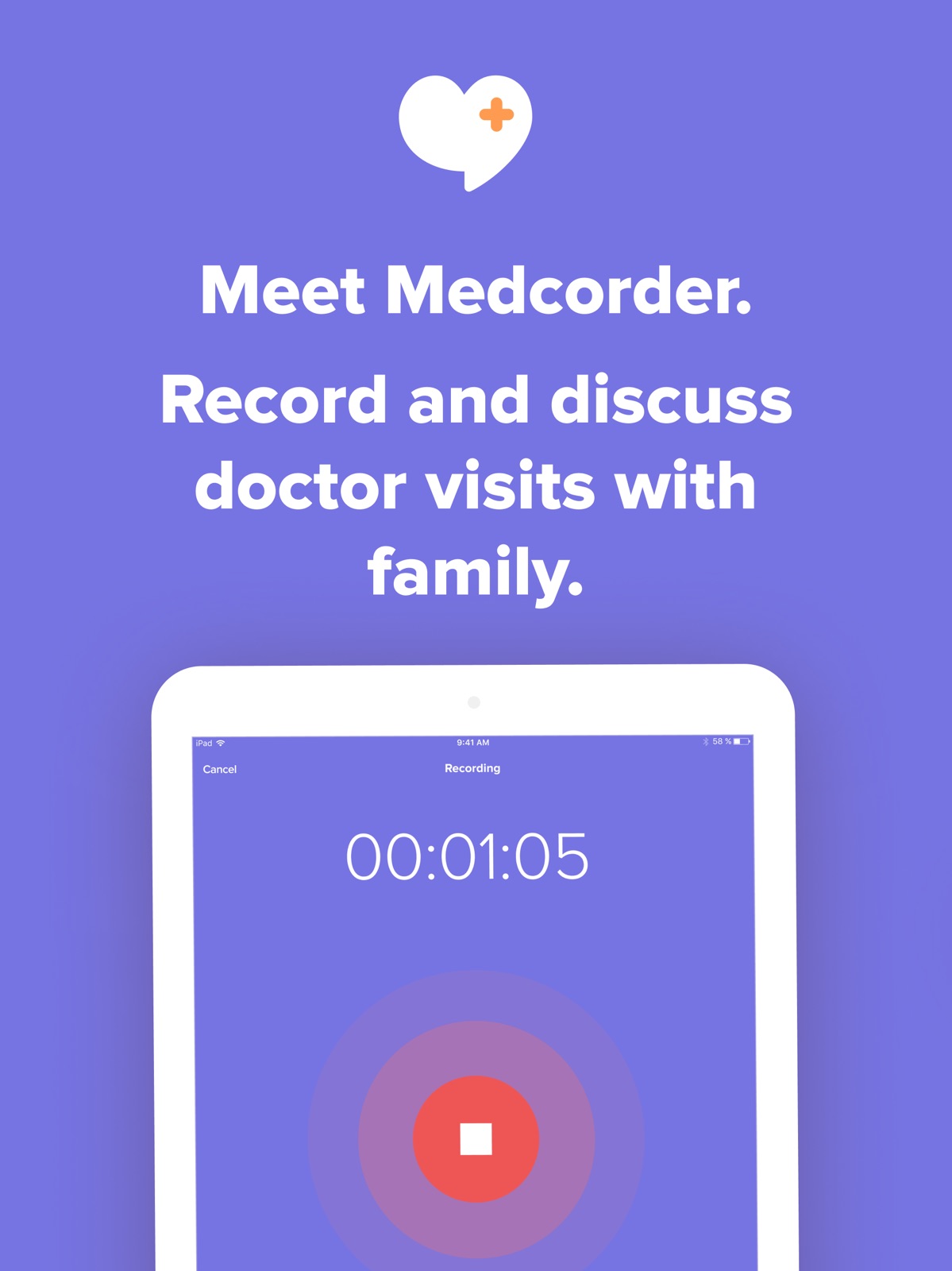
21 store screenshots


Pricing & paywalls
App Store
- Free
Ratings & reviews
App Store
-
5/5Perfect solution to a tough problem
My wife and I had scheduled a video conference to meet her new neurologist. We were scared, had a bazillion questions, and were overwhelmed by all the worst-case scenarios we’d imagined. Our daughter was also present, and I knew there would be no way I could take notes fast enough to be able to review all that would be covered in that half hour. Out of desperation I found this Medcorder app, and quickly realized I now had a tool that would let me actually LISTEN to what was being said rather than stress out about what I might be missing. We have an audio recording of the meeting, we were provided with a written transcript, and we are confident that we are moving in the right direction. Thank you, Medcorder! What a great tool to help us separate facts from fear!
phoganic · 7 Aug 2026
-
5/5Very helpful app
I recently started using Medcorder to record appointments with my doctor. I typically miss half of what she says, so this has been a life saver! It records and transcribes the full conversation perfectly. This has allowed me to look back on appointments after the fact so I can keep my wife in the loop. Happy wife = happy life!
ituneskicksass · 7 Aug 2026
-
1/5Only worked for one of two visits.
My husband being seen at Mayo Clinic. Very excited to find this app for us as well recommending to my husband’s patients. However, that was not to be. The first visit was perfect. The second visit would not play back and you could not read the transcripts. Each time I would press to hear the visit, it would take me back to the app. I sent messages through the app and email. NO RESPONSE An appt that only works 50% of the time is a poor app.
Nurse HHS · 7 Aug 2026
-
5/5Doctor’s appointments
I use this anytime a doctor will allow the conversation to be recorded so that my two daughters can hear as well. Sometimes I wish the microphone was a little louder because it can be difficult to hear it when it is played back!
1 GI JOE · 7 Aug 2026
-
5/5Orthopedic Surgeon 8/8/22
This is my first time using Medcorder. I was glad to have it to use, but I haven’t had time to listen to recording or share it yet. So I need a few days here first before a thorough review!
joteachermom · 7 Aug 2026
Privacy & accessibility
App Store
Privacy
- Data Linked to You — Analytics — User Content — Audio Data Developer declared
- Data Linked to You — Analytics — User Content — Customer Support Developer declared
- Data Linked to You — App Functionality — Contact Info — Email Address Developer declared
- Data Linked to You — App Functionality — Contact Info — Name Developer declared
- Data Linked to You — App Functionality — Contact Info — Phone Number Developer declared
- Data Linked to You — App Functionality — Diagnostics — Crash Data Developer declared
- Data Linked to You — App Functionality — User Content — Audio Data Developer declared
- Data Linked to You — App Functionality — User Content — Customer Support Developer declared
- Data Linked to You — App Functionality — User Content — Photos or Videos Developer declared
- Data Linked to You — Developer’s Advertising or Marketing — Contact Info — Email Address Developer declared
- Data Linked to You — Developer’s Advertising or Marketing — Contact Info — Name Developer declared
- Data Linked to You — Developer’s Advertising or Marketing — Contact Info — Phone Number Developer declared
- Data Linked to You — Product Personalization — User Content — Audio Data Developer declared
- Data Linked to You — Contact Info Developer declared
- Data Linked to You — Diagnostics Developer declared
- Data Linked to You — User Content Developer declared
- Data Not Linked to You — Analytics — Usage Data — Product Interaction Developer declared
- Data Not Linked to You — App Functionality — Diagnostics — Performance Data Developer declared
- Data Not Linked to You — Diagnostics Developer declared
- Data Not Linked to You — Usage Data Developer declared
Accessibility
No accessibility labels collected yet.
Versions
App Store
-
1.10
Reporting and feedback system improvements
-
1.11
Several key bugfixes, including more aggressively re-trying to upload a recorded audio file if the app or phone quits before the upload completes.
-
2.0
After months of effort, we're ready to present a ground-up native rewrite of the application for dramatically increased performance and usability! Say hello to Medcorder 2.0!
-
2.1
Security updates and an updated invitation process.
-
2.2
So many improvements in this late August release! - A refreshed and more modern user experience for sharing your health updates - Better notifications for inviting family members to Medcorder - You can now add family to a room by phone number directly - Zoomable images to look at details
-
2.3
This release introduces Reminders! Now we can help you remember to record your medical visits and your family members can see when your upcoming visits are. We've additionally made onboarding much smoother, fixed a notification issue, fixed a crash, and polished a bajillion bits of the UI to make Medcorder v2.3 the best app ever made for recording your doctor's visit.
-
2.4
v2.4: Happy Halloween! * Tooltips for first-time users to understand the app's functionality * Rooms now show the number of members * Show unread message counts in rooms * Can now share/save pictures from the room * You can copy text messages * Rooms can now be renamed * A green progress bar now shows as media are uploading * Fixed a crash and several visual issues
-
2.5
* Getting started with Medcorder is now easier than ever, thanks to helpful tips and improved navigation. * Improved notifications to keep track of what’s happening. * Improved iOS 13 support, including Dark Mode. * Improved playback of audio, photos, and videos. * Audio, photos, and videos can now be exported & shared outside the app. * Dozens of small bug fixes.
-
2.5.1
Updated graphics.
-
2.5.2
At Medcorder, we're always looking for ways to make the app easier to use, especially helping those who are opening the app for the first time. This release includes improvements for showing first-time users how to best use the application.
-
2.6
Improvements to onboarding flow.
-
2.7
We've added improvements to make audio uploads more robust even when your network connection is flaky. Now you can be even more sure your appointment will get correctly transcribed and shared with family.
-
3.0
New in 3.0: Full-Featured Appointments. You can now easily add upcoming appointment details like the doctor you're meeting with, the location of your appointment, and even questions in advance of your appointment. A new full-screen playback experience lets you more easily read transcripts and play back the consult audio, and you can even add notes to summarize the key points about an appointment.
-
3.1
We’ve made Medcorder easier and more intuitive to use. For example: - We'll tell you if you invited a family member with a phone number that didn’t work, and we’ll invite you to check & change the number - If you make a recording but forget to save it, Medcorder will now remind you to save or discard the recording. - When adding someone to your Medcorder room, you’ll now be able to see the type of number (home, work, mobile, etc) if they have several, and select the right one We’ve also added several other behind-the-scenes fixes to keep things running smoothly for you and your family.
-
3.2
iPad users delight - the app has an updated layout that looks great in both portrait and landscape mode. We've also host of great improvements behind the scenes with fixes and improvements galore; all with the goal of helping you understand your doctor and record, share, and discuss your important medical meetings, whether they are in person or remote.
-
3.3
Medcorder now gives you a medical phone number for your doctor to call. When your doctor calls this number, your own phone will ring! The call is automatically recorded, transcribed, and shared. Transcripts are easier to follow, now highlighting each word as it is said and letting you tap a word to skip to that place in the recording. We now process recordings to remove background noise and normalize loudness, making them much easier to listen to, even if the doctor was eight feet away.
-
3.4
Get even more value out of your doctor's visit with this release: medical terms in the transcript are now highlighted - with a tap, you can view an authoritative definition, which is helpful for learning more about complex medications or conditions. You can also now search your transcripts, even while playing back the encounter.
-
3.5
- Incoming call notifications no longer interrupt a recording (unless the call is answered) - Updated SDKs - Several bugs fixed
-
3.5.1
Refreshed libraries.
-
3.5.2
Fixed a few bugs. Hopefully you're feeling better, too!
-
3.5.3
Fixed a few bugs. Hopefully you're feeling better, too!
-
3.6
Modernization of the app core in preparation for adding major new enhancements. Fixed some crashes and hangs also!
-
3.6.1
Now you can easily print, share, and copy text transcripts from your doctor's appointment!
-
3.6.2
Made it clearer how to delete a room or recording, and added safeguards to ensure against accidental deletions. Fixed a timeline bug. Improved transcript loading & display.
-
3.6.3
· 30 Jul 2026
- App now much more resilient to preserving a recording across a range of interruptions and failures - Recordings begin promptly, even in areas with poor network connectivity - Medical term lookups fixed - Fixed a bunch of crashes
Alternatives
- Kin - Record Doctor Visits — Same category + similar ratings
- Medical Data Box — Same category + similar ratings
- Sync.MD Personal Health Record — Same category + similar ratings
- KeepTrackMed - Health Record — Same category + similar ratings
- Conveyor AI - EMR Dictation — Same category + similar ratings
- Novellia: Medical Records App — Same category + similar ratings
Availability by market
- US
Data quality & evidence
- Page completeness
- Live store listing
- Last verified
- 7 Aug 2026
- Sources
- App Store
- Independent summary has not been published yet.