
Quick verdict
- What it is
- Store information collected; independent summary not yet available.
- At a glance
-
- Free to download
Categories and search queries
Official categories
- Graphics & Design
- Photo & Video
AppCorpus categories
Key functions
| Function | Availability | Access | Scope | Evidence |
|---|---|---|---|---|
| Free app | Yes | Free | — | Store published |
Screens
App Store
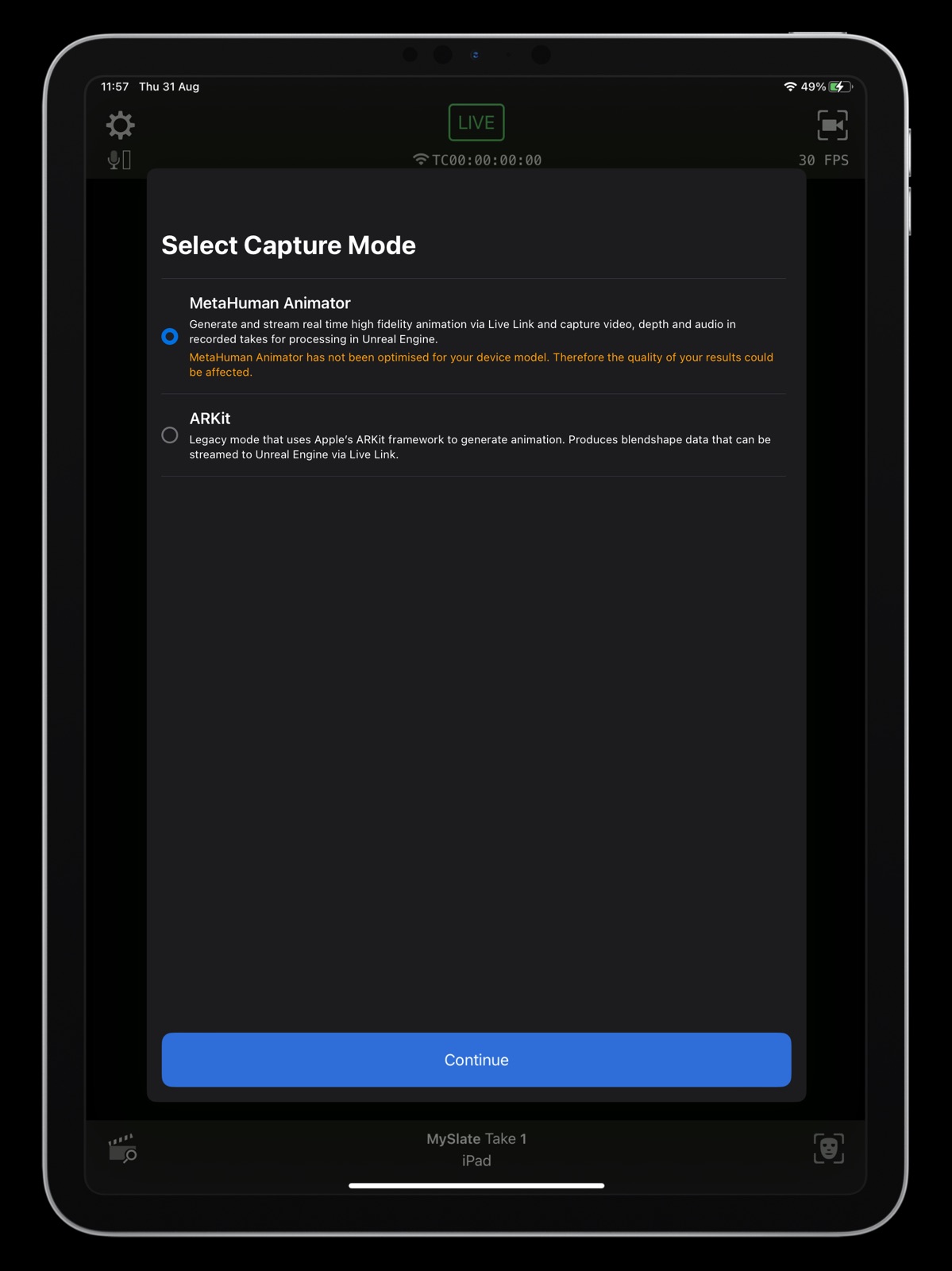
14 store screenshots



Pricing & paywalls
App Store
- Free
Ratings & reviews
App Store
-
4/5Outstanding
Incredibly useful app for animation! Just one thing I think needs to be in the next update. A way to set facial readings to neutral while my face is in the neutral resting position. Live link thinks my mouth is slightly open when it is in fact completely closed. The work around is not terribly grueling so it’s not a show stopper. Besides that, this app is an absolute must for both new and experienced character animators!
BathroomTiles · 31 Jul 2026
-
3/5Works well enough
I wish I could say this was really fantastic, but honestly it’s just average at best. Maybe it’s just me, but I can move my eyebrows independently of one another - I can lift one up, and scrunch the other up or leave it totally relaxed and it’s very frustrating to see how poorly handled eyebrow tracking is in general. Especially when eyebrows give so much emotion. I’m running this on an iPhone 15 Pro Max and I still can’t get the darn thing to just track my eyebrows. Instead it tracks only one eyebrow or weirdly mixes the motion of each eyebrow into one half-baked combo. Mostly it just makes my whole forehead look dead - like, I can’t even begin to tell you how important eyebrow motion is to conveying the emotions and thoughts of a character. Heck, it might be more important than every other facial feature combined. I’m ranting. I really wanted to love this - I really wanted to feel like it’s a game changer. But, it’s just kinda average. It’s largest selling point is that it’s integrated into Unreal and you can transfer simple mocap and reference footage from via the live link. I just wish the actual tracking was better.
Probablycarestoomuchaboutthis · 31 Jul 2026
-
2/5Crashes with IOS 26
Live Link Face was an essential part of my Unreal Engine live performance streaming setup, but after updating to iOS 26 the app is no longer usable (the app worked perfectly on IOS 18). I have attempted to use the app on multiple devices and constantly get the same issue. It crashes during use and has completely broken my real-time face tracking workflow. The crash happens after 10-15minutes of use. This app is not just a casual tool for me, it is part of a production pipeline for live performance and character animation. It worked before the iOS update, so this appears to be an iOS 26 compatibility issue that needs attention from Epic. I am unsure if this happens on the metahuman side of the app, I do not use metahuman. Please release a fix as soon as possible. I regret updating our iPhones to IOS 26, and there is no way to roll back. I would gladly update this review once the app is stable again, because when it works, it is one of the cleanest ways to get facial motion capture into Unreal Engine.
JohnRussD · 31 Jul 2026
-
4/5Overall great app
One minor issue: if you record at 30 fps the resulting CSV file will have gaps on the data. By this I mean there are 16 frames with key frame data, followed by 16 more frames with no key frames at all, followed by another 16 with data. This pattern repeats for the entire recording. If you record at 60 fps, this bug does not occur. Just an FYI!
Highlander driver · 31 Jul 2026
-
3/5Horrible low light performance in ARKit mode
ARKit supports using the infrared camera and dot projector in the true depth camera. Being able to use these would be very useful for face and eye tracking in environments with poor lighting. However, this app does not support using those tools in ARKit mode. (Which I need for blendshape based face tracking)
Network Enjoyer · 31 Jul 2026
Privacy & accessibility
App Store
Privacy
- Data Not Collected Developer declared
Accessibility
No accessibility labels collected yet.
Versions
App Store
- 1.0
-
1.0.1
• Added support for Left/Right Eye Yaw/Pitch/Roll. • Added optional warning message when recording at less than 60 FPS. • Improved handling of dropped frames in reference videos. • Improved timecode reliability with NTP and Tentacle Sync.
-
1.1.0
• Added support for rest pose calibration. • Added support for iPad.
-
1.1.1
Bug fixes and performance improvements.
-
1.1.2
Bug fixes and performance improvements.
-
1.2.0
Added support for the new Tentacle Sync E mk2 timecode device. Timecode from the system timer now rolls over to 0 hours after hour 23 to avoid very high values for hours.
-
1.2.1
Bug fixes and performance improvements.
-
1.3.0
- Added support for MetaHuman Animator
-
1.3.1
- Fixes incorrect header column names in recorded CSV files when using the Live Link (ARKit) capture mode - Fixes incorrect OSC response when making a thermal state query
-
1.3.2
- Adds official support for the iPhone 15 series of devices - Fixes bug where the app would sometimes fail to request camera permissions - Fixes issue where recorded MetaHuman Animator takes would sometimes fail to be imported to Unreal Engine due to an incorrect number of audio channels - Improves support for devices that only support 30 FPS ARKit capture
-
1.4.0
- Adds the ability to toggle recording with the hardware volume buttons and bluetooth camera shutter devices. - Adds an 'Always Send Face Pose' live link option to enable the continuous streaming of face pose and timecode information even if no face is currently detected. - Improves Tentacle Sync device compatibility. - Fixes issue where timecode values could become desynchronised with connected Tentacle Sync devices.
-
1.4.1
- Fixes issue on iPhone 16 devices where recorded takes could sometimes fail to be processed in Unreal Editor.
-
1.4.2
- Fixes a region specific issue where it was not possible to manually enter the IP address of a live link target using the system keyboard
-
1.5.0
- Real-time MetaHuman animation generation - Network streaming of real-time MetaHuman animation via the MetaHuman Live Link Source plugin
-
1.6.0
- Adds the ability to use any on-device front or rear facing camera. - Adds support for up to 120 FPS capture when using a non-TrueDepth camera. - Adds support for external USB cameras on USB-C equipped iPads. - Adds face mesh preview overlay in MetaHuman Animator mode. - Fixes bug on iPad where takes would be recorded in an incorrect orientation. - MetaHuman Animator mode is now available on devices without a TrueDepth camera.
-
1.7.0
- Adds RTSP video streaming for real-time processing and camera monitoring in Unreal Engine. - Adds landscape recording and streaming on iPhone. - Adds the ability to quickly switch between the front and rear cameras. - Reduces take file sizes by making H.264 the default video encoding format, replacing MJPEG. - Fixes an issue that could result in corrupted takes when storage space is low. - Fixes an issue that prevented recording when AirPlay screen mirroring is active.
-
1.7.1
- Fixes missing localizations - Fixes missing video footage at the start of recorded takes when video streaming is enabled - Fixes a crash that could occur when streaming animation data
-
1.7.2
· 30 Jun 2026
- Fixes MJPEG takes becoming distorted when processed in Unreal Engine
Alternatives
- Pixquare - Pixel Art Studio — Same category + similar ratings
Availability by market
- US
Data quality & evidence
- Page completeness
- Live store listing
- Last verified
- 31 Jul 2026
- Sources
- App Store
- Independent summary has not been published yet.