
Files - File Manager & Browser
A file manager and web browser that allows users to save files for offline viewing
iPhone
Quick verdict
- What it is
- This app provides a file manager and web browser that enables users to save files for offline viewing, making it useful for those who need to access documents on the go.
- Best for
-
- someone who needs to save files for offline viewing
- someone who wants to manage files on their iPhone
- At a glance
-
- From $0.99/mo
- Free to download
- In-app purchases
Categories and search queries
Official categories
- Productivity
- Utilities
AppCorpus categories
Key functions
| Function | Availability | Access | Scope | Evidence |
|---|---|---|---|---|
| Free app | Yes | Free | — | Store published |
| In-app purchases | Yes | Limited free | — | Store published |
Screens
App Store
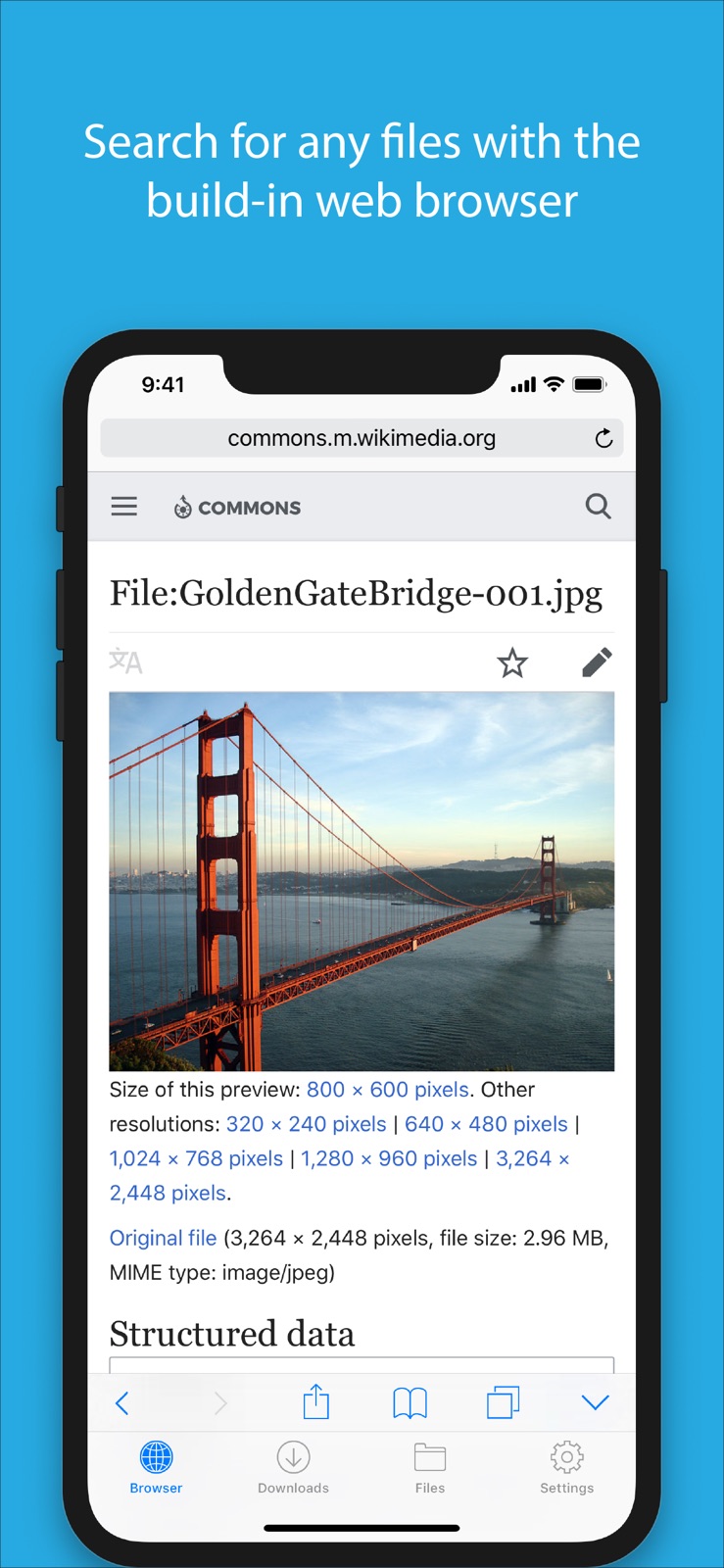
5 store screenshots



Pricing & paywalls
App Store
- Monthly Subscription — $0.99/month
- Monthly Subscription — $5.99/year ($0.49/mo)
- Full Version Upgrade — $4.99
Ratings & reviews
App Store
-
5/5A decade of use
To someone with limited resources, this app can be an absolute lifesaver. In school, I've used some version of this app for collecting material for offline use; homework, old tests, mock tests, syllabuses, study packets, diagrams, references, lectures, PERFORMANCE VIDEOS. I've saved music for personalized ringtones, I bought a copy for my mom to keep her knitting patterns, work applications, my New Hire forms were saved here, various event tickets, this app holds it all. Ive had bugs, some minor, some requiring me to extract my files through my computer, but even having that last option available is amazing, instead of having to lose everything when reinstalling the app. Bug fixes can be thin on the ground, and its apparent that not all iOS updates will agree with the app, but it always comes back into working order, and seriously. Its a worthwhile investment. Ive had this app since high school. That was a decade ago. Bought the first one. Bought the second version when its predecessor became obsolete. Would probably buy the next one, cuz its so friggin useful.
Sootball37 · 5 Sep 2026
-
5/5Literally the best off-line file manager out better than off-line browser docs from Firefox
This right here is the one out of all the off-line file managers this one boasts the most best features it is very easy to have multiple windows open and multiple downloads running and you can open the files using open or share after downloaded without actually downloading them on my phone Location or iCloud Drive location so if you have multiple websites you like to download stuff from this is the number one app and only app you will need good keep up the good development
purrpgoddpeebles · 5 Sep 2026
-
4/5Glad for the update but issues still exist
Hian, I’ve been using this app for years and was beyond delighted to see an update for this today. The update fixes the crash issue that was introduced with iOS 13. I am now able to save webpages again which was one of my primary uses. It seems now however that you took out the ability to set mime types. This was instrumental in the functionality so now the download option for a lot of file types is now broken and thus unable to be saved. I’m not sure what would have led you to this decision, but I implore you to add it back. If this were implemented again your app could easily be the best download manager on the App Store. My last suggestion would be to add an alphabetical scroll option to the files view. Thank you again for your work, I look forward to future improvements.
silver.&.silent · 5 Sep 2026
-
4/5Great App
I use this app for all my music because a lot of it can’t be downloaded through ITunes, instead I use mp3 files with this app. An interesting thing happens every now and again though. I’ll be listening to an audio file and then I’ll use my screen reader function to read a webpage to me like a pseudo audio book and usually this will stop the audio file from playing so I can’t listen to music and a reading at the same time normally, sometimes though it won’t stop the audio file, it will just lower its volume some so I can listen to both at once. I don’t believe my phone is supposed to be able to do this and it’s an error, I would love if they added options in the settings that could make this happen on purpose.
Clash Vetran · 5 Sep 2026
-
5/5Minor Music Glitches
Music is Very glitchy, when I hit skip it skips 3-5 songs and the same way when I replay but this only happens when lock screen is activated, also the now playing disappears when I open a folder! Would appreciate if you can work on fixing those I use this all the time and I love this app it’s a great app! Besides that I love the layout! And the dark theme but that’s all I’m having problems with is with music so please if you can fix that! I mainly use that and I would greatly appreciate that! Thank you!
X_Master1 · 5 Sep 2026
Privacy & accessibility
App Store
Privacy
- Data Not Collected Developer declared
Accessibility
No accessibility labels collected yet.
Versions
App Store
-
6.0
- Improved support for Microsoft Office documents - Removed media downloading functionality
-
6.0.1
- Bug fixes
-
6.1
iOS 10 related bug fixes and performance improvements
-
6.1.1
- Minor bug fixes - Improved performance
-
6.1.2
- Minor bug fixes - Improved performance
-
6.1.3
- Minor bug fixes - Improved performance
-
6.1.4
- iPhone X support
-
6.1.5
- Fixed "2 bytes" download bug
-
6.1.6
Bug fixes
-
6.1.7
Fixed "Open In..." bug
-
6.1.9
- iOS 12.2 compatibility fixes
-
7.0
- iOS 13 compatibility fixes - Performance and stability improvements
-
7.0.1
- iOS 13 compatibility fixes - Performance and stability improvements
-
7.1
- Bug fixes
-
8.0
- Bug fixes and performance improvements - Added support for Face ID and Touch ID
-
8.0.1
Bug fixes
-
8.0.2
Bug fixes
-
8.0.3
Bug fixes
-
8.1
Bug fixes and various improvements.
-
8.2
Bug fixes and various improvements.
-
8.3
Bug fixes and various improvements.
-
8.3.1
Bug fixes and performance improvements.
-
9.0
Bug fixes and performance improvements.
-
9.0.1
Bug fixes and performance improvements.
-
9.0.2
· 6 May 2026
Bug fixes and performance improvements.
Alternatives
- fGet - File Manager & Browser — Same category + similar ratings
- Video downloader with VPN — Same category + similar ratings
- Documents - File Manager — Same category + similar ratings
- Unzip - zip,rar,7z file opener — Same category + similar ratings
- Owlfiles - File Manager — Same category + similar ratings
- Documents Pro, Download & Edit — Same category + similar ratings
Availability by market
- US
Data quality & evidence
- Page completeness
- Independent summary published
- Last verified
- 5 Sep 2026
- Sources
- App Store