
Quick verdict
- What it is
- Store information collected; an Apoku editorial summary is not yet published.
- At a glance
-
- Free to download
Categories and search queries
Official categories
- Productivity
- Lifestyle
Apoku categories
Key functions
| Function | Availability | Access | Scope | Evidence |
|---|---|---|---|---|
| Free app | Yes | Free | Context-specific | Store published |
Screens
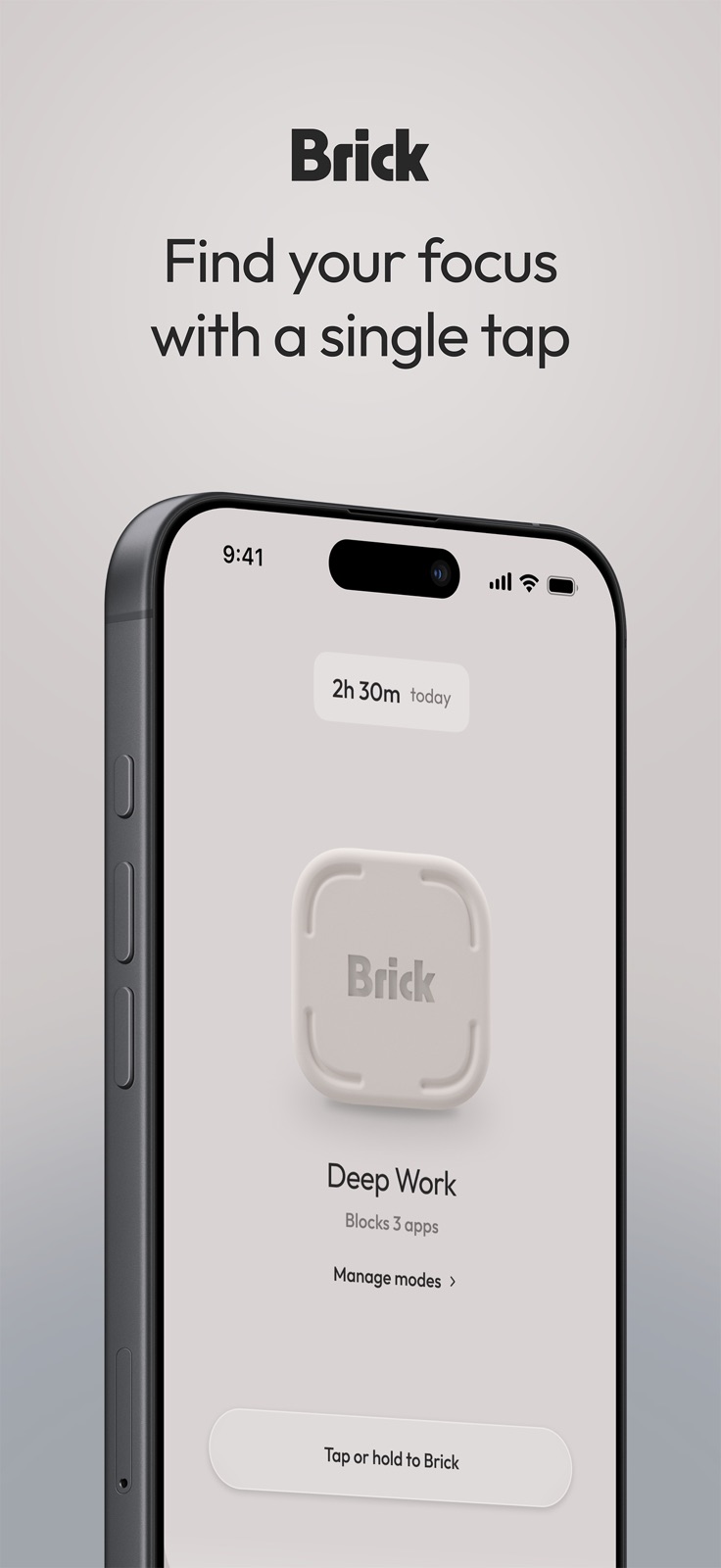
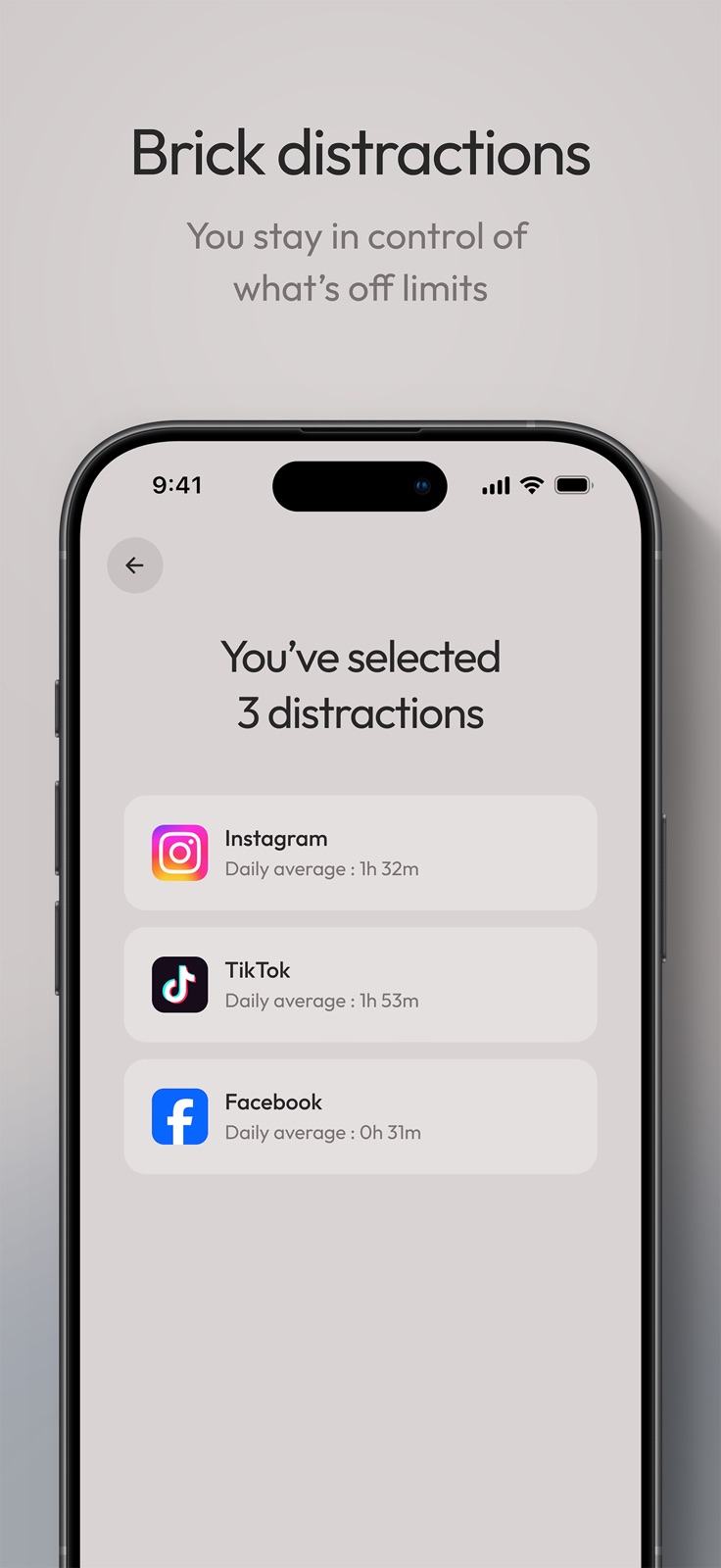
App Store
15 store screenshots


Pricing & paywalls
App Store
- Free to download
Ratings & reviews
App Store
-
5/5Phenomenal focus
I absolutely love this thing. It took me a while to actually pick this thing up. Because for some reason, I thought that I could use the native version of this app. That’s embed into the iPhone system. I think it’s called Tim or something like that. Anyway, Time allows you to unlock the app that you were trying to get into, so for example, if I wanted to get into Facebook and I had a bad habit. I’m just getting into it and unlocking it directly. Then it would just defeat the purpose, and it wouldn’t become a distraction. My office is upstairs, and the brick is actually on my fridge. And even though it is accessible, I find myself focusing more on the work at hand and not being so easily distracted. And it’s not just work. It’s also focusing on my family and focusing on my marriage. I find myself picking up the phone to check my apps that are locked about 100 times a day. It seems like. But with this Brick, I am Brick on average 10 to 12 hours a day, which is kind of liberating because I have my phone and can receive messages and phone calls without the distractions of all the other applications on my phone. Highly recommend to anyone wanting to increase their focus on. Not Rochester work, but every area of their life.
lmartinez06 · 29 Sep 2026
-
5/5Incredibly helpful
I work from home as a creative, and it’s always a challenge to not sink into lost time with social media or games on the phone. I put my Brick in the drawer at the start of my workday – I paid extra for the little sticky holder, since I wanted it out of sight - and I have reclaimed a lot of of time that I put to creative use. Since the brick is in a drawer, I actually have to make a decision to open the drawer to unbrick. If I really have to post something for work on Instagram or Facebook, I can do that via my Meta management page and not start looking at phone videos. I think the physical nature of this app makes it far more effective. I tried Opal before and just found it annoying and intrusive and somewhat judgmental. The brick makes no judgment. It just blocks the unwanted phone apps and sits inside my drawer, doing its job. It helped me realize to how I get drawn into looking at videos. It’s usually a link from a news article. And then I get off task. So now I understand what takes me down that path in the first place. Excellent product and well worth the money. I am reclaiming time that I can use to make far more money than the Brick cost me.
Gibtex5 · 29 Sep 2026
-
3/5Schedules Don’t Work…Once Again
Update: 05/17. They fixed the scheduling issues that were originally happening and it was going well for a couple of months. However, now the scheduling issues are back in full force. This time the brick won’t unbrick when it is scheduled to. Thankfully I haven’t been out of town or away from home when this has happened, but it’s highly unfortunate that this is happening again. This is the whole point of having the brick. To have something that automatically takes away some of the self control it takes to walk away from your phone or to not log into your apps. That’s why the schedules exist in the first place. The work around I have found if this happens to you is turning your phone on and off again if it has been bricked for longer than it was scheduled to. I have tried updating the times it is scheduled to brick like customer service recommended last time and that hasn’t worked. Deducting a star for so many inconsistencies and the main points of the app never working as intended. Original Review: The brick has really helped me with my doom scrolling. However, the scheduling portion of the app rarely works. I’ve reached out to support and they recommended to change the schedules and that engineers have an update coming in the new year to hopefully fix it. I’ve changed the schedules as instructed and still run into issues of it either not turning on brick mode when it’s set to or not blocking all the apps it’s supposed to. Hopefully they’re able to fix it, because it is a huge let down as I really rely on the schedules to help break my scrolling habits. Otherwise, it’s great and highly recommend.
@unique_physique_13 · 29 Sep 2026
-
5/5perfect for procrastinators
this is exactly as advertised. i was gifted a brick a year ago, waited a while before i reviewed. i can confidently say this is amazing. mainly because you CANNOT OVERRIDE THE BLOCKS. any other screen time limiting app or feature i’ve tried (and i’ve tried a lot) allows you to ignore or override or cancel your previous blocks. not this puppy. i am not only so much more productive at work, i’ve also noticed that my anxiety is lower, my mood is generally better. people in my life have even noticed. smart phones are a necessity in this day and age, but social media is not, and i’m thrilled fyi be able to just use my phone as a phone for a good chunk of the day. maybe in another year i’ll keep it bricked for a while weekend or days at a time, but even just bricking during the work day has been a game changer for me, and my tiktok scrolling has much less guilt, because i know the things i wanted to get done that day have gotten done. it’s by no means perfect, but it’s the best option out there, in my opinion.
cocosed · 29 Sep 2026
-
1/5Incredibly easy to get out of.
Unfortunately, this is a five star idea with a one star execution. For everyone reading this review, it will entirely ruin the entire functionality of the brick, so only do so understanding that this review will ruin the entire app (if you haven’t already figured it out yourself). Any half intelligent or curious individual will soon find out after spending $60 on a piece of plastic that if you go into Screen Time and tap the turn off button for brick, it automatically removes the restrictions on your phone. No, this option cannot be locked with Screen Time or another password, and brick itself cannot prohibit you from tapping the off switch. The only possible lock on this function would be Face ID, meaning if you use your face to unlock your phone, there is no way for you to restrict yourself on the things that you can do with brick. They try to act as if this is not a problem by having you set up an automated shortcut that will open up a new application (something other than settings) every time brick is in session. The idea behind this is that if you try to open up settings to turn it off, your phone automatically opens up on something else. However, Shortcuts do not automatically work when your phone is restarted rendering this ineffective as well. An app that is designed to curb screen addiction but can be turned off with the press of a button in Screen Time Settings seems so incredibly stupid that I can’t believe this gets raving reviews. This is the first review I have ever written because I had very high expectations, and I could not have been more let down. Highly advise against purchasing.
C Parlee · 29 Sep 2026
Privacy & accessibility
App Store
Privacy
- Data Linked to You — Analytics — Contact Info — Email Address Developer declared
- Data Linked to You — Analytics — Diagnostics — Crash Data Developer declared
- Data Linked to You — Analytics — Usage Data — Product Interaction Developer declared
- Data Linked to You — Analytics — User Content — Other User Content Developer declared
- Data Linked to You — App Functionality — Contact Info — Email Address Developer declared
- Data Linked to You — App Functionality — Identifiers — User ID Developer declared
- Data Linked to You — App Functionality — Usage Data — Product Interaction Developer declared
- Data Linked to You — App Functionality — User Content — Other User Content Developer declared
- Data Linked to You — Contact Info Developer declared
- Data Linked to You — Diagnostics Developer declared
- Data Linked to You — Identifiers Developer declared
- Data Linked to You — Usage Data Developer declared
- Data Linked to You — User Content Developer declared
Accessibility
No accessibility labels collected yet.
Versions
App Store
-
2025.16.0
Thank you for updating the Brick app! We've updated our iOS app with bug fixes and changes to improve your overall experience.
-
2026.08.0
Thank you for updating the Brick app! We've updated our iOS app with bug fixes and changes to improve your overall experience.
-
2026.08.1
Thank you for updating the Brick app! We've updated our iOS app with bug fixes and changes to improve your overall experience.
-
2026.09.0
Thank you for updating the Brick app! We've updated our iOS app with bug fixes and changes to improve your overall experience.
-
2026.11.0
Thank you for updating the Brick app! We've updated our iOS app with bug fixes and changes to improve your overall experience.
-
2026.12.0
Thank you for updating the Brick app! We've updated our iOS app with bug fixes and changes to improve your overall experience.
-
2026.13.0
Thank you for updating the Brick app! We've updated our iOS app with bug fixes and changes to improve your overall experience.
-
2026.14.0
Thank you for updating the Brick app! We've updated our iOS app with bug fixes and changes to improve your overall experience.
-
2026.15.0
Thank you for updating the Brick app! We've updated our iOS app with bug fixes and changes to improve your overall experience.
-
2026.15.1
Thank you for updating the Brick app! We've updated our iOS app with bug fixes and changes to improve your overall experience.
-
2026.17.0
Thank you for updating the Brick app! We've updated our iOS app with bug fixes and changes to improve your overall experience.
-
2026.18.0
Thank you for updating the Brick app! We've updated our iOS app with bug fixes and changes to improve your overall experience.
-
2026.19.0
Thank you for updating the Brick app! We've updated our iOS app with bug fixes and changes to improve your overall experience.
-
2026.20.0
Thank you for updating the Brick app! We've updated our iOS app with bug fixes and changes to improve your overall experience.
-
2026.20.1
Thank you for updating the Brick app! We've updated our iOS app with bug fixes and changes to improve your overall experience.
-
2026.22.0
Thank you for updating the Brick app! We've updated our iOS app with bug fixes and changes to improve your overall experience.
-
2026.22.1
Thank you for updating the Brick app! We've updated our iOS app with bug fixes and changes to improve your overall experience.
-
2026.24.0
Thank you for updating the Brick app! We've updated our iOS app with bug fixes and changes to improve your overall experience.
-
2026.25.0
Thank you for updating the Brick app! We've updated our iOS app with bug fixes and changes to improve your overall experience.
-
2026.27.0
Thank you for updating the Brick app! We've updated our iOS app with bug fixes and changes to improve your overall experience.
-
2026.27.1
Thank you for updating the Brick app! We've updated our iOS app with bug fixes and changes to improve your overall experience.
-
2026.28.0
Thank you for updating the Brick app! We've updated our iOS app with bug fixes and changes to improve your overall experience.
-
2026.29.1
Thank you for updating the Brick app! We've updated our iOS app with bug fixes and changes to improve your overall experience.
-
2026.30.1
Thank you for updating the Brick app! We've updated our iOS app with bug fixes and changes to improve your overall experience.
-
2026.30.2
· 30 Jul 2026
Thank you for updating the Brick app! We've updated our iOS app with bug fixes and changes to improve your overall experience.
-
2026.32.0
Thank you for updating the Brick app! We've updated our iOS app with bug fixes and changes to improve your overall experience.
-
2026.33.0
Thank you for updating the Brick app! We've updated our iOS app with bug fixes and changes to improve your overall experience.
-
2026.34.0
Thank you for updating the Brick app! We've updated our iOS app with bug fixes and changes to improve your overall experience.
-
2026.35.0
· 27 Aug 2026
Thank you for updating the Brick app! We've updated our iOS app with bug fixes and changes to improve your overall experience.
-
2026.35.1
Thank you for updating the Brick app! We've updated our iOS app with bug fixes and changes to improve your overall experience.
-
2026.36.0
Thank you for updating the Brick app! We've updated our iOS app with bug fixes and changes to improve your overall experience.
-
2026.37.0
Thank you for updating the Brick app! We've updated our iOS app with bug fixes and changes to improve your overall experience.
-
2026.37.1
Thank you for updating the Brick app! We've updated our iOS app with bug fixes and changes to improve your overall experience.
-
2026.38.0
Thank you for updating the Brick app! We've updated our iOS app with bug fixes and changes to improve your overall experience.
-
2026.39.0
Thank you for updating the Brick app! We've updated our iOS app with bug fixes and changes to improve your overall experience.
-
2026.39.1
· 28 Sep 2026
Thank you for updating the Brick app! We've updated our iOS app with bug fixes and changes to improve your overall experience.
Alternatives
- ClearSpace: Reduce Screen Time — Same category + similar ratings
Availability by market
- US
Data quality & evidence
- Page completeness
- Live store listing
- Last verified
- 29 Sep 2026
- Sources
- App Store
- Apoku editorial summary has not been published yet.