
Quick verdict
- What it is
- Store information collected; independent summary not yet available.
- At a glance
-
- Free to download
Categories and search queries
Official categories
- Photo & Video
- Utilities
AppCorpus categories
Key functions
| Function | Availability | Access | Scope | Evidence |
|---|---|---|---|---|
| Free app | Yes | Free | — | Store published |
Screens
App Store
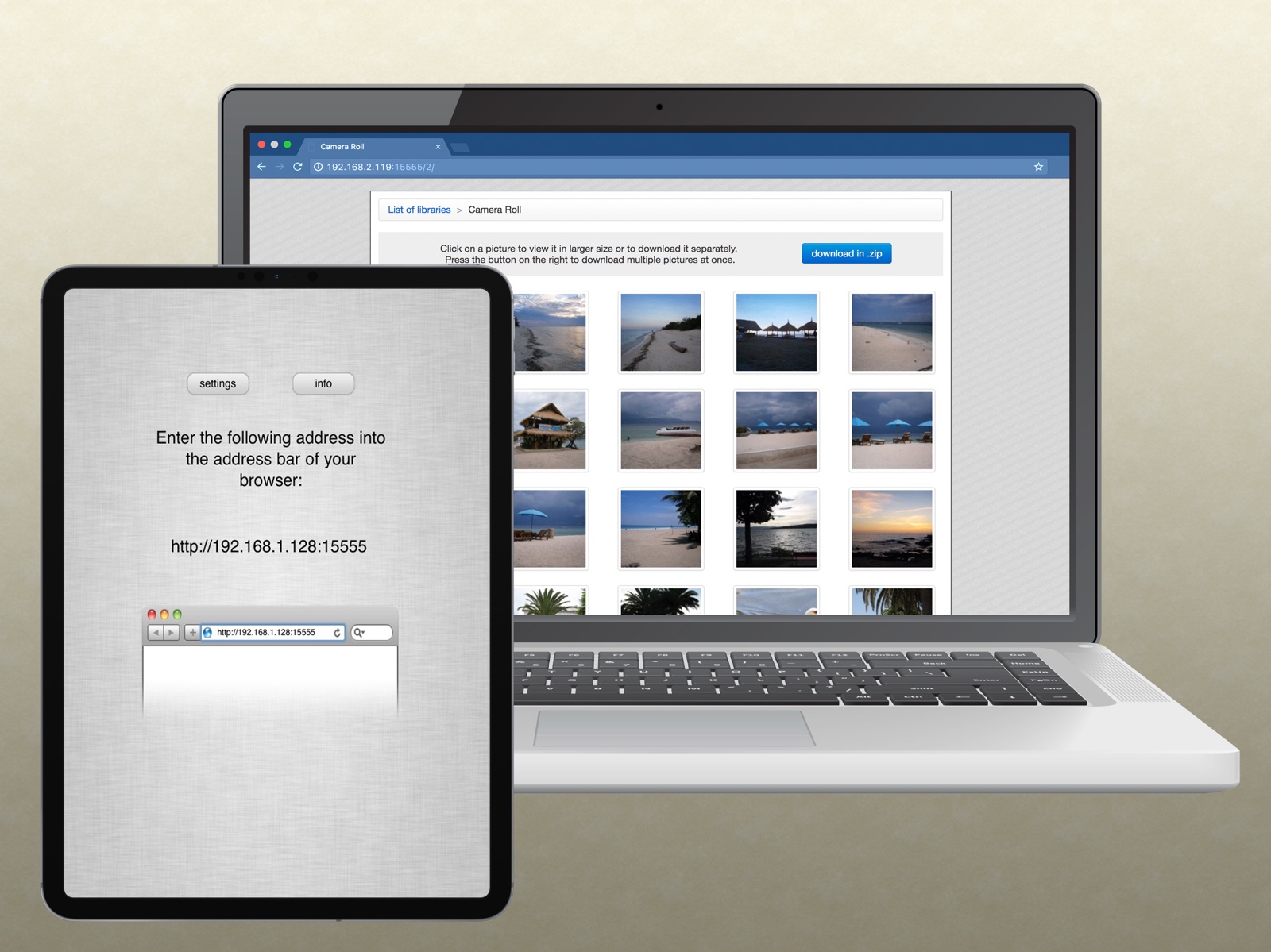
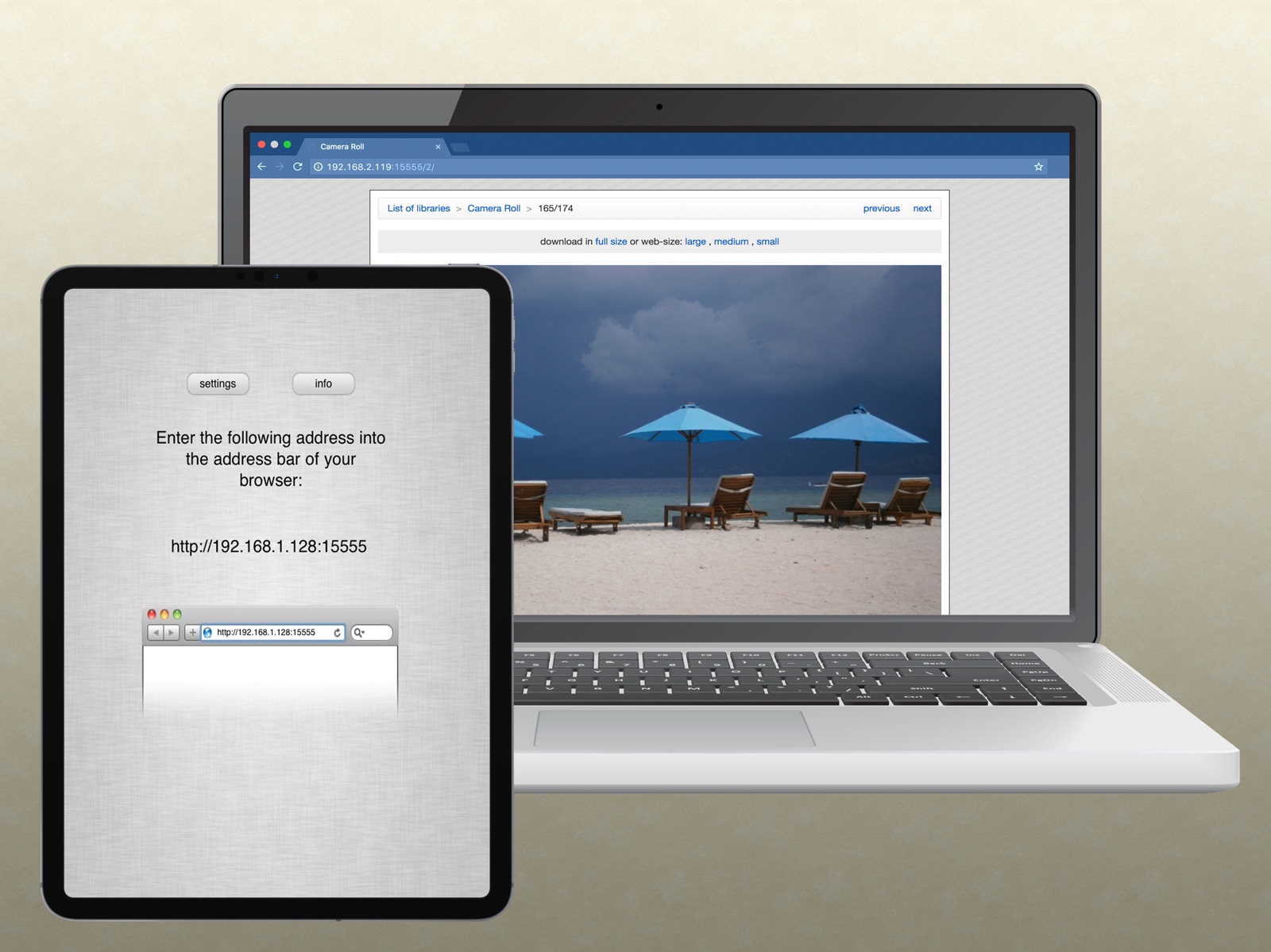
8 store screenshots


Pricing & paywalls
App Store
- Free
Ratings & reviews
App Store
-
5/5LOVE this app!
LOVE this app! Works reliably, and is super convenient for archiving photos from my phone to my computer. It’s even worked well on larger video files (takes much more time depending on your wife speed, and both phone and computer have to be on the same Wi-Fi network for it to work). This app’s been around for a number of years now and is a KEEPER. Highly recommended. Absolutely perfect for its intended application.
DKN032416 · 5 Aug 2026
-
4/5Be careful - no metadata on videos
I was happy to find this app because I’m trying to clean photos and videos off my phone but didn’t want to lose the original date and time or location on those photos and videos. Unfortunately, I had already moved and permanently deleted quite a few videos before I discovered that I was not getting date and time information on the videos. I don’t know, now, when my videos were actually recorded. Works great on photos, but I don’t think you get location. You get no metadata, on videos.
CaraMadra · 5 Aug 2026
-
5/5Excellent but need to convert HEIC to JPEG for my use
This works great for pulling original photos from my IPhone SE 2020 with a few limitations. Batch extract is limited to 200 photos so need to work in multiple batches for large libraries. Photos extract in true ORIGINAL format which is HEIC. If using Windows or more critically Adobe Lightroom on Windows you will need to convert those files to jpg. I used iMazing HEIC converter for an efficient batch conversion (all metadata maintained). If transferring by USB cable to PC the photos convert to jpg on import (iTunes?).
Wunder11 · 5 Aug 2026
-
5/5Wish I had known about this long ago
I have an iPhone and an iPad. Air drop works great but when I want to use my computer I struggled for months trying to download videos. Since I have discovered this I now use my computer more for editing videos. Best app available for moving photos and videos to a computer and even an old guy like me can easily do it.
itish eyes · 5 Aug 2026
-
5/5It still works!
iOS 16 on iPhone 13 Mini here, and this app still works great! I wouldn’t use it to try and batch download a TON of photos - but it certain does a great job within reasonable expectations. Can’t believe I’ve had this app on my iPhone since the 4S and iOS 6, and it’s still around and working fine. THATS quality-written software that’s hard to find today!
ReviewerNickname1 · 5 Aug 2026
Privacy & accessibility
App Store
Privacy
- Data Not Linked to You — Analytics — Identifiers — Device ID Developer declared
- Data Not Linked to You — Analytics — Usage Data — Product Interaction Developer declared
- Data Not Linked to You — Developer’s Advertising or Marketing — Identifiers — Device ID Developer declared
- Data Not Linked to You — Developer’s Advertising or Marketing — Usage Data — Advertising Data Developer declared
- Data Not Linked to You — Developer’s Advertising or Marketing — Usage Data — Product Interaction Developer declared
- Data Not Linked to You — Third-Party Advertising — Identifiers — Device ID Developer declared
- Data Not Linked to You — Third-Party Advertising — Usage Data — Advertising Data Developer declared
- Data Not Linked to You — Identifiers Developer declared
- Data Not Linked to You — Usage Data Developer declared
- Data Used to Track You — Identifiers — Device ID Developer declared
- Data Used to Track You — Identifiers Developer declared
Accessibility
No accessibility labels collected yet.
Versions
App Store
- 1.0
-
1.1
bugfixes
-
1.2
- Mass selection (up to 100, but keep in mind that if you are dealing with many huge files, the app may run out of memory) - Order of pictures reversed: most recent are on the top - Only the first 200 thumbnails load unless you need the rest. - Progress report while compressing files - Replaced the heavily criticized icon :)
-
1.3
- fixed a browser-specific bug (mass download now works reliably with IE7) - converted to proper universal app
-
1.4
- optional password protection - fixing some bugs affecting non-English speaker users - some other minor improvements here and there
-
1.4.1
bugfix (solving the stuck at initialization problem)
-
1.4.2
Fixes a bug of 1.4.1 when garbage is displayed instead of a proper error message
-
1.5
- a bunch of bugfixes and minor improvements - new look for the web interface
-
1.5.1
1.5: - slightly changed look for the web interface - app now prevents device from sleeping - some bugfixes, minor improvements 1.5.1: - fix for "settings" button often crashing ver. 1.5
-
1.5.2
a few fixes for problems in the layout of the web interface, and for some unnecessarily wasted memory should also solve timeout problems on some devices
-
1.5.3
- added option to change port number - better compatibility with Internet Explorer 9 - bugfix for crash on iOS 4.0/4.0.1 - bugfix for problems with empty libraries
-
2.0
- adjustments for iOS 6 & iPhone 5 - videos can now be added to zip files - limit of 100 files/zip upped to 200 - reworked memory management eliminates crashes due to low memory - files in downloaded .zip files now have the creation date set based on metadata - Internet Explorer 6 is no longer supported. Also fix for problem where browsers incorrectly identified as IE6 received a dumbed down version of the interface - bugfix for problems with albums containing more than 4000 pictures - some other small bugfixes and improvements
-
2.0.1
- slightly extended help - fix for the problem that the app could only open .zip files created by itself - fix for a problem when after restarting the app some web pages didn't work correctly until reload - some other minor changes and improvements
-
2.0.2
- bugfixes for some rare crashes
-
2.1
- support for Photo Streams - Camera Roll / Saved Photos is now at the top of the list
-
2.10
· 4 Jun 2026
- adjustments for recent iOS versions - play videos without downloading the entire file
-
2.2
- bugfix for a problem on iOS 8 with deleted pictures
-
2.3
- further bugfixes for iOS 8 issues - bugfix for passwords not working in many cases
-
2.4
improved compatibility with recent devices
-
2.6
iOS 11 by default saves photos in a format that can not be read by many non-Apple systems. This caused problems with Wifi Photo Transfer recently as such photos downloaded in a .zip file could only be used on Apple devices. Now there is an option in the settings to force the conversion of all files into the most common JPEG format ensuring that they are compatible with all systems.
-
2.9
- Bugfix for the problem of iOS 13 making the app start very slowly for people who have a lot of photos on their devices
-
2.9.2
bugfix for problem of some photos not being downloaded correctly when in the settings "Files in .zip files" is set to "original". (on iOS 13)
-
2.9.4
hopefully the last of the iOS 13 related bugfixes: reencoding pictures to JPEG did not work for some people, this update fixes that.
Alternatives
- PhotoSync – transfer photos — Same category + similar ratings
Availability by market
- US
Data quality & evidence
- Page completeness
- Live store listing
- Last verified
- 5 Aug 2026
- Sources
- App Store
- Independent summary has not been published yet.