
Quick verdict
- What it is
- Store information collected; independent summary not yet available.
- At a glance
-
- Free to download
- In-app purchases
Categories and search queries
Official categories
- Photo & Video
- Productivity
AppCorpus categories
Key functions
| Function | Availability | Access | Scope | Evidence |
|---|---|---|---|---|
| Family Sharing | Yes | Unknown | App Store | Store published |
| Free app | Yes | Free | — | Store published |
| In-app purchases | Yes | Limited free | — | Store published |
Screens
App Store
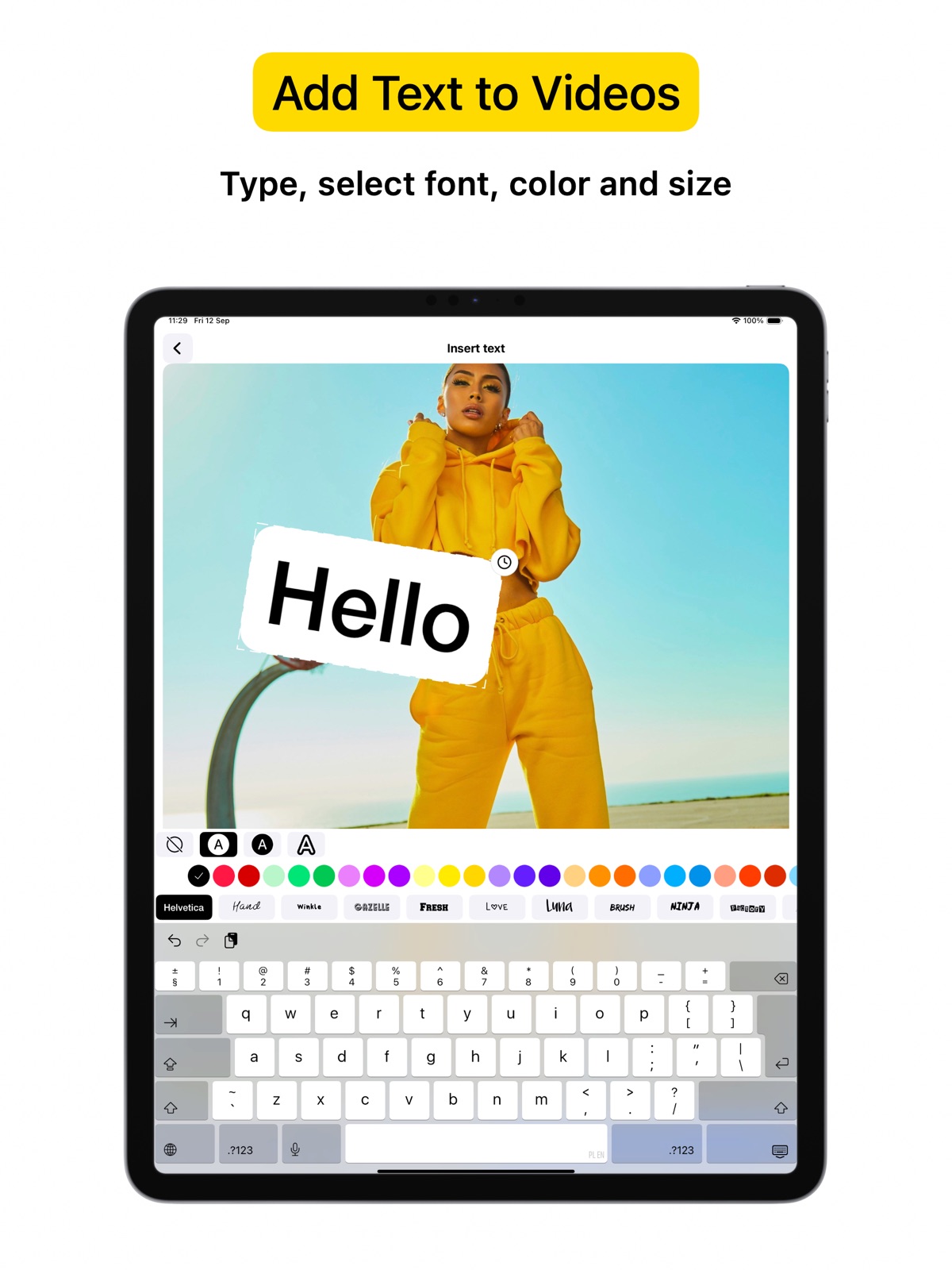
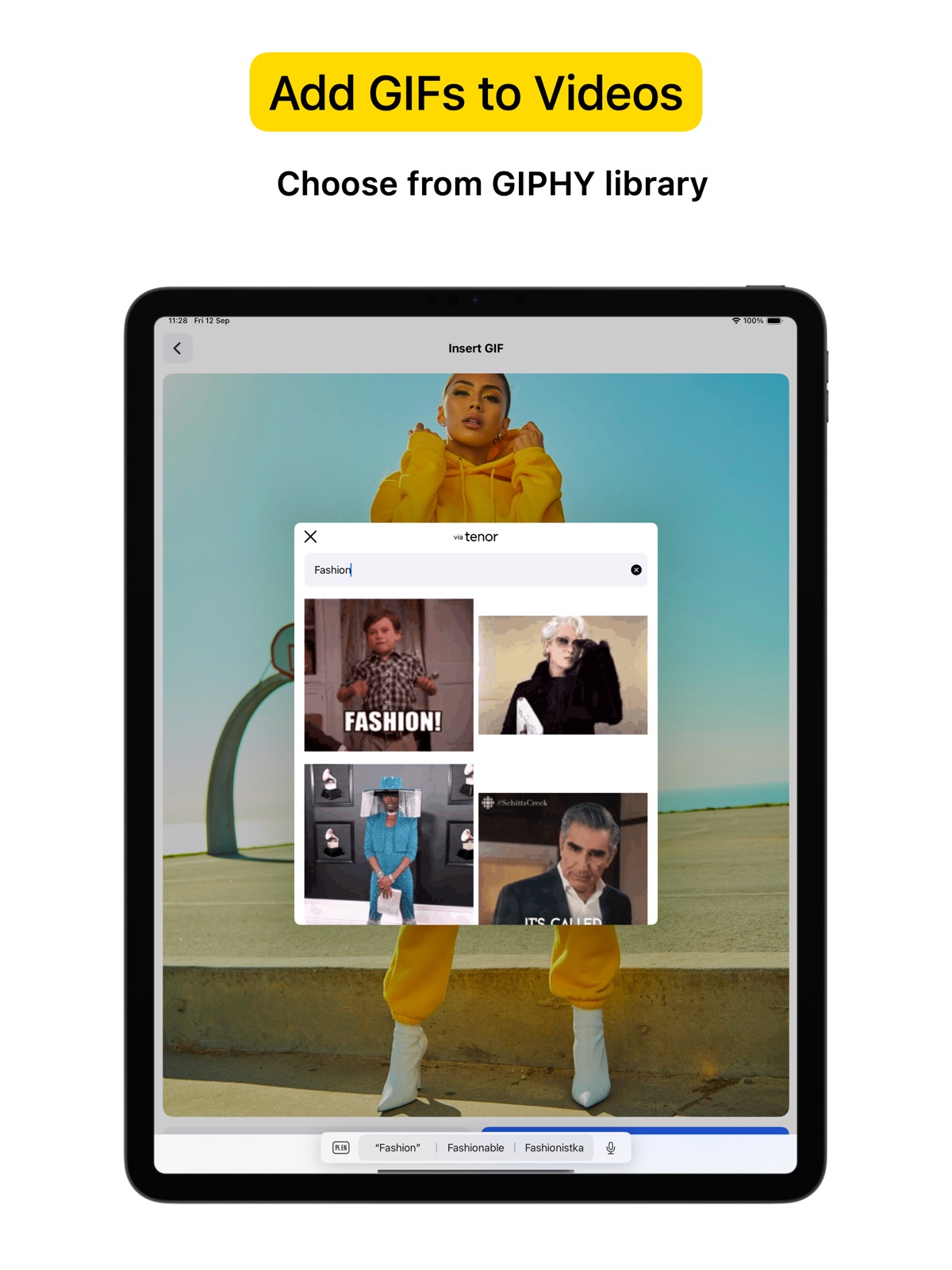
12 store screenshots


Pricing & paywalls
App Store
- Free to download
- In-app purchases
Ratings & reviews
App Store
-
5/5Perfect for Content Creators
As a content creator, I am always on the lookout for tools that make my life easier and enhance my work. VideoCam+ does not disappoint. The video editing features are robust, allowing for seamless integration of text and images into my clips. I appreciate the flexibility of adjusting text styles and colors to fit my brand’s aesthetics. The app’s user interface is intuitive, which means I can focus more on my creativity rather than fumbling with complicated settings. The pause and resume function is essential for when I need to gather my thoughts in the middle of a take. This app has proven invaluable for my tutorials and vlogs, and I highly recommend it.
Lyssi Estrella2zvtx · 31 Jul 2026
-
1/5Problems
I shut my phone off for like a minute and it ended the video it didn’t even save any second of the video usually when I turn my phone off or go to a different app and go back to video cam it doesn’t start the whole video over and I work really hard on these videos and just for it all to restart and for me to record the video all over again? Also when i try to put the video into my gallery it shortens up most of the videos or doesn’t even save at all! And there is way to many ads every time when I pause the video it just shows an ad or when I’m in the middle of recording it shows an ad😠! And even sometimes when the ad is over the recording just randomly plays and i don’t even have to press it cause sometimes I could be doing something private that I don’t people to hear or see and it just randomly starts recording! And when I want to delete a clip or edit the video it makes me pay for it I’m okay with the editing part but not the deleting clip part cause there could be something that I don’t want in the video and it just makes me pay then I’ll have to start all over again with the video 🙄
jfjdhxhxbbd · 31 Jul 2026
-
3/5It doesn’t really add pictures.
I got very excited about this app, and started making videos for my Tupperware business. I liked being able to pause, restart, and have the segments fit together seamlessly. It was perfect, because I am not going to be a video pro. I learned how to add text to my videos and then tried with the pictures. I got all excited about where to put the picture in the video and how to put the picture in after I talked about the picture then when I saved it to my camera roll, they were no pictures! I thought that big black square was just there during editing, and that the picture would show up once I had saved and committed to the video. It didn’t show up. It stayed a big black square all the way through my video. I still like adding text, but I’m going to look for other video editors that will let me add my pictures from my camera roll.
Blind iuser · 31 Jul 2026
-
4/5This app is amazing, but I have a bit of problems...
Before I start the problems, let’s go over the great features in this app, I liked where you switch camera where you swap camera directions, also like when there a zoom in option, and or course the pause cam, I love the pause cam so much, and also you can edit, save, or share, and also you can even have either trim videos, add filters, and you even add photos to your videos, that is some cool features with this app, now let’s got to the problems, the only thing I don’t like are some adds, and a watermark, but there also a time-lapse, but to get the time-lapse, remove watermark, and remove adds, you need to pay $4.99 to get those features, and also there is no slow-motion, no text, or anything cool, but it fine, so yeah that is my problems with this app
wnnajwjjajq · 31 Jul 2026
-
4/5Intuitive and simple, saves time
I use this app a lot for making casual videos. It’s the only app I’ve found that allows me to record as if with a camcorder-start, stop, and the clips are ready to be saved vastly reducing editing. My complaints are that it crashes often, and then I can’t get my footage out of the app. I’ll have shot 10 clips (on my iPhone 16pro) and when I go to ‘save to photos,’ the app crashes. I can’t quit it and all other apps, restart, still see the clips in the app, but it will still crash when I try to export/share/save. I would record a screen recording of the preview, but frustratingly, the app places the text “preview,” so that hasn’t let me save the footage either. My other complaint is a much smaller detail, and it’s that when I go in to trim or edit my recoded clips, I’m able to add video clips or still images—except the app won’t allow me to insert the first clip. So if I’ve decided a meal in a restaurant, I’m not able to add an intro exterior shot after the meal. One final request for improvement, location metadata is removed from the video at some point and this requires me to go in and re-add that.
windsunandsnow · 31 Jul 2026
Privacy & accessibility
App Store
Privacy
- Data Not Linked to You — Analytics — Location — Coarse Location Developer declared
- Data Not Linked to You — Analytics — Usage Data — Product Interaction Developer declared
- Data Not Linked to You — Location Developer declared
- Data Not Linked to You — Usage Data Developer declared
Accessibility
No accessibility labels collected yet.
Versions
App Store
-
4.2
Small improvements.
-
4.3
Performance improvements.
-
4.4
Import multiple videos at once.
-
4.5
Improvements.
-
4.6
- support zoom out x0.5 for ultra wide angle cameras - imported video will be added to the end of record session
-
4.7
Select video quality in settings.
-
4.8
Fixed problem with front camera.
-
4.9
UI problems fixed.
-
5.0
Small improvements.
-
5.1
Small improvements.
-
5.2
Small improvements.
-
5.3
Small improvements.
-
5.4
Stability improvements.
-
5.5
Fixed problem with text edition.
-
5.6
Technical improvements.
-
5.7
Record screen redesigned.
-
5.8
- Preview screen redesigned - Video stabilization toggle - Fixed export errors
-
5.9
Support light / dark mode.
-
6.0
Fixed problem with videos import.
-
6.1
Technical improvements.
-
6.2
Technical improvements.
-
6.3
Improved error handling.
-
6.4
Small UI improvements.
-
6.5
Performance improvements.
-
6.6
· 31 Jul 2026
UI improvements.
Alternatives
- Video Editor ‧ — Same category + similar ratings
Availability by market
- US
Data quality & evidence
- Page completeness
- Live store listing
- Last verified
- 31 Jul 2026
- Sources
- App Store
- Independent summary has not been published yet.