
Quick verdict
- What it is
- Store information collected; independent summary not yet available.
- At a glance
-
- $1.99
Categories and search queries
Official categories
- Reference
- Utilities
AppCorpus categories
Key functions
| Function | Availability | Access | Scope | Evidence |
|---|---|---|---|---|
| Family Sharing | Yes | Unknown | App Store | Store published |
Screens
App Store
10 store screenshots



Pricing & paywalls
App Store
Shown for US
- Price: $1.99
Ratings & reviews
App Store
Shown for US
-
4/5You can use glyphs, but need to add fonts to your iPad first
Like many others, I came here after seeing a design bundles video showing how to copy glyphs and paste them into procreate. Initially I was disappointed that fonts I had download were not visible through this app. But, I found you need to first add the fonts onto your operating system and then they will be visible. I did this by using the ifont app. It wasn’t a clear process but it worked.
iPad designs · 31 Jul 2026
-
5/5This app has gotten the shaft
I was frightened with the poor reviews and having to pay to get this app after seeing a video showing it was supposed to be great with glyphs in Design Space. But I HAD to get to the special characters and while iFont was great for installing the free fonts on my iPad, it was admittedly NOT working for using the glyphs. I gambled the $0.99 to install Unicode…I opened it…and what do you know…every single font I installed with iFont was available in Unicode to view all the special characters and was so easy to “command-C” from Unicode (use the Append to Draft and then highlight that last box with a question mark and hit command-C) and then “command-V” into Design Space (your little box to edit letters-you do have to delete the automatic space in front and behind the pasted box with the question mark). If you are looking to access glyphs for Cricut Design Space, do not hesitate to invest the $0.99 for this app. YAY!!! I’m so excited to make such pretty words! Thank you for a great affordable app!
Big Fan9999999 · 31 Jul 2026
-
5/5Very Useful!!
I cannot say enough how much this app has helped me. I like designing on Canva on my iPad but every time I wanted to use glyphs I had to go to my very old computer and copy the glyphs. Now I don’t need to!! I did a lot of research before buying because I wanted to make sure it would work and I’m so glad I decided to take the leap. If you need to copy glyphs to Canva, this will work, just make sure you follow the right steps. You do need to download the font you want, upload to Canva and make sure said font is selected when you paste your glyph, download iFont and install the font to your device using iFont, then browse installed fonts on Unicode Character Viewer, find the font and glyph you want and click on the share button and copy, then you can just go to Canva and paste on your text box. Seems like a lot but is pretty simple, plus once the font is already installed next time you just need to copy and paste.
Nanii:) · 31 Jul 2026
-
1/5!! Doesn’t Work 2022
Seriously, don’t waste your money. My first thought was to listen to the other reviews, but I had come here from a video uploaded by Design Bundles showing how I could use this app for special characters in Procreate. They were able to open their fonts, so surely, me being someone who knows the difference between OTF and TTF should have zero issue getting what I need. That wasn’t the case. I have many OTF fonts downloaded onto my iPad, and unless I need to store them somewhere specific in order to open them in this app, they just aren’t working. (No TTF fonts are showing up either.) The other reviews are correct, all you can open here is Apple fonts. If someone finds a fix, please leave a review with instructions!
isitohbi · 31 Jul 2026
-
5/5Ignore the negative reviews
Like many others, I needed access to glyphs for design. I create digital planning products using my iPads. I design in Procreate and Adobe Fresco primarily, and I have access to all my installed fonts and glyphs & they copy/paste just fine in every app I use. To everyone who thinks it doesn’t work - you need to actually INSTALL the fonts first! This is not a font installer - hence being called Unicode Character VIEWER. First, install your fonts to your iOS device using iFont or AnyFont, then you’ll be able to view & copy your glyphs with this app. Works FLAWLESSLY & I love that the developer continues to update it after all these years. Happy to pay & support the developer - worth every penny!
spectaculaur · 31 Jul 2026
Privacy & accessibility
App Store
Privacy
- Data Not Collected Developer declared
Accessibility
No accessibility labels collected yet.
Versions
App Store
- 1.0
-
1.1
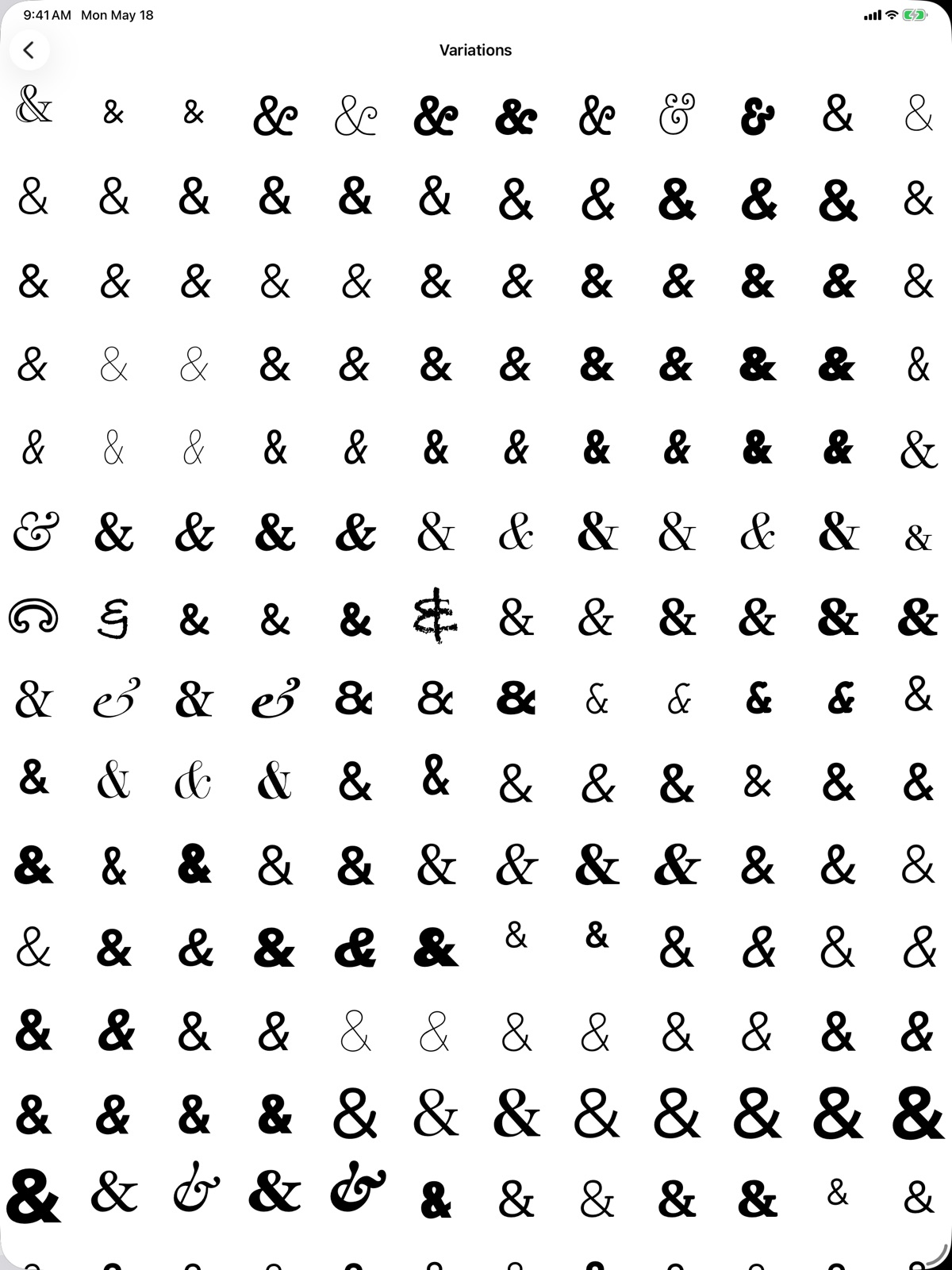
Added a way to view variations of a glyph in all fonts that support it.
-
1.2
- Favorites ticker at the bottom of the main screen. - No more advertising; the app is now a paid app.
-
1.2.1
- Bug Fixes - Adds iCloud support for favorites
-
1.3
Two new features in this version: iOS 7 supports downloadable fonts. The app now lets you download and explore these 283+ fonts. You can now identify the characters in a string. Type or paste in a string and see what glyphs the string is composed of.
-
1.3.1
Bug fixes
-
1.5
Adds iPad support, and the ability to choose a font to use for the Drafts editor.
-
1.5.1
Fixes a bug in the iPad app that could crash when tapping Share. Sorry about that!
-
1.5.2
Fixes a bug with the Variations view showing an additional incorrect character alongside every character.
-
1.5.3
Update for new iOS device sizes.
-
1.5.4
Fixes a crash when you type into the character search field. Sorry for the long period without updates - I know many people have been using the app for working with their design software, and I want to make the app work better for that, but making it stable comes first. Thanks!
-
1.5.5
Adds the ability to export a glyph as a PDF, so that it's easier to bring in to other software in a format that preserves the original font.
-
1.5.6
Fixes a crash when scrolling some fonts. Sorry about that!
-
1.5.7
Fixes a crash that occurs on iOS 13 when entering the glyph search view.
-
1.6.1
Some bug fixes and one small improvement: Returning to the font list no longer resets your position in the list.
-
1.7
Adds support for Dark Mode on iOS 13, fixes an issue where fonts that started with lower-case letters were sorted to the bottom of the font list, and now when you copy a glyph to the pasteboard, a rich text version of it is included as well so it should paste with the correct font into apps that support it.
-
1.7.1
Restores the Append to Draft functionality, which broke in a recent update. Sorry about that!
-
1.8
Now uses the system font picker, so that installed custom fonts are available on iOS 14.
-
1.8.1
Adds "Copy" to the menu for a glyph that copies it as rich text including the font. Also adds "Copy Text with Font" to the draft editor.
-
1.9
Adds support for dark mode, and the ability to search the font and glyph lists. Fixes a number of bugs.
-
1.9.2
· 20 May 2026
Adds search to the main screen, and additional data to the Glyph Details page.
Availability by market
- US
Data quality & evidence
- Page completeness
- Live store listing
- Last verified
- 31 Jul 2026
- Sources
- App Store
- Independent summary has not been published yet.