
Quick verdict
- What it is
- Store information collected; independent summary not yet available.
- At a glance
-
- Free to download
Categories and search queries
Official categories
- Business
- Utilities
AppCorpus categories
Key functions
| Function | Availability | Access | Scope | Evidence |
|---|---|---|---|---|
| Free app | Yes | Free | — | Store published |
Screens
App Store
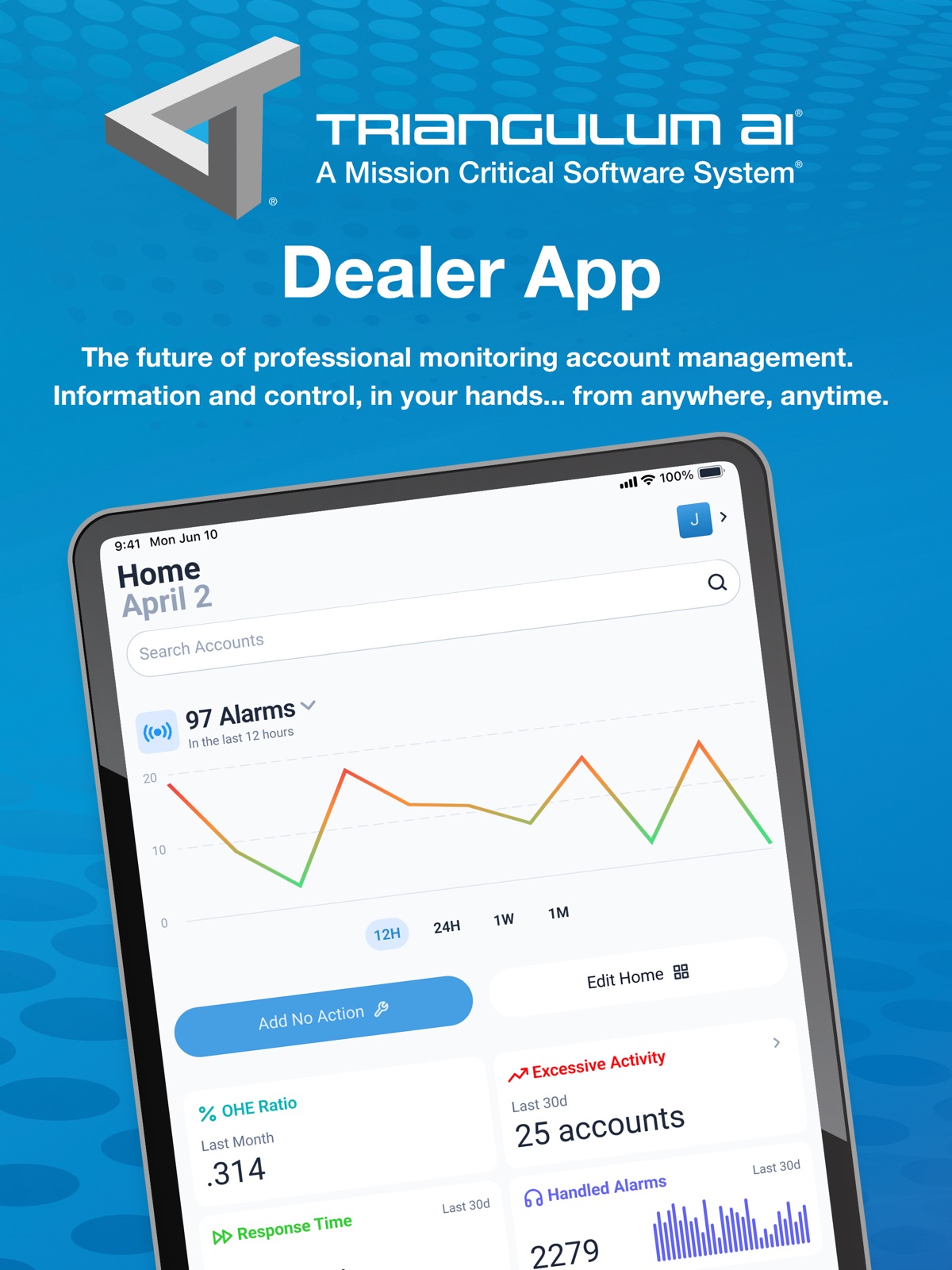
10 store screenshots


Pricing & paywalls
App Store
- Free
Ratings & reviews
App Store
No store reviews collected for App Store · US
Privacy & accessibility
App Store
Privacy
- Data Not Collected Developer declared
Accessibility
- Dark Interface — SUPPORTED Store published
- Larger Text — SUPPORTED Store published
Versions
App Store
- 1.0.0
-
1.0.1
Miscellaneous bug fixes and improvements
-
1.10.1
* Better tablet support for analytics and reporting * Smoother No Action workflows * Cleaner maps with cancelled accounts removed * Improved loading feedback for nearby account views * Visual polish and reliability updates
-
1.11.0
- New and improved navigation bar experience - Map enhancements - Various UI and UX improvements - Bug fixes
-
1.12.0
What’s New – TRM Mobile v1.12 • Add comments when removing No Action • New Documents & Certificates page • Improved zone descriptions across alarms & signals • Support for video, audio, and associated URLs in history • Alarm Details now shows TRM comments • More accurate No Action routing and formatting • Search respects Out‑of‑Service filter
-
1.13.0
Improved No Action workflows, added Username to Alarm & Signal Details, enhanced biometrics behavior, better Dark Mode navigation, cleaner message layouts, and more accurate push notifications. Includes fixes for alarm indicators, scroll issues, recent accounts, and overall stability.
-
1.1.4
- Enhanced home dashboard Metric tiles for management - Ability to add and edit phone numbers and emails inside an account - Various enhancements and UI improvements
-
1.2.1
This release contains new tiles for account management to view and address high activity accounts. There are also now app update notifications within the user settings page. Outside of the new features, there are various enhancements to the user experience to further refine the overall experience across the app, and various minor bug fixes for stability.
-
1.3.6
What’s New Explore on Home – Quickly search for accounts directly from the new Explore section within Search. Pull-to-Refresh – Swipe down on Home to instantly grab the latest data on demand. Enhanced Feedback – Fresh in-app feedback options make it easier to share your thoughts (and help us keep improving). Performance & Reliability – Under-the-hood optimizations, smarter error handling, and assorted bug fixes for a smoother overall experience.
-
1.4.4
Zone Test Utility: When placing a site on test, check out our new Zone Test Utility! Now, when you're on location setting up an account, you can use the utility to confirm all of your zones are communicating properly to the central station, in near real-time. If an unidentified zone comes in, add it easily to the zone list with the tap of a button. Once you end the site test, easily export the results for documentation. SSO Login: SSO was recently launched for our desktop application, and now, you can enjoy the same ease of use and security with TRM Mobile. Place an Account In/Out of Service: Now, you can easily place an existing account in service to activate, or take it out of service if canceled, right from account overview page in the app! Other Notable Feature Enhancements: - Timestamp for Signal Details: Now, when diving into signal history on accounts, you can see the detailed time stamp of the signal in the signal details screen when tapping on any signal. - No Action Countdowns: Now, for better visibility, any account that is on test for under 24hrs will display a true countdown in the counter to provide a better visual. - Include Out of Service Accounts by Default: To make searching for accounts easier, we have not enabled this parameter by default in account settings. Account searches will now include all OOS accounts. This can still be toggled off as a preference in account settings.
-
1.6.0
This release is a minor release that contains various enhancements and bug fixes that cover, but are not limited to: - Custom no action enhancements - Fixes for SSO login and MFA
-
1.7.0
This release contains minor bug fixes and useability updates for core features such as no actions, login, and search.
-
1.9.0
Release Notes (v.1.9.0) We’ve made some exciting updates and enhancements to improve your experience: - Add NA Button Fix – The “Add NA” button now appears consistently, even when viewing accounts via secondary panels. - Average Response Time Page – View historical response times over the last 11 months with clear visual trends. - Handled Alarms Page – Explore handled alarms history with monthly summaries and trend charts. - OHE Ratio Page – Track 11 months of OHE Ratio data, including handled events and account metrics. - Add Comment to No Action – You can now include comments when placing a No Action using a new component. - Signal & Alarm Details Update – Data has been reorganized for improved clarity and alignment with updated portal design. - Call Recordings Playback – Listen to operator call recordings directly within Signal or Alarm Details. - Dealer Feedback Drill Down – Tap on activity graphs to jump straight to related alarm and signal pages for faster insights.
-
2.0.4
Version 2.0.4 We’ve made improvements to help ensure a smoother, more reliable experience. What’s New - Improved Single Sign-On (SSO) reliability for easier access - Updated Slide to Confirm interaction with refreshed visuals - Improved zone setup behavior - Fixed issues with No Action detail, alarms, and navigation - Resolved UI inconsistencies affecting select layouts - General performance improvements and stability fixes
-
2.1.0
· 10 Jul 2026
Version 2.1.0 We’ve made improvements to help ensure a smoother, more reliable experience. What’s New - Improved settings page layout and controls - Updated visuals in no action details - Improved error handling - General performance improvements and stability fixes
Availability by market
- US
Data quality & evidence
- Page completeness
- Live store listing
- Last verified
- 5 Aug 2026
- Sources
- App Store
- Independent summary has not been published yet.