
Quick verdict
- What it is
- Store information collected; an Apoku editorial summary is not yet published.
- At a glance
-
- Free to download
- In-app purchases
Categories and search queries
Official categories
- Photo & Video
- Productivity
Apoku categories
Key functions
| Function | Availability | Access | Scope | Evidence |
|---|---|---|---|---|
| Free app | Yes | Free | Context-specific | Store published |
| In-app purchases | Yes | Limited free | Context-specific | Store published |
Screens
App Store
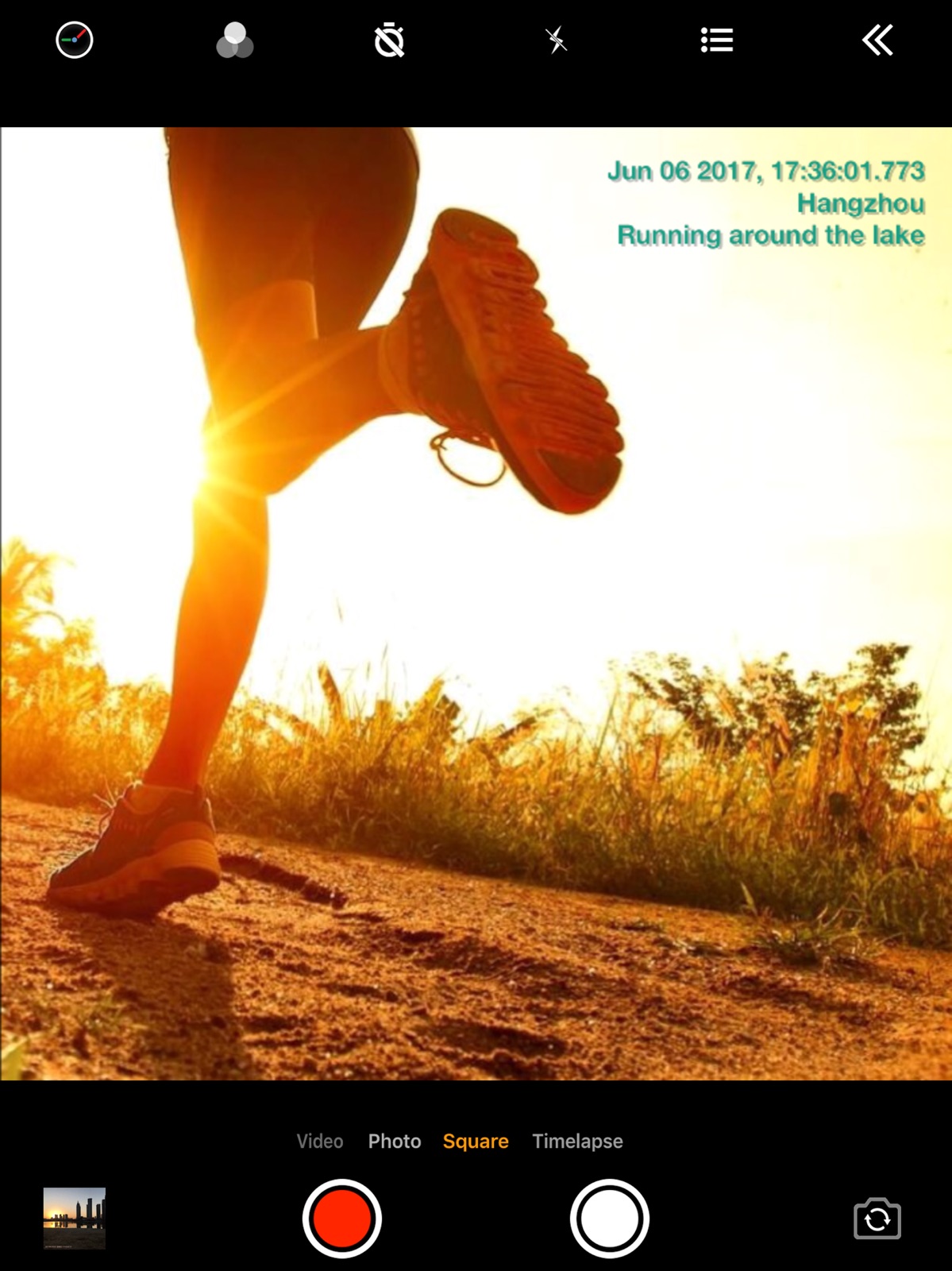
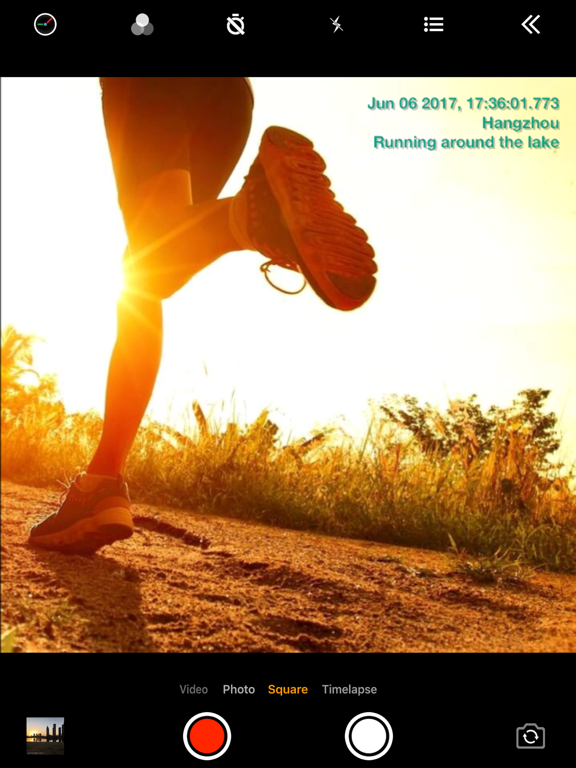
23 store screenshots


Pricing & paywalls
App Store
- Upgrade to pro version — $4.99
Ratings & reviews
App Store
-
5/5I really find this app as a life saver!!
I work as a rehab tech at a veterinary hospital. We do rehab exercises, laser therapy, and we use an underwater treadmill. We HAVE to take short 15-20 second treadmill videos for the Dr to see because she’s not inside the rehab facility 24/7. But I ALWAYS forget to place my videos on the patients file. This app not only saves the video in a separate album on my phone, I also added our clinics logo, as well as muting any video we take, AND the time and date it was taken. It makes it look extremely professional and proper. NOW, the only thing I would recommend in the future is for there to be an option that whenever I take a photo or video if I could give me the option to change the file name right after I take it. This would save me from rewatching every video to know what patient it is! So whenever you record and then end the recording it will be a little pop up asking to name the file-with the addition of automatically adding the date. This would save so much time. I really appreciate the app though, genius!
bel.1616 · 29 Sep 2026
-
5/5Almost but needs a little more
Nice app. Easy to use. One button clicking to take picture and save to picture roll. Other apps take 2-3 clicks which takes too much time. This app needs to have a custom text line so we can add the name of a site or project. That would help for work. Also needs to allow orange text on time stamp. Orange stands out from most backgrounds. Add those 2 items and it will get 5 stars. Update: They added different text colors but you have to pay for them. They added the customized text. Bonus: they added a map feature which is awesome. 5 stars from me. Very useful app. Update: App works great. I would like to see the panoramic photo added.
Nottaken12345 · 29 Sep 2026
-
2/5Don’t buy yet
This app is nice mostly because of the fact that you can flip between the front and back camera while recording which the regular iPhone camera can’t do. But as of right now, it has a couple of deal break issues. One being that there is constant background nice, specifically white noise, in every video. When I use my regular camera, Snapchat or instagram cameras there is no background noise. But when you use this app their is and there is nothing I can do about it. The other issue is that Bluetooth earbuds do not work while using the app. Meaning if you are outdoors and want to use a mic to blockout background noise you won’t be able to. Between constant background noise and microphones and earbuds not working while using the app makes this app a bit useless. Especially since the editing aspect of this app basically does not exist as it has very minimal options. For editing all you can do is write on pictures. But nothing else can be done to pictures and videos cannot be edited at all. Unfortunately the app is a little useless right now.
JECS11 · 29 Sep 2026
-
3/5Inaccurate addresses
I work in the gig economy and use this app to record pictures of my deliveries with address and time of delivery. About 40% of the time the address is incorrect. When that happens I close the app and re-open it. About half of that time, the correct address will display in the photo. The issue is the other half retains the incorrect address. It frustrates me but I cannot record reliably what I need. Otherwise, this app has been very useful. I am able to include a pay address which is beneficial in receiving some tips. Overall, a three star rating and if they could get the GPS working properly to record correct addresses all the time, I would give this app a five star rating. Recently, I take a picture within the timestamp app and can see it on my phone, but when I go to my gallery it is not there. This is a new occurrence in the last couple weeks. Hoping it is a short-lived glitch. Otherwise, I still really appreciate this out!
shiptingmamab · 29 Sep 2026
-
4/5Improved customer service
Update: The developer has since contacted me to tell me they are adding the camera selection for the iPhone 11. With this contact I have bumped my rating from 2 to 4 since the cust svc was the main issue I’d had. Once I see the update I may bump to a 5! Original post: While the app is helpful due to its ability to stamp AND greatly reduce file size, I recently encountered a deficiency for iPhone 11. The App does not allow the 11 to select between the 2 cameras. I contacted cust svc about this and after several email messages, I was told only the 11 pro and 11 pro Max allowed camera selection, and you need 3 cameras to allow for switching cams. This is crazy! Every other camera app I’ve seen provides switching between the 11’s 2 cameras! Not only was I disappointed with the response, but the message came across as rude. I wish I could get my money back.
StriKingOne · 29 Sep 2026
Privacy & accessibility
App Store
Privacy
- Data Linked to You — Third-Party Advertising — Identifiers — Device ID Developer declared
- Data Linked to You — Third-Party Advertising — Usage Data — Advertising Data Developer declared
- Data Linked to You — Third-Party Advertising — Usage Data — Product Interaction Developer declared
- Data Linked to You — Identifiers Developer declared
- Data Linked to You — Usage Data Developer declared
- Data Not Linked to You — Third-Party Advertising — Diagnostics — Crash Data Developer declared
- Data Not Linked to You — Third-Party Advertising — Location — Coarse Location Developer declared
- Data Not Linked to You — Diagnostics Developer declared
- Data Not Linked to You — Location Developer declared
- Data Used to Track You — Diagnostics — Crash Data Developer declared
- Data Used to Track You — Diagnostics Developer declared
- Data Used to Track You — Identifiers — Device ID Developer declared
- Data Used to Track You — Identifiers Developer declared
- Data Used to Track You — Location — Coarse Location Developer declared
- Data Used to Track You — Location Developer declared
- Data Used to Track You — Usage Data — Advertising Data Developer declared
- Data Used to Track You — Usage Data — Product Interaction Developer declared
- Data Used to Track You — Usage Data Developer declared
Accessibility
No accessibility labels collected yet.
Versions
App Store
-
1.111
• Fix "App crashes when a call is incoming"
-
1.112
• Optimization of optical zoom • Fix bug of "restore settings" • Fix duplicate of font
-
1.116
• Support adding font stroke • Bug fixes
-
1.117
- Bug fixes
-
1.118
• UI improvements
-
1.119
- The front camera support 4k video (above iPhone12) - UI improvements
-
1.121
- Bug fixes
-
1.122
- Bug fixes
-
1.123
- Fixed "camera preview freezes after taking photo on iPhone15"
-
1.125
• Add feature of stopwatch • Bug fixes
-
1.126
• Bug fixes
-
1.128
• Support “Import custom text list from .txt file” • Support “Import tags from txt file” • Support “Auto take photo every interval” • Map Appearance supports “Dark mode” and “Light mode” • Camera orientation supports "Horizontal Left" • Add several file name formats • Support “Touch the screen to take photo” • Bug fixes
-
1.129
• Bug fixes
-
1.130
• Add several file name formats • Bug fixes
-
1.131
• Bug fixes
-
1.132
- Support for taking photos, zooming, and adjusting brightness using the Camera Button (requires iPhone 16 or later) - Optimized for iPad windowed mode - Support for recording videos while connected to CarPlay (requires iOS 18 or later) - Support for playing background music while recording (requires iOS 18 or later) - Support for displaying horizon lines - Support for recording 4K, 60fps videos on iPhone 17 and some iPads - UI and performance optimizations - Bug fixes
-
1.135
- Support for taking photos, zooming, and adjusting brightness using the Camera Button (requires iPhone 16 or later) - Optimized for iPad windowed mode - Support for recording videos while connected to CarPlay (requires iOS 18 or later) - Support for playing background music while recording (requires iOS 18 or later) - Support for displaying horizon lines - Support for recording 4K, 60fps videos on iPhone 17 and some iPads - UI and performance optimizations - Bug fixes
-
1.136
- Move the photo and video buttons from the bottom to the right on the iPad
-
1.137
- Fix the black screen issue in video mode on iPhone 17 - Fix font size error issue when using 4K 60fps - Optimize the speed of taking photos
-
1.139
- Fix the black screen issue in video mode on iPhone 17 - Fixed the issue "Video Stabilization" sometimes not work
-
1.150
- Files can now be saved when selecting "Add Photos Only" or "Limited Access" permission. - Added support for H.265 codec selection. - Added 720P/25fps and 720P/50fps options. - Optimized altitude data format. - The "load" text now supports two-line display. - Improved accuracy of photo timestamps. - Various UI improvements. - General bug fixes.
-
1.151
- Bug fixes.
-
1.152
- Fixed the issue of "audio and video not synchronized when switching cameras multiple times during recording" - Fix the issue of "incorrect zoom factor display of front camera on certain devices" - Fix other issues
-
1.155
- Fixed the issue of "UI error when mirroring to other displays" - Fixed the issue of "the address not updating promptly upon re-entering the app" - Fix other issues
-
1.156
· 13 Apr 2026
- UI improvements
-
1.157
‑ Fixed an issue where image metadata was missing on iOS 26.6.1 ‑ Fixed black thumbnail issue when sharing videos ‑ Support placing logo at top‑center and bottom‑center positions
-
1.158
· 27 Aug 2026
1.158 ‑ Fixed the 3303 error that occurred when saving images in version 1.157 1.157 ‑ Fixed an issue where image metadata was missing on iOS 26.6.1 ‑ Fixed black thumbnail issue when sharing videos ‑ Support placing logo at top‑center and bottom‑center positions
Alternatives
- Timestamp Camera: Time stamp — Same category + similar ratings
- Timestamp Camera -AI Timestamp — Same category + similar ratings
- Timemark: Photo Proof for Work — Same category + similar ratings
- Timestamp Camera: Photo GPS — Same category + similar ratings
- Timestamp Camera Basic. — Same category + similar ratings
- Timestamp Camera: Photo&Video — Same category + similar ratings
Availability by market
- US
Data quality & evidence
- Page completeness
- Live store listing
- Last verified
- 29 Sep 2026
- Sources
- App Store
- Apoku editorial summary has not been published yet.