
Quick verdict
- What it is
- Store information collected; an Apoku editorial summary is not yet published.
- At a glance
-
- From $0.83/mo
- Free to download
- In-app purchases
Categories and search queries
Official categories
- Utilities
- Productivity
Apoku categories
Key functions
| Function | Availability | Access | Scope | Evidence |
|---|---|---|---|---|
| Free app | Yes | Free | Context-specific | Store published |
| In-app purchases | Yes | Limited free | Context-specific | Store published |
Screens
App Store
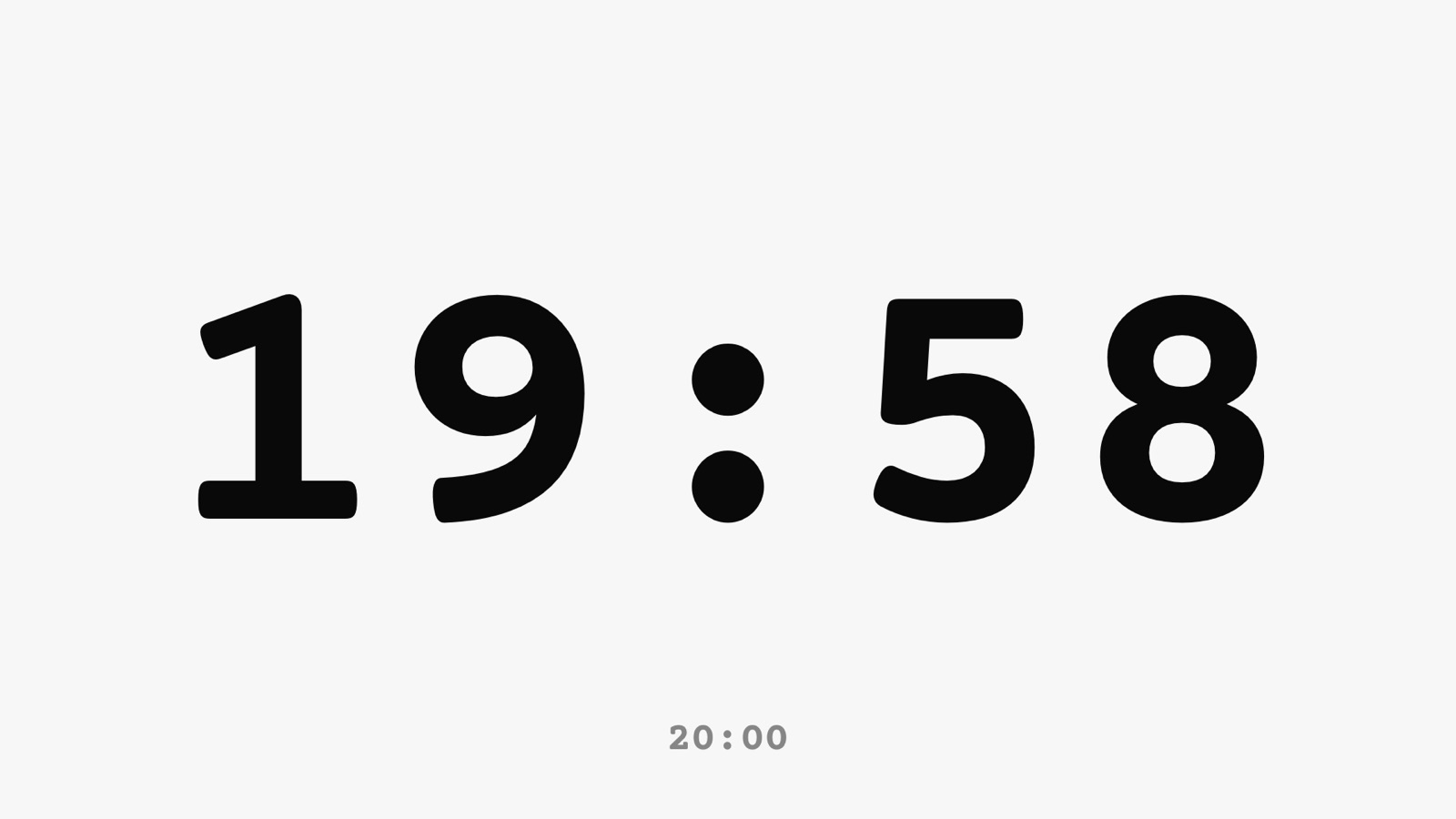
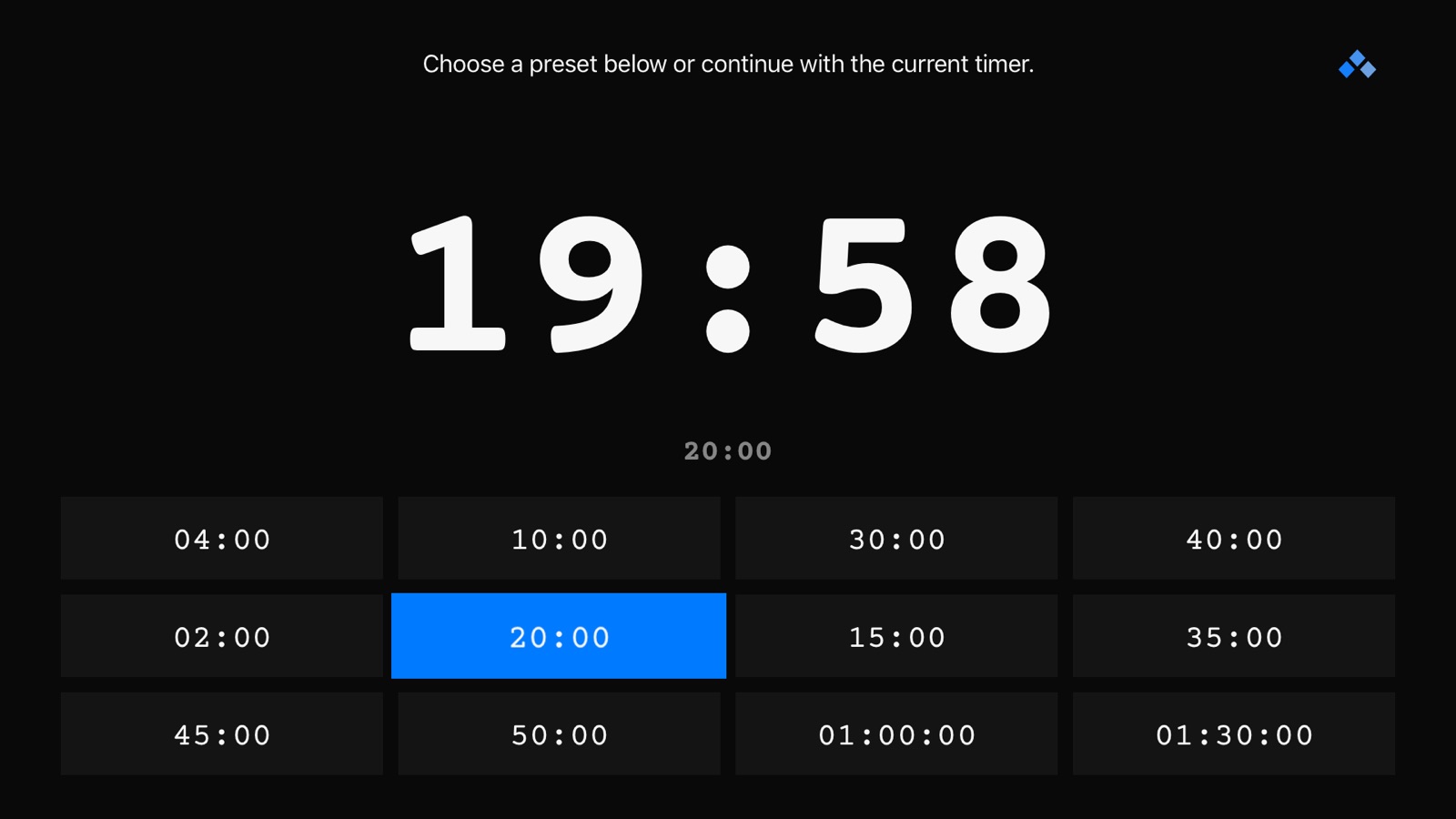
35 store screenshots


Pricing & paywalls
App Store
- Monthly Access — $0.99/month
- Monthly Access — $9.99/year ($0.83/mo)
- Lifetime Unlock — $29.99
Ratings & reviews
App Store
-
5/5Uncomplicated, elegant and powerful
I must have evaluated over 20 different countdown clock solutions for use in a pitch competition. If you need a combination of simple, elegant, powerful AND capable of supporting remote control (in my case, showing countdown on an onstage iPad but controlling it from an offstage iPhone), then this is your baby! Had some trouble initially getting the devices to connect, that issue mysteriously disappeared. One ask is that you allow user to control countdown clock font (offer a few choices without serifs) and change color. Bottomline: super app that’s well worth the $9.99 price tag 🎉
KY Bozo · 6 Aug 2026
-
3/5Range and customisation
I’ve been looking for such app to better time manage during a show/event. I have used this app for last 3-4 years. The two suggestions for improvements that I’ve like to give is on their range and their customisation of reminder for time remaining. I wish the range was better. Currently the range is limited to < 5 ft. I’ve kept devices on both same WiFi and in discoverable mode. But as soon as this distance (range) increases the connection gets lost and I have to move really close to get it back in connected device list. Hence, I feel like if the developer had any idea on how to improve this range, it would really help because staying within 5 ft of speaker/presenter is not realistic. Lastly, I think if we had liberty to change the reminder intervals. Currently it has pre-fixed reminder intervals.
Hostin1 · 6 Aug 2026
-
5/5Kept My Conference on Schedule
I put on a tech conference and was looking for a timing app I could use to help my speakers understand how much time they had left in their talk. I found Fin Timer on the App Store and this app killed it. I was able to put my iPad Pro up on the stage for the speakers to see. I was then able to easily control the iPad Pro using my iPhone to start and stop the timer and adjust it as needed. Having the ability to control the app remotely was huge. It made the whole thing feel very professional and gave me a lot of piece of mind. It all just worked. Presets were wonderful so I could easily switch between times and warning screens based on the length of the time slot. Highly recommend and would use in my future conferences and personal talks I give.
Janiv · 6 Aug 2026
-
2/5Almost great for Apple TV
This app is great for what it’s supposed to do. The minimal design and easy to use interface make it great. Universal app across all iOS and tvOS is a great value. However, there is a showstopping glitch on Apple TV 4K. It works fine when you run a timer from the presets screen. When you click on the timer to get full screen though, the “Menu” and “Play” buttons are disabled!!! This is terrible because the only way to get that functionality back is by force quitting the app. It will work fine as long as you run it in the presets screen, so it is usable. Obviously though, losing the functionality for full screen mode is a major glitch. This is probably the cleanest, easiest to use timer app, so I will keep using it in spite of the glitch for now. I really encourage the dev to take a look at functionality on Apple TV though since the app store shows it is on version 1.3 from Dec 17, 2018. Looks like it’s time for a quick debug and pushing it up to v1.4.
mario-gg · 6 Aug 2026
-
5/5Helps give great pacing to your talks
I recently gave a talk and was the last speaker. Each person went way over their time which made my talk go well into the time past the event’s end time. I wish more people used Fin to keep their talks on track. I found it useful to keep my talk flowing as I practiced, using the change of color to signify when I should be in the next section of my talk. This app will help you give more professional talks.
apulianas · 6 Aug 2026
Privacy & accessibility
App Store
Privacy
- Data Not Collected Developer declared
Accessibility
No accessibility labels collected yet.
Versions
App Store
-
3.0.1
Improvements to Accessibility features. Fixed bug that could repeat first launch tutorial in some circumstances. Other small bug fixes. If you enjoy using Fin, please consider rating it. Ratings really help small developers keep improving apps. Thanks.
-
4.0
• Remote Control: • Two or more iOS devices running Fin can now be linked, so they display the timer simultaneously and stay in sync (Not available on TV version) • Start, pause, add or subtract time, reset, or do whatever you like on one device, and the other linked devices will do the same • Control a remote session including your phone with your watch • Background notifications now include warning times as well as final timer end, if desired. Check settings panel to adjust which warnings trigger background notifications • Improvements to Apple Watch • Local notifications: The watch will now send you a “tap” on the wrist when your warning times pass, even when Fin is active on your phone screen • Control which notifications get sent in the settings panel on your phone • Improved performance and connectivity between watch and phone • Refinements to iPad layout • Fixed issue with TV version settings screen layout • Other improvements and fixes • Improved internal infrastructure throughout the app, for a smoother experience If you are enjoying using Fin, leaving a review in the app store really helps me continue to add new features. And letting a friend know about the app is immensely appreciated. Thanks.
-
4.1
Version 4.1 • Alternative icons! Now you can choose from an assortment of icons to show on your home screen. • Support for Dynamic Type. In many places throughout the app, your text will now resize according to your preferred text setting in the Settings app. • Support for the latest version of iOS • Support for the latest devices • Other improvements and fixes If you are enjoying using Fin, leaving a review in the app store really helps me continue to add new features. And letting a friend know about the app is immensely appreciated. Thanks.
-
4.2
• Fixed issue where end timer sounds would play, even when play sounds was turned off. • Adjusted dark theme slightly for better viewing and improved battery life on newest screens. • Other improvements and fixes If you are enjoying Fin, I do appreciate a review. It really helps. Thanks.
-
4.3
• Remote messages: Send a text alert message that will appear full-screen on other remote-connected devices. Perfect for alerting performers of important announcements. • Improved user flow for end message text: When your timer ends, you can decide on a short message that appears on screen. Fin will now remember the last five messages you have used, so you can access any of them quickly. • Fixed an issue with dropdown alerts on newer iPhones • Fixed issues with colors • Other fixes and enhancements If you are enjoying using Fin, a rating would be appreciated. Thank you.
-
4.4
• Fixed link to reviews on the settings page. • Improved VoiceOver support • Improved performance on the Apple Watch If you are enjoying Fin, a rating or review would be greatly appreciated. Thanks.
-
4.5
Version 4.5 • Reorder your presets! From your list of presets, tap Edit, then drag any preset to a different position in the list. • Improved Watch reliability and performance. If you are enjoying using Fin, leaving a review in the app store really helps me continue to add new features. And letting a friend know about the app is immensely appreciated. Thanks.
-
4.6
• New Gesture: Swipe and hold. Swipe up or down and hold your finger on the screen, and time will be continually added or subtracted respectively, until you let go. • Haptic feedback added for many gestures. • Three new alternate icons. • Other minor adjustments and improvements. If you are enjoying using Fin, leaving a review in the app store really helps me continue to add new features. And letting a friend know about the app is immensely appreciated. Thanks.
-
4.7
• When a timer ends, the overtime count can now be presented much larger and in the center of the screen. (For those who have been requesting that overtime to be more prominent—though I still don’t recommend this for most users, as it may confuse the presenter. • Choose from one of twelve end animation colors, to make the ending of the timer that much more visually obvious. Or let Fin choose a color at random. • Fin will now attempt to reconnect to any connected remote device(s) when you bring the app back to the foreground. • Fixed a visual glitch with some icons in the app not being the appropriate color • Other minor adjustments and improvements.
-
4.7.1
• Updated for compatibility with the latest software and hardware. • Other minor adjustments and improvements.
-
4.7.2
Restored compatibility with older watch models.
-
4.8.0
Updated for compatibility with the latest hardware and software. Other minor fixes and improvements. If you are enjoying Fin, a rating is always appreciated. Thanks.
-
4.8.1
• Added some new end timer colors. • Other various bux fixes and improvements.
-
5.0
• Siri Shortcuts. You can now set a Siri Shortcut phrase for any of your presets, so you can trigger a timer using only your voice. • By default, presets triggered via Siri will automatically start counting down after launching. If you wish to change this autostart behavior, you can turn it off in settings. • Apple Watch complications - you can now set a quick launch to Fin from your favorite watch faces by turning on the Fin watch complication. • Other small visual updates and improvements.
-
5.0.1
• A quick fix for issues with saving changes to presets. If you like Fin, I'd really appreciate a rating or review. Thanks.
-
6.0
• New Automatic Theme. Select Automatic Theme in settings to automatically adopt the system theme. • Other improvements for the latest system releases. If you are enjoying Fin, a review or rating always helps. Thanks.
-
6.1
New Display Mode! - Now you can hide the timer and just show the different background warning colors. Choose to show the time always, never, or just during the warning times. Bug fixes: • Fixed watch app crash in newer operating system versions. • Fixed issue with scrolling presets on watch. • Fixed issue with theme switcher on watch when in auto theme. • Other cosmetic improvements. As always, if you enjoy using Fin, a rating or review is much appreciated.
-
6.2
New Display mode: Current time. If you'd prefer to see the current time in your center display as you are practicing/performing, now you can. Other small enhancements and bug fixes. If you like using Fin, a rating or review is always appreciated. Thanks.
-
6.3
This is a quick compatibility update to fix some issues with newer devices. If you enjoy using Fin, please consider leaving a rating or review. It really helps. Thanks.
-
6.4
This is a critical bug fix update to fix remote control not working for some users. If you enjoy using Fin, please consider leaving a rating or review. It really helps. Thanks.
-
7.0.1
With the release of Fin 7.0, I've completely reimagined the app to provide a seamless, intuitive experience with some powerful new features designed to make managing your time easy and efficient. - Manage multiple tasks effortlessly with multiple timers at once. Whether juggling one task or four, You can easily handle them with multi-timer layouts. - The new list view feature keeps you organized by displaying all current timers in one place. - Need a timer on the fly? Just speak the time, and Fin spontaneously creates it for you. - With shortcut support, you can set up new timers or modify existing ones with a simple tap, saving precious time. - LiveActivities now keep you informed with time remaining displayed right on the Home Screen. - Set unlimited templates and warnings with custom colors, giving you the power to personalize. - Whether on Mac or Vision Pro, Fin seamlessly supports your devices, bringing consistent functionality across all platforms. - The freshly designed Apple Watch app now stands alone by allowing it to run its own timers independently or control the phone timer remotely. For those who purchased Fin previously, I'm excited to offer all classic features for free as a heartfelt thank you for your loyalty. New features are available through a Fin Pro subscription or a one-time unlock option. Creating Fin is my passion, and I thrive on the feedback from users like you. If you enjoy using Fin, leaving a rating would mean the world to me.
-
7.0.2
This version fixes a few minor issues that came up from the big launch of 7.0. It also adds localizations for several new languages. Thanks as always for reporting issues so I can fix them promptly. In case you missed it from 7.0: With the release of Fin 7.0, I've completely reimagined the app to provide a seamless, intuitive experience with some powerful new features designed to make managing your time easy and efficient. - Manage multiple tasks effortlessly with multiple timers at once. Whether juggling one task or four, You can easily handle them with multi-timer layouts. - The new list view feature keeps you organized by displaying all current timers in one place. - Need a timer on the fly? Just speak the time, and Fin spontaneously creates it for you. - With shortcut support, you can set up new timers or modify existing ones with a simple tap, saving precious time. - LiveActivities now keep you informed with time remaining displayed right on the Home Screen. - Set unlimited templates and warnings with custom colors, giving you the power to personalize. - Whether on Mac or Vision Pro, Fin seamlessly supports your devices, bringing consistent functionality across all platforms. - The freshly designed Apple Watch app now stands alone by allowing it to run its own timers independently or control the phone timer remotely. For those who purchased Fin previously, I'm excited to offer all classic features for free as a heartfelt thank you for your loyalty. New features are available through a Fin Pro subscription or a one-time unlock option. Creating Fin is my passion, and I thrive on the feedback from users like you. If you enjoy using Fin, leaving a rating would mean the world to me.
-
7.0.3
This update fixes a critical bug with remote control functionality that was affecting some users. If you enjoy using the app, please consider leaving a rating or review. It really helps. Thanks.
-
7.0.4
This version fixes some issues, particularly with animations and for Mac users. If you enjoy using the app, please consider leaving a rating or review. It really helps. Thanks.
-
7.0.5
· 15 Sep 2025
Fixed some bugs and added some polish. If you enjoy using the app, please consider leaving a rating or review. It really helps. Thanks.
Alternatives
- Disco Timer: Visual Countdown — Same category + similar ratings
- Timer® — Same category + similar ratings
- Countdown: Big Timer & Clock — Same category + similar ratings
- LiveTime Viewer — Same category + similar ratings
Availability by market
- US
Data quality & evidence
- Page completeness
- Live store listing
- Last verified
- 6 Aug 2026
- Sources
- App Store
- Apoku editorial summary has not been published yet.