
Quick verdict
- What it is
- Store information collected; independent summary not yet available.
- At a glance
-
- Free to download
- In-app purchases
Categories and search queries
Official categories
- Graphics & Design
- Photo & Video
AppCorpus categories
Key functions
| Function | Availability | Access | Scope | Evidence |
|---|---|---|---|---|
| Free app | Yes | Free | — | Store published |
| In-app purchases | Yes | Limited free | — | Store published |
Screens
App Store
10 store screenshots

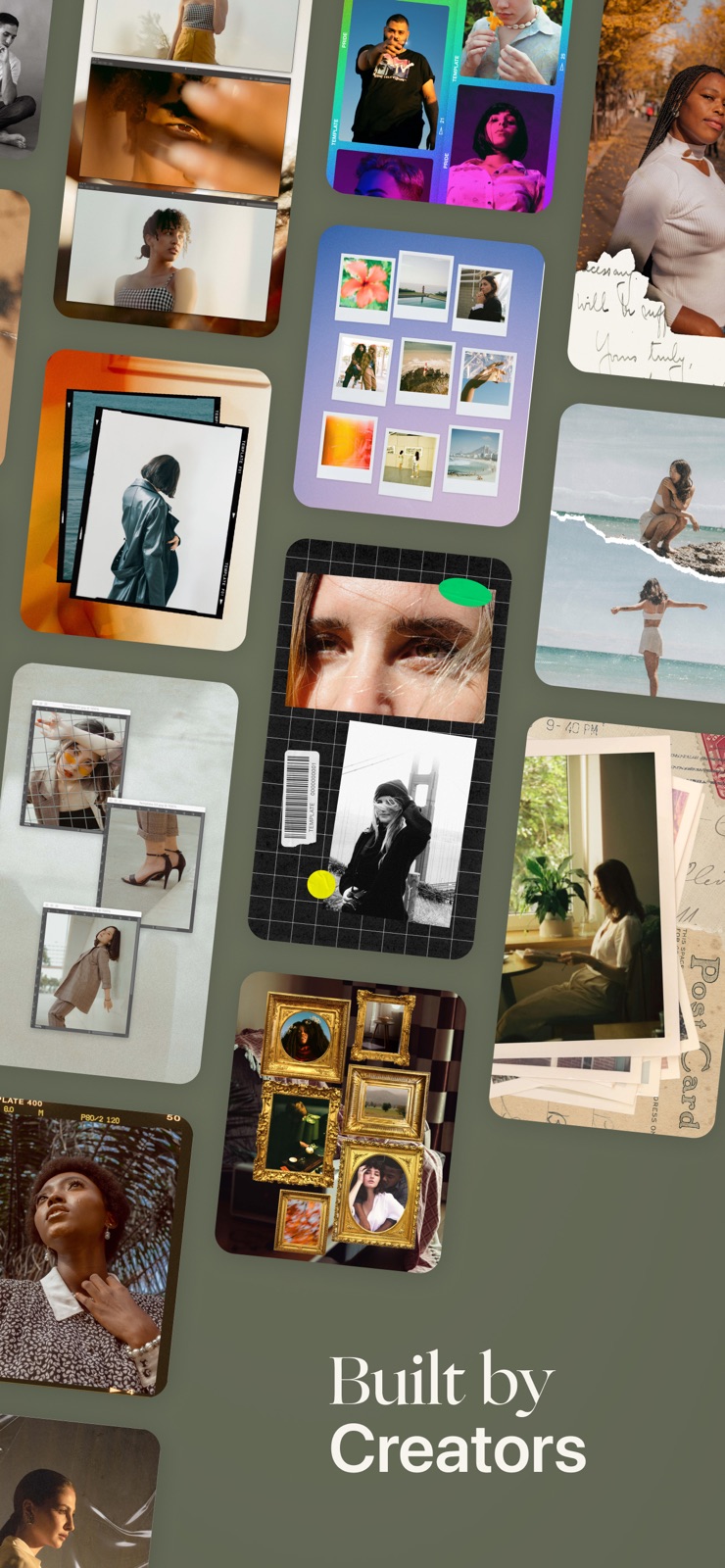


Pricing & paywalls
App Store
- Free to download
- In-app purchases
Ratings & reviews
App Store
-
5/5Just like Unfold but with more templates
The app is new, so there’s still some things I would change. Hopefully the new update fixes a few things but the overall use of the app is fairly easy. I love all of the templates. I don’t feel like I’ll use all of them, but a lot of them are neat. My biggest issue is having to scroll through all of my photos when I want to pick another image. Unfold picks up where you were on your camera roll, template doesn’t and it’s a bit annoying. I love all the cool features within the app though. I feel like Unfold had a missed opportunity to grow the app, and Template hit the ground running.
TerraT88 · 31 Jul 2026
-
4/5Everything Elsie and Emma do is Amazing!
I’ve been using A Color Story exclusively for photo editing for a long while and I’ve been so excited for the Template App to come out to have the complete package for IG creation. Just like ACS - the Template App is incredibly easy and intuitive to use and has so many options for customizing to your style. Great work ladies! Love it! It’s great for a brand new app but I’d suggest a few other edits like being able to change te order of your stories rather than having to delete if you want to put something in a different spot. I’d also love to see their other apps connected - like after I edit a photo or photos in ACS, I’d love to have the option to save and open in template automatically, that way I’m working with a smaller set of photos and don’t have to scroll back through all my photos to find what I want. I’m sure these things are in the pipeline though! Can’t wait to see how these apps evolve!
Layne1027 · 31 Jul 2026
-
3/5It’s a good app but weird UI
For its purpose, making layouts, is really good! But not everything is explained to you right away. There is no “help” or “tutorial” and if there was or is, I cannot find it. To get to different menus you have to single or double click it, it’s trial and error, however this might prompt something completely different then what you wanted. Changing the text font and color can be some what confusing. Like I swear there was a way to put a highlight behind the text but I might be dreaming. Layout categories are somewhat hard to understand and navigate. I wish there was a way to chose layouts based on how many photos you chose, like if you choose 4 photos, it will only show you layouts that can support 4 photos.
bennyDony · 31 Jul 2026
-
5/5Amazing app for creatives (and aspiring creatives)!
I’m super excited about this app! As a heavy IG user, Template app makes it very easy for me to create beautiful stories and feed posts on the go, with the ability to easily customize them to fit my aesthetic. This app is super great for creatives and/or beginners who are looking to up-level their IG and design game. There’s TONS of cool templates to choose from! And unlike other similar apps I've experienced, the templates are thoughtfully-designed, non-clunky and perfect for the modern day user!
JessieRotton · 31 Jul 2026
-
4/5Very diverse
I’ve only been using the app for maybe ten minutes but it seems to be full of diverse designs and fairly intuitive user experience! I love that it has IGS, grid, and slider design options. I am always making social media content for brands and having all of those options in one place is incredible! I also like that they have a yearly and monthly subscription. I hate paying monthly for apps so having a yearly option is great. They also seem to give you a bit more bang for your buck than the other apps I’ve been using. Only time will tell, but at first glance, this app seems like a winner.
mynamewastakensoyougetthis · 31 Jul 2026
Privacy & accessibility
App Store
Privacy
- Data Not Linked to You — Analytics — Diagnostics — Crash Data Developer declared
- Data Not Linked to You — Analytics — Diagnostics — Performance Data Developer declared
- Data Not Linked to You — Analytics — Usage Data — Product Interaction Developer declared
- Data Not Linked to You — Developer’s Advertising or Marketing — Usage Data — Product Interaction Developer declared
- Data Not Linked to You — Diagnostics Developer declared
- Data Not Linked to You — Usage Data Developer declared
Accessibility
No accessibility labels collected yet.
Versions
App Store
-
2.2
New! Filter templates by number of images - If you have a specific number of images that you want to add to a template, select that number from the new menu and the app will only show templates with that number of images - Find the new feature by choosing a template size then accessing it at the top left corner of the menu
-
2.2.1
Minor bug fixes From 2.2: New! Filter templates by number of images - If you have a specific number of images that you want to add to a template, select that number from the new menu and the app will only show templates with that number of images - Find the new feature by choosing a template size then accessing it at the top left corner of the menu
-
2.3
New! Story planner - Create, plan, and schedule your story projects right from Template! - Import your own images or choose from your recent projects - Access the story planner from the home screen or after you save a story project
-
2.3.1
Resolved a couple of bugs with the story planner From 2.3 New! Story planner - Create, plan, and schedule your story projects right from Template! - Import your own images or choose from your recent projects - Access the story planner from the home screen or after you save a story project
-
2.3.2
General bug fixes and optimizations
-
2.3.3
General bug fixes and optimizations
-
2.3.4
General bug fixes and optimizations
-
2.3.5
Minor bug fixes and optimizations
-
2.3.7
General bug fixes and optimizations
-
2.5
Introducing Template Premium! This new subscription offering allows you to customize your templates more than ever before. - Import custom fonts - Create custom colors - Add custom stickers and logos - Unlock unlimited access to the story planner - Access everything from Template Plus including 850+ designs We also updated the menu to make it easier to find your favorite templates!
-
2.5.10
General bug fixes and optimizations
-
2.5.11
General bug fixes and optimizations
-
2.5.12
General bug fixes and optimizations
-
2.5.13
General bug fixes and optimizations
-
2.5.15
General bug fixes and optimizations
-
2.5.16
General bug fixes and optimizations
-
2.5.17
· 20 Sep 2025
Resolved a bug that caused crashing while saving templates.
-
2.5.2
General bug fixes and optimizations
-
2.5.3
General bug fixes and optimizations
-
2.5.4
General app optimizations
-
2.5.5
General bug fixes and optimizations
-
2.5.6
General bug fixes and optimizations
-
2.5.7
General bug fixes and optimizations
-
2.5.8
General bug fixes and optimizations
-
2.5.9
General bug fixes and optimizations
Alternatives
- Storyluxe: Templates & Filters — Same category + similar ratings
Availability by market
- US
Data quality & evidence
- Page completeness
- Live store listing
- Last verified
- 31 Jul 2026
- Sources
- App Store
- Independent summary has not been published yet.