
Quick verdict
- What it is
- Store information collected; an Apoku editorial summary is not yet published.
- At a glance
-
- From $8.25/mo
- Free download · core features require a paid plan
- In-app purchases
Categories and search queries
Official categories
- Productivity
- Education
Apoku categories
Key functions
| Function | Availability | Access | Scope | Evidence |
|---|---|---|---|---|
| Free app | Yes | Free | Context-specific | Store published |
| In-app purchases | Yes | Limited free | Context-specific | Store published |
| Subscription | Yes | Paid | Context-specific | Store published |
Screens
App Store
21 store screenshots
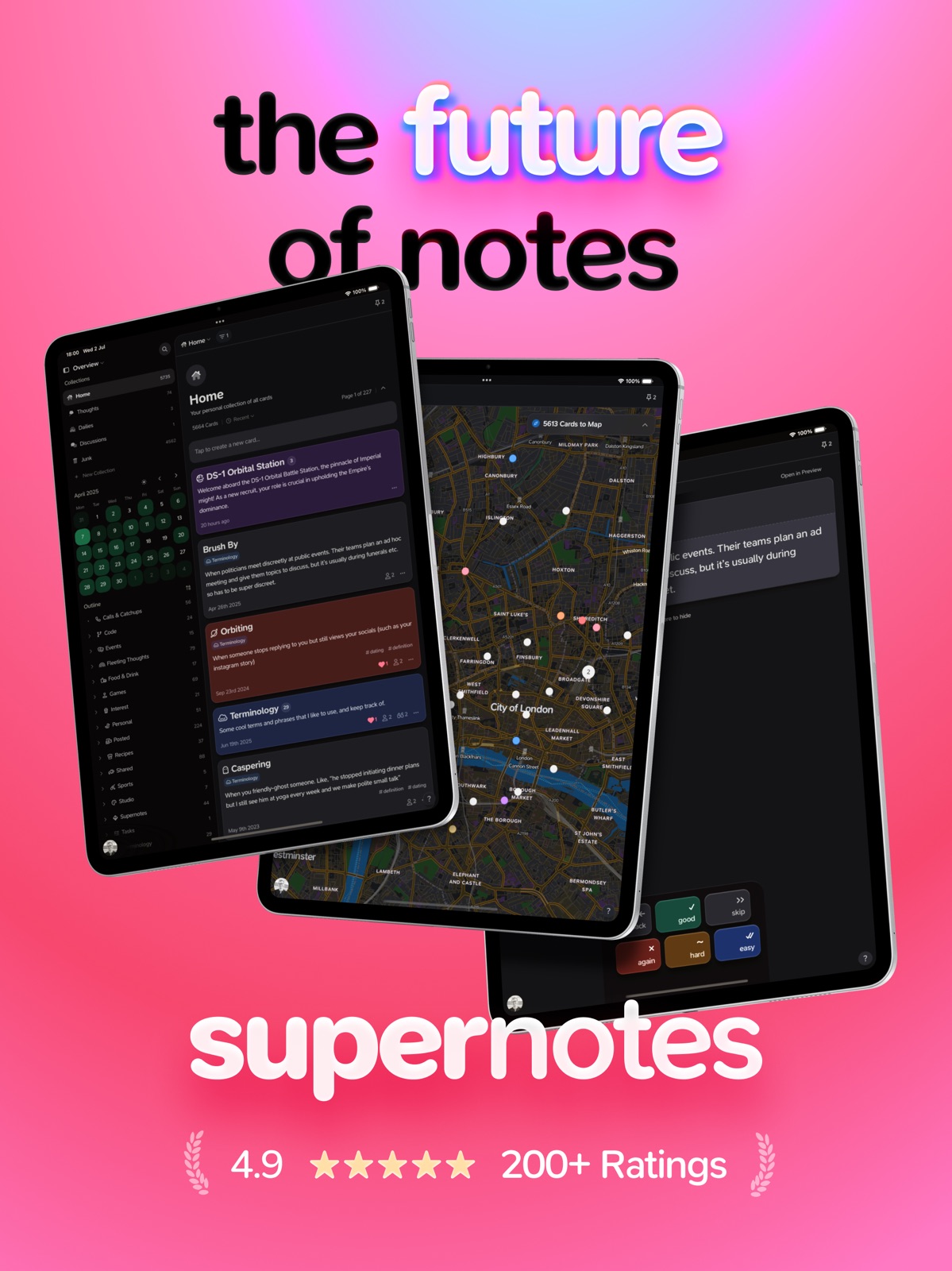
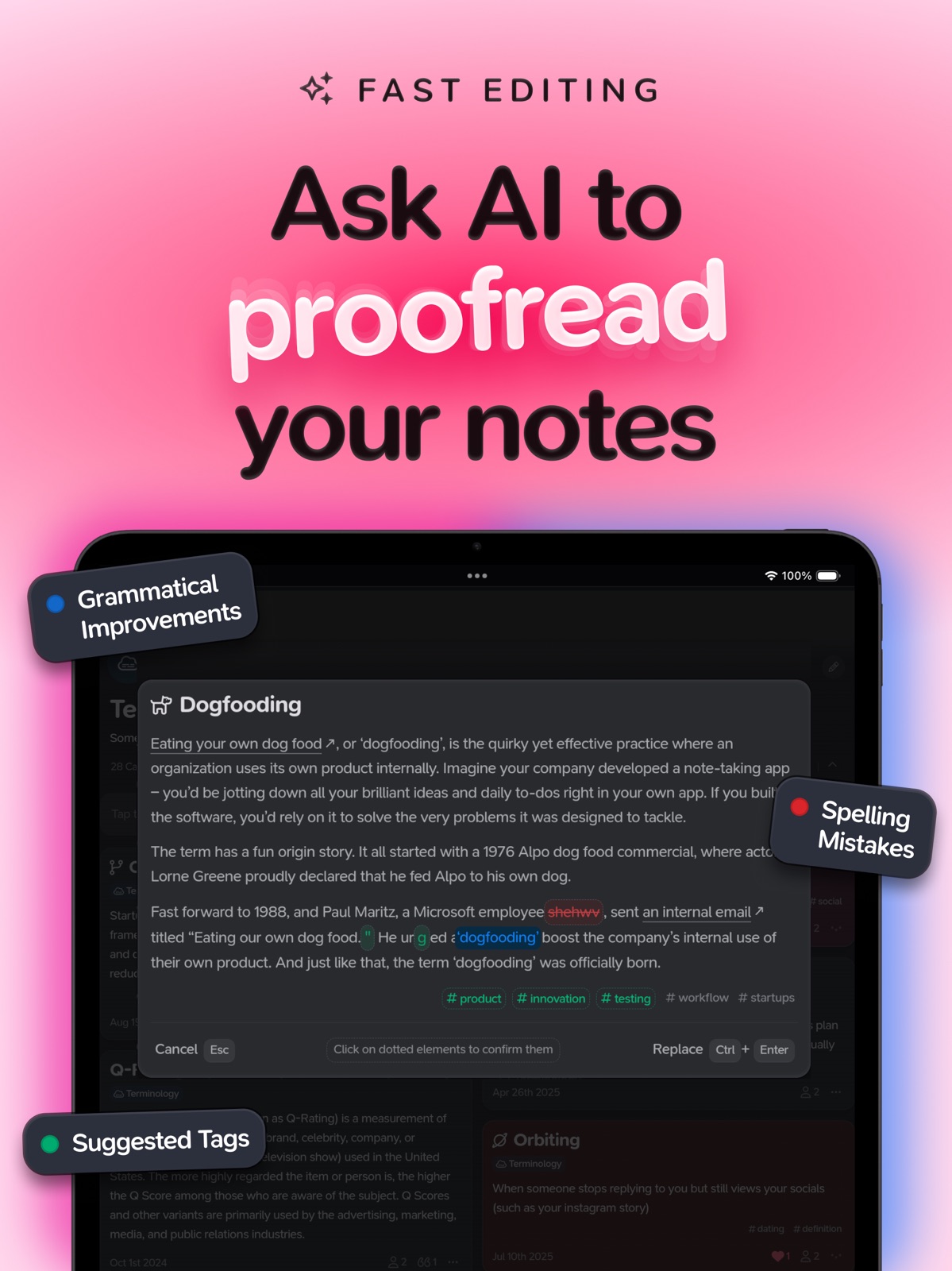
Pricing & paywalls
App Store
- Supernotes Unlimited ( ) — $11.00/month (derived from the IAP title)
- Supernotes Unlimited ( ) — $99.00/year ($8.25/mo) (derived from the IAP title)
Ratings & reviews
App Store
-
5/5Map Feature is underrated
After trying out many different note apps, one feature that sticks to me the most is a map feature. Being able to only remember the location, or better yet, being prompted to remember the note you wrote based on looking at the location where you wrote it is a huge help. So The human mind is very visual. And being able to visualize a map and where you put those notes will help you retain that information as well. Coupled with flashcards and spaced repetition and color coding with ease, this app I believe truly helps you to not just keep your notes but retain your notes with your mind. I'm kind of in a pickle right now as I just got into Notion due to their very good usage of AI. However, I do understand AI is always growing so to invest so much time into something that can change in a couple of months when you could be adding features such as these like maps I will congratulate you for that choice and will continue to try this app out.
Any1guy · 6 Aug 2026
-
5/5Power & Beauty in One Package
I was a bit slow to warm up to this app, only because it’s a little unusual. But now that uniqueness is what I appreciate and why I’m growing to love it more and more. It wasn’t long before I decided I was in & bought the 4-year subscription. Supernotes has a gorgeous UI, clean and uncluttered — and its custom font is very appealing. All good, but beauty can’t just be skin deep. Supernotes has got a lot of power. I like card-based approach, and the date-based approach with a calendar heatmap showing where you’ve been most busy, supplemented by powerful search. It has AI to improve your writing. And I especially appreciate the Collections function. With tags or other criteria you can design custom collections. If needed, AI can construct the exact collection you need. The creators are super friendly and responsive. Drop them a line and you get a personal uncanned reply within hours or sooner.
RCL2 · 6 Aug 2026
-
5/5Most pleasant note taking experience
If you’re curious about Supernotes, give it a shot and you’ll be pleasantly surprised by how full featured it is!! I’ve been using this app for almost a year consistently as the center of my PKM system, and I absolutely love it. Love the attention to detail and how seamless the experience is across all platforms. Also love the community and how frequently and consistently the devs listen to the users of the app! Terrific app, so glad to see this on the App Store!
mhismail3 · 6 Aug 2026
-
3/5Great little app
I really like the Supernotes-Notes & Journal app, however, I have now learned that this app is a note app and not a true journal app. The initial space for the note is limited and there should be a way to either alert the writer that they reached the limit and then prompt to edit or continue as a journal entry which the app could then switch the note to a journal entry and the writer can then continue knowing that the note/journal entry will be saved. For writers, this is necessary because in the beginning it may just be a note (thought to captured) but if the thought then opens an inner dialogue or a continuum of thoughts -then it’s a true journal entry that needs to be captured. This would save the writer’s input and keep the user from having to copy/paste it into someone else’s app or program. As it is, because of this disadvantage, I most likely won’t be using Supernotes-Note & Journal any further.
L Laine · 6 Aug 2026
-
5/5Unique notes app checks all the boxes
Supernotes has all the features you need in a unique card layout. You won’t understand the power until you try it. The app is constantly being updated by the dedicated, caring founders. If you’ve tried all the other notes apps that just seem to be a copy/paste of each other, get Supernotes and stop searching.
Id3afact0ry · 6 Aug 2026
Privacy & accessibility
App Store
Privacy
- Data Linked to You — App Functionality — Contact Info — Email Address Developer declared
- Data Linked to You — App Functionality — Contact Info — Name Developer declared
- Data Linked to You — App Functionality — Usage Data — Product Interaction Developer declared
- Data Linked to You — Product Personalization — Contact Info — Email Address Developer declared
- Data Linked to You — Product Personalization — Contact Info — Name Developer declared
- Data Linked to You — Contact Info Developer declared
- Data Linked to You — Usage Data Developer declared
Accessibility
No accessibility labels collected yet.
Versions
App Store
-
3.0.2
Bug fixes and performance improvements.
-
3.0.3
Say hello to your 'Sync Status', accessible via the connection status in the user menu. It's your one-tap ticket to check if your notes are all up-to-date, perfect if you frequently go offline and online. Plus, we've polished things up with a bunch of improvements and fixes to keep your experience smooth and snappy.
-
3.0.4
Say hello to your 'Sync Status', accessible via the connection status in the user menu. It's your one-tap ticket to check if your notes are all up-to-date, perfect if you frequently go offline and online. Plus, we've polished things up with a bunch of improvements and fixes to keep your experience smooth and snappy.
-
3.0.5
Meet card 'Quick Actions' – simply give a card a little tap, then hit the search icon, and voila! You can snag that card's app link and more. We've also sprinkled in some improvements and fixes to keep your experience as smooth as butter!
-
3.0.6
Bug fixes and performance improvements.
-
3.0.7
We're excited to introduce new typeface improvements, including enhanced Markdown marks and arrow ligatures. We've also added new app quick actions to help you navigate through common workflows seamlessly. Additionally, we have redesigned cards to enhance both solo and shared experiences. Along with more minor improvements and fixes, we hope you enjoy these updates!
-
3.0.8
Introducing our new Telegram Integration. Quickly send messages to the Telegram Bot, and notecards will automatically be created, waiting for you when you return to Supernotes. Plus, we’ve packed in plenty of quality-of-life upgrades and fixed many bugs.
-
3.1.0
AI Superpowers have arrived! Vision now offers icons, tags, and suggestions to enhance your writing. Save multiple filters using the new Custom Collections feature or let AI create one for you with a prompt. We've revamped many mobile menus, introducing new Timesheet and Comment flows. And as always, we've included a ton of quality of life improvements and bug fixes.
-
3.1.1
We've fine-tuned AI Superpowers! Card Vision now offers improved accuracy in icons, tags, and suggestions to make your writing even better. Plus, we've squashed bugs introduced in 3.1.0 and included additional quality of life improvements.
-
3.1.10
Create QR codes to quickly share collection presets with friends, making collaboration easier than ever. We've also enhanced LaTeX support for seamless multi-line creation and preview. Plus, we've fixed several bugs to enhance your overall experience. For full release notes, please visit our community forum.
-
3.1.11
Celebrate 2024 with Supernotes Wrapped and discover your note-taking personality. This update also introduces new backlink count filters, enhances LaTeX rendering, and offers a smoother experience with numerous bug fixes. Check out our community forum for the full release notes.
-
3.1.12
We've streamlined mobile navigation to help you take notes faster than ever. Quick-access features like holding the search button for recent cards and a smart creation menu make it easy to jump between notes, tasks, and journaling. Writing and organizing feels more natural with improved collection tools and smoother editing controls. Plus, we've fixed several bugs to make your experience even better. For full release notes, please visit our community forum.
-
3.1.2
Custom Collections are now sortable, and we've introduced a new inline parent decoupler. Check out the Cheatsheet for all the new keyboard shortcuts. Additionally, we've squashed bugs and made several quality-of-life improvements.
-
3.1.3
Broadsheet view is now configurable! You can customize the number of columns on larger screens. We've also significantly improved the speed and reliability of syncing across all your devices. And as always, we've fixed a bunch of bugs and added more improvements across the board.
-
3.1.4
We’ve greatly improved the performance and feel of Graph View, added a new ‘Toggle Sort Direction’ command, and a way to filter by cards with comments. As always, we’ve fixed a bunch of bugs and made several improvements across the board. Enjoy!
-
3.1.5
iOS 18 support is here, featuring sleek dark and tinted icons. You can now effortlessly share and save your favorite Custom Collection presets with our new export and import functionality. We've also introduced more granular font sizes and added three fresh filters for you to choose from. Plus, we've tackled a host of pesky bugs and made several enhancements across the app. Happy note-taking!
-
3.1.6
Our sign in system is now faster and more reliable. Plus, we've fixed some pesky bugs and made several improvements to the app. For full release notes, please visit our community forum.
-
3.1.7
We've rebuilt our login system to make it faster and more secure. This should also improve compatibility with more VPNs and corporate firewalls. As always let us know if you run into any issues, and read on for everything else we've improved.
-
3.1.8
iOS 18 is officially out now, and we've fine-tuned our iOS app specifically to perform even better with this update. Enjoy!
-
3.1.9
Minor fixes & improvements
-
3.2.0
Say hello to a simpler interface and four versatile new layouts designed for every kind of thinking. Columns and Table layouts offer unified, responsive ways to browse and manage cards. Use Flashcards with spaced repetition to sharpen your memory, or jump into the Map to explore notes by where they were created. Everything from search to drag-and-drop is now faster and more fluid – making your workflow feel effortless. For full release notes, visit our community forum.
-
3.2.1
Discover a smoother Supernotes with a smarter Character count and more encouraging Achievements. Multi-select, content fallbacks, and parent inheritance make Tables easier, while fixes across layouts and mobile ensure a consistent, reliable experience. For full release notes, visit our community forum.
-
3.2.2
Supernotes now speaks your language! We've added five new translations — Spanish, French, Italian, Portuguese, and Brazilian Portuguese — so you can enjoy the full Supernotes experience in your native tongue. Switch languages anytime in Help. For full release notes, visit our community forum.
-
3.2.3
Maps just got a major upgrade! New tiles with better signage, long-press to drop new cards right on the map, and search locations directly from Universal Search. We've also added @mentions for tagging users in cards, Chinese (Simplified) language support, and a bunch of mobile fixes. For full release notes, visit our community forum.
-
3.2.4
· 22 Apr 2026
We've improved cursors for card editing, tuned text selection to brand colors, and fixed Vision breaking on iOS. Map zoom and pan is now much smoother, keyboard suggestions are hidden while in Vision, and overall syncing performance on mobile is faster. We've also added a keyboard shortcut for archiving and improved sync handling when you run out of card quota. For full release notes, visit our community forum.
Alternatives
- Funnel - Quick Capture — Same category + similar ratings
- Superlist: To-Do List & Notes — Same category + similar ratings
Availability by market
- US
Data quality & evidence
- Page completeness
- Live store listing
- Last verified
- 6 Aug 2026
- Sources
- App Store
- Apoku editorial summary has not been published yet.