
Quick verdict
- What it is
- Store information collected; independent summary not yet available.
- At a glance
-
- Free to download
- In-app purchases
Categories and search queries
Official categories
- Graphics & Design
- Entertainment
AppCorpus categories
Key functions
| Function | Availability | Access | Scope | Evidence |
|---|---|---|---|---|
| Family Sharing | Yes | Unknown | App Store | Store published |
| Free app | Yes | Free | — | Store published |
| In-app purchases | Yes | Limited free | — | Store published |
Screens
App Store
18 store screenshots

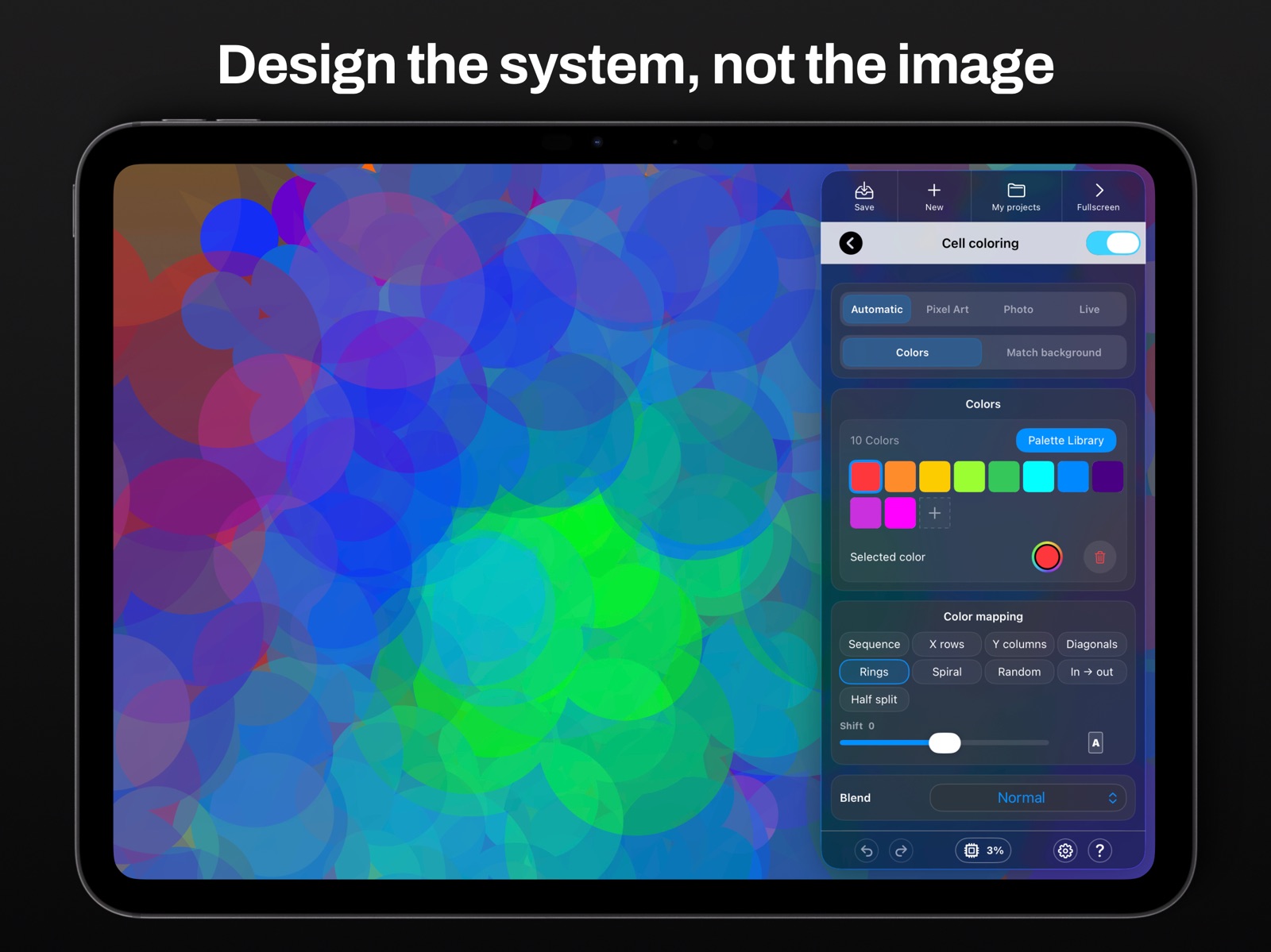


Pricing & paywalls
App Store
- Free to download
- In-app purchases
Ratings & reviews
App Store
-
5/5A beautifully designed, well thought out app.
3rd time having to rewrite this but devs deserve it. Brilliant app. Very generous free to try out and well worth the $10 for export. Maybe an auv3 player for DAWs would be cool but I really just enjoy designing in the app itself without distractions. Between this and Musyc 2 this year is really impressive. Bravo.
nostopplzwiththe · 31 Jul 2026
-
5/5Phenomenal
this app is incredible. really. the skies the limit w this bad boy. if anybody knocks it they have a flaw in their imagination. u can do so much. well well worth the money 👏 👏
highlikeafly · 31 Jul 2026
-
5/5Excellent Choice
Seriously falling in love with this app. Really having fun with Polagone!
Philowerx · 31 Jul 2026
-
4/5nice but one stupid flaw
i love using this and may use it for my website visuals but i feel like you don’t have to pay to save. that’s incredibly stupid. pls fix that then i’ll five.
Pumpkin 🥧 Pie · 31 Jul 2026
Privacy & accessibility
App Store
Privacy
- Data Not Collected Developer declared
Accessibility
No accessibility labels collected yet.
Versions
App Store
- 1.0.1
-
1.1
Polagone 1.1 introduces major workflow upgrades: • SVG & PDF vector export • 16-bit TIFF export for high-quality print • Project Import / Export • New Clone Array system • New Drop Shadow effect • External display full-screen (no UI) • Performance and precision improvements • Various UI refinements and stability enhancements Thank you for your support and feedback.
-
1.2
Version 1.2 – Performance Update This update focuses on performance improvements and stability. • Faster rendering and reduced memory usage • Better adaptation to the power of your device • Improved handling of complex scenes • Internal optimizations preparing upcoming features Rendering improvements may slightly affect the appearance of some existing projects. If you enjoy creating with Polagone, leaving a review on the App Store really helps support the project.
-
1.3
This update introduces new tools to push your creations further. • New Multiply module with Pattern system — explore endless variations with simple, intuitive controls Post-production effects: Add texture, depth and expression to your visuals • Grain – organic texture • Risograph – bold, print-inspired rendering • Spin Blur – dynamic motion • Important fix for iOS 17 users (thanks Marc for reporting) App Store reviews really help shape the future of Polagone — if you enjoy the app, please take a moment to leave a review.
-
1.4
Text and audio-reactive features have been temporarily removed while we finalize them. They will return soon.
-
1.5
Polagone becomes a true visual synthesizer. Audio Reaction Make your visuals respond to sound in real time. MIDI Control Play your visuals like an instrument. Visual Synthesizer Turn generative systems into live performances. Performance improvements Faster and more stable.
-
1.5.1
MIDI improvements and fixes. Better stability and minor tweaks.
-
1.6
Text Layers — now part of the system Typography enters Polagone. • Add text layers to your compositions • Select and use custom fonts • Works with Multiply, Clone, Mirror and Pattern • Compatible with all grids — including complex layouts like Macao • Fully integrated in the parametric workflow Text becomes part of the structure. --- New presets & editorial framing Create faster, present better. • Many new presets: icons, posters and covers • New editorial frame to showcase your creations • Designed to highlight your work with clean, ready-to-use layouts --- Gradients on shapes Add more depth and nuance to your visuals. • Apply gradients directly on shapes • Local or global control • Fully compatible with the parametric system --- Improved MIDI workflow for live performance Polagone becomes even more playable in real time. • Trigger project changes with a MIDI note • Switch between visuals more easily during performance • Better control for live sets, visuals and installations • Animate the global BPM • Assign BPM control to MIDI --- Create complete visuals inside Polagone You now have everything to design full compositions without external tools. • Combine geometry, patterns and typography • Build posters, covers and visual identities • Keep everything parametric and editable From idea to final output — entirely in Polagone. --- Special thanks to Hiroshi for the valuable feedback.
-
1.7
What’s New: • Apple ProRes video export for optimal quality • New Color Grading menu for precise color control • Added Dither and Posterize effects • Project organization with custom folders • Bug fixes and general improvements
-
1.8
• New Ripple Deformer Add dynamic wave distortions and create fluid, organic motion. • New Background Presets Explore new ready-to-use backgrounds to enhance your visuals instantly. • Improved Save Workflow Choose between Save (overwrite) and Save As (create a new file). • Now available on Mac (Catalyst) Polagone is now available on macOS with the full desktop experience. You don’t draw — you design the system
-
1.9
Polagone 1.9 introduces new ways to generate visuals from images and live video. • Fill grid cells with photos from your library or camera • Use the live camera directly inside Polagone • Pixels automatically adapt to the grid structure in real time • Improved interface and workflow • Bug fixes and performance improvements Your feedback helps shape the future of Polagone — let us know what you think about these new features and what you’d like to see next.
-
1.9.1
Polagone 1.9.1 introduces new export options and visual improvements. • New ProRes 4444 video export with transparency support — thanks Paul for the feedback! • New Diamond and Zigzag color mapping modes • Bug fixes and UI polish • Improved stability and workflow refinements Thanks for using Polagone — feel free to share your ideas and feedback for future updates.
-
1.9.2
• New audio reaction presets • New animatable text parameters • Animate hue, gradients and text styling • Performance improvements and bug fixes
-
1.9.3
Polagone 1.9.3 brings several improvements focused on drawing and image import quality. • New Pixel Art drawing tools: Paint Bucket, Line, Circle, Square and Round Shape tools. • Faster and more precise creation of pixel art and geometric shapes. • Improved resolution for background images imported into projects, resulting in sharper and more detailed references. ( Special thanks to Gav for the feedback ) Enjoy creating with Polagone!
-
1.9.4
What's New in Version 1.9.4 • New: Use your own images as shapes! Replace geometric shapes with any image from your library to create unique and personalized artworks. • Improvements and bug fixes throughout the app. • Performance and stability enhancements. Your feedback matters! If you enjoy Polagone, please consider leaving a rating or review on the App Store. Your support helps guide future updates and new features. Thank you for your support and creativity!
-
1.9.5
· 1 Jul 2026
Fixed an issue with text rendering.
Availability by market
- US
Data quality & evidence
- Page completeness
- Live store listing
- Last verified
- 31 Jul 2026
- Sources
- App Store
- Independent summary has not been published yet.