
Quick verdict
- What it is
- Store information collected; independent summary not yet available.
- At a glance
-
- Free to download
Categories and search queries
Official categories
- Photo & Video
- Photography
AppCorpus categories
People use this app to
Relevant searches
- crop and colour a photo
- export RAW edit
- photo editor no watermark
Key functions
| Function | Availability | Access | Scope | Evidence |
|---|---|---|---|---|
| Free app | Yes | Free | — | Store published |
| Photo editing | Yes | Free | — |
From listing
|
Screens
4 store screenshots

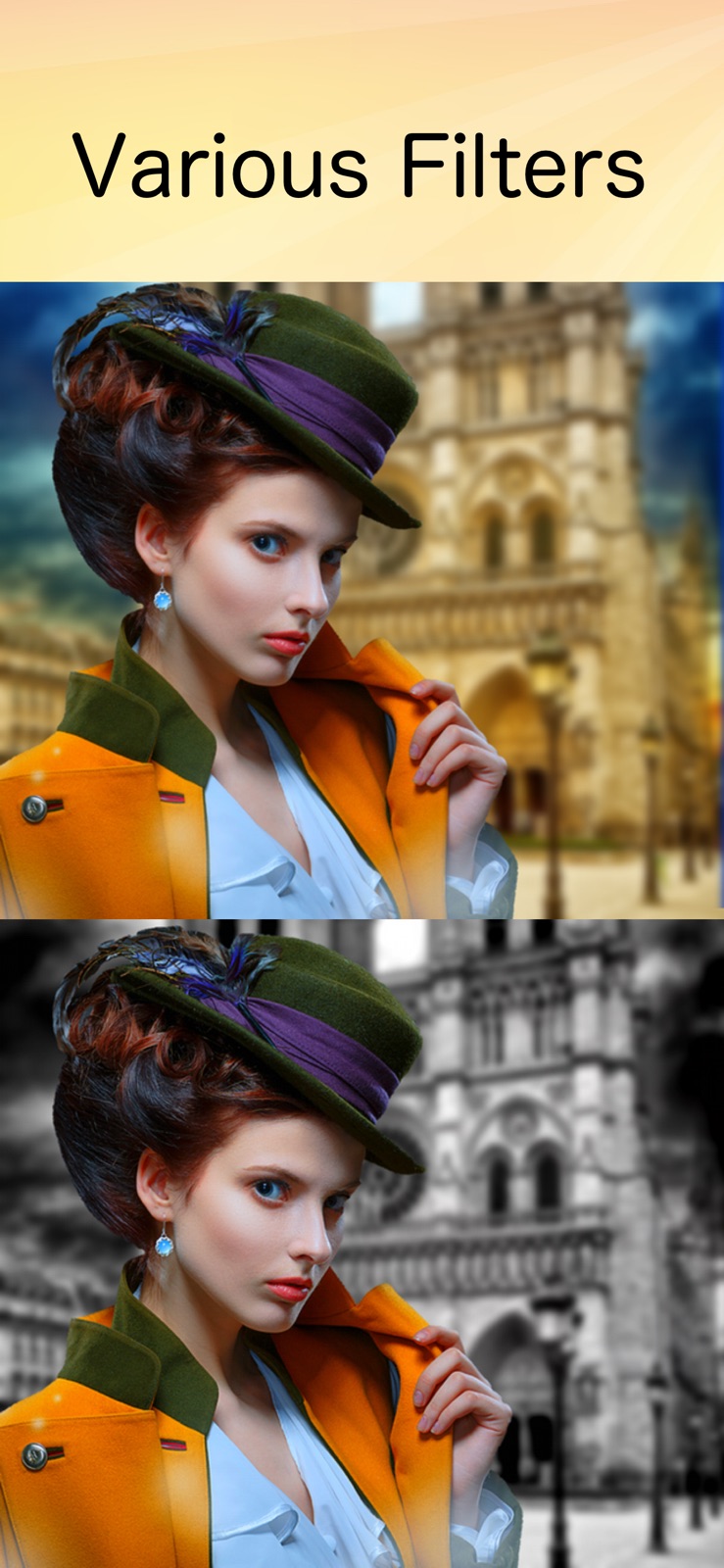


3 store screenshots


Pricing & paywalls
Shown for US
- Free
Shown for US
- Free to download
Ratings & reviews
Shown for US
-
5/55 star pro graphic design artist review
First let me apologize for not having reviewed this app yet because after all these years of using IOS editing apps, PhotoLayers has been a jewel. The reason I downloaded the app in the beginning was because I was in college and broke. It’s a free app, there shouldn’t be much expectations as these apps either give you a lot of a little or a little of a lot, which the latter is this app. Specifically moderately detailed layer cutting. Even more specific the auto cutting feature. No other app free or pay does it better in the speed you can do it which for me has to be pretty good to not bother with opening photoshop or affinity, instead to come over here and cut out something. Lol it’s almost comical how well this app does that feature. Yes the photoshop level apps can do it better, in fact way better with many different ways to do do it, but the tools are advanced with many levels of fine tuning that I sometimes don’t have the patients for when it comes to smaller less time consuming editing. Let me state again I wouldn’t use this app on contracted work that I’m paid to do very well. But for popping off quick rapid fire social media post, quick edits, stuff i know will only be viewed on a phone, or even occasional webdesign. Tbh I’ve got a few celebrities showing off my work haha, toot I just did oh well it true. Also stuff friends and fam of course. I just can’t say enough good things about this app. It literally is the longest standing editing app I’ve used out of 100s or more free apps up to full blown pay apps like photoshop, and affinity with life subscription. I would have been proud to have paid for this app in hindsight had I known I’d love it this long. I’m 43 btw I started using apps when the App Store was invented lol
jsille77 · 4 Sep 2026
-
5/5Finally bro
I have searched so many times for a truly free app to let me do what Snapchat stickers do but with more control. Just the cutting and layering part that is so necessary for what people think of as photoshop! It’s been so ridiculously hard but I finally stumbled on this app and I’m so happy It’s not perfect, the erasing tool is a little weird to predict where it’ll actually be in comparison to your finger, but at least there’s a restore tool to clean up my lines and fix what I accidentally erased. Still though! Smarter ai than Snapchat lol, crisp and helpful tools, lots of layering options, p intuitive controls—at the very least easy to figure out without messing anything up. I’m happy :)
ednaalamode · 4 Sep 2026
-
5/5What happened with the most recent update?
My eraser tool is suddenly horrible! Not only is the actual application of the eraser / scissor tool so much more difficult ... it leaves a shadow or halo around the edges. I’ve always found the auto cut extremely accurate and easy to use. Now, it deletes half my project or doesn’t get close enough to the outer edge. In addition, if I do it manually ... the new Move Only tab doesn’t seem to actually do anything. I wind up deleting whatever is under the dot as I try to maneuver it to another part of my project. Is this all user error? Can someone provide me with some tips to get it to work like it used to? I wish I never updated it ...
Ktbona · 4 Sep 2026
-
5/5I never leave reviews. I have to this time.
I've been using this for YEARS. I thought it'd fall apart like some other apps I've used by downgrading features and overloading with ads. Instead, they've added more and more features and continued to make my day so much better. I can combine images in a snap instant - and the transparency tools are insanely intelligent. High accuracy. My god man. Can't praise this simple app enough. Thanks for staying awesome all these years.
Ipeepeealot · 4 Sep 2026
-
3/5Has its issues, but not bad for a free app
It would be nice if it was more like the old Photoshop Mix that’s no longer available. Show size of each layer when sizing, when duplicating a layer, it be placed in the same location, and a back button on the main screen (if you alter the cutting of a layer, you can’t undo it once back to the main screen. It also wipes everything at times, when you temporarily leave the app and return. Also, I wish it did not reduce image resolution. No matter how high the resolution your image is, it only saves at 0.9MP max. It can be a little frustrating to use at times, but not too bad for a free app.
Bubbahotep780 · 4 Sep 2026
Shown for US
No store reviews collected for Google Play · DE
Privacy & accessibility
Privacy
- Data Not Linked to You — Analytics — Diagnostics — Crash Data Developer declared
- Data Not Linked to You — Analytics — Diagnostics — Other Diagnostic Data Developer declared
- Data Not Linked to You — Analytics — Diagnostics — Performance Data Developer declared
- Data Not Linked to You — Analytics — Usage Data — Other Usage Data Developer declared
- Data Not Linked to You — Analytics — Usage Data — Product Interaction Developer declared
- Data Not Linked to You — Third-Party Advertising — Diagnostics — Crash Data Developer declared
- Data Not Linked to You — Third-Party Advertising — Identifiers — Device ID Developer declared
- Data Not Linked to You — Third-Party Advertising — Usage Data — Advertising Data Developer declared
- Data Not Linked to You — Diagnostics Developer declared
- Data Not Linked to You — Identifiers Developer declared
- Data Not Linked to You — Usage Data Developer declared
- Data Used to Track You — Identifiers — Device ID Developer declared
- Data Used to Track You — Identifiers Developer declared
- Data Used to Track You — Usage Data — Advertising Data Developer declared
- Data Used to Track You — Usage Data Developer declared
Accessibility
No accessibility labels collected yet.
Privacy
- Data collected — Analytics — App info and performance — Crash logs Developer declared
- Data collected — Analytics — App info and performance — Diagnostics Developer declared
- Data collected — Analytics — App info and performance — Other app performance data Developer declared
- Data collected — Analytics, Advertising or marketing — App activity — App interactions Developer declared
- Data collected — Analytics, Advertising or marketing — App activity — Other actions Developer declared
- Data collected — Analytics, Advertising or marketing — Device or other IDs Developer declared
- Security practices — Your data is transferred over a secure connection — Data is encrypted in transit Developer declared
- Security practices — The developer provides a way for you to request that your data be deleted — You can request that data be deleted Developer declared
Accessibility
No accessibility labels collected yet.
Versions
App Store
-
11.0.0
Optimized for iOS 11. Bugs are fixed.
-
11.1.0
Bugs are fixed in order to save a photomontage properly.
-
13.1.0
- Optimized for iOS13
-
13.1.1
- Bugs are fixed.
-
13.1.2
- Bugs are fixed.
-
13.3.0
- Small bugs are fixed.
-
13.3.1
- Small bugs are fixed.
-
14.0.0
- Optimized for iOS 14
-
14.5.0
- Small bugs are fixed. - Optimized for the new iOS.
-
15.0.0
- Small bugs are fixed.
-
15.1.0
- Small bugs are fixed.
-
15.2.0
- Performance improvement.
-
15.3.0
- Small bugs are fixed.
-
15.3.1
- Small bugs are fixed.
-
15.4.0
- Small bugs are fixed.
-
16.0.0
- Drag & Drop is supported. Images can be added from the Photos app by drag & drop.
-
17.0.0
- Optimized for iOS 17.
-
26.0.0
· 15 Jan 2026
- Optimized for iOS 26 - Minor improvements
- 8.0.1
-
9.0.0
Bugs are fixed.
Alternatives
- Blend: Combine Photo Layers — Same category + similar ratings
- Cut Paste Photos, Retouch Pics — Same category + similar ratings
Availability by market
- US
Data quality & evidence
- Page completeness
- Live store listing
- Last verified
- 4 Sep 2026
- Sources
- App Store, Google Play
- Independent summary has not been published yet.