
Quick verdict
- What it is
- Store information collected; independent summary not yet available.
- At a glance
-
- Free to download
- In-app purchases
Categories and search queries
Official categories
- Photo & Video
- Graphics & Design
AppCorpus categories
Key functions
| Function | Availability | Access | Scope | Evidence |
|---|---|---|---|---|
| Family Sharing | Yes | Unknown | App Store | Store published |
| Free app | Yes | Free | — | Store published |
| In-app purchases | Yes | Limited free | — | Store published |
Screens
App Store
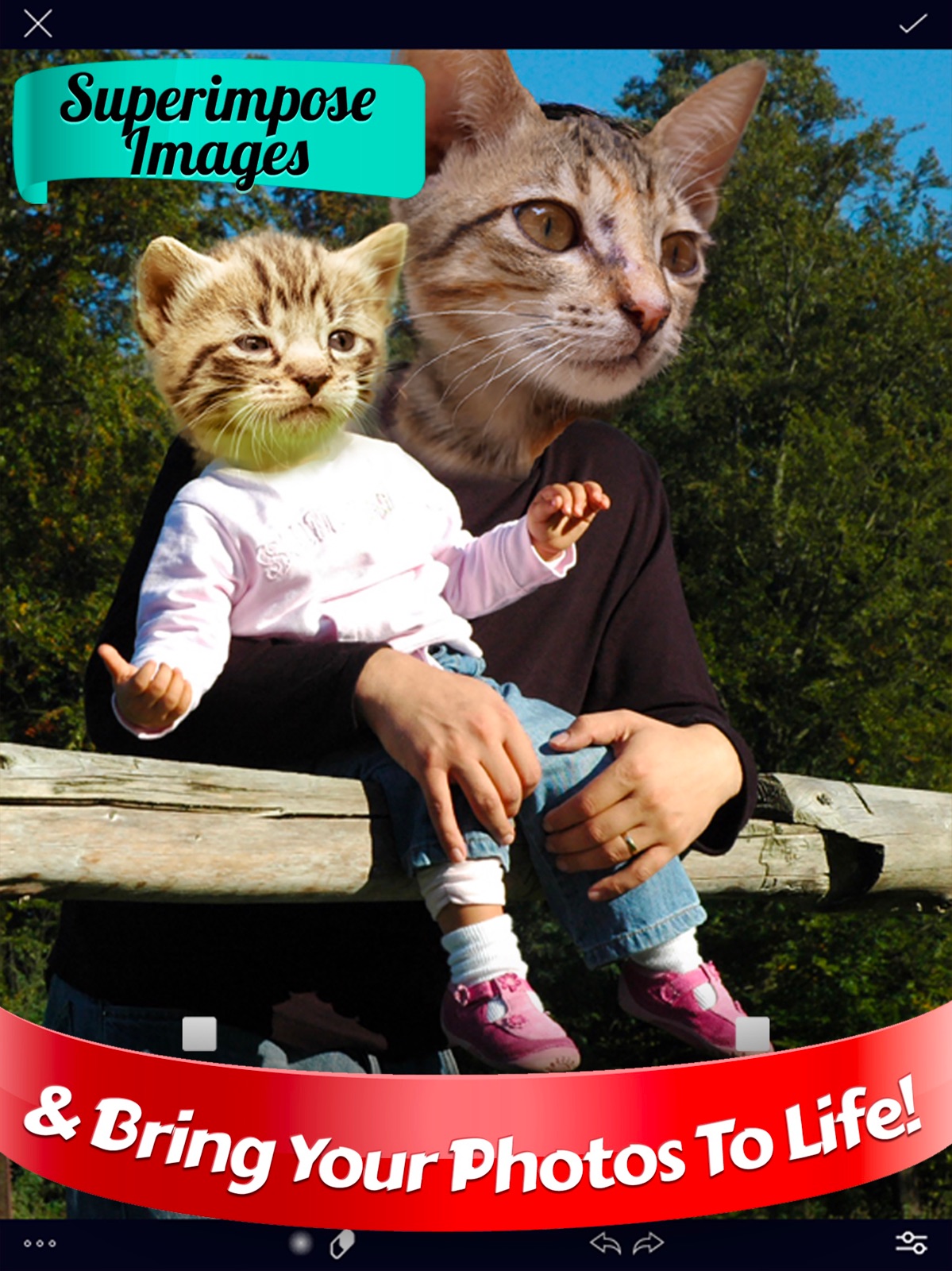
13 store screenshots


Pricing & paywalls
App Store
- Free to download
- In-app purchases
Ratings & reviews
App Store
-
5/5Weirdly impressive
Alright so I downloaded this app with super low expectations, but I was proved wrong. The interface is super simple and the process is relatively straightforward. You select a background photo and and a foreground photo. Then, you can erase whatever part of the foreground that you don’t want and position and size it where you want, and flip the image across the y axis. Finally, you can adjust the opacity of the foreground. You can do these steps as many times as you want. That’s literally it. I really like it but I have a few requests: Please make a way to adjust the colors/brightness/saturation on the images. It’s a little frustrating when they look wrong. Second, it would be nice to add a blender tool like a blender brush or a smudger brush. The harsh line isn’t very nice. These problems aren’t really too bad and right now I can fix them using another app like Snapseed but it would be nice to not switch apps. Also as a side note, I’m a high schooler with no interest in photography/editing. I just like putting my classmates/teachers heads onto other people’s body and I like adding people into photos when they miss and event or something. I do it all as a joke because it makes me laugh and it makes other people laugh too.
( '')> <('') · 31 Jul 2026
-
5/5Very nice, confusing, but it is free to use.
Dear Overly, You have an excellent app. I recommend that it become more clear to the user, that it can be used as a free app. I initially thought you can only use it with a subscription. Not until I then read your reviews, did I see that your “developer’s” responses said that most of the features are free and other responses showed how much you cared for your customer satisfaction. I went back and yes it is free to use. Somehow I had a screen shown to me that asked from me to choice one of two payment modes before “continuing”, so that mislead me and I walked away. Your tutorials are graphically excellent and easy to understand how to use the functions. I need to spend more time in this but I came back to remove my prior comment and give you this comment. I thought it was excellent care on your behalf to reply so courteously to many of the comments posted. That is what sold me. I came back and got the yearly subscription, it seemed like a great value for a regular guy like me. This is a great app. Thank you. Regards , from Southern California
Joseph_Joseph · 31 Jul 2026
-
5/5Jackie
I have this app on my tablets. I always loved this app, it is one of my favorite go to’s when I’m feeling creative. However, it is no longer the app I’ve been using for years. It looks like the same app, but when I open it I don’t recognize anything. I don’t even know how to use it and it doesn’t seem to work in the same way. It seems like I can’t use it for the things I used to use it for. Why didn’t you just create a different app instead of taking an app you already had and turning it into something else. I’m so frustrated and confused.
Jac the G · 31 Jul 2026
-
5/5Make It Pop, with your secret advantage
Sometimes you just need the ability to adjust something to make your work pop, and sometimes you need to cover something with a clone patch. Huge advantage that’s so easy to use. Where ever you are in your work or skill level, having “Overlay Cut Out Photo Editor” has your back.
akaCam · 31 Jul 2026
-
5/5Fine I guess
Well the need more stuff like you can type what you want also I want to add more pictures at a time can it be more like pics art or something please change the game an update it very quickly this can’t now that fun up date all of this in the game please Not that big of fan of overlay🥱😞
ssratsrst · 31 Jul 2026
Privacy & accessibility
App Store
Privacy
- Data Not Linked to You — Analytics — Diagnostics — Crash Data Developer declared
- Data Not Linked to You — Analytics — Diagnostics — Other Diagnostic Data Developer declared
- Data Not Linked to You — Analytics — Identifiers — User ID Developer declared
- Data Not Linked to You — Analytics — Location — Coarse Location Developer declared
- Data Not Linked to You — Analytics — Usage Data — Product Interaction Developer declared
- Data Not Linked to You — Diagnostics Developer declared
- Data Not Linked to You — Identifiers Developer declared
- Data Not Linked to You — Location Developer declared
- Data Not Linked to You — Usage Data Developer declared
Accessibility
No accessibility labels collected yet.
Versions
App Store
-
1.8.0
• Fixed some issues with mask saving and session resume If you have any trouble or have any suggestions let me know at [email protected]
-
1.8.1
• Fixed some issues with mask saving and session resume • Other minor fixes If you have any trouble or have any suggestions let me know at [email protected]
-
1.9.0
• iOS 14 update If you have any trouble or have any suggestions let me know at [email protected]
-
1.9.1
• minor bug fixes If you have any trouble or have any suggestions let me know at [email protected]
-
2.0.0
◆ Overlay 2.0 is here — completely rebuilt from the ground up. Now with automatic background removal, full layers, text, stickers, gradients, blend modes, and a much more powerful editing experience. If you have any issues or feedback, please contact us at [email protected].
-
2.0.1
◆ Overlay 2.0 is here — completely rebuilt from the ground up. Now with automatic background removal, full layers, text, stickers, gradients, blend modes, and a much more powerful editing experience. If you have any issues or feedback, please contact us at [email protected].
-
2.1.0
◆ A whole bunch of improvements. Leave a review to let me know what you think :) Previously: ◆ Overlay 2.0 is here — completely rebuilt from the ground up. Now with automatic background removal, full layers, text, stickers, gradients, blend modes, and a much more powerful editing experience. If you have any issues or feedback, please contact us at [email protected].
-
2.10.0
◆ A whole bunch of improvements. Leave a review to let me know what you think :) Previously: ◆ Overlay 2.0 is here — completely rebuilt from the ground up. Now with automatic background removal, full layers, text, stickers, gradients, blend modes, and a much more powerful editing experience. If you have any issues or feedback, please contact us at [email protected].
-
2.11.0
Turn two photos into one striking image. Drop a city skyline, a forest, or the sky inside a portrait — then make it yours with 42 built-in styles, from bold city silhouettes to soft, dreamy blends. • 42 double-exposure styles • Precise subject cutout for crisp, clean edges • Fine-tune the blend until it looks just right • Save and share watermark-free As always, thanks for using Overlay. Tap in and give it a try! If you have any issues or feedback, please contact us at [email protected].
-
2.11.1
Turn two photos into one striking image. Drop a city skyline, a forest, or the sky inside a portrait — then make it yours with 42 built-in styles, from bold city silhouettes to soft, dreamy blends. • 42 double-exposure styles • Precise subject cutout for crisp, clean edges • Fine-tune the blend until it looks just right • Save and share watermark-free As always, thanks for using Overlay. Tap in and give it a try! If you have any issues or feedback, please contact us at [email protected].
-
2.11.2
Turn two photos into one striking image. Drop a city skyline, a forest, or the sky inside a portrait — then make it yours with 42 built-in styles, from bold city silhouettes to soft, dreamy blends. • 42 double-exposure styles • Precise subject cutout for crisp, clean edges • Fine-tune the blend until it looks just right • Save and share watermark-free As always, thanks for using Overlay. Tap in and give it a try! If you have any issues or feedback, please contact us at [email protected].
-
2.12.0
This update includes small improvements and bug fixes: • Start from Photo now takes you straight to the editor • Fixed an issue where a cutout's background could not be restored • Home screen polish and updated translations Having problems or have a suggestion? Contact us at [email protected]
-
2.13.0
See your adjustments at a glance! The Adjust panel now shows exactly what you've changed — as you fine-tune a layer, the value appears right on the control, with a ring that fills to show how far you've pushed it. • Instantly see which adjustments are active on any layer • Live values as you drag, across brightness, exposure, contrast, warmth, and more Also in this update: • Zoom in 10x further when erasing a cutout — perfect for cleaning up fine details like hair and edges We'd love to hear what you think — leave a review, and if you have feedback or suggestions, email us at [email protected].
-
2.14.0
· 30 Jul 2026
Introducing Filters! Give any layer a whole new mood with over 80 one-tap looks — previewed live on your own photo, so you can see exactly how each one feels before you pick. • Browse 82 filters with live thumbnails of your image • Fine-tune the intensity with a strength slider • Apply a different filter to every layer, and stack them with your manual adjustments • Filters save with your drafts and stickers, and come through in every export • Try premium filters on your photo before you unlock them Also in this update: • One-tap reset button in the Adjust panel clears every slider back to zero • The layer toolbar now stays where you left it when you open and close panels • Bug fixes and polish We'd love to hear what you think — leave a review, and if you have feedback or suggestions, email us at [email protected].
-
2.2.0
◆ A whole bunch of improvements. Leave a review to let me know what you think :) Previously: ◆ Overlay 2.0 is here — completely rebuilt from the ground up. Now with automatic background removal, full layers, text, stickers, gradients, blend modes, and a much more powerful editing experience. If you have any issues or feedback, please contact us at [email protected].
-
2.3.0
◆ A whole bunch of improvements. Leave a review to let me know what you think :) Previously: ◆ Overlay 2.0 is here — completely rebuilt from the ground up. Now with automatic background removal, full layers, text, stickers, gradients, blend modes, and a much more powerful editing experience. If you have any issues or feedback, please contact us at [email protected].
-
2.4.0
◆ A whole bunch of improvements. Leave a review to let me know what you think :) Previously: ◆ Overlay 2.0 is here — completely rebuilt from the ground up. Now with automatic background removal, full layers, text, stickers, gradients, blend modes, and a much more powerful editing experience. If you have any issues or feedback, please contact us at [email protected].
-
2.5.0
◆ A whole bunch of improvements. Leave a review to let me know what you think :) Previously: ◆ Overlay 2.0 is here — completely rebuilt from the ground up. Now with automatic background removal, full layers, text, stickers, gradients, blend modes, and a much more powerful editing experience. If you have any issues or feedback, please contact us at [email protected].
-
2.6.0
◆ A whole bunch of improvements. Leave a review to let me know what you think :) Previously: ◆ Overlay 2.0 is here — completely rebuilt from the ground up. Now with automatic background removal, full layers, text, stickers, gradients, blend modes, and a much more powerful editing experience. If you have any issues or feedback, please contact us at [email protected].
-
2.7.0
◆ A whole bunch of improvements. Leave a review to let me know what you think :) Previously: ◆ Overlay 2.0 is here — completely rebuilt from the ground up. Now with automatic background removal, full layers, text, stickers, gradients, blend modes, and a much more powerful editing experience. If you have any issues or feedback, please contact us at [email protected].
-
2.7.1
◆ A whole bunch of improvements. Leave a review to let me know what you think :) Previously: ◆ Overlay 2.0 is here — completely rebuilt from the ground up. Now with automatic background removal, full layers, text, stickers, gradients, blend modes, and a much more powerful editing experience. If you have any issues or feedback, please contact us at [email protected].
-
2.7.2
◆ A whole bunch of improvements. Leave a review to let me know what you think :) Previously: ◆ Overlay 2.0 is here — completely rebuilt from the ground up. Now with automatic background removal, full layers, text, stickers, gradients, blend modes, and a much more powerful editing experience. If you have any issues or feedback, please contact us at [email protected].
-
2.7.3
◆ A whole bunch of improvements. Leave a review to let me know what you think :) Previously: ◆ Overlay 2.0 is here — completely rebuilt from the ground up. Now with automatic background removal, full layers, text, stickers, gradients, blend modes, and a much more powerful editing experience. If you have any issues or feedback, please contact us at [email protected].
-
2.8.0
◆ A whole bunch of improvements. Leave a review to let me know what you think :) Previously: ◆ Overlay 2.0 is here — completely rebuilt from the ground up. Now with automatic background removal, full layers, text, stickers, gradients, blend modes, and a much more powerful editing experience. If you have any issues or feedback, please contact us at [email protected].
-
2.9.0
◆ A whole bunch of improvements. Leave a review to let me know what you think :) Previously: ◆ Overlay 2.0 is here — completely rebuilt from the ground up. Now with automatic background removal, full layers, text, stickers, gradients, blend modes, and a much more powerful editing experience. If you have any issues or feedback, please contact us at [email protected].
Availability by market
- US
Data quality & evidence
- Page completeness
- Live store listing
- Last verified
- 31 Jul 2026
- Sources
- App Store
- Independent summary has not been published yet.