
Quick verdict
- What it is
- Store information collected; independent summary not yet available.
- At a glance
-
- $2.99
- In-app purchases
Categories and search queries
Official categories
- Entertainment
- Music
AppCorpus categories
Key functions
| Function | Availability | Access | Scope | Evidence |
|---|---|---|---|---|
| In-app purchases | Yes | Limited free | — | Store published |
Screens
App Store
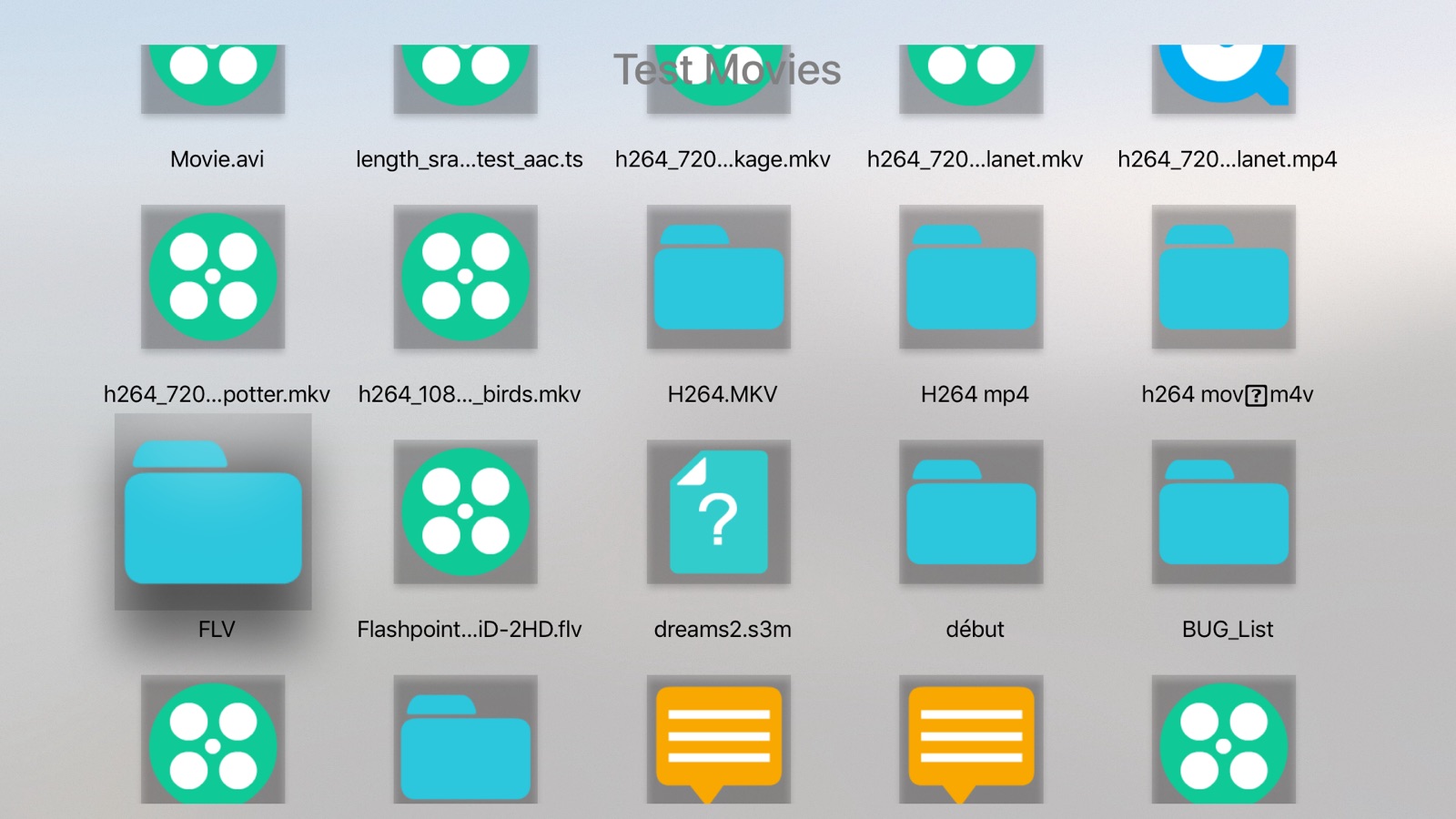
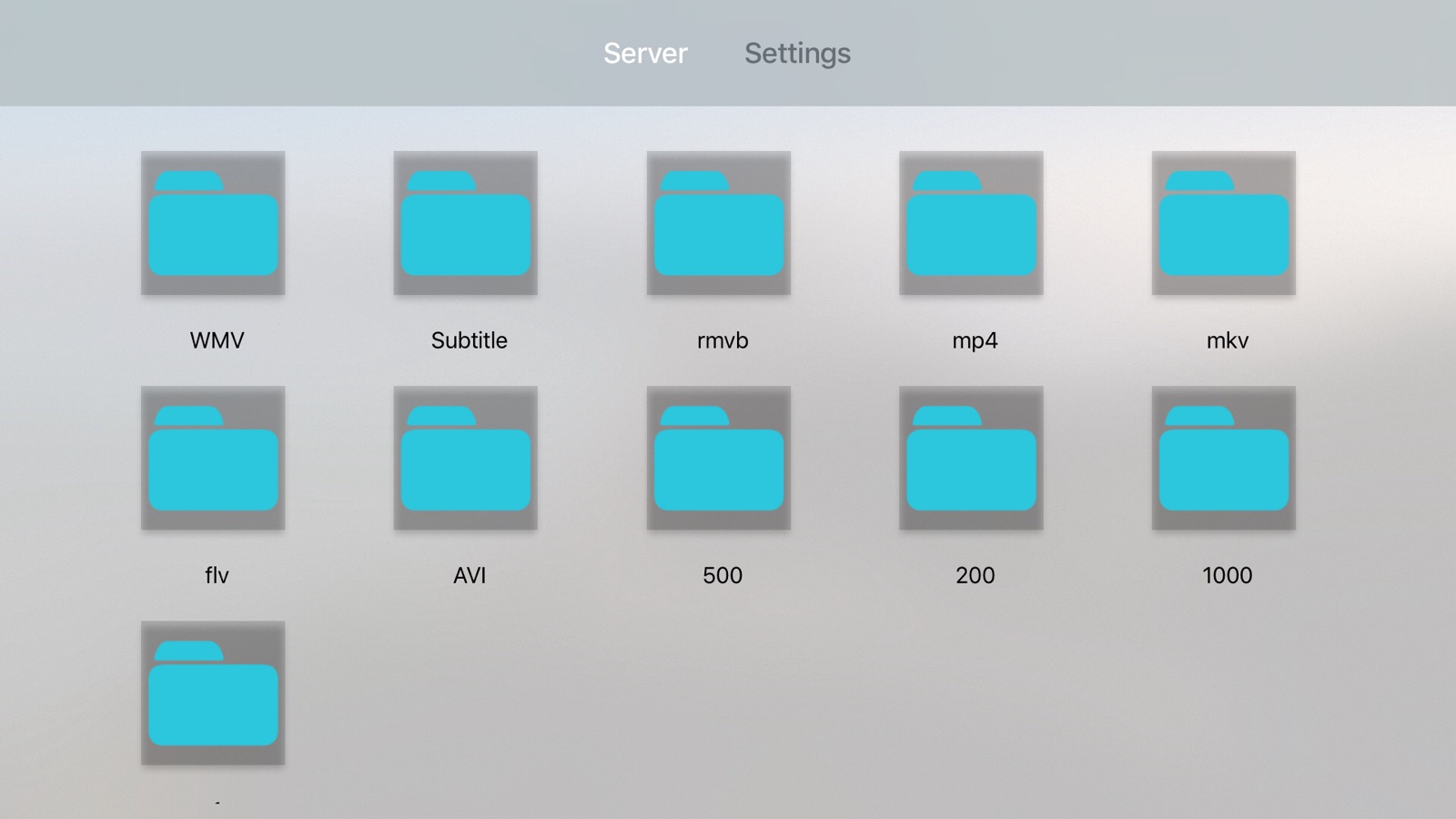
13 store screenshots


Pricing & paywalls
App Store
- Price: $2.99
- In-app purchases
Ratings & reviews
App Store
-
5/5Spectacular video player
I spent a week trying almost every video player for the iPhone and iPad, and my conclusion is that OPlayer was tied with one other for the most elegant, powerful, and reliable video player. I've loaded it with 100GB of video, and it works flawlessly. The interface is also creative and really nice. And OPlayer runs nicely on both the iPhone and iPad. I rarely write app reviews (I'm busy), but OPlayer has inspired me to take the time to write one. This is an excellent app. It’s now a couple of years later, and I’d like to reiterate what I wrote earlier. But I’d also like to add that using this app has been an even better experience than I’d described earlier! I’ve changed phones and iPads a couple of times since then, and this app flawlessly synced its content with the new devices when I made the transitions. The other competing app I mentioned above lost all videos each time, despite claiming that it would sync them through iCloud and Mac backup. So this is still the best. I have only one minor suggestion for it: it has a nice feature that plays a randomly chosen video from the same folder next. Unfortunately, it occasionally plays the same one again. An improved algorithm that orders the videos in advance to avoid this (like the one iTunes uses) would easily solve this very minor problem.
BD35 · 31 Jul 2026
-
5/5ESSENTIAL
If you're a enthusiast or professional you will find this app is essential for any device. I am a file archivist/hoarder and have been utilizing this app for +7 years on my various iPhones. It is the swiss army knife of mobile media players that tackles any audio/video file type and is supported by devs who truly care about the quality of their app. I've been singing it's praises to everyone I know but now it's time to leave a review. Thanks for all that you folks do! Some features that I cherish: -Plays FLAC files! -Folder/File structure view -Plays files from local external storage and over networks -WiFi File Transfer (no physical connection needed, just connect to local WiFi and access/transfer files through web browser) -FTP Compatible: Play & Transfer (ability to sync files with one click when used with file back up/sync software in conjunction with FTP connection) -Functions as portable file storage drive (used this as such many years before iOS provided the "Files" option)
buttpockets · 31 Jul 2026
-
5/5Still the best
Still the best for LAN streaming coupled with a super powerful player sporting tons of features that positively crushes VLC and any other wannabe substitute. My only asks is a greedy one - SMB file manipulation as is available in the Files application. I typically download videos, compile a playlist, then delete the videos when finished. Have to switch applications to delete or otherwise rename/move files. This desire does not in any way affect my appreciation for this application, though. My 2¢ for how it can achieve glistening perfection, which it nearly has. Developers should be proud.
:(Pooky): · 31 Jul 2026
-
5/5Excellent Player!
I tried a bunch, spent too much money until I found OPlayer! I like the interface the way it works and the features. One thing I can’t seem to find though, and I’m probably just missing it, is the option to just stop playing after a video ends. I would like it to just end after videos are done instead of going into the next one. I get that for songs though so I see why it does it.
Furballiss · 31 Jul 2026
-
1/5Constant Crashes
This app WOULD be great if it didn't crash on my iPhone every time I try to adjust the volume. I love all the options and features it presents and the layout is very intuitive. But when I play files across the network, every time I try to adjust the volume (with either the phone volume buttons on the side or the on-screen volume slider, the app immediately crashes. This is such a basic and fundamental problem as to render the app useless for me. And of course I didn't notice this issue with files over the network until after I purchased the full version. I would REALLY like to be able to use this app as it's the best one I've found so far in every other respect.
MFLuder47 · 31 Jul 2026
Privacy & accessibility
App Store
Privacy
- Data Not Linked to You — Analytics — Diagnostics — Performance Data Developer declared
- Data Not Linked to You — Analytics — Identifiers — Device ID Developer declared
- Data Not Linked to You — Analytics — Location — Coarse Location Developer declared
- Data Not Linked to You — Analytics — Usage Data — Product Interaction Developer declared
- Data Not Linked to You — App Functionality — Diagnostics — Performance Data Developer declared
- Data Not Linked to You — App Functionality — Identifiers — Device ID Developer declared
- Data Not Linked to You — App Functionality — Location — Coarse Location Developer declared
- Data Not Linked to You — App Functionality — Usage Data — Product Interaction Developer declared
- Data Not Linked to You — Diagnostics Developer declared
- Data Not Linked to You — Identifiers Developer declared
- Data Not Linked to You — Location Developer declared
- Data Not Linked to You — Usage Data Developer declared
Accessibility
No accessibility labels collected yet.
Versions
App Store
-
2.1.09
1. Improve Samba, FTP. 2. Fix some bugs.
-
2.2
1. Add single hand mode. 2. Improve Samba, FTP, Subtitle. 3. Fix some bugs.
-
3.0
1. Support AC3 audio!!! 2. Fix some bugs.
-
3.1
1. Add Compress and Decompress(Support Password). 2. Add [Hide Folder With Password] option. 3. Add [Auto Hide Controls] option. 4. Add [Display File Name in 2 Lines] option. 5. Add [Realtime Update For Seek] option. 6. Add DivX Decoder (In App Purchase). 7. Fix some bugs.
-
3.2
Official DTS audio support, though it is not free for patent cost. [1]. Add the in app purchase item: DTS Decoder. [2]. We can save A-B repeat settings to playlist. [3]. Improve FTP.
-
3.3
1. Support video chapters. 2. Improve playing on Chromecast. 3. Improve Photo Viewer (support online view of FTP/Samba/Google Drive/Box/OneDrive). 4. Support encoding select of text file. 5. Fix some bugs.
-
3.4
Support iPhone X
-
3.5
Support iPhone Xs Max
-
3.6
Support Files app, now we can open files located in Files app directly.
-
3.7
1. Remember playing speed. 2. Support Siri shortcut.
-
3.8
1. Add Bookmark function: by saving AB repeat, we can get it. 2. AB Repeat: now we can set playback count. 3. Adjust playback screen.
-
4.0
Support iOS 13.1 1. Support Dark Mode. 2. Support SMB via Files: You can connect iPhone to a file server at work or a home PC, and then play the videos on PC by OPlayer.
-
4.0.1
Fix crash on iOS 13.
-
4.1
Improve tv out: you can now render videos, audios and photos to tv.
-
4.2
Improve performance.
-
4.2.1
1. Fix ftp crash. 2. Fix music playback issue.
-
4.3.2
1. Improve Files access. 2. Support m3u file. 3. Fix some bugs.
-
4.4
1. Improve streaming from PC (support samba 3). 2. Fix playback issue.
-
4.5
1. Support iOS 14. 2. Support Picture in Picture.
-
4.5.1
1. Support ChromeCast on iOS 14. 2. Add PiP on/off switch.
-
4.6
Support iOS 15.
-
4.7
Support iOS 16.
-
4.7.1
Support iOS 16.
-
4.7.5
1. Support WebDAV. 2. Fix some bugs.
-
4.8
· 17 Feb 2025
Support iOS 18
Alternatives
- KMPlayer+ Divx Codec — Same category + similar ratings
Availability by market
- US
Data quality & evidence
- Page completeness
- Live store listing
- Last verified
- 31 Jul 2026
- Sources
- App Store
- Independent summary has not been published yet.