
Quick verdict
- What it is
- Store information collected; independent summary not yet available.
- At a glance
-
- Free download · core features require a paid plan
- In-app purchases
- From $3.99/mo
Categories and search queries
Official categories
- Music
- Productivity
AppCorpus categories
Key functions
| Function | Availability | Access | Scope | Evidence |
|---|---|---|---|---|
| Free app | Yes | Free | — | Store published |
| In-app purchases | Yes | Limited free | — | Store published |
| Subscription | Yes | Paid | — | Store published |
Screens
App Store
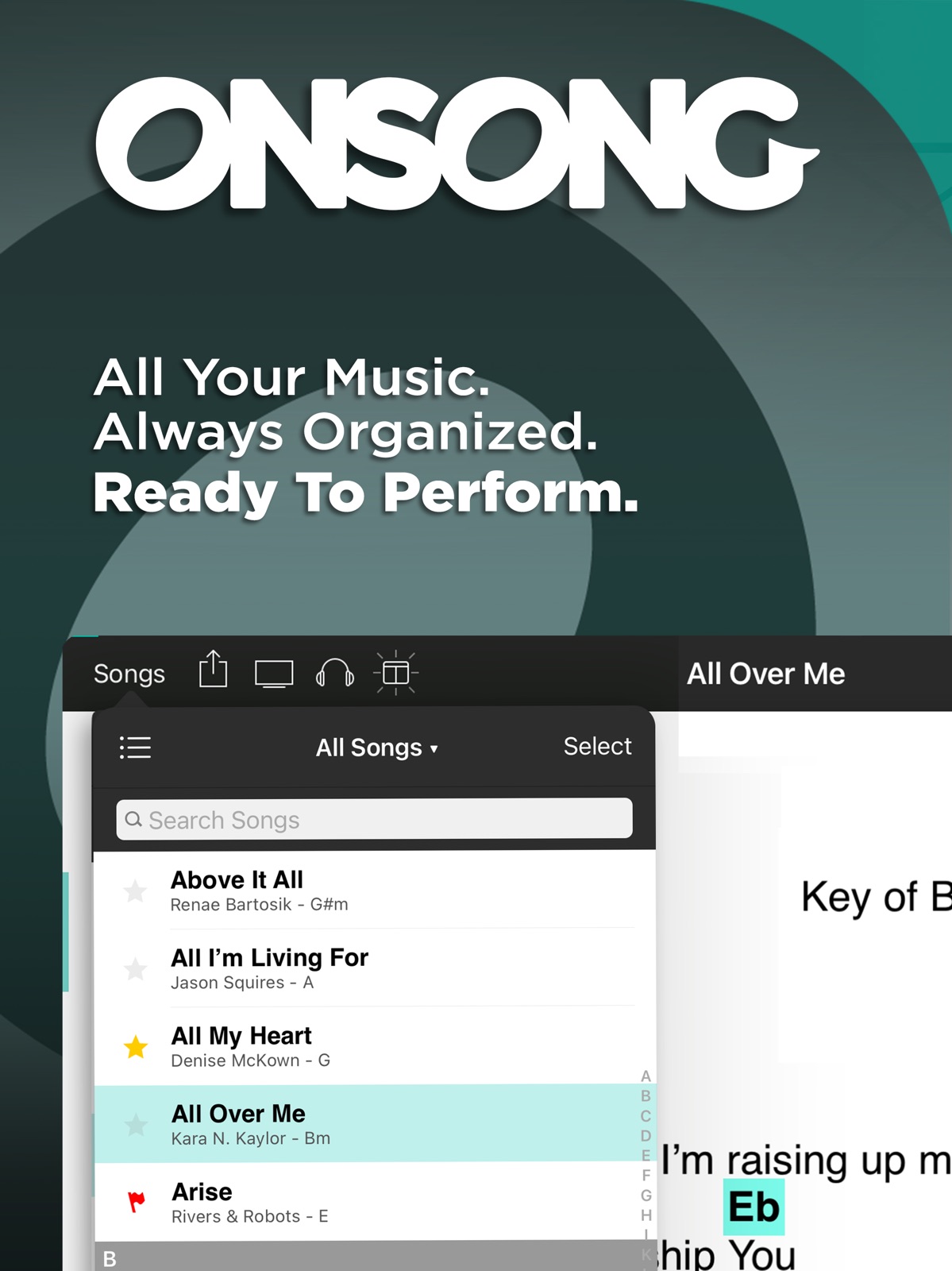
24 store screenshots


Pricing & paywalls
App Store
- Essentials ( ) — $3.99/month (derived from the IAP title)
- Essentials ( ) — $29.99/year ($2.49/mo) (derived from the IAP title)
- Premium ( ) — $5.99/month (derived from the IAP title)
- Premium ( ) — $59.99/year ($4.99/mo) (derived from the IAP title)
Ratings & reviews
App Store
-
4/5Applying to to all songs doesn’t work
The only thing more frustrating than having to start paying a monthly payment on an app you bought 10+ years ago, is having to pay a monthly payment on an app you bought 10+ years ago that now doesn’t work as good as it use to. Updates are supposed to make things better, not worse. And it could simply be my ignorance with modern technology but I do know I’m a pretty smart guy when it comes to most things. The pull down settings menu, where you can change chords, highlight chords, etc and the three dots has the option of apply to all songs. So I’m assuming that any changes made on that screen would be changed on ALL SONGS since there’s a button that says apply to ALL SONGS. Please get this fixed OR stop charging each month that it doesn’t work. We have used OnSong for our worship at church and have since 2013, I believe. I guess it’s just the way of THE WORLD to take advantage of those who use their apps and when they realize its popularity has skyrocketed, they think they can start charging people who have used it and depended on it for years. Please just fix the bugs that cause things to work improperly. Apologies for seeming rude, just giving constructive criticism for someone that has had OnSong for a decade.
Keysmaster2012 · 5 Aug 2026
-
2/5Poor Support
See my previous recent review titled "Great, but..". I finally did get an email response from OnSong support, over two weeks after my first support submission through the OnSong app. I did get a response through the App store to two reports I submitted about my issues, both saying the same thing - submit support requests through the OnSong app and make backups, both of which I had been doing. No help there. The email response said they knew about the issue and were working to fix it. No word on when or what other mitigating actions I might take to work through it. No help there either. Turns out, they did have a fix for it, available through their beta test app, TestFlight, in a recent beta build, which I found mostly by accident. Would have been real nice if they had pointed me that directrion. On its face, its a great app, and many folks have a great experience with it. Up until recently I was a "5 star" user! But if you need support on an issue that leaves you dead in the water in the middle of ongoing gigs, forget it. Very poor support system and methodology. Even for those who, like I, have paid for the Premium level to get their "urgent" support request level. This issue left me hanging with no word from them. Do I cut bait and move to a different app, rebuild all my annotations? Do I stick with it, hope they implement a fix soon, try to make something work in the meantime? VERY POOR level of customer service and response. Hopefully they get that fixed to match what is otherwise a great app.
TheOtherKdadster · 5 Aug 2026
-
5/5Great App and Support
I had been a paying subscriber of Ultimate Guitar for many years when a recent update wiped out my personal edits of 600 songs. They tried to make me think it was isolated to me, but I checked around and discovered that UG’s app no longer supports any symbols, just lettered chords. Years of work down the drain. I was ready to go old school (songs in a binder) when I heard about OnSong. Admittedly, there is a learning curve and adjustments involved. Songs transfer easy enough from UG. After that, if you require notation other than bare chord letters, you’ll need to edit in symbols dropped by UG that work on OnSong. But OnSong Premium support has been fantastic, getting back to me promptly on several occasions with detailed, personalized instructions on how to make the app work for me. And the appearance, styles, and autoscrolling features are miles better than anything I had at UG, even before the endless bugs introduced in recent years. The one drawback is that OnSong doesn’t have a library of songs. As I add new songs in the future, I’ll simply use the free version of UG, and then export them to OnSong.
Mikxe97 · 5 Aug 2026
-
5/5OnSong Makes My Career As a Cover Artist Possible
I play shows with a number of different acts. Each show is at least 3 hours in length. Each act plays mostly different music from the other acts. That means in order to do my job I'd have to have 9 hours of music with lyrics committed to memory. I know there are those who can. I can't. OnSong makes my job possible. When I have to learn new songs for a new act or add songs to an existing act, I chart the song in OnSong and add it to my ever growing collection of songs. I don't know how much bands are paid for shows where you live, but here we aren't paid enough to rehearse before every one. That's why many of the players I play with use it too. I share the show with them and we're off to the races. OnSong makes it possible for our band to learn new material as we play the show. There are other tools out there for charts ... OnSong is the best one. I've used it for over 11 years and I'll use it till I can't play shows anymore. It's the best.
MurDog from NW Arkansas · 5 Aug 2026
-
2/5No idea what this does
I wanted to try this app out before I decided whether to buy it. After opening it I couldn’t figure out how to do absolutely anything except looking at the fake “song” that comes included, which says to click on Songs to get started. You can’t do anything in the Songs menu. Every single button I clicked on told me I needed to pay for that feature. There is simply no point in offering a free trial when you can’t do anything with it. It makes your app look crippled and useless. It baffles me how developers think releasing a featureless trial will leave a good impression. Two stars instead of one because at least I only wasted two or three minutes of my time before deleting it. After reading the developer’s response, I have changed my mind. This is even worse than I imagined. They might have well just said “sorry sucker, if you want even a single feature you gotta pay for it - HAHAHA!” This is a terrible piece of software. NO ONE SHOULD FALL FOR THIS BAIT AND SWITCH! It’s crap. Don’t give them a penny.
TPoitevin · 5 Aug 2026
Privacy & accessibility
App Store
Privacy
- Data Not Linked to You — App Functionality — Contact Info — Email Address Developer declared
- Data Not Linked to You — App Functionality — Contact Info — Name Developer declared
- Data Not Linked to You — Developer’s Advertising or Marketing — Contact Info — Email Address Developer declared
- Data Not Linked to You — Developer’s Advertising or Marketing — Contact Info — Name Developer declared
- Data Not Linked to You — Product Personalization — Contact Info — Email Address Developer declared
- Data Not Linked to You — Product Personalization — Contact Info — Name Developer declared
- Data Not Linked to You — Contact Info Developer declared
Accessibility
No accessibility labels collected yet.
Versions
App Store
-
2023.10
We're continuing to make OnSong better with bug fixes and new features. Please check out the release notes for this version at: https://www.onsongapp.com/releases/2023.10
-
2023.11
We're continuing to make OnSong better with bug fixes and new features. Please check out the release notes for this version at: https://www.onsongapp.com/releases/2023.11
-
2023.12
We're continuing to make OnSong better with bug fixes and new features. Please check out the release notes for this version at: https://onsongapp.com/releases/2023.12
-
2023.8
We're continuing to make OnSong better with bug fixes and new features. Please check out the release notes for this version at: https://onsongapp.com/releases/2023.8/
-
2023.9
We're continuing to make OnSong better with bug fixes and new features. Please check out the release notes for this version at: https://onsongapp.com/releases/2023.9
-
2024.0
What's New for OnSong 2024 This is big update with a lot of new features including... OnSong® Cloud We've brought new services to your OnSong® account like automatic cloud backup and OnSong® Drive for transferring files. Unified Share Menu We've made it easier than ever to share with your band by taking the guess work out of file formats, delivery, and scheduling. Unified Rendering Engine You now have more formatting options including 2-columns, vertical diagrams, and consistent viewing and printing across multiple platforms. Advanced Text Formatting You can now format individual words and phrases including links, highlighting, font color and style, and more... Single Sign-On We've made it faster to sign in and get started using OnSong with connected services from Apple, Google, and PraiseCharts. Energy Management We've added settings that allow you to dim the screen after a period of non-use to reduce battery usage for longer performances. Clock and Timer Widgets You can now see the time and a countdown timer while you're performing your set. and much more... We've made more than a 100 improvements that you can check out in our release notes. https://onsongapp.com/releases/2024.0/
-
2024.1
What's New for OnSong 2024 This is big update with a lot of new features including... OnSong® Cloud We've brought new services to your OnSong® account like automatic cloud backup and OnSong® Drive for transferring files. Unified Share Menu We've made it easier than ever to share with your band by taking the guess work out of file formats, delivery, and scheduling. Unified Rendering Engine You now have more formatting options including 2-columns, vertical diagrams, and consistent viewing and printing across multiple platforms. Advanced Text Formatting You can now format individual words and phrases including links, highlighting, font color and style, and more... Single Sign-On We've made it faster to sign in and get started using OnSong with connected services from Apple, Google, and PraiseCharts. Energy Management We've added settings that allow you to dim the screen after a period of non-use to reduce battery usage for longer performances. Clock and Timer Widgets You can now see the time and a countdown timer while you're performing your set. and much more... We've made more than a 100 improvements that you can check out in our release notes. https://onsongapp.com/releases/2024/
-
2024.10
We're continuing to make OnSong better with bug fixes and new features. Please check out the release notes for this version at: https://onsongapp.com/releases/2024.10
-
2024.11
We're continuing to make OnSong better with bug fixes and new features. Please check out the release notes for this version at: http://onsongapp.com/releases/2024.11
-
2024.12
We're continuing to make OnSong better with bug fixes and new features. Please check out the release notes for this version at: https://onsongapp.com/releases/2024.12
-
2024.13
We're continuing to make OnSong better with bug fixes and new features. Please check out the release notes for this version at: https://onsongapp.com/releases/2024.13
-
2024.14
We're continuing to make OnSong better with bug fixes and new features. Please check out the release notes for this version at: https://onsongapp.com/releases/2024.14
-
2024.15
We're continuing to make OnSong better with bug fixes and new features. Please check out the release notes for this version at: https://onsongapp.com/releases/2024.15
-
2024.16
We're continuing to make OnSong better with bug fixes and new features. Please check out the release notes for this version at: https://onsongapp.com/releases/2024.16/
-
2024.17
We're continuing to make OnSong better with bug fixes and new features. Please check out the release notes for this version at: https://onsongapp.com/releases/2024.17
-
2024.2
We're continuing to make OnSong better with bug fixes and new features. Please check out the release notes for this version at: https://onsongapp.com/releases/2024.2
-
2024.3
We're continuing to make OnSong better with bug fixes and new features. Please check out the release notes for this version at: https://onsongapp.com/releases/2024.3
-
2024.4
We're continuing to make OnSong better with bug fixes and new features. Please check out the release notes for this version at: https://onsongapp.com/releases/2024.4
-
2024.5
We're continuing to make OnSong better with bug fixes and new features. Please check out the release notes for this version at: https://onsongapp.com/releases/2024.5
-
2024.6
We're continuing to make OnSong better with bug fixes and new features. Please check out the release notes for this version at: https://onsongapp.com/releases/2024.6/
-
2024.7
We're continuing to make OnSong better with bug fixes and new features. Please check out the release notes for this version at: https://onsongapp.com/releases/2024.7
-
2024.8
We're continuing to make OnSong better with bug fixes and new features. Please check out the release notes for this version at: https://onsongapp.com/releases/2024.8
-
2024.9
We're continuing to make OnSong better with bug fixes and new features. Please check out the release notes for this version at: https://onsongapp.com/releases/2024.9
-
2026.0
We've been busy little elves this year preparing a Christmas miracle for you to unwrap, OnSong 2026! It's filled with lots of goodies to make your season bright. Here's a list of major new features that await underneath the tree: OnSong® Charts We're debuting OnSong® Charts, a new chord chart service with classic favorites hand-scribed to work perfectly in your performances. ChordFlow™ PDF Transposition Detects chords in PDF files and lets you transpose, format, and interact with those chords instantly on-device. Versions Create different versions of songs through attachments that carry their own annotations, performance attributes, and style preferences. Tuner Use the built-in microphone to tune your instrument with the tuning of your choice. Key Finder Our patent-pending technology lets you sing a few bars to find the key that's right for you. Tempo Detection Use the built-in microphone to listen for beats or music and determine the tempo. Voice Control Use the built-in microphone perform actions and follow along with your music. Currently available in the English language only. Custom Metadata Provide additional information about the song and be able to browse and sort accordingly. Coda® Stomp Mini This epitome of minimalistic design gives you one foot switch to rule them all. Import From the Web Import downloadable files and content from your favorite websites all without leaving the OnSong® app. Redesigned Style Preferences Menu We've reduced clutter with a new diagrams tab, dual chords, and more advanced chord and diagram styling options. Streamlined Set Picker Browse and search for songs and queue them to be added to your set all from one screen. Multiple Video Outputs Instantly change video modes and output to multiple video screens with different settings using a 2x2 or 3x3 HDMI processor. and much more... We've made many more improvements too that you can review in our release notes: https://onsongapp.com/releases/2026.0
-
2026.1
· 19 Jan 2026
OnSong 2026 is our biggest release ever with lots of improvements, features, and innovations: OnSong® Charts We're debuting OnSong® Charts, a new chord chart service with classic favorites hand-scribed to work perfectly in your performances. ChordFlow™ PDF Transposition Detects chords in PDF files and lets you transpose, format, and interact with those chords instantly on-device. Versions Create different versions of songs through attachments that carry their own annotations, performance attributes, and style preferences. Tuner Use the built-in microphone to tune your instrument with the tuning of your choice. Key Finder Our patent-pending technology lets you sing a few bars to find the key that's right for you. Tempo Detection Use the built-in microphone to listen for beats or music and determine the tempo. Voice Control Use the built-in microphone perform actions and follow along with your music. Currently available in the English language only. Custom Metadata Provide additional information about the song and be able to browse and sort accordingly. TalkThrough™ Uses AI voice generation to talk you through using the app while highlighting the user interface components on the screen. Coda® Stomp Mini This epitome of minimalistic design gives you one foot switch to rule them all. Import From the Web Import downloadable files and content from your favorite websites all without leaving the OnSong® app. Redesigned Style Preferences Menu We've reduced clutter with a new diagrams tab, dual chords, and more advanced chord and diagram styling options. Streamlined Set Picker Browse and search for songs and queue them to be added to your set all from one screen. Multiple Video Outputs Instantly change video modes and output to multiple video screens with different settings using a 2x2 or 3x3 HDMI processor. and much more... We've made many more improvements too that you can review in our release notes: https://onsongapp.com/releases/2026
Alternatives
- Charts by WorshipTools — Same category + similar ratings
- Prime MultiTrack App — Same category + similar ratings
Availability by market
- US
Data quality & evidence
- Page completeness
- Live store listing
- Last verified
- 5 Aug 2026
- Sources
- App Store
- Independent summary has not been published yet.