
Quick verdict
- What it is
- Store information collected; independent summary not yet available.
- At a glance
-
- Free to download
- In-app purchases
Categories and search queries
Official categories
- Productivity
- Lifestyle
AppCorpus categories
Key functions
| Function | Availability | Access | Scope | Evidence |
|---|---|---|---|---|
| Family Sharing | Yes | Unknown | App Store | Store published |
| Free app | Yes | Free | — | Store published |
| In-app purchases | Yes | Limited free | — | Store published |
Screens
App Store
20 store screenshots
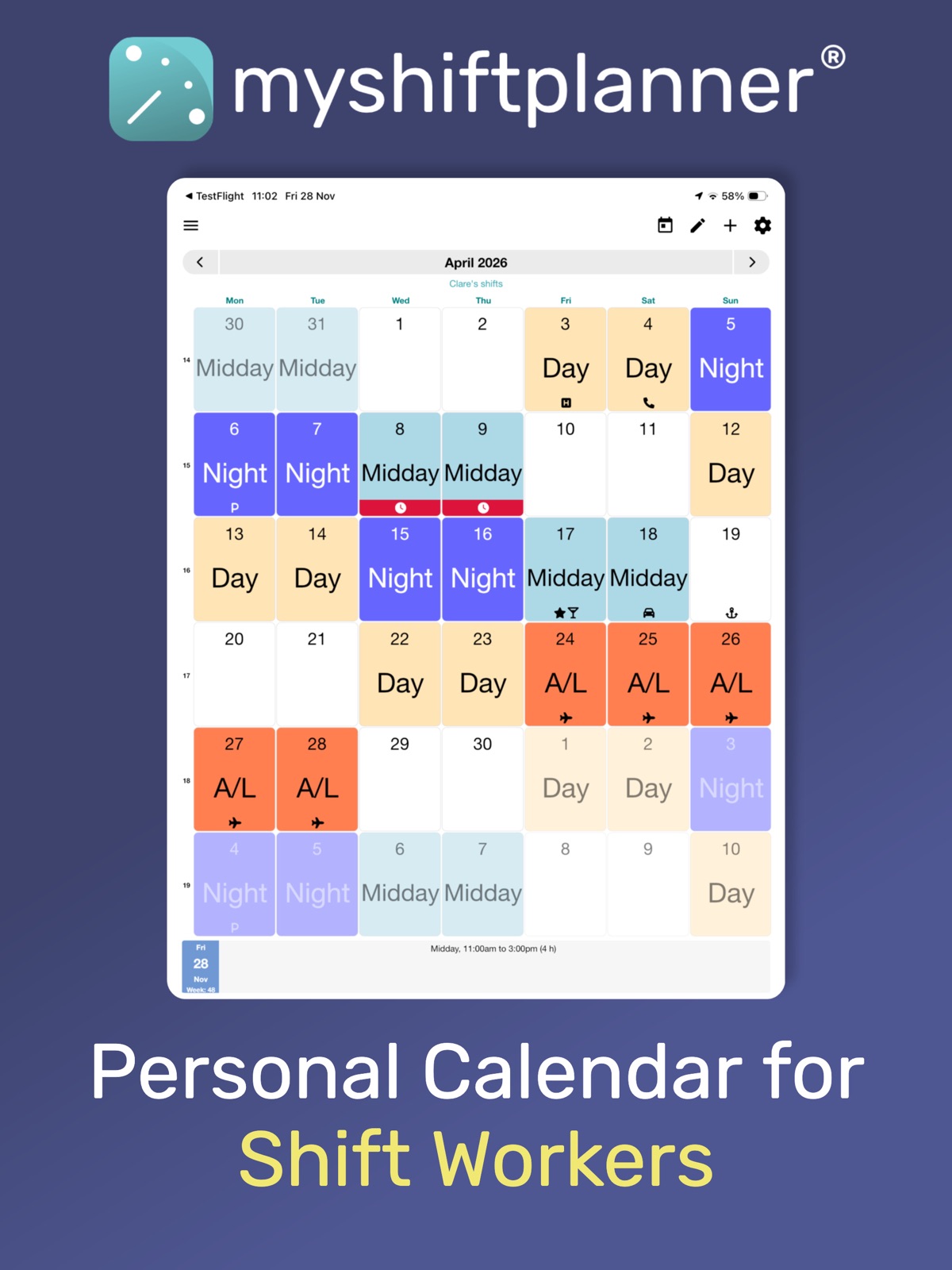
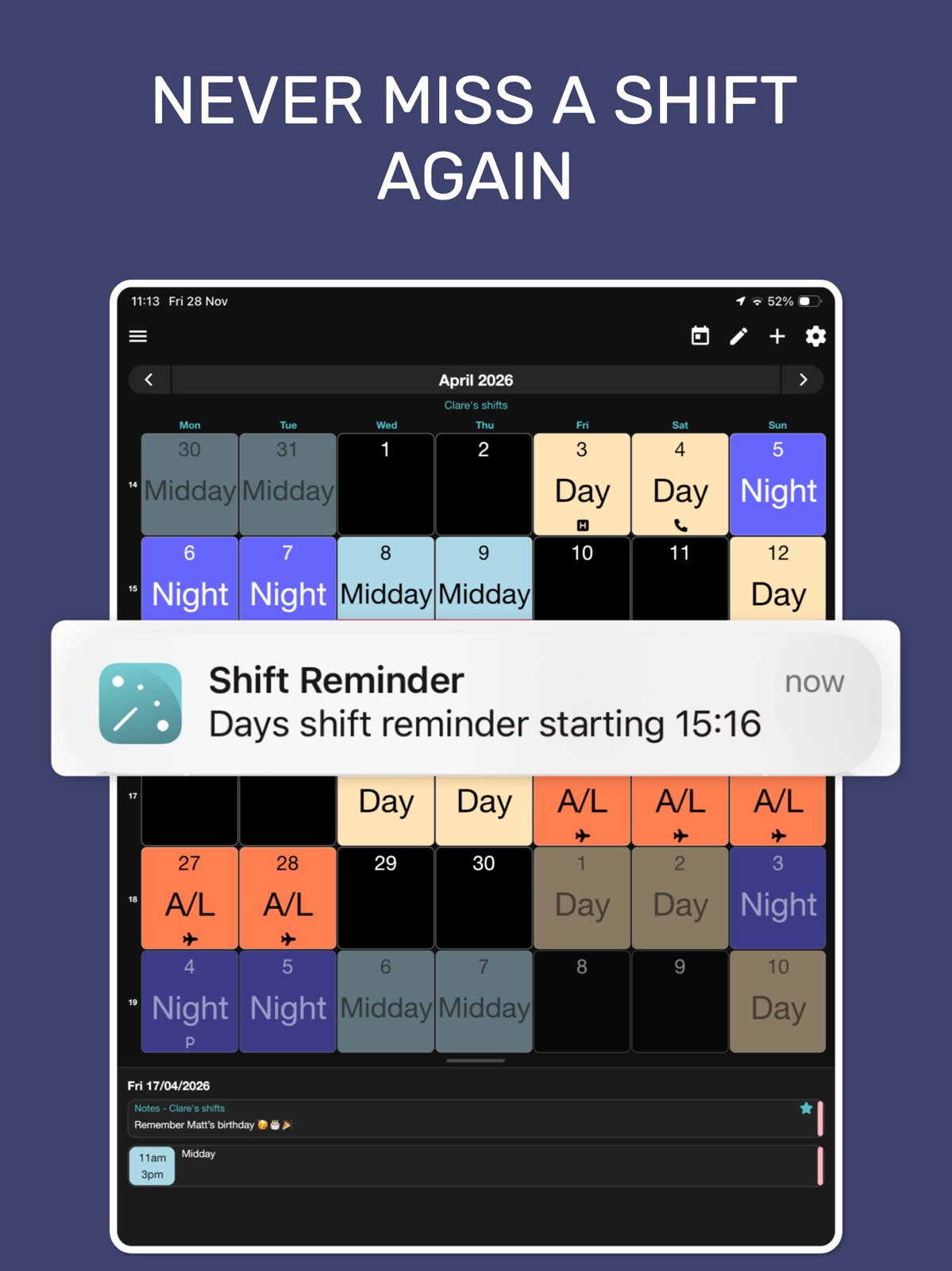
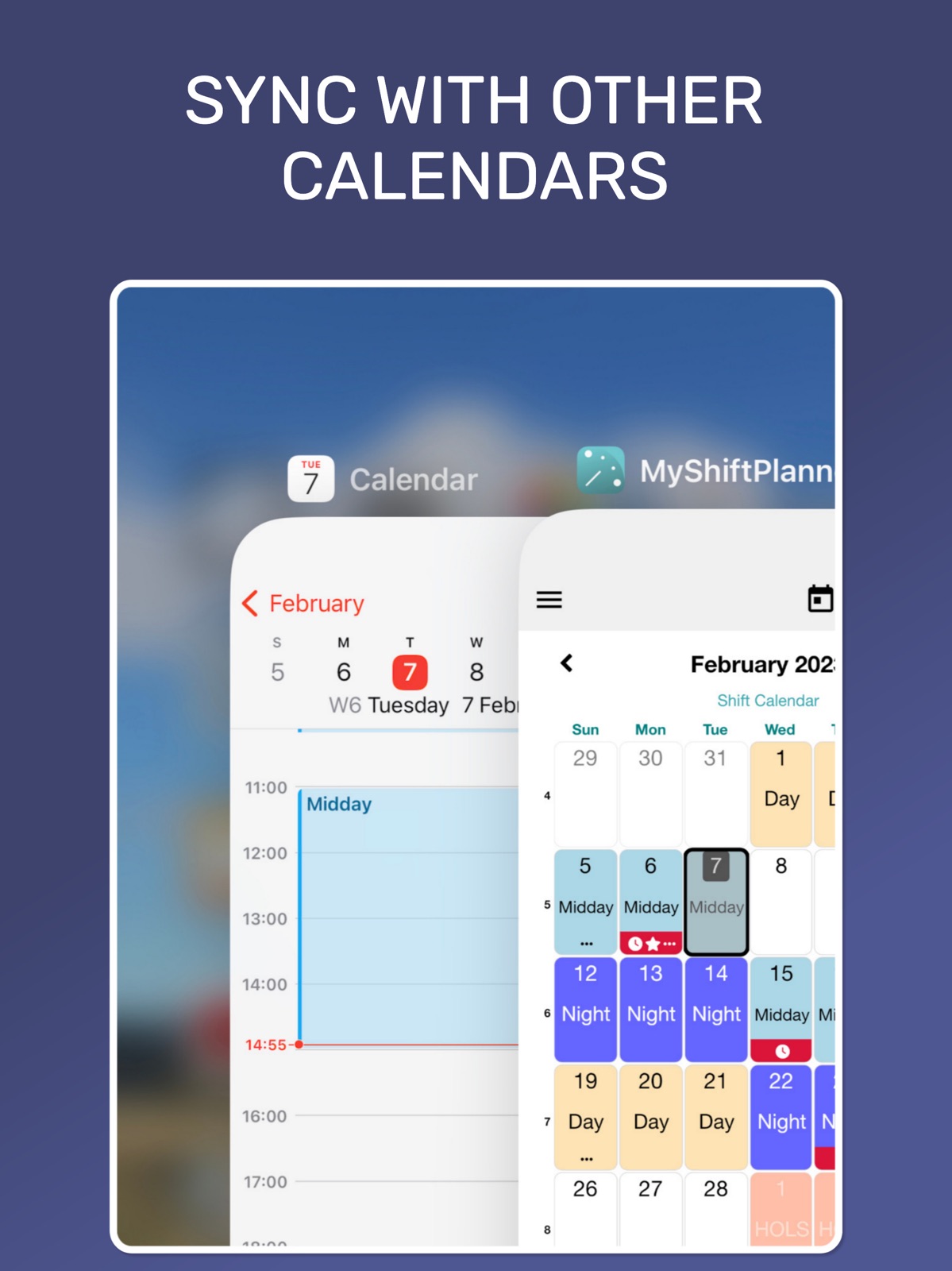
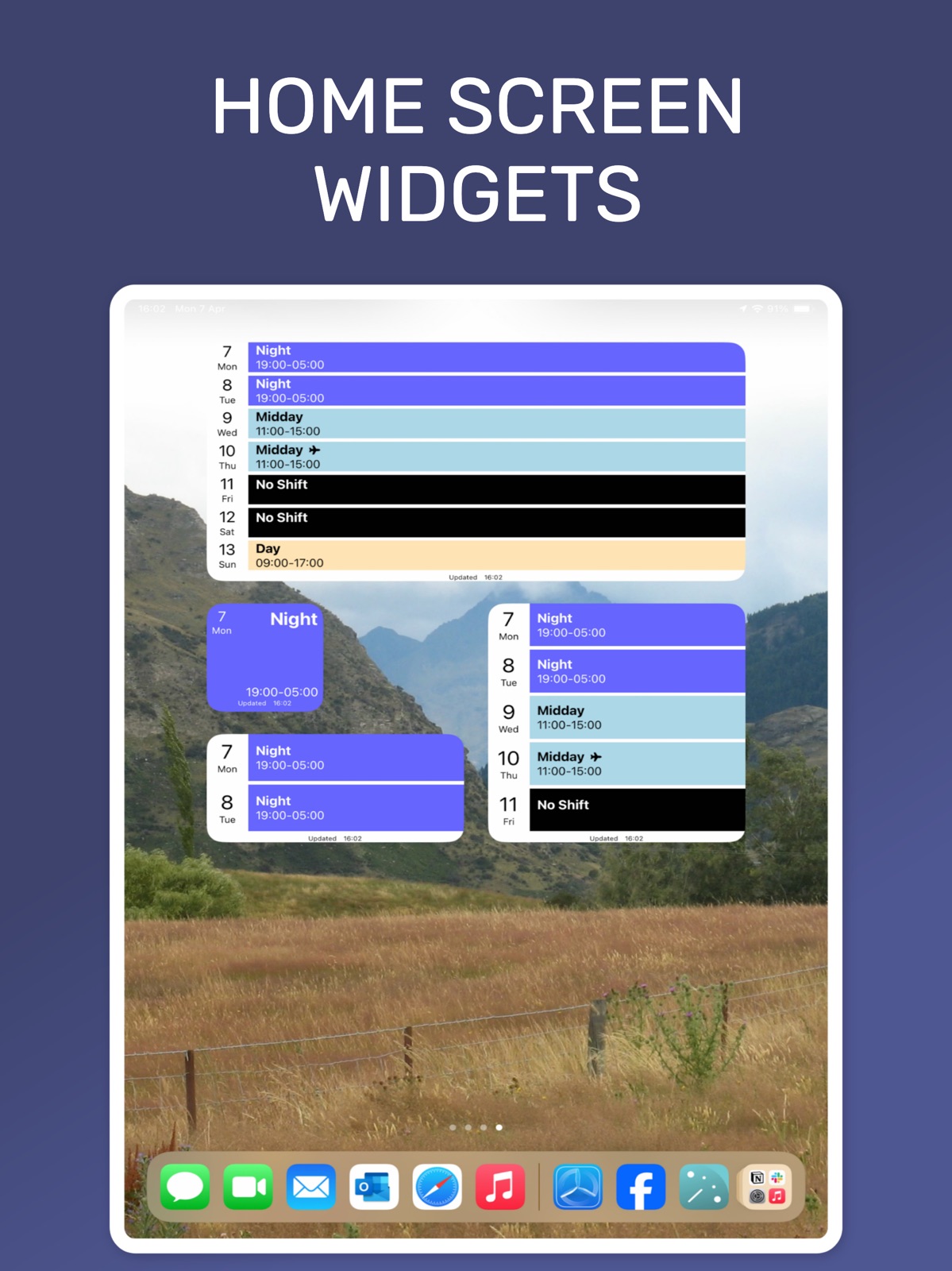
Pricing & paywalls
App Store
- Free to download
- In-app purchases
Ratings & reviews
App Store
-
5/5Great app, keeps my random hrs organized.
Really is a great app for those that are on any unconventional work schedule. It seems if you are someone who sets appointments for work this app should also work well, although I don’t use it that way so I’m not 100% sure on that. I work 4 on 4 off rotating days and nights, plus lots of OT and early starts/work overs. The app takes a min to get used to and it has a windows 95 look to it, but function trumps all for me. If it had a buy outright option I would have already purchased the full version, too many subscription services in my life, don’t want another monthly payment. Thanks for the great app, really does keep my hrs organized and showing up to work at the right days lol.
Volcom4042 · 31 Jul 2026
-
5/5My shift planner review
This is a very good calendar. It allows you to arrange any workday anytime you can literally create your own thing and name it whatever let’s say in the future I have to work for Deb. I can literally put its own color. It gives you its own color for every single different job you have like I have two jobs so one of my jobs is green and my other job is brown so I know just by the color which job I’m working and unless you title it too this is a very good schedule. It allows you to put how much money you made every day from whatever job it allows you to put how much money you made at the end of that week it lets you keep up with your money it’s I would very much recommend recommended.
Michael16101 · 31 Jul 2026
-
5/5Amazing!
I normally don’t write reviews, but for this app I must. This app is by far, better than any app I have tested. I’ve tried several other shift apps but this one takes the cake. It’s extremely customizable, extremely easy to set up my schedule, and has a ton of other features. One of other reasons I decided on this app over others was that I can share my schedule and in real time with other “my shift planner “ users. I did choose the subscribe option, but with what this app offers it was a no brainer.
dc980 · 31 Jul 2026
-
4/5Works good for me!
I like the different options for shifts (ie. Night, day, midday, etc.), and I appreciate that they are different colors! You don’t designate colors based on different facilities you work at, like some apps do, but instead based on the type of shift you are working. This works great for me because I work nights and midday shifts, and I only work at one facility. It’s easy to text a picture of the schedule to my family so they can save it too! I like it! There are adds at the bottom of the screen, but they don’t get in the way. It would also be cool if you could customize the name and/or color of your shifts.
SElaine · 31 Jul 2026
-
5/5End to what days are you working again?
This app has been a calming effect on us my husband (retired) just couldn’t remember my schedule and if I picked up extra days. So when my daughter started with her new schedule noc shift she found this app from recommendations so now my husband can see both our schedules and with this app he was able to plan a trip for the two of us around my bulk days off. Now my son is back to work and he has also put in his schedule for both of his jobs
mexi61 · 31 Jul 2026
Privacy & accessibility
App Store
Privacy
- Data Linked to You — Analytics — Diagnostics — Performance Data Developer declared
- Data Linked to You — Analytics — Identifiers — Device ID Developer declared
- Data Linked to You — Analytics — Usage Data — Advertising Data Developer declared
- Data Linked to You — Analytics — Usage Data — Product Interaction Developer declared
- Data Linked to You — Analytics — User Content — Customer Support Developer declared
- Data Linked to You — App Functionality — Contact Info — Email Address Developer declared
- Data Linked to You — App Functionality — Contact Info — Name Developer declared
- Data Linked to You — App Functionality — Purchases — Purchase History Developer declared
- Data Linked to You — App Functionality — Usage Data — Product Interaction Developer declared
- Data Linked to You — App Functionality — User Content — Other User Content Developer declared
- Data Linked to You — Product Personalization — Purchases — Purchase History Developer declared
- Data Linked to You — Product Personalization — User Content — Other User Content Developer declared
- Data Linked to You — Third-Party Advertising — Diagnostics — Performance Data Developer declared
- Data Linked to You — Third-Party Advertising — Identifiers — Device ID Developer declared
- Data Linked to You — Third-Party Advertising — Location — Coarse Location Developer declared
- Data Linked to You — Third-Party Advertising — Usage Data — Advertising Data Developer declared
- Data Linked to You — Third-Party Advertising — Usage Data — Product Interaction Developer declared
- Data Linked to You — Contact Info Developer declared
- Data Linked to You — Diagnostics Developer declared
- Data Linked to You — Identifiers Developer declared
- Data Linked to You — Location Developer declared
- Data Linked to You — Purchases Developer declared
- Data Linked to You — Usage Data Developer declared
- Data Linked to You — User Content Developer declared
- Data Not Linked to You — Analytics — Diagnostics — Crash Data Developer declared
- Data Not Linked to You — Analytics — Diagnostics — Other Diagnostic Data Developer declared
- Data Not Linked to You — App Functionality — Diagnostics — Crash Data Developer declared
- Data Not Linked to You — App Functionality — Diagnostics — Other Diagnostic Data Developer declared
- Data Not Linked to You — Third-Party Advertising — Diagnostics — Crash Data Developer declared
- Data Not Linked to You — Diagnostics Developer declared
- Data Used to Track You — Diagnostics — Crash Data Developer declared
- Data Used to Track You — Diagnostics — Performance Data Developer declared
- Data Used to Track You — Diagnostics Developer declared
- Data Used to Track You — Identifiers — Device ID Developer declared
- Data Used to Track You — Identifiers Developer declared
- Data Used to Track You — Location — Coarse Location Developer declared
- Data Used to Track You — Location Developer declared
- Data Used to Track You — Usage Data — Advertising Data Developer declared
- Data Used to Track You — Usage Data — Product Interaction Developer declared
- Data Used to Track You — Usage Data Developer declared
Accessibility
- Dark Interface — SUPPORTED Store published
- Differentiate Without Color Alone — SUPPORTED Store published
- Larger Text — SUPPORTED Store published
Versions
App Store
-
6.3.10
This update fixes some issues and speeds things up to keep the app running in tip-top condition. If you have any questions or need help, email [email protected]
-
6.3.11
This update brings a brand-new Pro-Lite option! Watch a short ad and unlock 7 days of Pro features (with ads) for free—perfect for getting more out of MyShiftPlanner without commitment. We've also tackled some pesky bugs and made key improvements: *New: Pro-Lite rewards ad option for Pro features *Fixed: Various crashes reported on our servers *Fixed: Done button missing on some iPads *Improved: MyShiftManager work calendars can now be shared as images *New: Refresh button added to MyShiftManager Leave & Swap requests *Fixed: Night shifts now display correctly in the Teams tab As always, our friendly team is here to help! Reach us via Get in Touch in the app or email [email protected]. Enjoy the update!
-
6.3.2
Thanks for using MyShiftPlanner! This update contains a few fixes for Pro Pack subscribers and some minor maintenance to keep the app at its best. If you need help or have questions, contact us through the Get In Touch option in the app menu.
-
6.3.3
This update contains fixes and small improvements to keep the app running at its best! If you have any questions or need help, use the Get in Touch option in the app menu, or email us at [email protected]
-
6.3.4
This update contains some important fixes for all users. As well as updated features for MyShiftManager connected users. *Fixes for iOS crashing on start (reported by some users) *Split shifts now show both times in the month calendar *Pay days generated by the automatic rules (Pro Pack) now export to device calendar (e.g. Google Calendar) *Pay rates can now be set per leave type (Pro Pack) For MyShiftManager users: *New "Available Shifts" tab listing all available open shifts for pick-up *Work time report can now be used for MyShiftManager work calendars to see worked hours per shift type *Improved descriptions for shifts and more details about the shift displayed in the event details pop-up *Fixes for how all day items are displayed (e.g. availability, leave, sickness) Any questions, get in touch with our team via [email protected]
-
6.3.5
This update contains a bundle of small fixes to keep MyShiftPlanner running smoothly
-
6.3.6
This release contains fixes for a number of minor issues in the app and various improvements.
-
6.3.7
This update is designed to help keep the app running smoothly, as well as fixing some user reported issues in the app. The main changes are:- * Home Screen Widgets * New settings for Long-Tap with options for Day Info or Events List view * Day pop-up panel now shows all events for a day, including device events if set up. * Various fixes and updates throughout the app If you need any help with setting up or using MyShiftPlanner, please contact with our team via the "Get in Touch" option in the app or directly by emailing us at [email protected] We hope you enjoy the update.
-
6.3.8
This update adds lots more options for managing and tracking your time-off-in-leiu in the app. As well as the ability to copy multiple calendars from MyShiftPlanner to your device calendar. *Overtime Updates - quickly add overtime to any shift with the handy pop-up. Now with option to add overtime before and after a shift *Add TOIL quickly to Overtime using the Overtime Pop-Up *Set Up Full and Part-Day TOIL types and keep track of TOIL directly in your Leave Reports *Sync multiple MyShiftPlanner calendars to any calendar connected to your device Alongside all these additions are a range of fixes and improvements to help keep MyShiftPlanner runnning smoothly in your device. If you have any questions or need help, contact our team through the "Get In Touch" option in the main menu within the app or email [email protected]
-
6.3.9
This update keeps MyShiftPlanner running at its best with some fixes for a few minor issues. - The Off shift now shows at the top of the shift picker again - Updates to the new TOIL shift type (Pro users) - Paid breaks now supported for shifts If you need help, use the "Get In Touch" option in the app menu to contact us.
-
6.4
With this update, we’ve added some extra options to give you even more control over your shifts. For all users: *Option to remove icons from default Leave and Overtime shift types *More control with new week number settings for Pattern Weeks and Custom setups For Pro users: *Choose any icon you like for Leave and Overtime shift types – fully customize your planner! For MyShiftManager users: *New Availability tab – manage when your team can work *Updated Open Shifts tab – shifts now grouped by This Week, Next Week, and Later for quicker planning Plus a range of other fixes and behind-the-scenes improvements to keep things running smoothly As always, if you need help, just tap Get in Touch in the app or email [email protected] – we’re here for you!
-
6.4.1
With this update, we’ve added some extra options to give you even more control over your shifts. For all users: *Option to remove icons from default Leave and Overtime shift types *More control with new week number settings for Pattern Weeks and Custom setups For Pro users: *Choose any icon you like for Leave and Overtime shift types – fully customize your planner! For MyShiftManager users: *New Availability tab – manage when your team can work *Updated Open Shifts tab – shifts now grouped by This Week, Next Week, and Later for quicker planning Plus a range of other fixes and behind-the-scenes improvements to keep things running smoothly As always, if you need help, just tap Get in Touch in the app or email [email protected] – we’re here for you!
-
6.4.2
This is a bug-fix release that contains a number of internal updates. As well as new options to submit timesheets for MyShiftManager users. As always, if you need help, just tap Get in Touch in the app or email [email protected] – we’re here for you!
-
6.4.3
This update includes a range of small improvements and fixes to keep everything running smoothly. Thanks for your continued feedback — we’re always working behind the scenes to make MyShiftPlanner better for you! If you ever need help or want to share your thoughts, just tap Get in Touch in the app or email [email protected]. We're here for you.
-
6.4.4
This update includes a bundle of fixes to help those affected. - In some cases, the ads explainer pop-up keeps reappearing on app start - Annual leave (holiday) allowances and reports are now available to MyShiftManager-linked users
-
6.4.5
This update introduces several new tools and improvements to make shift management simpler: *Multiple patterns now available in the free version *Download your timesheets and add worker comments (MyShiftManager Users) *Improved Sharing by Image options *Support for Open Shift Requests (MyShiftManager Users) *Plus lots of small fixes and tweaks to make your planner smoother and more reliable. As always, if you need help, tap Get in Touch in the app or email [email protected].
-
6.4.6
In this update we’ve improved password reset with a smoother, more reliable flow. As well as updated timesheet activity fields for MyShiftManager users. And fixed issues in Week View, Google Calendar sync and the 12hr time editor. Plus better icons, clearer text and more stable notifications.
-
6.5
What’s New in v6.5 * Clearer and easier password reset flow * Improved support and help options * Fixed public holiday update issues (including Australia 2026 holidays) * New option to manually refresh public holiday files * Better protection against data issues when storage space is low * Improved account and sync status messaging * Updated to support the latest iOS versions
-
6.5.1
What’s New in this version * Clearer and easier password reset flow * Improved support and help options * Fixed public holiday update issues (including Australia 2026 holidays) * New option to manually refresh public holiday files * Better protection against data issues when storage space is low * Improved account and sync status messaging * Updated to support the latest iOS versions * Fixes for Text Box Scrolling issues
-
6.5.2
This is a bug fix release that provides additional support for users with older versions of iOS. If you have any questions about this update, please contact our support team at [email protected]
-
6.5.3
This is a bug fix release that provides additional support for users. If you have any questions about this update, please contact our support team at [email protected]
-
6.6.0
Version 6.6 is packed with improvements designed to make managing your shifts easier than ever. • Automatic overtime calculations with weekly and monthly overtime thresholds • Enhanced work time reports with more detailed summaries • Completely refreshed onboarding and setup experience • Redesigned Pro experience and subscription screens • Faster, smoother performance throughout the app • Updated interface with modern controls and dialogues • Numerous bug fixes and usability improvements Thank you for helping us make MyShiftPlanner better with every release.
-
6.6.1
The latest version with great new features: * Notes panel no longer hides automatically * Fixes and improvements
-
6.6.2
Various bug fixes
-
6.6.3
· 2 Jul 2026
Various bug fixes Fixes for live sharing and data sync problems
Availability by market
- US
Data quality & evidence
- Page completeness
- Live store listing
- Last verified
- 31 Jul 2026
- Sources
- App Store
- Independent summary has not been published yet.