
Quick verdict
- What it is
- Store information collected; an Apoku editorial summary is not yet published.
- At a glance
-
- Free to download
Categories and search queries
Official categories
- Utilities
- Lifestyle
Apoku categories
Key functions
| Function | Availability | Access | Scope | Evidence |
|---|---|---|---|---|
| Free app | Yes | Free | Context-specific | Store published |
Screens
App Store
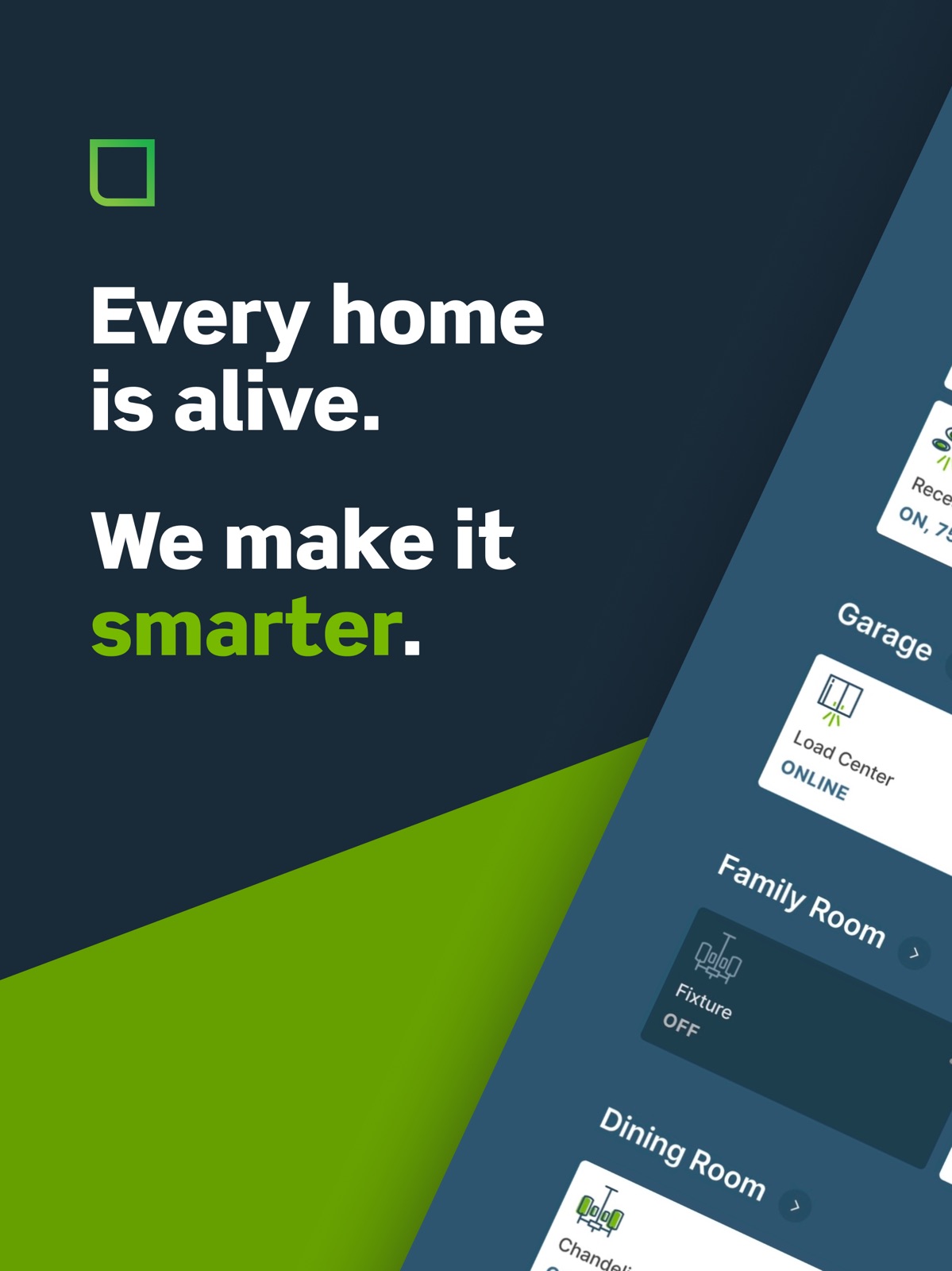
10 store screenshots


Pricing & paywalls
App Store
- Free to download
Ratings & reviews
App Store
-
5/5Leviton smart switches
I installed various (Leviton and other) smart switches and load controllers (outlet based, lamps) and 90% of the wall switches (single, 3-way, dimmer) in my house app. 2 years ago. My house is relatively new construction and all switch boxes had a neutral readily available. In preparation I attached 6” leads (EG, N, H, L -as appropriate) to all devices. Then I removed the existing switches, attached 6” leads, similarly to the switches, and connected them using twist on wire nuts. The only circuit giving me any trouble was a multi-switch overhead stair well lamp. With some trial and error I correctly installed 1 master and 2 remote switches. I opted for the network connected type devices. In the last year, I’ve had a single switch fail ( the device showed in my iPhone app but would not switch a load). The LED illuminated, and the device configured properly . I replace the failed switch and the circuit now functions properly. I think it’s likely the SCR/triac output stage failed open. On rare and random occasion some overhead lamps have turned on/off without being commanded. Overall I’m pleased with and recommend the system. I have several timed actions and macro type groups, e.g., all on, all off, evening. I would like to see a smart wall outlet optionally with current, voltage, and power measurement/reporting. Plus an open API with access to the devices allowing control and data reporting. FWIW, I am an electronics engineer with 30+ years as a technical consultant (aerospace, industrial). I am not an electrician but installed all of the devices with little problem.
sadie964 · 31 Jul 2026
-
5/5Love this app!
So simple to control lights in each room. My condo is small, so I just have my lights grouped by floor. Makes it so easy to lay in bed and make sure they're all off before going to sleep (I tend to forget my basement lights are on). I installed most of the smart switches myself (probably could have done them all if instructions were better for the 3-ways). They are reliable quality, just like one would expect from a tried and true brand like Leviton. I have some switches, some dimmers, some remotes with smart plugs, and a mix of single pole vs. 3-ways. The 3-ways were the hardest to install due to poorly written directions (even my electrician with 40+ years of experience struggled!). All my outside lights are smart, so I can turn the front lights on from any room if I'm expecting company or dim the light above my back patio when entertaining. They are amazing. My only 2 complaints are that 1.) my light bulbs squeal when they're dimmed (I need to look into why this is) and 2.) I wish Leviton made smart bulbs so I didn't have to use a separate app to dim my ceiling fan lights.
butterfly_b · 31 Jul 2026
-
1/5Trash app created to buy stars: REPORT SPAM
I have no doubt Leviton saw the low ratings of their old, clunky app, decided to create a new, terrible app then bought a bunch of 5 star ratings from a bot farm. Seriously, read the 5-star reviews, “useful & intuitive app”, “Tops” “great k intuitive” no mention of what it is or does. So many fakes. Tap and hold the fake reviews and REPORT, “looks like spam” AND they released this versions so they can make money off your personal information. Check your Privacy Report. The new app contacts googleapi, the old one didn’t. This is 100% abysmal. I did find out how to use WITHOUT an ACCOUNT: log out, then at the bottom of the phone, try tapping the “Use with HomeKit only” without touching the Home Bar. Grant permission to access your Home info. Load for 15 seconds. THEN, you get to see 20 “Light”s, 10 “Lamp”s, 5 “Fan”s … “In what room do they reside?” you ask. We’ll never know bc the app doesn’t show rooms. You can’t sort by room, nor does tapping on an accessory reveal the room. And when you go back to huge, useless list, it gets stuck loading, so you have to quit the app and start all over again. I only even downloaded this app bc they broke the old app; I can’t even use the old app to change settings like initial brightness, min dim, etc. of existing device. Shame on Leviton. I have spent far too much money on these products, which worked okay in the last app, now we are all forced to use this trashy, simply unusable, privacy stealing app.
Durf Diggler · 31 Jul 2026
-
1/5Half baked
A number of issues with Leviton. First, you have to add each device to the Home app and Leviton app separately (assuming you want to control via Home and get firmware updates via Leviton). This is a pain as it requires two separate steps and does not always work in the Home app the first time around - should be able to add in one and have it appear in both just like Eve, Nanoleaf, Yale/August, etc. Second, devices randomly go no response in Home and (less frequently in the Leviton app) - despite strong WiFi and solid, stable connections on all other WiFi devices. Third, do not join the early access program to use Matter. My 27 switches and dimmers will not connect to HomeKit when a HomePod is the Hub…these are the only devices I have with this issue…work just fine when AppleTV is the Hub but we obviously can’t (at this point) control which Apple device is the hub. You also cannot unenroll from the EAP without deleting your account and starting from scratch with each device. Fourth, the app used to let you decide when to update the firmware, which was great when you did not want to roll buggy EAP firmware to all of your devices. After the app update yesterday, all of my switches and dimmers automatically updated to the buggy EAP matter update that I was trying to avoid. Amazing how smart home can be this dumb in 2024. I’d rather use candles at this point.
mlmlmsm · 31 Jul 2026
-
5/5Reliable, Clean, and Built for Real-World Smart Homes
I’ve standardized on the Leviton D26HD throughout my home, and honestly, that decision simplified everything. These dimmers feel less like “smart gadgets” and more like professional-grade electrical hardware that happens to be smart. The connection is stable, response time is fast, and once they’re on the network, they stay there — which is exactly what you want from lighting you depend on daily. What stands out most is consistency. Dimming is smooth, scenes trigger reliably, and automations run without drama. The design is clean and modern without looking techy or out of place on the wall — a big win if you care about a polished, intentional home aesthetic like I do. Pair that with straightforward firmware updates and solid Wi-Fi performance, and the D26HD becomes a quiet workhorse behind the scenes. If your goal is a smart lighting system that feels refined, dependable, and built for real-world living — not constant tweaking — the Leviton D26HD delivers.
Jrobertnjr · 31 Jul 2026
Privacy & accessibility
App Store
Privacy
- Data Linked to You — Analytics — Contact Info — Other User Contact Info Developer declared
- Data Linked to You — Analytics — Contact Info — Physical Address Developer declared
- Data Linked to You — Analytics — Identifiers — Device ID Developer declared
- Data Linked to You — Analytics — Identifiers — User ID Developer declared
- Data Linked to You — Analytics — Location — Coarse Location Developer declared
- Data Linked to You — App Functionality — Contact Info — Email Address Developer declared
- Data Linked to You — App Functionality — Contact Info — Other User Contact Info Developer declared
- Data Linked to You — App Functionality — Contact Info — Phone Number Developer declared
- Data Linked to You — App Functionality — Contact Info — Physical Address Developer declared
- Data Linked to You — App Functionality — Identifiers — Device ID Developer declared
- Data Linked to You — App Functionality — Identifiers — User ID Developer declared
- Data Linked to You — App Functionality — Location — Coarse Location Developer declared
- Data Linked to You — Developer’s Advertising or Marketing — Contact Info — Email Address Developer declared
- Data Linked to You — Developer’s Advertising or Marketing — Contact Info — Physical Address Developer declared
- Data Linked to You — Developer’s Advertising or Marketing — Identifiers — User ID Developer declared
- Data Linked to You — Other Purposes — Contact Info — Phone Number Developer declared
- Data Linked to You — Product Personalization — Contact Info — Email Address Developer declared
- Data Linked to You — Product Personalization — Contact Info — Name Developer declared
- Data Linked to You — Product Personalization — Contact Info — Other User Contact Info Developer declared
- Data Linked to You — Product Personalization — Contact Info — Phone Number Developer declared
- Data Linked to You — Product Personalization — Contact Info — Physical Address Developer declared
- Data Linked to You — Product Personalization — Identifiers — User ID Developer declared
- Data Linked to You — Product Personalization — Location — Coarse Location Developer declared
- Data Linked to You — Contact Info Developer declared
- Data Linked to You — Identifiers Developer declared
- Data Linked to You — Location Developer declared
- Data Not Linked to You — Analytics — Diagnostics — Crash Data Developer declared
- Data Not Linked to You — Analytics — Diagnostics — Other Diagnostic Data Developer declared
- Data Not Linked to You — Analytics — Diagnostics — Performance Data Developer declared
- Data Not Linked to You — Analytics — Usage Data — Other Usage Data Developer declared
- Data Not Linked to You — Analytics — Usage Data — Product Interaction Developer declared
- Data Not Linked to You — Diagnostics Developer declared
- Data Not Linked to You — Usage Data Developer declared
Accessibility
No accessibility labels collected yet.
Versions
App Store
-
3.100
Miscellaneous Fixes and UX Improvements The My Leviton app is always getting better and easier! Use the feedback form to provide your thoughts to our app and cloud team.
-
3.101
Utility Rate Plans: Customize your utility rate plan. Schlage Integration: Refreshed lock management experience with support for locking your locks through Scenes. Miscellaneous Fixes and UX Improvements The My Leviton app is always getting better and easier! Use the feedback form to provide your thoughts to our app and cloud team.
-
3.101.4
Miscellaneous Fixes and UX Improvements The My Leviton app is always getting better and easier! Use the feedback form to provide your thoughts to our app and cloud team.
-
3.102
Enrollment: Autoscan for No-Neutral devices for a more streamlined experience. Miscellaneous Fixes and UX Improvements The My Leviton app is always getting better and easier! Use the feedback form to provide your thoughts to our app and cloud team.
-
3.103
Miscellaneous Fixes and UX Improvements The My Leviton app is always getting better and easier! Use the feedback form to provide your thoughts to our app and cloud team.
-
3.104
Miscellaneous Fixes and UX Improvements The My Leviton app is always getting better and easier! Use the feedback form to provide your thoughts to our app and cloud team.
-
3.105
· 27 Jul 2026
Enrollment: Autoscan Load Centers for a more streamlined experience. Miscellaneous Fixes and UX Improvements The My Leviton app is always getting better and easier! Use the feedback form to provide your thoughts to our app and cloud team.
-
3.80
Devices: Updated tile design makes it easier to recognize device status at a glance. Miscellaneous Fixes and UX Improvements The My Leviton app is always getting better and easier! Use the feedback form to provide your thoughts to our app and cloud team.
-
3.82
Dashboard redesign is here! Manage favorites for devices, activities, scenes, rooms, and breakers. New device and room card tiles for favorites. Updated Whole Home Energy Widget Design. New Energy Trends and Energy Cost widgets on the Dashboard. Miscellaneous Fixes and UX Improvements The My Leviton app is always getting better and easier! Use the feedback form to provide your thoughts to our app and cloud team.
-
3.83
Load Center: Filter breakers by usage, view historical usage breakdown by individual CT, and customize CT names. Enrollment: Autoscan EVSE Chargers for a more streamlined experience. Favorites: Add EVSE Chargers and Load Centers to your favorite devices. Miscellaneous Fixes and UX Improvements The My Leviton app is always getting better and easier! Use the feedback form to provide your thoughts to our app and cloud team.
-
3.84
Dashboard Favorites: All My Leviton devices are now available to be added to your Favorites. Improved circuit breaker types list. Miscellaneous Fixes and UX Improvements The My Leviton app is always getting better and easier! Use the feedback form to provide your thoughts to our app and cloud team.
-
3.85
Performance: Improved initial app loading speed and optimized loading times for energy data Schedules: Updated UI for setting frequency Miscellaneous Fixes and UX Improvements The My Leviton app is always getting better and easier! Use the feedback form to provide your thoughts to our app and cloud team.
-
3.86
Miscellaneous Fixes and UX Improvements The My Leviton app is always getting better and easier! Use the feedback form to provide your thoughts to our app and cloud team.
-
3.87
Load Center Enrollment: A refreshed enrollment flow that’s now aligned with other in-app enrollment experiences. Integrations: Redesigned integration list featuring all available options. Settings: Updated designs for GFCI Outlets, Plug-Ins and EVSE Notification Settings for a cleaner, more intuitive setup. Miscellaneous Fixes and UX Improvements The My Leviton app is always getting better and easier! Use the feedback form to provide your thoughts to our app and cloud team.
-
3.88
Settings: A cleaner, more intuitive setup process via updated user interfaces for Decora Smart Fan Speed Controllers, Motion Sensing Dimmers, and Leviton Load Centers. Miscellaneous Fixes and UX Improvements The My Leviton app is always getting better and easier! Use the feedback form to provide your thoughts to our app and cloud team.
-
3.89
Introducing Widgets: Instantly access your snapshots from the dashboard, making it easier to stay on top of what matters most. Favorites: Quickly add devices to your favorites directly from the device page using the popover menu. Miscellaneous Fixes and UX Improvements The My Leviton app is always getting better and easier! Use the feedback form to provide your thoughts to our app and cloud team.
-
3.90
Scene Migration: We’ve unified Activities and Scenes under one streamlined Scenes section, complete with refreshed icons. Miscellaneous Fixes and UX Improvements The My Leviton app is always getting better and easier! Use the feedback form to provide your thoughts to our app and cloud team.
-
3.91
Introducing Favorites Widget: Control your most-used devices, rooms, scenes and breakers for faster, easier access. Scene Migration: We’ve unified Activities and Scenes under one streamlined Scenes section, complete with refreshed icons. Miscellaneous Fixes and UX Improvements The My Leviton app is always getting better and easier! Use the feedback form to provide your thoughts to our app and cloud team.
-
3.93
Miscellaneous Fixes and UX Improvements The My Leviton app is always getting better and easier! Use the feedback form to provide your thoughts to our app and cloud team.
-
3.94
Miscellaneous Fixes and UX Improvements The My Leviton app is always getting better and easier! Use the feedback form to provide your thoughts to our app and cloud team.
-
3.94.2
Miscellaneous Fixes and UX Improvements The My Leviton app is always getting better and easier! Use the feedback form to provide your thoughts to our app and cloud team.
-
3.95
Integrate with Sonos: Easily control any Sonos audio player with a single touch using Leviton’s Scene Controller Switch, part number D2SCS. Miscellaneous Fixes and UX Improvements The My Leviton app is always getting better and easier! Use the feedback form to provide your thoughts to our app and cloud team.
-
3.97
Demo Mode: Explore the My Leviton app – no account required. Miscellaneous Fixes and UX Improvements The My Leviton app is always getting better and easier! Use the feedback form to provide your thoughts to our app and cloud team.
-
3.98
Notification Settings: Fine-tune Push and Email alerts to match your preferences. Miscellaneous Fixes and UX Improvements The My Leviton app is always getting better and easier! Use the feedback form to provide your thoughts to our app and cloud team.
-
3.99
Backup Overload Protection: Redesigned Essential Circuits with Nice to Have circuit prioritization that automatically disables those circuits as battery levels drop. Cost Saver: Automatically reduce energy costs by turning devices off during peak pricing periods based on your Time-of-Use energy plan. Anywhere Companion: Receive a notification when battery is low. Miscellaneous Fixes and UX Improvements The My Leviton app is always getting better and easier! Use the feedback form to provide your thoughts to our app and cloud team.
Availability by market
- US
Data quality & evidence
- Page completeness
- Live store listing
- Last verified
- 31 Jul 2026
- Sources
- App Store
- Apoku editorial summary has not been published yet.