
Quick verdict
- What it is
- Store information collected; an Apoku editorial summary is not yet published.
- At a glance
-
- Free to download
- In-app purchases
Categories and search queries
Official categories
- Graphics & Design
- Photo & Video
Apoku categories
Key functions
| Function | Availability | Access | Scope | Evidence |
|---|---|---|---|---|
| Free app | Yes | Free | Context-specific | Store published |
| In-app purchases | Yes | Limited free | Context-specific | Store published |
Screens
App Store
14 store screenshots

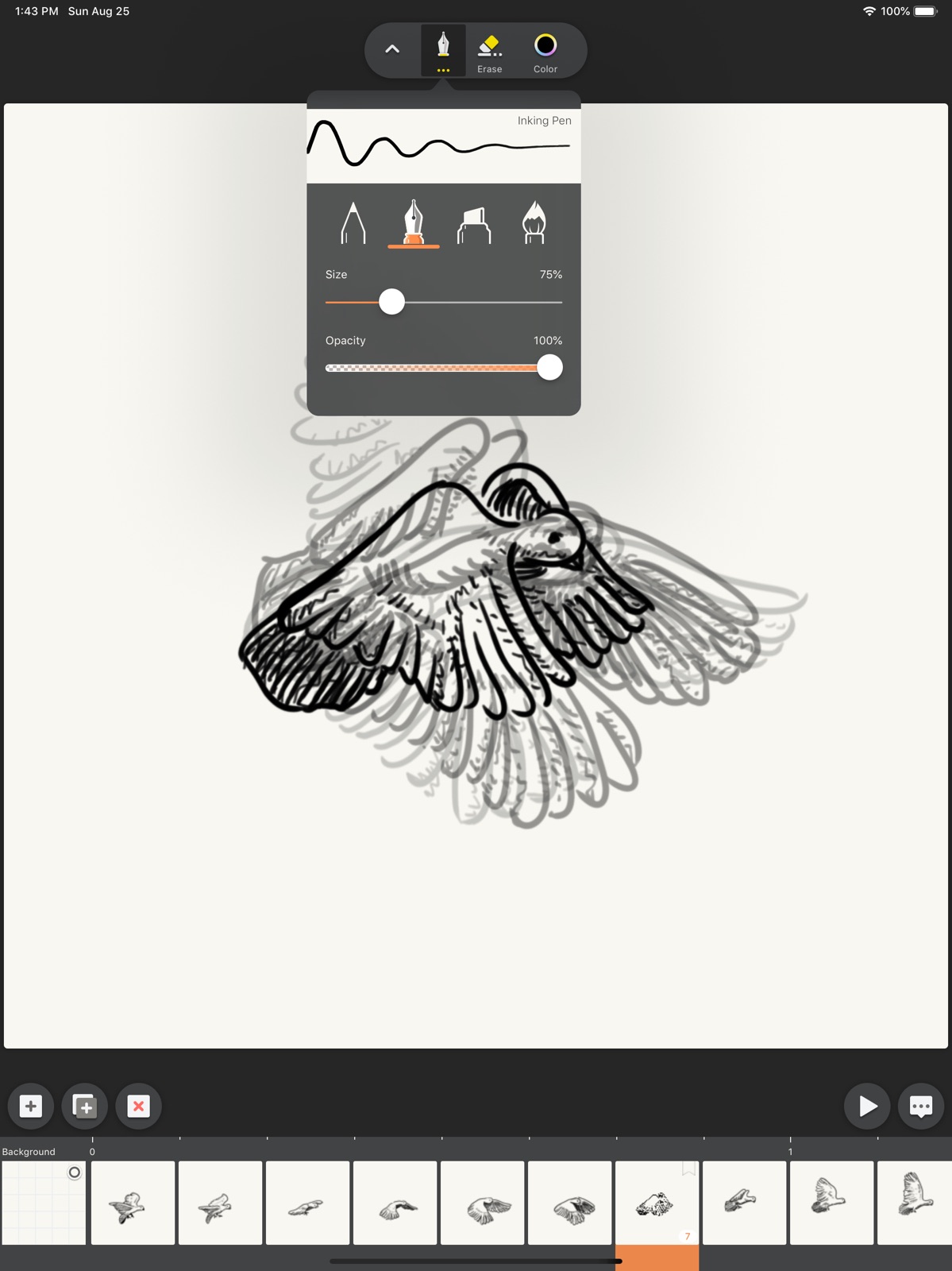

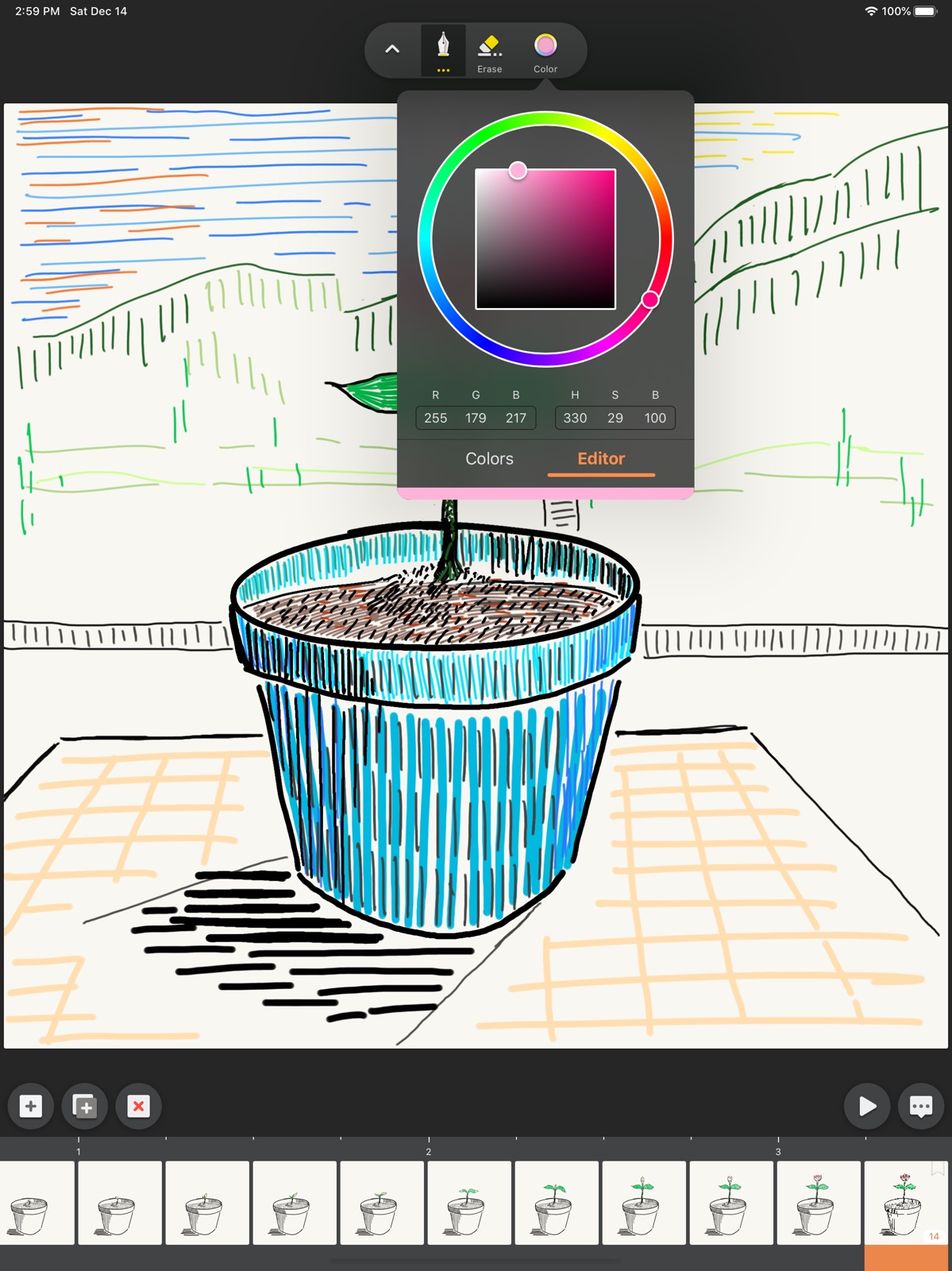
Pricing & paywalls
App Store
- MotionBook Full Features — $4.99
Ratings & reviews
App Store
-
4/5Great great great, missing a few things
Only been using it for a few minutes, I downloaded the app assuming there was a paid version and went in with the intent of buying it because I could just refund if I didn’t like it. It’s great, everything works well and is easy to use. There’s just a few thing that I think it needs to REALLY be awesome, I’ve seen another review mention layers, that’s a big one for me too. Aside from layers, I think that there really needs to be a way to select multiple frames at once so you can copy a motion without getting tangled in the pages if you get what I mean. It can get messy reusing a sequence of frames when there’s not an easy way to just copy and move the sequence. Last thing is less important over all, especially if layers are added, but I’d love to see a way to keep something selected and be able to go into other tools, like selecting the shirt of a character and then coloring it in without going beyond what you’ve selected. Kind of advanced mechanics for an app, I could do all this in photoshop which I have, but there’s a convenience in this that sitting at my desk doesn’t give. Over all I think the 5 dollar price point is fair, the app feels good, works well, produces fairly high quality pieces, if it had those few things I mentioned I would RAVE about this app none stop. Honestly it is so so so close to being nearly perfect for what it is.
KegaB3 · 31 Jul 2026
-
4/5UNDO!!!
As an artist that is always scavenging for apps that are amazing and free to use, this app was perfect! When I first opened the app, the layout was not oversimplified, but also not overwhelming. The brushes on this app are few but awesome. If my friends were looking for a free animation app, this would be one of my top 3 recommendations. The only issue (and albeit a minor one) I have with this program is that when you double or triple tap to undo, it doesn’t have the function (for me). This is something I would love to see added because it makes everything much easier for the artist. The other thing is a selection tool, which would be very useful for editing small or large details. This is still a stellar app that I would recommend nonetheless!
lollipops r gud galalalalalala · 31 Jul 2026
-
3/5Missing a few things
Some tools that could improve the app are 1. A bucket tool. I spent a very long time filling in pages! 2. Larger brush options. Not only would this mostly negate the need for a bucket, but it would also be more effective for making a lot of different things at larger scale without the possibility of making them different sizes accidentally. 3. Layers. I’m certain that this is the most mentioned issue within the reviews. It’s difficult to draw digitally, let alone animate, without being able to select layers to work in. Otherwise, it’s a pretty basic animation app. I would recommend this app over Flip-a-clip for more detailed animations just because of the smaller brushes that this one offers. However, if you’re looking for an animation app for vibrant colors and cuter animations with less detail, Flip-a-clip is the way to go. They offer layers and I think a wider selection of brushes, and they have a fill tool.
Olliverghist · 31 Jul 2026
-
5/5Powerful and easy to use
This app is pretty powerful in its free state, but definitely worth the five bucks for the more advanced features. It’s a straight-forward flip-book animation tool that offers smooth drawing. Its interface is uncluttered and simple, and that’s actually the only problem I’ve found with it so far—there aren’t enough controls. By default, the app saves its internal projects to iCloud, which is useful if you’re going to be working on animations on different devices, but I prefer to keep everything on my iPad. It’s possible to set the default location to save projects to your local device, but you have to go to the settings app to do it. MotionBook is definitely worth playing with, if you’re interested in rotoscoping, adding doodles to existing videos or photos, or drawing animations from scratch.
SFDex · 31 Jul 2026
-
3/5Please fix this!🐉🐱
So I LOVE animating! I include them in all my Yt videos! However sadly I may stop using this certain app because there is no bucket fill option. It may seem pathetic to stop using an app for that reason but the pain is real. Having to colour an entire page with your bare hands makes you feel like jello, and nobody wants to do that. I’m sorry for my rude words but it’s true. If you add this feature I will not delete the app, and I will come back give 5 stars and I will even change my review to something that would make people enjoy the concept of the game. Now it’s not like I’m expecting a change or respond since you haven’t responded to ANYONE else, but just letting you know 😉. Otherwise the app is okay. Okay- it’s been TWO WEEKS. I’m not being patient since it’s not like I’ll get a response anyway. I’m deleting this app and getting stick nodes instead. I recommend readers do too.
SvetlanaCRMw · 31 Jul 2026
Privacy & accessibility
App Store
Privacy
- Data Not Collected Developer declared
Accessibility
No accessibility labels collected yet.
Versions
App Store
- 1.0
-
1.0.1
Make the in-app store available so that you can purchase the Full Features.
-
1.1
VERSION 1.1 - "Video Background" Now you can shoot or pick a video clip as background when creating a new flip-book. And you can also change the opacity of the background layer whenever needed. Benifited by the modern digital camera and these new features, it's now much easier to learn how to draw realistic pose and gestures. You can even do more with that, use your imagination to add interesting hand-draw elements to your favorite videos.
-
1.1.1
- Fix an issue that recently edited FlipBook documents did not appear in the "Recent" tab. - A few minor visual improvements.
-
1.2
VERSION 1.2 - "Size" We redesigned the video exporting setting page, and introduced a new "Resolution" option. So with this new version, no matter you are exporting MP4 or GIF, you could pick the size of your animation from 4 presets (Origin, Medium, Small and Mini). Meanwhile, we noticed that in previous version, when working with video background, it sometimes feel a bit "laggy" if you quickly scroll along the timeline panel. This issue is fixed in v1.2 to ensure that you always have smooth experience when using Motion-Book.
-
1.2.1
This update fixed a few bugs with the video settings UI.
-
1.2.2
We support Traditional-Chinese now.
-
1.2.3
This update improved stability. Have more fun and less interruption.
-
1.3
VERSION 1.3 - "Brushes" Pencil, Inking Pen, Marker, Paint Brush, Hard Eraser, Soft Eraser...... We brought a band new designed brush system to MotionBook in version 1.3. With different brushes, you can now easily add various artistic effects to your drawings. If you like MotionBook, please tell your friends, and rate us in App Store. Thank you.
-
1.3.1
In previous versions, when using video as background, the imported video was scaled down to size no larger than 1024x1024. But start from version 1.3.1, you can import videos at Full HD (1920x1080) without quality loss. This update also include several bug fixes to improve overall stability. If you like MotionBook, please tell your friends, and rate us in App Store. Thank you.
-
1.3.2
You can create flip-book with 4:3 or 16:9 ratio in MotionBook now.
-
1.3.3
This update includes bug-fixes and stability improvement.
-
1.4
VERSION 1.4 - "Better Undo/Redo" We redesigned the Undo/Redo function in this version, now you can access to the Undo/Redo buttons any time while using the app. So that even if you've switched between the "Draw" & "Edit" environment, you can still undo anything you draw before - if needed. Meanwhile, we also made some visual updates, hope you'll like it.
-
1.4.1
This update includes bug-fixes and stability improvement.
-
1.5
VERSION 1.5 - "Add Photo" to your animation Now you can find a new "Add Photo" tool as part of the Advanced Editing tool set. This allows you to easily insert any photo to your flipbook pages or the background page. Also fixed a few bugs to make MotionBook work well on iOS 13.
-
1.6
VERSION 1.6 - "Colors" In this update we enhanced the color system in MotionBook. Besides using the preset colors, you can now mix your own colors from a HSB color picker. To add your picked color to the color swatches, just tapping the "+" button. To organize the color swatches, press-hold a color circle to start dragging. You may drag it to another location or to the "Trash" icon to delete.
-
1.6.1
We support Japanese now.
-
1.6.2
This update includes bug-fixes and stability improvement.
-
1.7
VERSION 1.7 - Bucket Fill With the Bucket Fill tool, coloring your characters (or backgrounds) becomes much easier than before. You may find this new tool under the "Draw" tool set, and it's free for everyone.
-
1.7.1
· 10 Mar 2025
This update includes bug-fixes and stability improvement.
Alternatives
- Magic Poser - Art Pose Tool — Same category + similar ratings
- Cascadeur: 3D animation — Same category + similar ratings
Availability by market
- US
Data quality & evidence
- Page completeness
- Live store listing
- Last verified
- 31 Jul 2026
- Sources
- App Store
- Apoku editorial summary has not been published yet.