
Quick verdict
- What it is
- Store information collected; independent summary not yet available.
- At a glance
-
- Free to download
- In-app purchases
Categories and search queries
Official categories
- Productivity
- Education
AppCorpus categories
Key functions
| Function | Availability | Access | Scope | Evidence |
|---|---|---|---|---|
| Family Sharing | Yes | Unknown | App Store | Store published |
| Free app | Yes | Free | — | Store published |
| In-app purchases | Yes | Limited free | — | Store published |
Screens
App Store
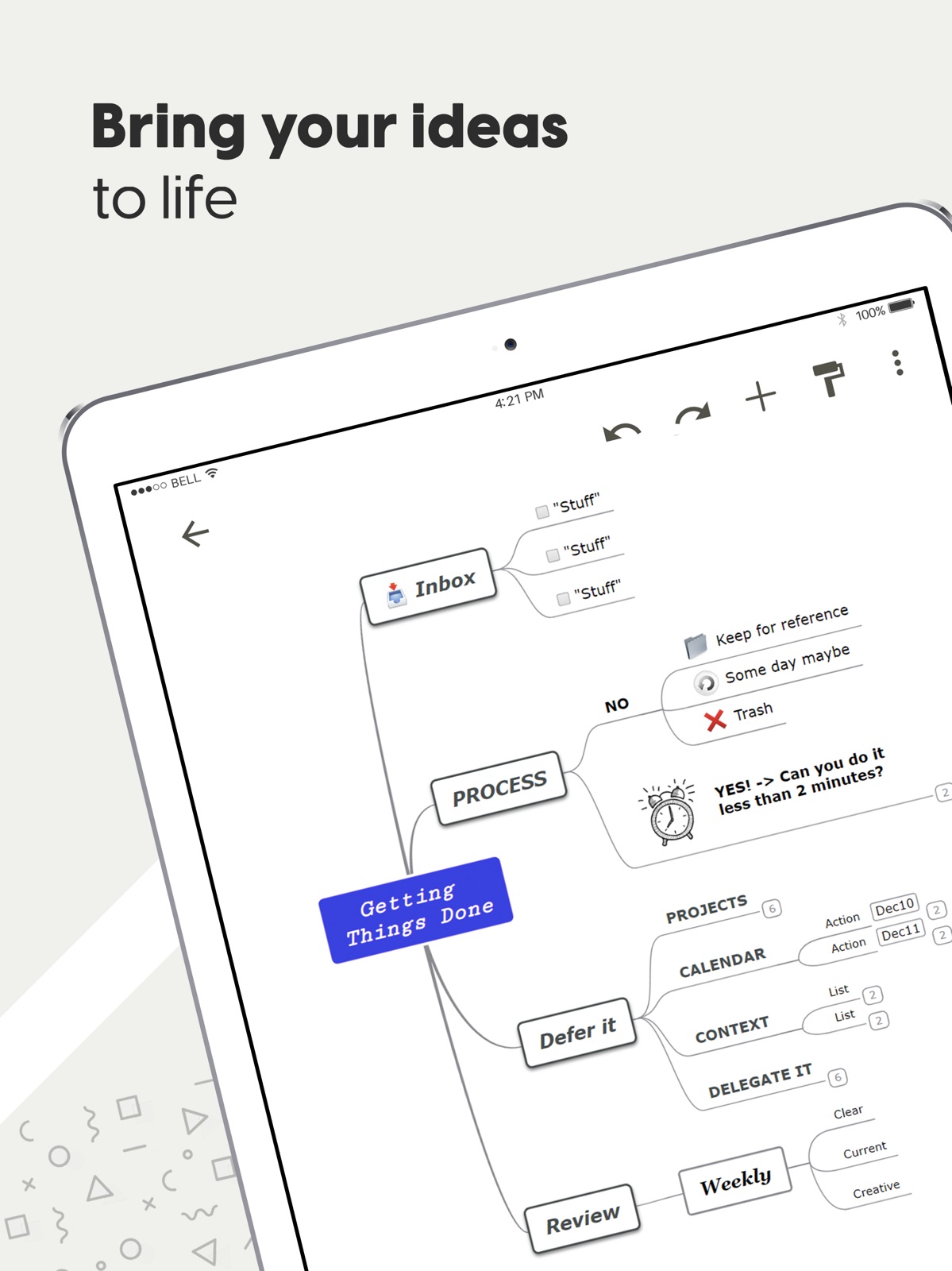
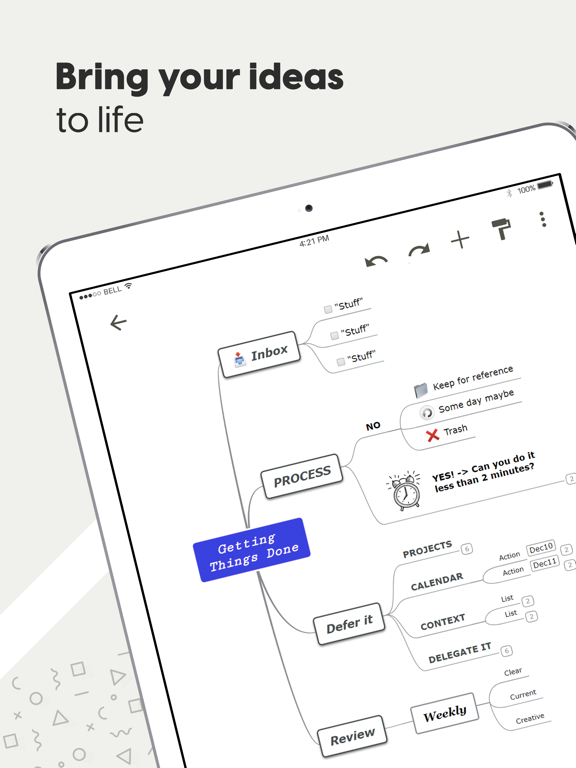
24 store screenshots
Pricing & paywalls
App Store
- Mindomo Premium — $35.99
- Mindomo Premium — $65.99
- Mindomo Premium Subscription — $35.99
- Mindomo Premium Subscription — $65.99
Ratings & reviews
App Store
-
5/5Pretty amazing for free. Some room for improvement.
I downloaded 4 apps today that would still run on my iOS 10.3.4 iphone 5. This was one of them. Others included SimpleMind+, Mindly, and MiMind. This made the top two with SimpleMind+. It has a generous selection of free features, including item coloration, cross linking, and layout control. I found it to be a bit laggy and less responsive to finger touch selection than I'd like, but that could also be my older phone. One feature that I would have liked would have been layouts that would have allowed my cross-linked items to be next to each other horizontally. (For Left-Right to Right-Left groups.) Considering these challenges, I'm going to go with SimpleMind+ for now I think, but I'll keep this around in case that ultimately doesn't work out. For free it's a pretty amazing app. It also has some really nice and well developed template maps. It's worth getting just for those samples and ideas of what can be done with mind mapping software.
Dr. Sundgren · 6 Aug 2026
-
5/5LOVE! Simple, Easy, No Learning Curve
I wanted a simple mind map and this is it. No learning curve. You can use immediately without reading long instructions. It has plenty of features, yet it’s easy. I love it. It’s exactly what I was looking for. UPDATE: Jan 28, 2026 — I downloaded this app first in 2022. I loved it. Super easy to use and worked great. Then a little while ago I thought, well, I’m not using it much and deleted it. Then today I really needed a mind map. I downloaded a bunch, a whole bunch of new apps. All ridiculously lousy, hard to use, cost, ugly . . . Then I remembered this app, searched for it and downloaded it, again. STILL the best mind map out there. Very thankful it’s free!
Dawn30000 · 6 Aug 2026
-
2/5App platform lacking, online fantastic
I don’t write a lot of reviews but hoping to see Mindomo invest more time in their mobile app. I’m a veterinary student and I use Mindomo for class notes. It’s the first program I was willing to upgrade to the paid version and it has been well worth it. The online platform is incredibly easy to use. I still haven’t mastered all the capabilities but I love the ability to link between maps and to the web, as well as add pictures and text boxes. The online PDF export option is also great, and I love the ability to switch between outlines and maps. When I discovered you could use icons and filter that was a game changer (as a vet student I have to keep track of disease and conditions for all animals, so being able to filter my map by ‘horse’ or ‘pig’ or ‘dog’ emoji is invaluable). The only feature I have found myself wanting on the online platform at this stage is the ability to add multiple links to one topic or the ability to link to a specific topic on another page (although the latter would be just icing on the cake). However the mobile app experience is an entirely different animal (have on iPad and iPhone). It’s hard to navigate the cloud files because it insists on icons so I can’t read the full file names, so I have to open each map to figure out what it is. Also yesterday in the middle of an exam it crashed numerous times, which is exactly when I need it NOT to fail, so I had to abandon all my notes when I needed them most. I had already determined I would never build maps on mobile cause the font editing etc gets too tricky, but even navigating can be rough (I always end up accidentally adding a new topic as I try to scroll around). So my rating is low for the AppStore, despite how much I could rave on a positive review for the online version. I hope they start investing in their mobile apps because this program is fantastic, and if it could be reliable and more functional in the apps it’d be a force to be reckoned with.
LW AppleReview · 6 Aug 2026
-
5/5Great free app
I’m thankful for this app. It helps me organize my thoughts systematically and logically. It does provide lots of features and options for free. I wish I could afford the monthly premium; unfortunately, I don’t use it often enough to justify a subscription. Perhaps in the near future. I would love to see more options including color variations, chart & border/layout, map variations, and boxes:circles to check off items when accomplished. In the meantime, definitely recommend this app. Thank you, Mindomo!
Sam Kul · 6 Aug 2026
-
4/5Mindomo the perfect place to start
The reason this is not 5/5 is because Mindomo is proprietary and not open sourced, which means you can’t check to see if the software is secure enough to hopefully not be used as spyware. Worse, you could be very vulnerable to ransomware attacks, which are becoming more and more sophisticated and frequent. This also includes a long list of other crucially influential risks. Plus, non-open source projects tend to be very limited in potential, compared to open-source projects. Aside from that, Mindomo is likely the best free mind map software you’ll find on the iOS app store, and is cross-platform available on almost all mainstream personal operating systems. It has been around and since 2007(?), and has had continuous development that’s still going as of yet. What makes Mindomo special though, is that it’s probably the best software to begin developing your mind-mapping ability. It provides a great user-interface, and has a long selection of templates to help you figure out how you want to express your thoughts, even if you don’t know what exactly it is that you’re trying to visualize. PS: My overall opinion of Mindomo is 4/5 stars, but I thought about rating this 2/5 because there’s a bug right now, then editing to 4/5 when fixed, but I’d rather not have to worry about forgetting. The issue is that the mind map will suddenly scroll up and out of view within the first few times you are selecting something, and in order to get it back you need to go back to the list of your various mind-maps and open the mind map again. It’s not entirely unusable because whatever edits you made before the glitch will still be there when you open the map again, but for someone like me who has debilitating ADHD, it’s effectively unusable. Ironically I was hoping to use this to help me manage my ADHD/OCD/etc., but I guess I’ll have to wait for a patch to be able to work on it...
Caddark · 6 Aug 2026
Privacy & accessibility
App Store
Privacy
- Data Not Collected Developer declared
Accessibility
No accessibility labels collected yet.
Versions
App Store
-
6.0.7
- Improved user experience by providing more accurate limitation notices
-
6.0.8
- Bug fixing: issues related to Cloud notifications
-
6.0.9
- Updated diagram templates for multiple languages
-
6.10.2
Bug fixing: issue related to crashing when inserting or editing topics Bug fixing: issue related to the insert menu's position when switching view mode to landscape when using the app in Arabic
-
6.10.4
Improved user experience
-
6.10.6
- Improved application performance and compatibility by updating to the latest version of the framework
-
6.10.7
- Bug fixing: issue related to diagrams (.mom and .pmom files) not opening correctly when accessed from external sources
-
6.10.9
- Added functionality: support for advanced diagram properties
-
6.11.0
- Added functionality: you can now insert math formulas directly into topics
-
6.11.2
- Improved storing and handling of diagram changes - Bug fixing: issue related to incorrect topic repositioning when exiting the edit mode of a relationship
-
6.11.4
- Improved notes editor for smoother editing and better usability.
-
6.11.5
- Bug fixing
-
6.11.6
- Bug fixing: Issue where existing topic notes were not visible.
-
6.11.9
- Improvements to topic dragging - Bug fixing: issue related to “undefined in cells” issue
-
6.12.0
- Bug fixing: issue related to app behavior when using an external mouse
-
6.12.1
- Bug fixing: issue related to unexpected app behavior with a wireless input device
-
6.12.2
- Bug fixing: issue related to image removal from diagrams
-
6.12.4
- Bug fixing: issue related to the diagram view shifting when the device status bar is touched
-
6.12.5
- Bug fixing: issue where images added in the note sections were not displaying correctly when synchronized
-
6.12.6
- Bug fixing: issue related to syncing images in notes on the mobile app
-
6.12.7
- Enabled mobile support for advanced custom icons. Custom icons added on the web are now visible and accessible on mobile devices.
-
6.12.8
- Bug fixing: issue related to AI content generation
-
6.12.9
- Modernized the app’s framework to deliver a smoother, more reliable experience across supported devices.
-
6.13.1
- Bug fixing: Addressed a notification-related issue that could cause the app to crash.
-
6.13.2
· 31 Jul 2026
The mobile app now supports the latest assignment updates, ensuring compatibility across devices.
Alternatives
- SimpleMind - Mind Mapping — Same category + similar ratings
- MindSpace - Mind Map — Same category + similar ratings
- miMind - Mind Map, Brainstorm — Same category + similar ratings
- Xmind: AI Mind Map, Brainstorm — Same category + similar ratings
- EdrawMind: AI Mind Map, Notes — Same category + similar ratings
- Mind Mapping — Same category + similar ratings
Availability by market
- US
Data quality & evidence
- Page completeness
- Live store listing
- Last verified
- 6 Aug 2026
- Sources
- App Store
- Independent summary has not been published yet.