
Quick verdict
- What it is
- Store information collected; independent summary not yet available.
- At a glance
-
- Free to download
- In-app purchases
Categories and search queries
Official categories
- Photo & Video
- Productivity
AppCorpus categories
Key functions
| Function | Availability | Access | Scope | Evidence |
|---|---|---|---|---|
| Free app | Yes | Free | — | Store published |
| In-app purchases | Yes | Limited free | — | Store published |
Screens
App Store
5 store screenshots
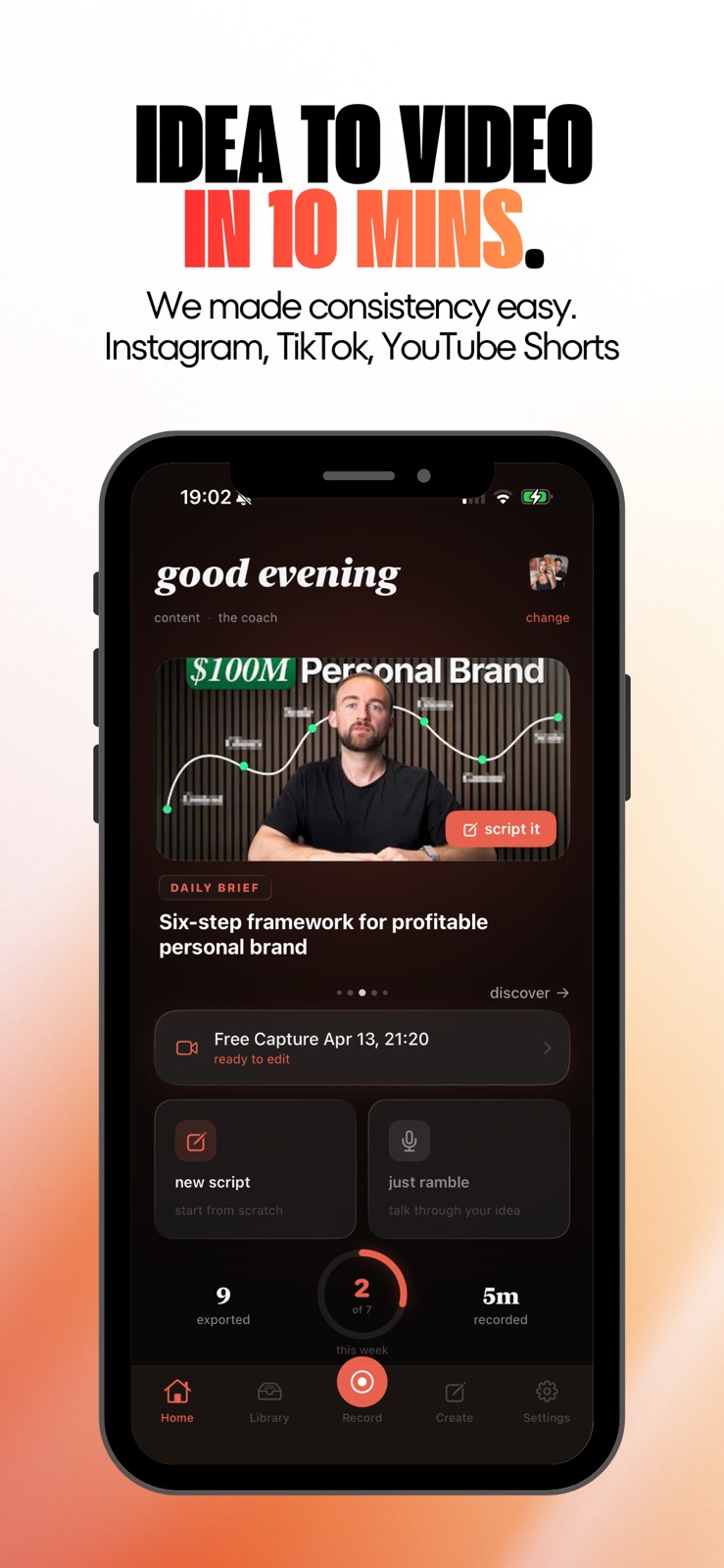
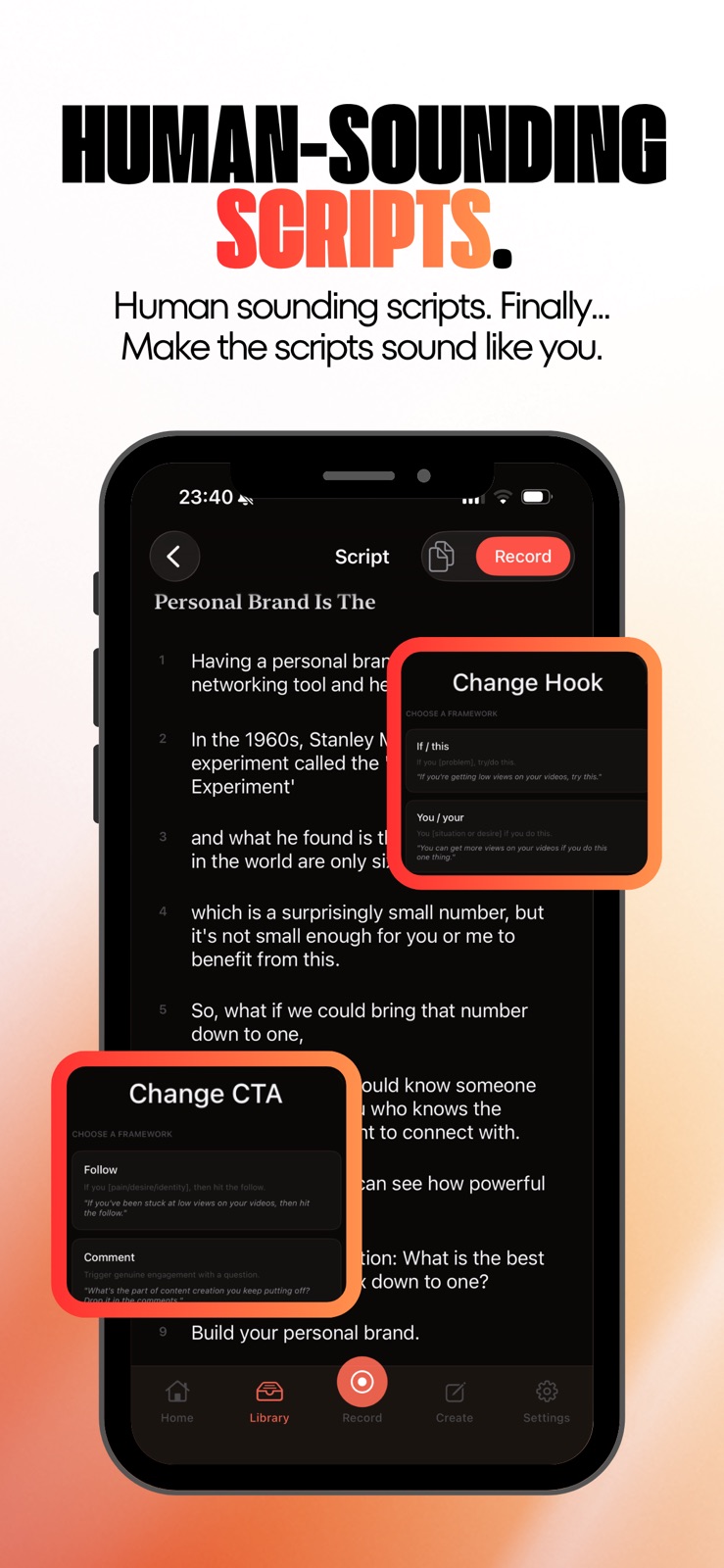


Pricing & paywalls
App Store
- Free to download
- In-app purchases
Ratings & reviews
App Store
-
5/5Game Changer!
This app is a game changer for me. I’ve wanted to create short-form videos for my personal brand for a long time, but the process always felt overwhelming. It used to take me 1–2 hours to create one video. With this app, once I have my idea mapped out, I can go from recording to a fully edited, captioned video in about 10 minutes. I can comfortably create up to five videos a week now, something I never thought I’d be able to do consistently. Thank you Aaron and Rodney! Excited to keep creating with this 💗
VetTechSarah · 31 Jul 2026
-
5/5This has my mind blown!
Thank you so much for making this app! What used to take me over an hour, now takes me less than 10 minutes to go from idea to finished video. Absolutely mind blowing!
RMsWifey · 31 Jul 2026
-
5/5Best app possible
As a physician time is of an essence this app help me create viral videos of my own experiences
Intellimed · 31 Jul 2026
-
5/5Game changer!
Lovveeee the app. Saves so much time. And it works well!!
NicoleM026 · 31 Jul 2026
Privacy & accessibility
App Store
Privacy
- Data Linked to You — App Functionality — Identifiers — User ID Developer declared
- Data Linked to You — App Functionality — Purchases — Purchase History Developer declared
- Data Linked to You — App Functionality — User Content — Other User Content Developer declared
- Data Linked to You — Identifiers Developer declared
- Data Linked to You — Purchases Developer declared
- Data Linked to You — User Content Developer declared
- Data Not Linked to You — Analytics — Usage Data — Product Interaction Developer declared
- Data Not Linked to You — App Functionality — Identifiers — Device ID Developer declared
- Data Not Linked to You — Identifiers Developer declared
- Data Not Linked to You — Usage Data Developer declared
Accessibility
- Dark Interface — SUPPORTED Store published
- Differentiate Without Color Alone — SUPPORTED Store published
- Sufficient Contrast — SUPPORTED Store published
- Voice Control — SUPPORTED Store published
- VoiceOver — SUPPORTED Store published
Versions
App Store
-
1.16
What's new in 1.16 • Drag text overlays anywhere on your video — position your signature and hooks exactly where you want them. • New image and video inserts — drop B-roll or photos into your recording on the timeline. • Faster, lighter voice enhancement — cleaner audio with a smaller app footprint. • Word-level caption editing with a new editor sheet. • New gap trim controls and hook card sub-panel for quicker edits. • Smoother silence trimming — handles stay predictable when segments sit close together. • Fixed an export hang during voice processing; cancel now works reliably. • Bug fixes and stability improvements.
-
1.17
What's new in 1.17 • Improved referral tracking is live. • Various bug fixes and improvements.
-
1.18
What's new in 1.18 • Smoother recording experience with improved silence review and trimming. • Various bug fixes and improvements.
-
1.20
What's new in 1.20 • Refreshed look and feel across the library, script editor, and rewrite flow. • Remix any saved script in a different creator voice. • New karaoke-style captions panel for cleaner caption editing. • Polish across filters, search, and the recording transport bar.
-
1.21
What's new in 1.21 • All-new video editing experience — a faster, more intuitive timeline for trimming, captioning, and fine-tuning your take. • Personalized Discover feed — fresh short-form trends tailored to what you create. • Performance and stability improvements across recording, scripting, and your library.
-
1.23
What's new in 1.23 • All-new word-guided editing — tap any word in your transcript to trim, tighten, or re-record with precision. • Noise cancellation — cleaner voice takes with a new audio processor that removes background hum and room noise. • Improved caption editor with per-word control and a cleaner karaoke-style preview. • Performance and stability improvements across recording, editing, and export.
-
1.24
What's new in 1.24 • A refined caption editor with smoother word-level control and a snappier review-and-edit flow. • Elegant new generation animations that make the wait feel lighter. • Polished playback and preview from record through export. • Small refinements throughout to keep recording and editing feeling effortless.
-
1.25
What's new in 1.25 • A small fix for the script review timeline so trims and splits land cleanly. • Polished refinements throughout to keep recording and editing feeling effortless.
-
1.26
What's new in 1.26 • Stability updates.
-
1.27
What's new in 1.27 • Refreshed Discover feed with a faster way to add creators and video posts. • Studio Voice now confirms before exporting if it's still applying, so you don't accidentally ship without polish. • Stability and performance improvements across recording and export.
-
1.29
• Improved timing controls for reviewing guided recordings. • Better caption and transcription timing when editing or trimming recordings. • Improved handling of pauses and gaps in recorded videos. • Improved recording reliability with Bluetooth audio devices. • Stability improvements.
-
1.30
Fixed lifetime purchase restoration and paid account recognition. Removed the confusing Account controls from Account settings.
-
1.31
Stability improvements.
-
1.32
Stability improvements.
-
1.33
Stability improvements.
-
1.34
Recorder stability improvements.
-
1.35
Adds video duplication in Library and improves duplicate project reliability.
-
1.36
Stability improvements.
-
1.37
Improves onboarding, account access checks, and niche feed reliability.
-
1.38
Added Spanish speaking support.
-
1.39
Introducing an all-new suggested video idea feed to help you find your next post faster. This update also includes an all-new scriptwriting experience and video editor improvements for a smoother creation flow.
-
1.40
Smoother onboarding plus reliability improvements for creating, recording, and exporting scripts.
-
1.41
Editor improvements and an overall streamlined recording workflow.
-
1.42
• Clean Up now removes spoken “uh” from both the transcript and video, with one-tap Undo. • Clean Up can also remove obvious repeated takes and false starts. • Move and zoom video inside framed and split-screen layouts—even while it’s selected. • Editor selections are easier to toggle, with cleaner solid outlines. • Drag previews now match the final video position more closely. • Framed layouts have improved sizing for cleaner playback on mobile. • Imported videos keep the full first and last words and stay editable even when no transcript is found. • Daily reminders now rotate with fresh messages throughout the week.
-
1.43
· 28 Jul 2026
Version 1.43 makes it easier to record, edit, and share a polished video. • Record with Cinematic mode on supported iPhones. • Edit faster with smoother playback, timeline scrubbing, and text controls. • Create clearer captions and hook cards, plus a simpler green screen experience. • Share finished videos more easily with the redesigned export flow. • Enjoy more reliable camera switching, recording modes, voice creation, and Instagram imports.
Availability by market
- US
Data quality & evidence
- Page completeness
- Live store listing
- Last verified
- 31 Jul 2026
- Sources
- App Store
- Independent summary has not been published yet.