
Quick verdict
- What it is
- Store information collected; an Apoku editorial summary is not yet published.
- At a glance
-
- Free to download
Categories and search queries
Official categories
- Productivity
- Utilities
Apoku categories
Key functions
| Function | Availability | Access | Scope | Evidence |
|---|---|---|---|---|
| Free app | Yes | Free | Context-specific | Store published |
Screens
4 store screenshots


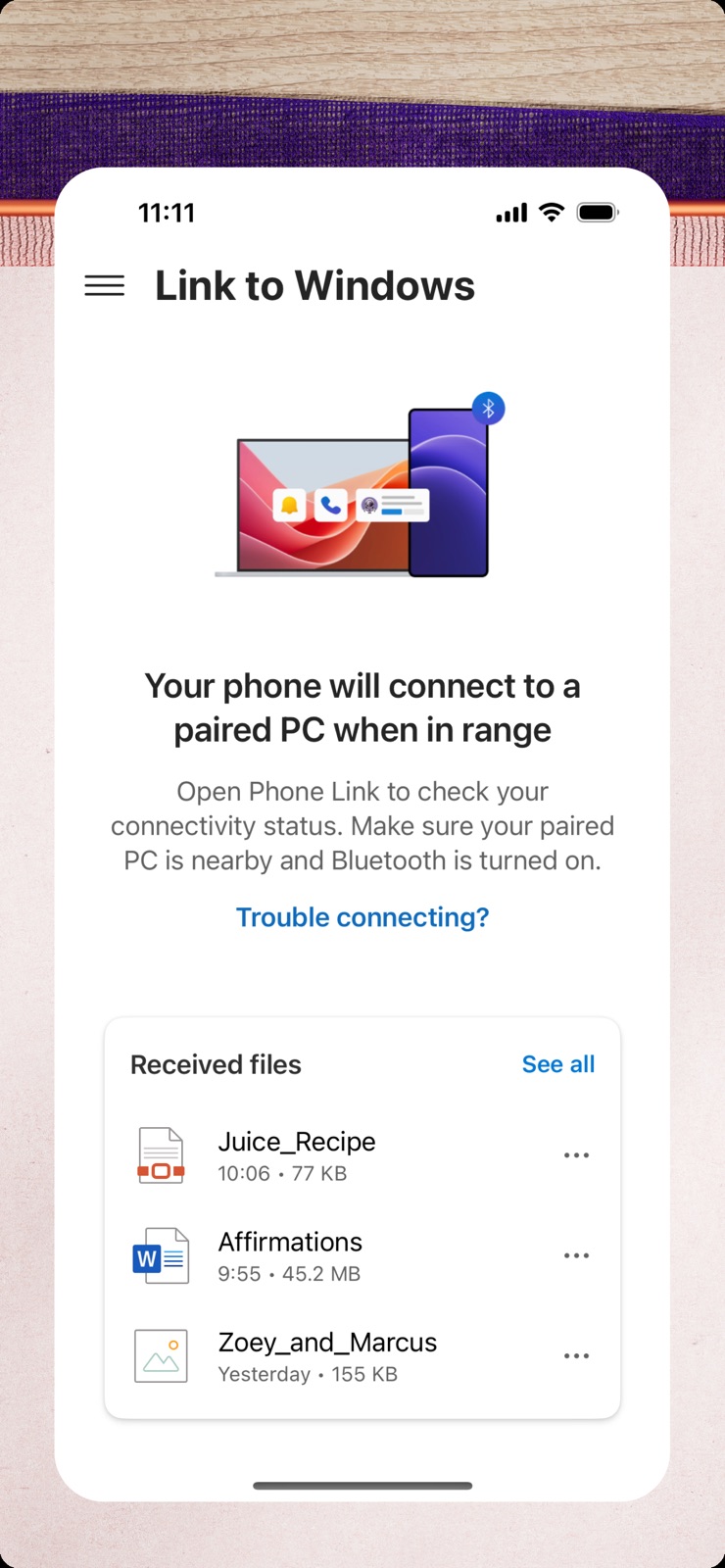
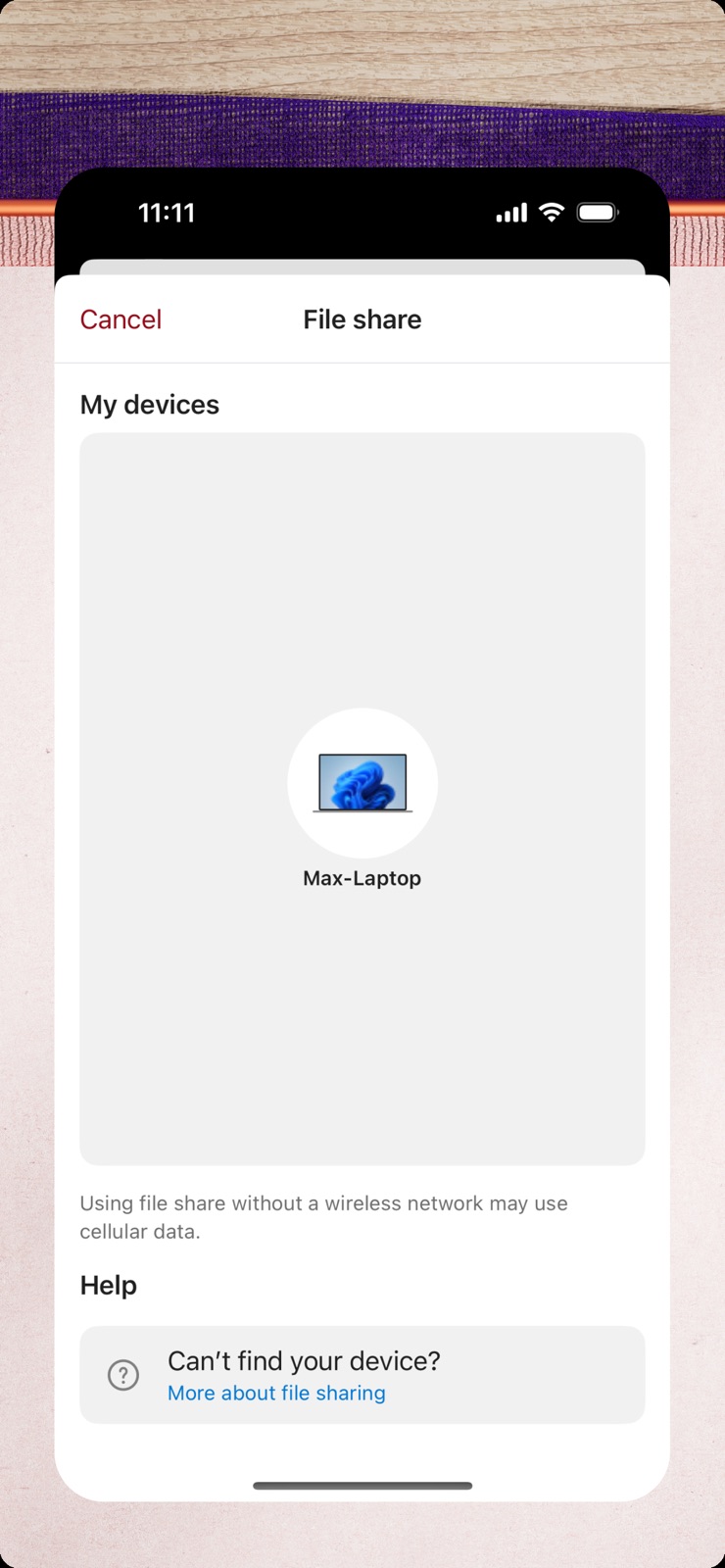
8 store screenshots


Pricing & paywalls
- Free to download
- Free to download
Ratings & reviews
-
4/5Great feature to have
I’ve been using a windows desktop for a long time, and I only just started using this feature! (Windows 10 running on a 5yo Lenovo Legion, IOS 16.5.2 on an iPhone 13), tried this out since my wifi went out and a hotspot was having continuous issues, and Phone Link didn’t solve that (I eventually got a bluetooth network to work) but I now know that this feature works even without your computer having any internet. My only problem was the initial linkage between the phone and computer, it kept coming up empty on both devices. This was solved using the steps provided to reset bluetooth on both devices, and when both devices were connected to internet. Other than that, the software serves very well to handle messages and any other notifications that you would otherwise be interrupted by needing to check your phone for. Messages appear to others as if they were sent from your phone, even using the built-in texting function. Messages sent by you while your computer is off will not sync. Other notifications, such as emails will show titles and previews, and when clicked they open the web page associated. I’m amazed how instantaneously the messages transfer, it’s within the same second. It’s nice that the software is default to microsoft, doesn’t need installation on computer so you don’t have to worry about security risks.
manta rays · 29 Sep 2026
-
4/5Useful but Limited - iPhone
Phone Link is worth having for iPhone, even if it doesn’t do everything you want. You can stop reading reviews and just download it, it’s useful for what it does and it’s not a big decision, anyway. What it does: Let you read texts you received recently. Read 7 recent conversations, but only messages you received or sent from your computer, not that you sent from iPhone. Text anyone from your computer. You can read only the last 7 convos, but you can start one regardless. Helps because you can paste directly instead of scanning text/typing manually on your phone. Text yourself stuff instead of typing it in manually. A pseudo-universal clipboard, if you will. Send files seamlessly, instead of relying on email, which has file size limits. Notifications pop up on your computer too, not just your iPhone. Transfer calls to and from your computer. Can be finicky. What it doesn’t do: Let you read texts you sent on your iPhone. Actually let you copy on computer and paste straight on iPhone like you can on a Mac. Screen mirror your iPhone. Pretty much anything else I didn’t list. Other: It shows up on the Windows start menu as well as on the app, for easy access. Recommendation: Download it and use it. It simplified a lot of things even if it can’t do everything (which is probably not the dev’s fault. Apple is specific about their ecosystem)
Bro Joe Schmoe · 29 Sep 2026
-
5/5Finally Makes Texting on Windows Feel Natural
I absolutely love the Phone Link app. Being able to reply to text messages directly from my Windows PC has been incredibly valuable for me. Before this, I never really had a seamless way to handle texts while working on my computer. What makes the biggest difference is how little it interrupts my workflow. Instead of physically picking up my phone, unlocking it, and typing on a small keyboard, I can just switch to the Phone Link app, quickly type a response on my full-sized keyboard, and get right back to what I was doing. Even short replies are faster and much less disruptive. I primarily use the texting features, and they work extremely well for my needs. I did try using it for a phone call once, but I had audio issues where the other person couldn’t hear me well. That may have been a setup issue on my end, though, because the messaging experience has been excellent. For anyone who spends a lot of time on a Windows PC, especially during work, this app is a huge quality-of-life improvement.
Ranee25 · 29 Sep 2026
-
5/5Great tool but needs more integration.
Apple’s Link to Windows feature offers a convenient way to receive calls and messages on your PC while working, but it still has room for improvement. While it effectively syncs notifications and allows users to manage basic messaging and calls, the lack of deeper integration limits its full potential. One major missing feature is the ability to see images within text messages. Without proper media handling, users are forced to check their phones separately, disrupting workflow. Additionally, full screen mirroring—allowing users to interact with their iPhone’s screen directly on their PC—would be a game-changer for productivity, similar to Samsung’s integration with Windows. Overall, Apple Link to Windows is a useful tool, but it could be much more. Enhanced media sharing and seamless screen mirroring would push it toward the perfect companion for users who want complete phone access on their PC. Hopefully, future updates will bring these much-needed improvements.
R3aP3rSg · 29 Sep 2026
-
5/5⭐️⭐️⭐️⭐️⭐️⭐️⭐️⭐️⭐️⭐️⭐️⭐️⭐️⭐️⭐️⭐️⭐️⭐️⭐️⭐️⭐️⭐️⭐️⭐️⭐️
I'm not somone who has the delusional blockage that most have always chasing the idea of "Perfect" in this world it's non existent and always will be.. 2nd I'm not a troll that goes around doing my best to downgrade everything or everyone.. i noticed this app only had a 3 star rating which is definitely not even close to the stars it should have.. Everything has always worked on this app as it should and the app is user friendly as they come. If you want to link your device that's exactly what it does without fits and all the other chaos and hording of information behind our backs. The app maintenance is kept up and the apps security is very good. I'm not one for long speeches so keep up the good work and don't let the trolls bother you.. Especially the ones that think there is "Perfect" in this world in life you will fail and you will fail often because no matter how well you do someone will say it's not good enough.. if perfect did exist this is one that would be in the classification"Perfect"
Kxx525 · 29 Sep 2026
-
5/5
very useful
MOEEZ ALAM · 29 Jul 2026
-
1/5
never once has this app worked for me.
Benjamin Crouch · 29 Jul 2026
-
1/5
won't allow uninstall
Tim · 29 Jul 2026
-
5/5
happy 😊
Yadunath Singh · 29 Jul 2026
-
5/5
very useful and exciting
Asuquo Etim · 29 Jul 2026
Privacy & accessibility
Privacy
- Data Linked to You — Analytics — Identifiers — Device ID Developer declared
- Data Linked to You — App Functionality — Identifiers — Device ID Developer declared
- Data Linked to You — Identifiers Developer declared
- Data Not Linked to You — Analytics — Diagnostics — Crash Data Developer declared
- Data Not Linked to You — Analytics — Diagnostics — Other Diagnostic Data Developer declared
- Data Not Linked to You — Analytics — Diagnostics — Performance Data Developer declared
- Data Not Linked to You — Analytics — Usage Data — Product Interaction Developer declared
- Data Not Linked to You — App Functionality — Contact Info — Email Address Developer declared
- Data Not Linked to You — App Functionality — Contact Info — Name Developer declared
- Data Not Linked to You — App Functionality — Contact Info — Other User Contact Info Developer declared
- Data Not Linked to You — App Functionality — Contacts Developer declared
- Data Not Linked to You — App Functionality — Diagnostics — Crash Data Developer declared
- Data Not Linked to You — App Functionality — Diagnostics — Other Diagnostic Data Developer declared
- Data Not Linked to You — App Functionality — Diagnostics — Performance Data Developer declared
- Data Not Linked to You — App Functionality — Usage Data — Product Interaction Developer declared
- Data Not Linked to You — App Functionality — User Content — Audio Data Developer declared
- Data Not Linked to You — App Functionality — User Content — Emails or Text Messages Developer declared
- Data Not Linked to You — App Functionality — User Content — Other User Content Developer declared
- Data Not Linked to You — App Functionality — User Content — Photos or Videos Developer declared
- Data Not Linked to You — Contact Info Developer declared
- Data Not Linked to You — Contacts Developer declared
- Data Not Linked to You — Diagnostics Developer declared
- Data Not Linked to You — Usage Data Developer declared
- Data Not Linked to You — User Content Developer declared
Accessibility
No accessibility labels collected yet.
Privacy
- Data collected — Analytics — App activity — App interactions Developer declared
- Data collected — Analytics — App info and performance — Crash logs Developer declared
- Data collected — Analytics — App info and performance — Diagnostics Developer declared
- Data collected — Analytics, Fraud prevention, security, and compliance — Personal info — User IDs Developer declared
- Data collected — App functionality, Account management — Personal info — Email address Developer declared
- Data collected — App functionality, Analytics, Fraud prevention, security, and compliance — Device or other IDs Developer declared
- Security practices — Your data is transferred over a secure connection — Data is encrypted in transit Developer declared
- Security practices — The developer provides a way for you to request that your data be deleted — You can request that data be deleted Developer declared
Accessibility
No accessibility labels collected yet.
Versions
-
1.25032.21
Now you can seamlessly share files between your PC and iPhone. You can set up file sharing by linking your iPhone to your Microsoft account.
-
1.25032.22
Now you can seamlessly share files between your PC and iPhone. You can set up file sharing by linking your iPhone to your Microsoft account.
-
1.25042.21
Bug fixes and performance improvements.
-
1.25052.18
Bug fixes and performance improvements
-
1.25062.16
Bug fixes and performance improvements
-
1.25071.36
Bug fixes and performance improvements
-
1.25071.37
Bug fixes and performance improvements
-
1.25072.15
Bug fixes and performance improvements
-
1.25081.12
Bug fixes and performance improvements
-
1.25082.12
Bug fixes and performance improvements
-
1.25092.6
Bug fixes and performance improvements
-
1.25101.6
Bug fixes and performance improvements
-
1.25101.7
Bug fixes and performance improvements
-
1.25121.10
Bug fixes and performance improvements
-
1.26011.4
Bug fixes and performance improvements
-
1.26012.3
Bug fixes and performance improvements
-
1.26022.3
Bug fixes and performance improvements
-
1.26031.21
Bug fixes and performance improvements
-
1.26032.13
Bug fixes and performance improvements
-
1.26041.21
Bug fixes and performance improvements
-
1.26042.10
Bug fixes and performance improvements
-
1.26051.14
Bug fixes and performance improvements
-
1.26052.6
Bug fixes and performance improvements
-
1.26062.6.0
Bug fixes and performance improvements
-
1.26071.9.0
· 22 Jul 2026
Bug fixes and performance improvements
-
1.26072.13
Bug fixes and performance improvements
-
1.26081.28
· 25 Aug 2026
Bug fixes and performance improvements
-
1.26082.6.0
Bug fixes and performance improvements
-
1.26091.54.0
· 23 Sep 2026
Bug fixes and performance improvements
- 1.26071.104.0 · 25 Aug 2026
- 1.26071.95.0 · 30 Jul 2026
- 1.26082.130.0 · 23 Sep 2026
Alternatives
- spacedesk - USB Display for PC — Same category + similar ratings
- Google One — Same category + similar ratings
- TeamViewer Remote Control — Same category + similar ratings
- IFTTT - Automate work and home — Same category + similar ratings
- Google Keep - Notes and lists — Same category + similar ratings
Availability by market
- US
Data quality & evidence
- Page completeness
- Live store listing
- Last verified
- 30 Sep 2026
- Sources
- App Store, Google Play
- Apoku editorial summary has not been published yet.