
Quick verdict
- What it is
- Store information collected; independent summary not yet available.
- At a glance
-
- Free to download
- In-app purchases
Categories and search queries
Official categories
- Navigation
- Travel
AppCorpus categories
Key functions
| Function | Availability | Access | Scope | Evidence |
|---|---|---|---|---|
| Free app | Yes | Free | — | Store published |
| In-app purchases | Yes | Limited free | — | Store published |
Screens
App Store
18 store screenshots
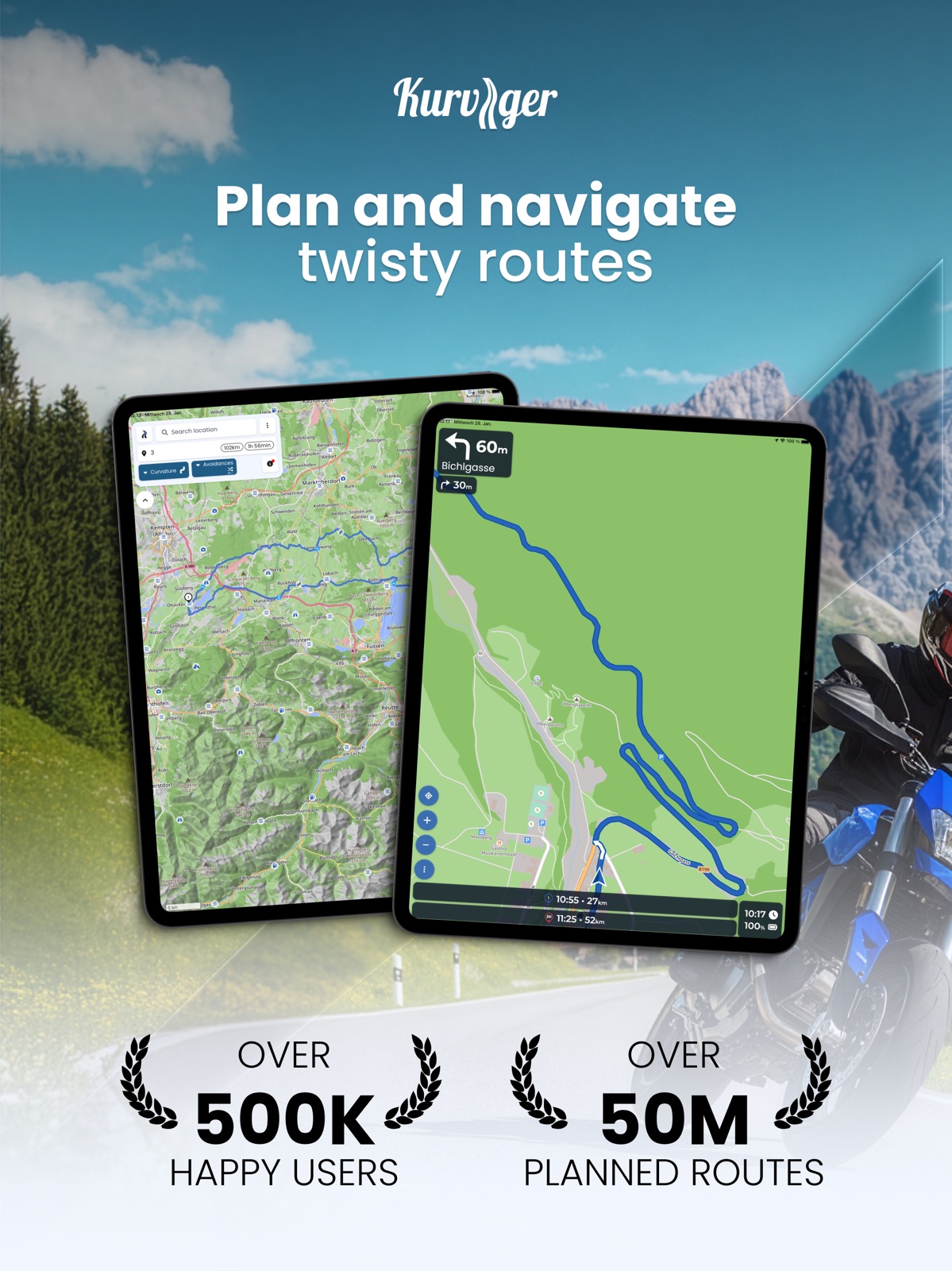
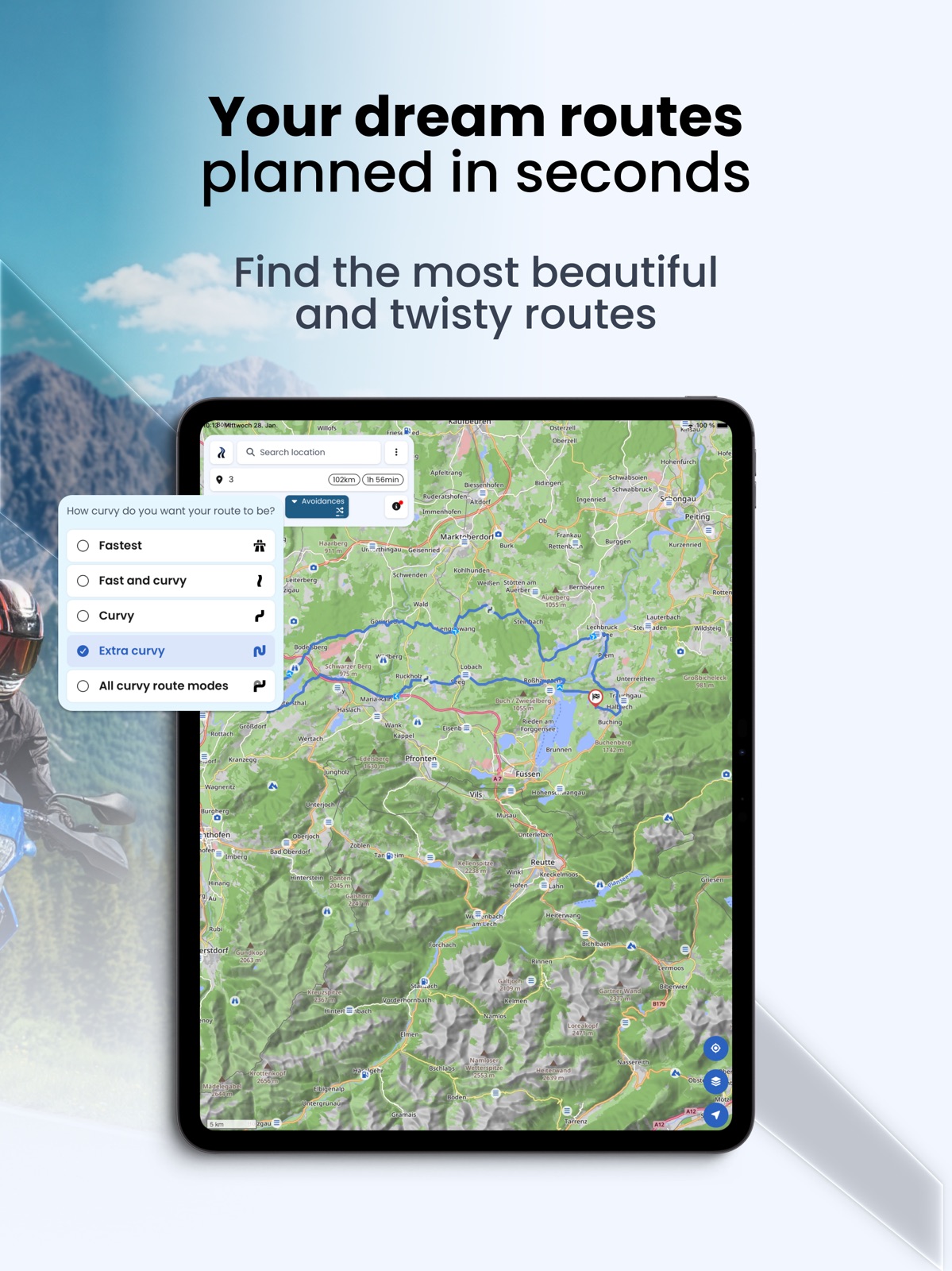


Pricing & paywalls
App Store
- Free to download
- In-app purchases
Ratings & reviews
App Store
-
1/55 stars if CarPlay ever materializes.
Solid app. Mostly clever routing (USA). Lack of navigation via CarPlay is a huge missing piece. My phone does not go anywhere near my handlebars. It stays in my bag or pocket, so Kurviger is really just a planning app. Not a navigation app. But it has good potential. Other apps used: Garmin, Google, Scenic, Gaia, BMW App, CaliMoto,Map-My Route. Kurviger beats them all for planning.
Pat3088 · 31 Jul 2026
-
4/5Ditto on the need for Apple Carplay compatibility
I love the ease in route planning and would use it on the road if only CarPlay were available.
Moenchengladbach22 · 31 Jul 2026
-
5/5Must try app, very good for new riders
The level of route customization is incredible good. I I am a new rider and I tried initially Waze and Google maps but even if I select to avoid highways and complicated intersections, it will still put me on dangerous roads for a new rider. I was lucky to find this app and it’s incredible. I totally recommend.
AlexAlexTML · 31 Jul 2026
-
5/5Follow up review - great app!
I reviewed yesterday and left 4 stars because the last half of my route disappeared and was replaced with a direct path to the final waypoint. I thought this was a bug, but it was because “automatic rerouting” was enabled. With this option, and with me making an unplanned stop, and using another app (leaving the Kurviger app temporarily), it rerouted. I know how to avoid this now by disabling the automatic rerouting (which will ask me to manually approve a reroute). It would be nice if the reroute didn’t erase waypoints and kept the original route options. Maybe the reroute could be made to be a much smaller portion of the original planned route? This app is really good, and my inexperience with it shouldn’t warrant a less than 5 star review considering how useful and fleshed out this nav application truly is. The $25 annual subscription is a good value for sure.
lastRebel69 · 31 Jul 2026
-
3/5First time used this
It seems like it has all that I was looking for in planning my trip. It is not intuitive. I find myself constantly looking for how to change things and guessing how to do it. I’m not giving up on it yet, but the lack of documentation and some indication of how to navigate around the screen would be very helpful.
F5Junky · 31 Jul 2026
Privacy & accessibility
App Store
Privacy
- Data Linked to You — Analytics — Identifiers — User ID Developer declared
- Data Linked to You — Analytics — Usage Data — Product Interaction Developer declared
- Data Linked to You — App Functionality — Contact Info — Email Address Developer declared
- Data Linked to You — App Functionality — Contact Info — Name Developer declared
- Data Linked to You — App Functionality — Identifiers — User ID Developer declared
- Data Linked to You — App Functionality — Location — Coarse Location Developer declared
- Data Linked to You — App Functionality — Location — Precise Location Developer declared
- Data Linked to You — App Functionality — Usage Data — Product Interaction Developer declared
- Data Linked to You — Product Personalization — Identifiers — User ID Developer declared
- Data Linked to You — Contact Info Developer declared
- Data Linked to You — Identifiers Developer declared
- Data Linked to You — Location Developer declared
- Data Linked to You — Usage Data Developer declared
- Data Not Linked to You — App Functionality — Diagnostics — Crash Data Developer declared
- Data Not Linked to You — App Functionality — Diagnostics — Performance Data Developer declared
- Data Not Linked to You — Diagnostics Developer declared
Accessibility
No accessibility labels collected yet.
Versions
App Store
- 3.4.0
-
3.4.1
- Fixed a crash related to starting the navigation in follow mode - Improved exporting/importing favorites via GPX
-
3.4.2
- Navigation: Block parts of the route if there is for example a construction site - Navigation: Improve positioning of the navigation arrow - Planning: New route import - Planning: Customize overlays You can find the entire changelog for all app versions here: https://docs.kurviger.de/changelog
-
3.4.3
We fixed a small bug that could happen when trying to sign up for a subscription. You can find the entire changelog for all app versions here: https://docs.kurviger.de/changelog
-
3.5.0
- Navigation: Improved road blocking - Navigation: Fixed a bug with the navigation arrow positioning You can find the entire changelog for all app versions here: https://docs.kurviger.de/changelog
-
3.5.10
* Export: Advanced GPX export * Navigation: Speed based zoom * [iOS] CarPlay: Support for follow mode with route * [iOS] CarPlay: Improved Day/Night behavior * [iOS] CarPlay: Improved location arrow position You can find our complete changelog of all versions here: https://docs.kurviger.com/changelog
-
3.5.2
* Planning: Enable route planning when the phone is in landscape orientation * Navigation: New and improved waypoint skip You can find our complete changelog of all versions here: https://docs.kurviger.de/changelog
-
3.5.3
* Planning: Search POIs along the route or in an area on the map * Planning: Improved POI content and discoverability * App: Support for kurviger.com urls You can find our complete changelog of all versions here: https://docs.kurviger.com/changelog
-
3.5.4
* Navigation: Improved navigation handling You can find our complete changelog of all versions here: https://docs.kurviger.com/changelog
-
3.5.5
* App: Improve offline handling * Cloud: Load routes faster and without changes from the Kurviger cloud * Map: Improved map style with better readability * Planning: Option to split the route * Navigation: Huge internal rework with a lot of improvements * [iOS] Navigation: Improve the user location arrow * [iOS] App: require iOS 14 You can find our complete changelog of all versions here: https://docs.kurviger.com/changelog
-
3.5.6
* App: Improve offline handling * Cloud: Load routes faster and without changes from the Kurviger cloud * Map: Improved map style with better readability * Planning: Option to split the route * Navigation: Huge internal rework with a lot of improvements * [iOS] Navigation: Improve the user location arrow * [iOS] App: require iOS 14 You can find our complete changelog of all versions here: https://docs.kurviger.com/changelog
-
3.5.7
* [iOS] CarPlay: You can navigate with CarPlay now * Import: New import that can handle more GPX files (for example better Garmin support) * Cloud: We raised the limit for recordings to 1000 recordings * [iOS] App: Requires iOS 16.4 You can find our complete changelog of all versions here: https://docs.kurviger.com/changelog
-
3.5.8
* Routeplanning: Improved the UX of the app to make it easier to use * Navigation: Improved an issue for navigation starts during roundtrips * [iOS] Navigation: Improved voice output * [iOS] CarPlay: Fix maneuvers for left-hand traffic You can find our complete changelog of all versions here: https://docs.kurviger.com/changelog
-
3.5.9
* Export: New export with support for various navigation devices. * Navigation: Major internal revisions that fix many small bugs and improve performance. * Navigation: “Sound on” and “Offroute” is spoken during navigation for the respective actions. * [iOS] Navigation: Show speed limit and current speed. * [iOS] CarPlay: There is now a separate settings screen. You can find our complete changelog of all versions here: https://docs.kurviger.com/changelog
-
3.6.0
* Navigation: New navigation UI * Navigation: Set UI background and transparency * [iOS] CarPlay: Improve behavior for iOS26 * [iOS] CarPlay: Improve sizing of elements on the map * Cloud: Ability to upload photos to public POIs and personal favorites * Cloud: Ability to upload profile picture You can find our complete changelog of all versions here: https://docs.kurviger.com/changelog
-
3.6.1
* Navigation: Support for remote controls * Navigation: Option to disable night mode You can find our complete changelog of all versions here: https://docs.kurviger.com/changelog
-
3.6.2
- Cloud: Share routes, favorites, and folders with other users. - Navigation: Show visited and skipped waypoints. - Navigation: Improved visualization of waypoint numbers on map. - CarPlay: Add toggles for auto recenter, and rerouting. You can find our complete changelog of all versions here: https://docs.kurviger.com/changelog
-
3.6.3
- Route planning: Show and allow to avoid currenct road closures. - Navigation: Avoid current road closures, if the setting is activated in the route planning. - Cloud: Remember the last selected folder when saving a route/favorite. - Overlays: Import .kml files as overlays. - [CarPlay] Navigation: Split menu and settings two different menus. - [CarPlay] Navigation: Skip waypoints moved to an individual menu. You can find our complete changelog of all versions here: https://docs.kurviger.com/changelog
-
3.6.4
- CarPlay: Setting if the map should be in light, dark, or automatic. - CarPlay: Search gas stations along the route. You can find our complete changelog of all versions here: https://docs.kurviger.com/changelog
-
3.6.5
· 19 Jun 2026
- App: Share locations from Google Maps to Kurviger. - Planning: Improve search results. - Navigation: Option to show a compass. - CarPlay: Map orientation setting is now in the settings screen. You can find our complete changelog of all versions here: https://docs.kurviger.com/changelog
Alternatives
- Scenic Motorcycle Navigation — Same category + similar ratings
Availability by market
- US
Data quality & evidence
- Page completeness
- Live store listing
- Last verified
- 31 Jul 2026
- Sources
- App Store
- Independent summary has not been published yet.