
Quick verdict
- What it is
- Store information collected; independent summary not yet available.
- At a glance
-
- Free to download
Categories and search queries
Official categories
- Music
- Education
AppCorpus categories
Key functions
| Function | Availability | Access | Scope | Evidence |
|---|---|---|---|---|
| Free app | Yes | Free | — | Store published |
Screens
App Store
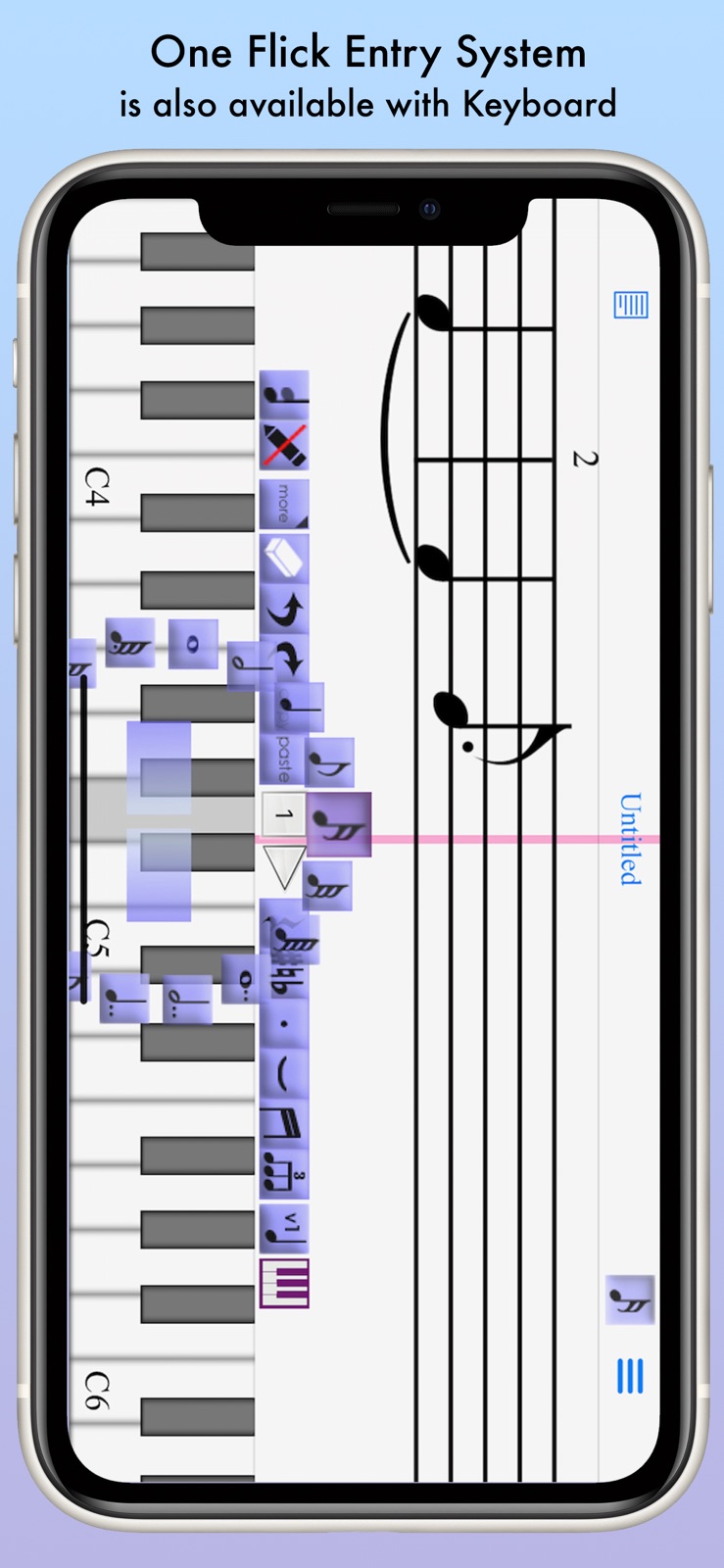
10 store screenshots



Pricing & paywalls
App Store
- Free
Ratings & reviews
App Store
-
4/5Easy to use
I really like the design of this program.
BatZianna · 5 Aug 2026
-
5/5A little bit different
Well,this program is doing wonders for me, after leaving Sibelius and redoing my music wardrobe. Obviously the programs are different by far. The only thing is the easiness of composing. Not enough alternate keyboard selections, and some of the editing needs to be strong like choosing the right note and with editing. I have to keep erasing notes and putting the right ones in after struggling for the computer to select the right ones. But it is still a great program that i use, i mean i can edit, i can save i can print and i can share. I do however need to take advantage of the program and purchase the true one!!! Thanks !
Tpcruiser84 · 5 Aug 2026
-
4/5It’s eh
After using this app for about two years, I’ve come to bypass most inconsistencies in this app just by pure habits like spamming save every 5 minutes but along with that, I’ve gained enough patience with this app to work on songs that I’d listen to and I’ve been able to make good covers with it as well but this app could still use a lot of work with presentation and maybe even adding more samples (?) lots of stuff I’d like to try and replicate is ruined due to the lack of style from instruments but that’s usually very specific. Still works and once you get the hang of it, it’s pretty ok. Personally wouldn’t say it’s worth buying the Full Version due to the lack of updates so far but you can take a video of songs you make and delete them. Also a trick I learned is that you can temporarily have a 6th song by just adding it but after a while, you won’t be able to save or work on anything so that’s just like a temporary test to see if you’d like to commit to a new song. Good luck! -J
Maxwell Ahn · 5 Aug 2026
-
2/5WHY WHY WHY WHY WHY??????!!!!!!
This app is so dumb! Because every time I would place a rest note at the beginning it made me exit the app! I’ve done so much times, but it keeps on making me exit the app!!!! I’m so mad 👿👿👿👿👿👿👿👿😡😡😡😡😡😡😡😡😡😡😡😡😡😡😡😡😡😡😡😡😡😡😣😣😣😣😣😣😣😣😣😣😣😣😣😣😣😣😑😑😑😑😑😑😑😑😑😑
RonanBurns · 5 Aug 2026
-
3/5What??
I’ve been using this app for years and now you can’t listen to more than 30 seconds at a time?
Madelynn2000 · 5 Aug 2026
Privacy & accessibility
App Store
Privacy
- Data Not Collected Developer declared
Accessibility
No accessibility labels collected yet.
Versions
App Store
-
3.3.0
(( New Features )) - Playback now follows Dynamics Marks including cresc. decres. Arrows. - DynamicsMarks can be entered to the edges of DynamicsArrow - Added Play by Dynamics Marks switch in Playback Settings (( Fixes & Improvements )) - Fixed app crash on DeleteBar tool for some cases. - Some performance improvements.
-
3.3.1
- Arpeggio now appears on left side of note (was right side) and is played accordingly (not fully played if set on multi-voice harmony) - Playback now supports Staccato/Accent family when activated in Playback settings. - Removed playback limitation of 30 seconds while less than 5 songs are saved. - Some minor bugs fixes and performance improvements.
-
3.3.2
Minor Bug Fixes and Improvements
-
3.3.3
- Fixed app instability when using Slur Shaping Dialog. - Improved Arpeggio appearance for some cases.
-
3.3.5
Performance and Stability Improvements
-
3.4.0
- Fixed errors in Dynamics mark entry with Traditional Mode.
-
3.4.2
Minor bug fixes
-
3.4.3
- Fixed bugs appeared in Rhythmic Notation. - Fixed a few minor bugs in FileListView
-
3.4.4
Fixed an error in the "delete bar" function that started from version 3.4.2.
-
3.5.0
- Supports One Line Staff notation for percussion track. - Added bigger paper sizes (A3, US-Legal, US-Tabloid) - Minor bug fixes. - Performance and Stability Improvements.
-
3.5.1
- Added more Dynamics Marks (fff, ppp, sf). - Added notehead option for Harmonics. - Several minor bug fixes and improvements.
-
3.5.3
- MIDI file is now Exported in Playback Form. - Added Korean language option. - Minor bug fixes and improvements.
-
3.5.4
- You can now display Courtesy Accidentals. - Added Rehearsal Mark Tool. - Minor bug fixes and improvements.
-
3.5.6
- Fixed a problem with rehearsal marks not being able to be erased. - A few minor improvements
-
3.5.7
- Newly Added: Simultaneous Accidental Selection while Entering Notes via Keyboard. - Minor bug fixes and improvements
-
3.5.8
Fixed several issues that may cause the app not to function properly in Slur Notation with Grace Notes.
-
3.6.0
- Support for playing sound samples via Touch+Hold in Track Instrument and Percussion Map settings. - Added options for Italic and All Tracks display in Text entry features. - Bug fixes and performance enhancements.
-
3.6.1
3.6.1 - Bug fixes and performance enhancements. 3.6.0 - Support for playing sound samples via Touch+Hold in Track Instrument and Percussion Map settings. - Added options for Italic and All Tracks display in Text entry features. - Bug fixes and performance enhancements.
-
3.6.10
· 22 May 2026
* Improved compatibility and fixed UI issues related to iOS 26 * Fixed several crash issues related to tempo changes, text entry, and multi-track scores * Improved overall stability and usability
-
3.6.2
3.6.2 - Fixed an error in PageView that occurred starting with version 3.6.0. 3.6.0 - Support for playing sound samples via Touch+Hold in Track Instrument and Percussion Map settings. - Added options for Italic and All Tracks display in Text entry features. - Bug fixes and performance enhancements.
-
3.6.3
3.6.3 - Fixed issues with the page slider in PageView that occurred in certain cases. 3.6.0 - Support for playing sound samples via Touch+Hold in Track Instrument and Percussion Map settings. - Added options for Italic and All Tracks display in Text entry features. - Bug fixes and performance enhancements.
-
3.6.4
Fixed several errors that occur when inserting and deleting bar lines, and deleting measures in text, chord symbols, and rehearsal marks.
-
3.6.5
Fixed an issue with text entry using the “All Tracks” option Fixed an issue with slur/tie handling during copy & paste
-
3.6.6
- Fixed multiple crash issues that occurred in specific situations - Added support for page turning in PageView using compatible external
-
3.6.8
– Bug fixes related to ties and slurs, plus other improvements
Alternatives
- Staventabs: Compose & Notate — Same category + similar ratings
- Score Creator: sheet music — Same category + similar ratings
Availability by market
- US
Data quality & evidence
- Page completeness
- Live store listing
- Last verified
- 5 Aug 2026
- Sources
- App Store
- Independent summary has not been published yet.