
Quick verdict
- What it is
- Store information collected; independent summary not yet available.
- At a glance
-
- Free to download
- In-app purchases
Categories and search queries
Official categories
- Graphics & Design
- Photo & Video
AppCorpus categories
Key functions
| Function | Availability | Access | Scope | Evidence |
|---|---|---|---|---|
| Free app | Yes | Free | — | Store published |
| In-app purchases | Yes | Limited free | — | Store published |
Screens
App Store
20 store screenshots

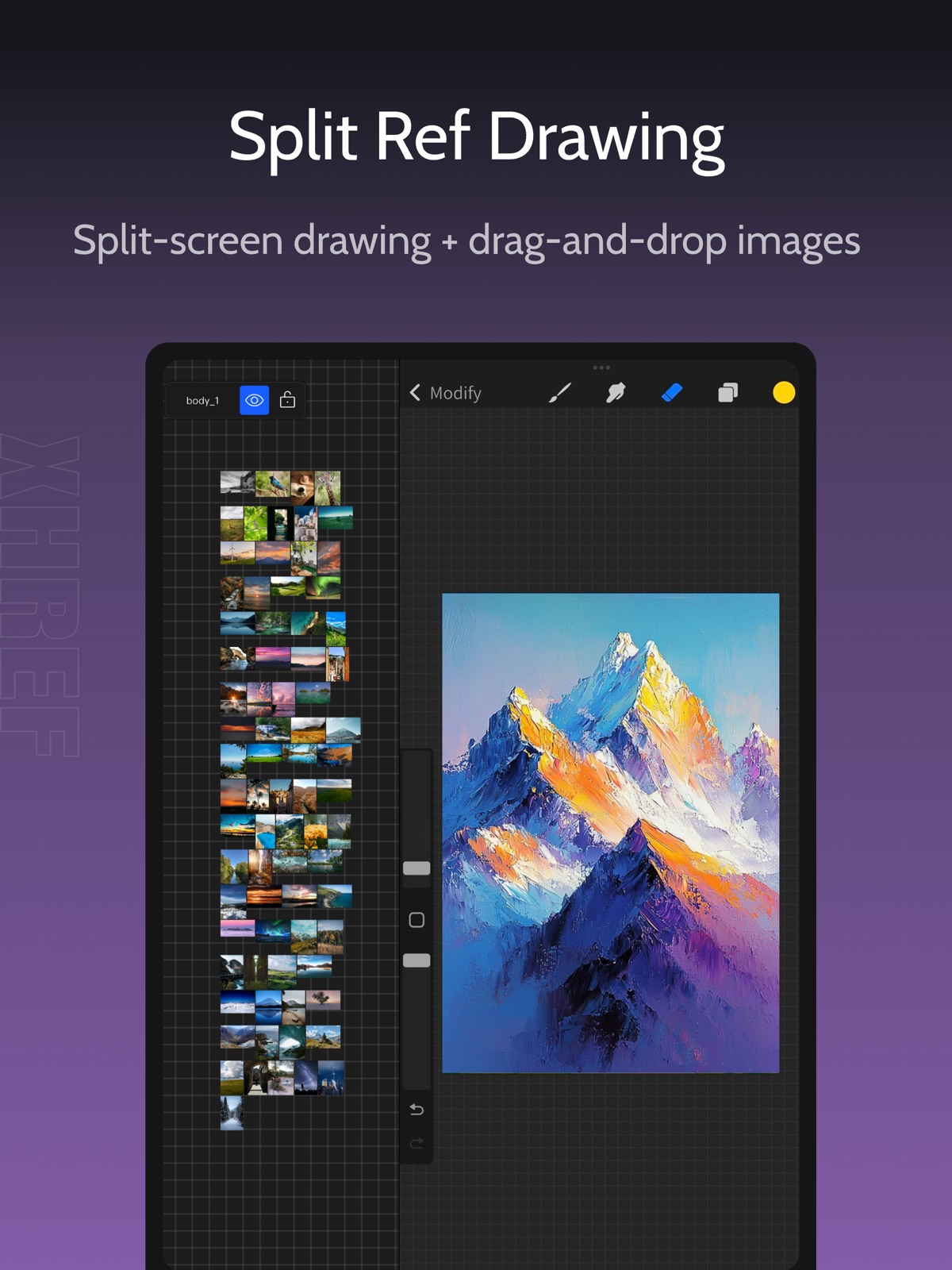
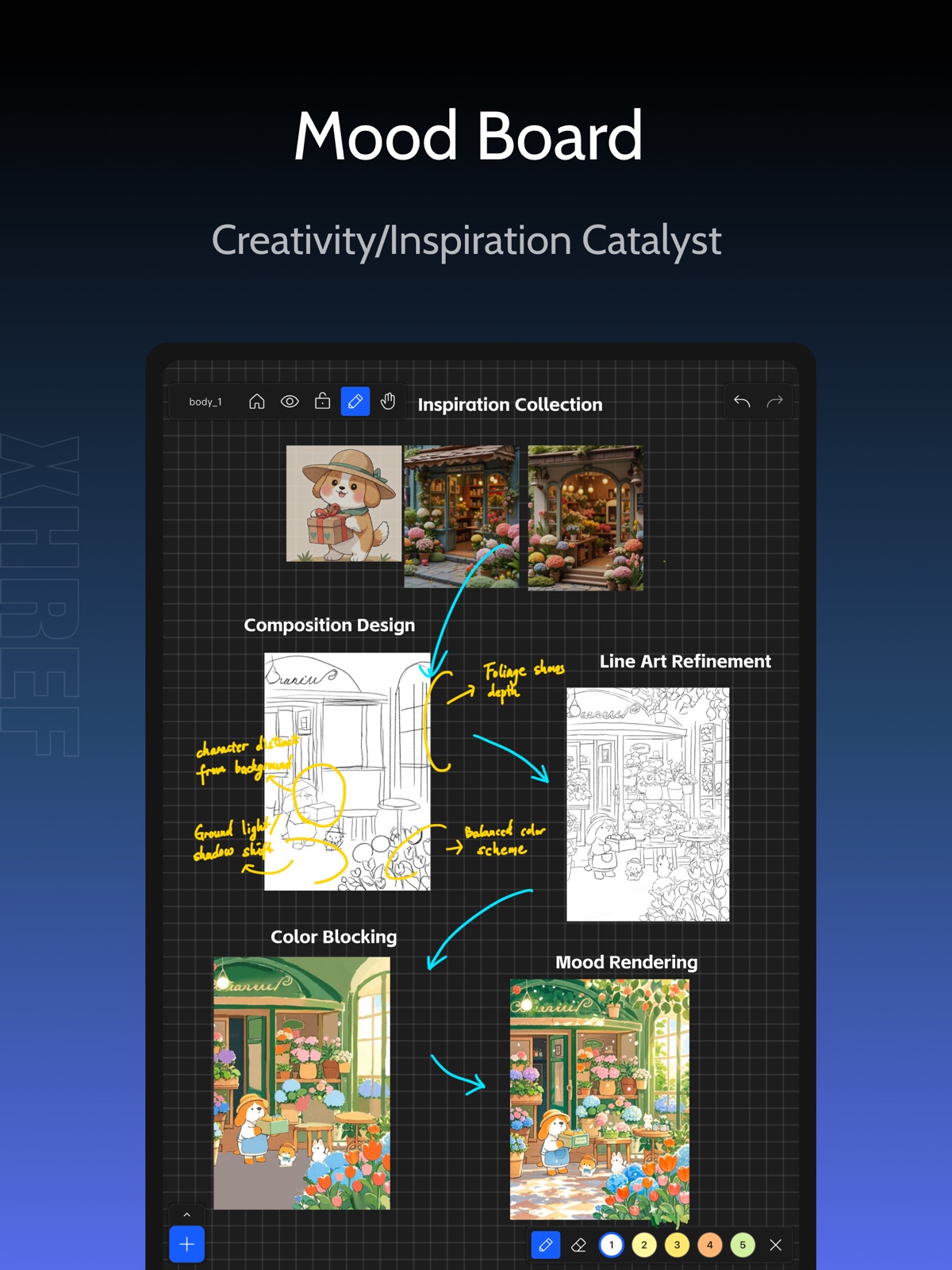

Pricing & paywalls
App Store
- Free to download
- In-app purchases
Ratings & reviews
App Store
-
5/5very good app ! very useful and easy to understand
i appreciate this app a lot, especially since most apps like this are paywalled and/or have an unbearable amount of ads. the ui is very good, there was no learning curve with this unlike in other programs like notion, which was another app i used for image collection. will you ever add a doodle / text feature to write down notes for the references ? if you do then this will definitely be more than perfect for artists and creatives, ive already recommended it to a good amount of my acquaintances and friends !
coldtwrkey · 31 Jul 2026
-
2/5No cropping
Only tried this app for a few minutes and noticed some functionality that I want. Most important is cropping. If I import a photo, I normally just want a piece of it; not the whole thing. So I need to crop first, then import, which reduces the value of this app. The first image I tried to drag in from another app, pixiv, didn’t work. When it comes to layer management, I can only move to the very top or bottom. Definitely going to try to return this as it’s just doing what I need it to do. Would consider buying again if the features were added in the future.
MrGoodbye · 31 Jul 2026
-
5/5GREAT!!!! NEVER going back to Vizref!!
I was tearing my hair out over Vizref (a much pricier reference program!) consistently crashing when I tried to open projects, so in a fit I bought another reference program. Best decision ever. Not only is it simple, but there are SO many different possibilities that vizref just doesn’t have. You can draw and write notes on images!? You can color pick images!? The program shows how you can snap your compilation of images in a satisfying way!?!? It’s honestly incredible. I only have two notes: 1. Its’s very annoying that you have to click your finger away when selecting and moving an image to select another image. If I select and move the first image, I should be able to select and drag the second image when I click on it. It’s very monotonous because of that. 2.My other note is that the ui isn’t very pleasing to look at. Vizref buttons had very clear and pleasing contrast in their selection buttons, so I recommend a bolder style for buttons and colors. Besides that, wonderful. 5/5
Wawawaiter · 31 Jul 2026
-
4/5LOVE
Has made art 10x easier, wish there was a cloud option and maybe some in-app photo editing, but still fantastic and absolutely worth the price
smartphowned · 31 Jul 2026
-
5/5yep definitely worth it
after buying this app I don’t know how I put up with procreate or ibispaint’s built in reference modes for this long. extremely robust, so many options, very much worth its price tag.
InsertNickname. · 31 Jul 2026
Privacy & accessibility
App Store
Privacy
- Data Not Collected Developer declared
Accessibility
- Dark Interface — SUPPORTED Store published
- Differentiate Without Color Alone — SUPPORTED Store published
Versions
App Store
-
4.0.10
- 新增以下 Pro 增强功能: - 图片/GIF/视频备注 - 预览模式 - 高级裁剪 - 图片模糊 - 场景高清导出(PNG) - 修复了其他已知问题。
-
4.0.8
- 新增以下 Pro 增强功能: - 图片/GIF/视频备注 - 预览模式 - 高级裁剪 - 图片模糊 - 场景高清导出(PNG) - 修复了其他已知问题。
-
4.10.0
- Added layer search with type filtering and keyword matching. - Added a layer menu with rename and delete support. - Added scheduled playback with timed switching, countdown, and related controls. - Added a layer panel with preview, order adjustment, quick selection, and focus controls. - Added a preview mode controller with sequential/random switching and other controls. - Fixed email feedback and other known issues.
-
4.10.1
- Added layer search with type filtering and keyword matching. - Added a layer menu with rename and delete support. - Added scheduled playback with timed switching, countdown, and related controls. - Added a layer panel with preview, order adjustment, quick selection, and focus controls. - Added a preview mode controller with sequential/random switching and other controls. - Fixed email feedback and other known issues.
-
4.10.5
- Added multi-select copy and paste, supporting cross-file transfer. - Added layer search with type filtering and keyword matching. - Added a layer menu with rename and delete support. - Added scheduled playback with timed switching, countdown, and related controls. - Added a layer panel with preview, order adjustment, quick selection, and focus controls. - Added a preview mode controller with sequential/random switching and other controls. - Fixed email feedback and other known issues.
-
4.11.0
- Added brush support for multiple presets, with color, thickness, and opacity adjustment. - Added a layer type filter in playback mode. - Improved the eyedropper: the color display area now supports picking colors via double-click. - Optimized adaptive features and layer panel display issues. - Fixed email feedback and other known issues.
-
4.11.3
- Added brush support for multiple presets, with color, thickness, and opacity adjustment. - Added a layer type filter in playback mode. - Improved the eyedropper: the color display area now supports picking colors via double-click. - Optimized adaptive features and layer panel display issues. - Fixed email feedback and other known issues.
-
4.1.2
- Added the following Pro enhancements: - File Favorites - Image/GIF/Video Notes - Preview Mode - Advanced Cropping - Image Blur - High-Resolution Scene Export (PNG) - Fixed other known issues.
-
4.12.0
- Added canvas R/G/B single-channel preview to help inspect color distribution, tonal layers, and detail differences. - Added brush support for multiple presets, with color, thickness, and opacity adjustment. - Added a layer type filter in playback mode. - Improved the eyedropper: the color display area now supports picking colors via double-click. - Optimized adaptive features and layer panel display issues. - Fixed email feedback and other known issues.
-
4.13.1
- Added canvas R/G/B single-channel preview to help inspect color distribution, tonal layers, and detail differences. - Added brush support for multiple presets, with color, thickness, and opacity adjustment. - Added a layer type filter in playback mode. - Improved the eyedropper: the color display area now supports picking colors via double-click. - Optimized adaptive features and layer panel display issues. - Fixed email feedback and other known issues.
-
4.13.5
- Added canvas R/G/B single-channel preview to help inspect color distribution, tonal layers, and detail differences. - Added brush support for multiple presets, with color, thickness, and opacity adjustment. - Added expand/collapse support for the left button area. - Added a layer type filter in playback mode. - Improved the eyedropper: the color display area now supports picking colors via double-click. - Optimized adaptive features and layer panel display issues. - Fixed email feedback and other known issues.
-
4.13.6
· 27 Jul 2026
- Added canvas R/G/B single-channel preview to help inspect color distribution, tonal layers, and detail differences. - Added brush support for multiple presets, with color, thickness, and opacity adjustment. - Added expand/collapse support for the left button area. - Added a layer type filter in playback mode. - Improved the eyedropper: the color display area now supports picking colors via double-click. - Optimized adaptive features and layer panel display issues. - Fixed email feedback and other known issues.
-
4.2.0
- Added file search. - Fixed other known issues.
-
4.3.0
- Added multi-tag categorization for files. - Fixed other known issues.
-
4.3.1
- Added multi-tag categorization for files. - Fixed other known issues.
-
4.5.2
- Added a left-side management panel for categories. - Added support for setting icons for category tags. - Fixed other known issues.
-
4.5.3
- Added a left-side management panel for categories. - Added support for setting icons for category tags. - Fixed other known issues.
-
4.5.5
- Added a canvas grayscale setting option. - Added a dotted background toggle option. - Added a left-side management panel for categories. - Added support for setting icons for category tags. - Fixed other known issues.
-
4.6.0
- Added an image color analysis feature. - Added an Uncategorized filter option. - Added a canvas grayscale setting option. - Added a dotted background toggle option. - Added a left-side management panel for categories. - Added support for setting icons for category tags. - Fixed email feedback and other known issues.
-
4.6.3
- Added an image color analysis feature. - Added an Uncategorized filter option. - Added a canvas grayscale setting option. - Added a dotted background toggle option. - Added a left-side management panel for categories. - Added support for setting icons for category tags. - Fixed email feedback and other known issues.
-
4.8.1
- Added an in-canvas layer panel, supporting preview/order adjustment/quick selection and focus controls. - Added a preview mode controller, supporting sequential/random switching and other controls. - Added linkage between preview mode and the layer panel. - Fixed email feedback and other known issues.
-
4.9.0
- Added scheduled playback with timed switching, countdown, and related controls. - Added a layer panel with preview, order adjustment, quick selection, and focus controls. - Added a preview mode controller with sequential/random switching and other controls. - Fixed email feedback and other known issues.
-
4.9.1
- Added scheduled playback with timed switching, countdown, and related controls. - Added a layer panel with preview, order adjustment, quick selection, and focus controls. - Added a preview mode controller with sequential/random switching and other controls. - Fixed email feedback and other known issues. - Go out for a walk and experience the mountains, rivers, lakes, seas, and freedom.
-
4.9.3
- Added scheduled playback with timed switching, countdown, and related controls. - Added a layer panel with preview, order adjustment, quick selection, and focus controls. - Added a preview mode controller with sequential/random switching and other controls. - Fixed email feedback and other known issues. - Go out for a walk and experience the mountains, rivers, lakes, seas, and freedom.
-
4.9.5
- Added scheduled playback with timed switching, countdown, and related controls. - Added a layer panel with preview, order adjustment, quick selection, and focus controls. - Added a preview mode controller with sequential/random switching and other controls. - Fixed email feedback and other known issues. - Go out for a walk and experience the mountains, rivers, lakes, seas, and freedom.
Alternatives
- Poster Maker Flyer Maker Posta — Same category + similar ratings
- Background Remover: BG Eraser — Same category + similar ratings
Availability by market
- US
Data quality & evidence
- Page completeness
- Live store listing
- Last verified
- 31 Jul 2026
- Sources
- App Store
- Independent summary has not been published yet.