
Quick verdict
- What it is
- Store information collected; independent summary not yet available.
- At a glance
-
- Free to download
- In-app purchases
Categories and search queries
Official categories
- Weather
- Navigation
AppCorpus categories
Key functions
| Function | Availability | Access | Scope | Evidence |
|---|---|---|---|---|
| Free app | Yes | Free | — | Store published |
| In-app purchases | Yes | Limited free | — | Store published |
Screens
App Store
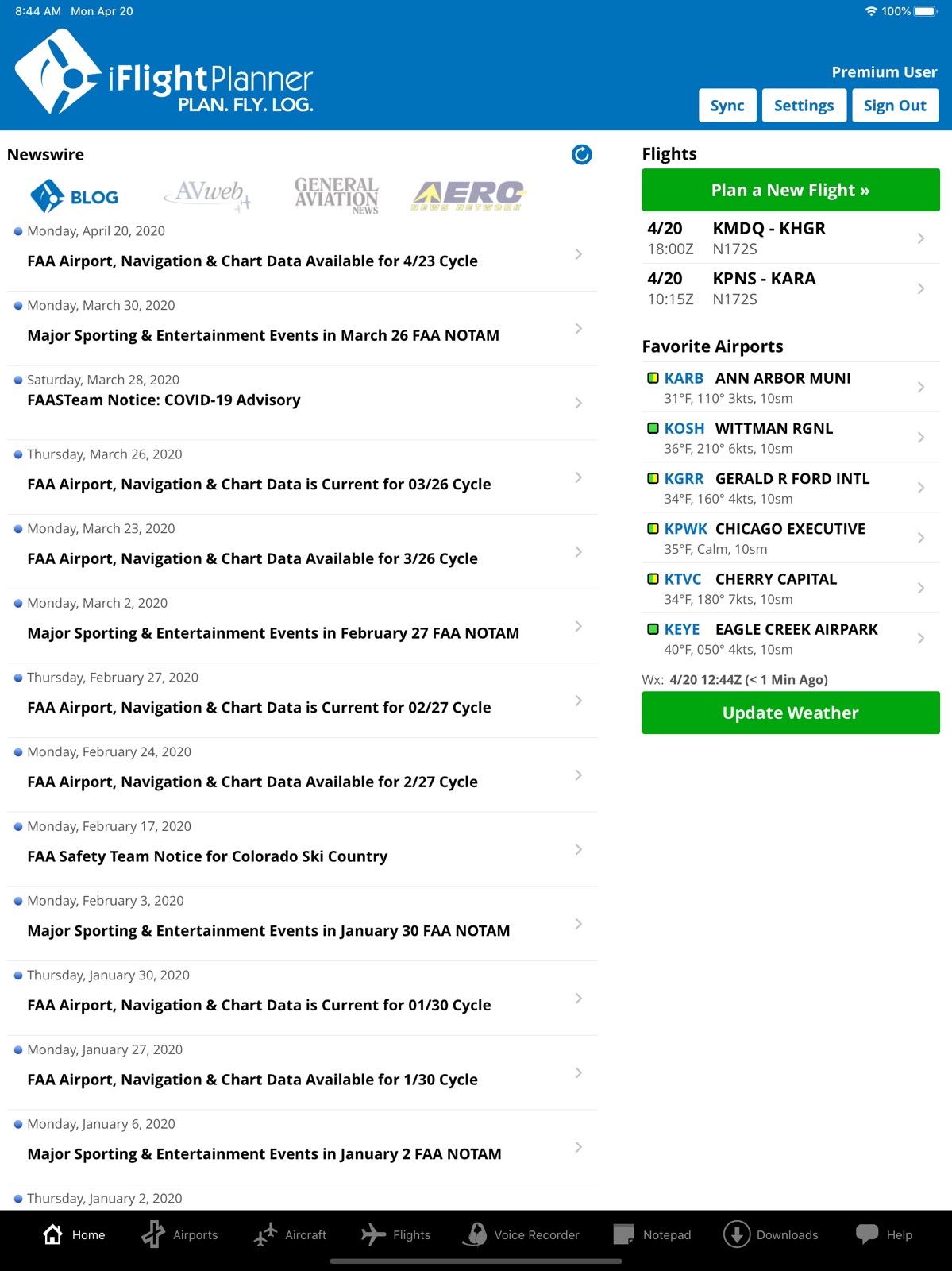
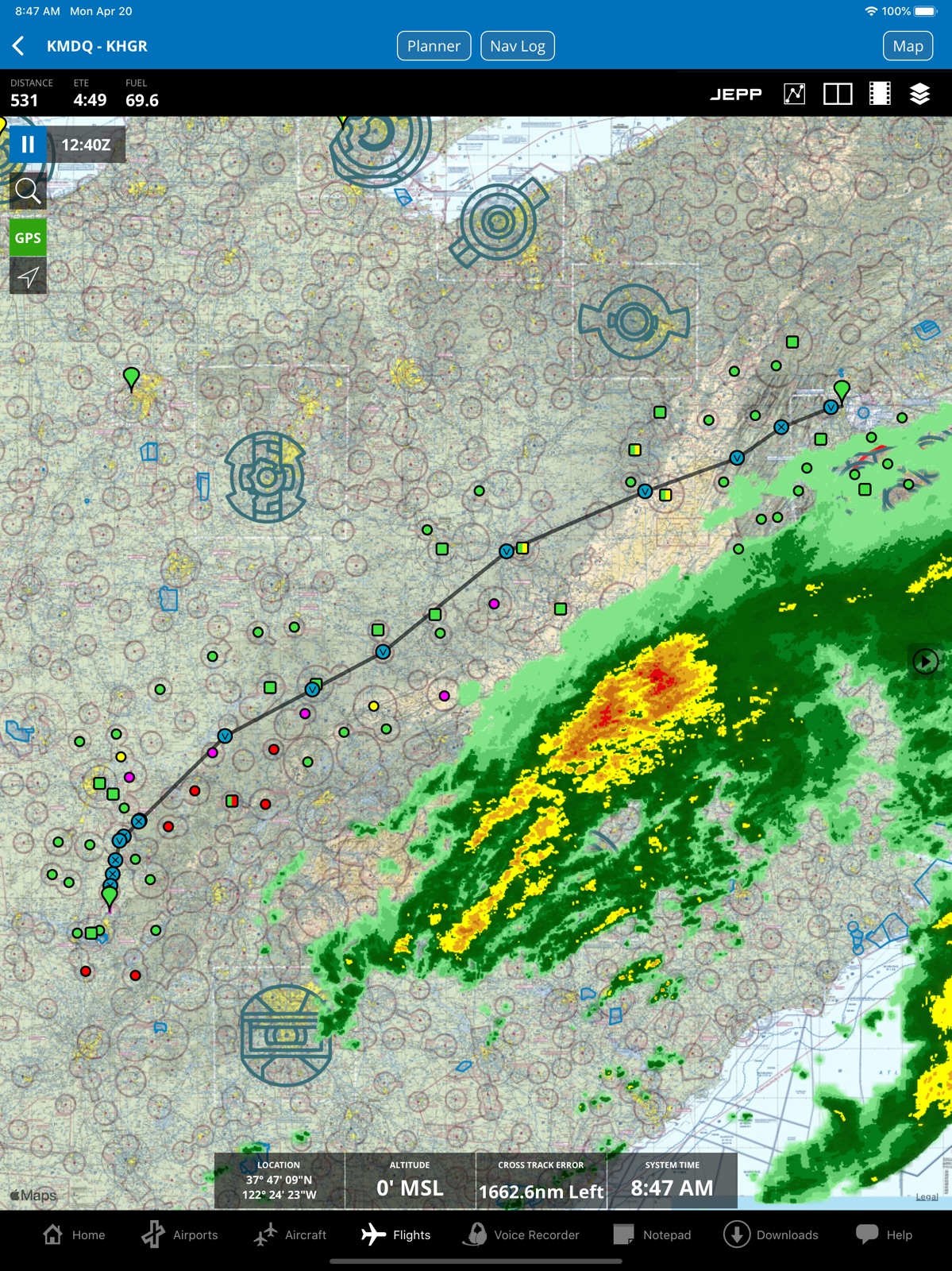
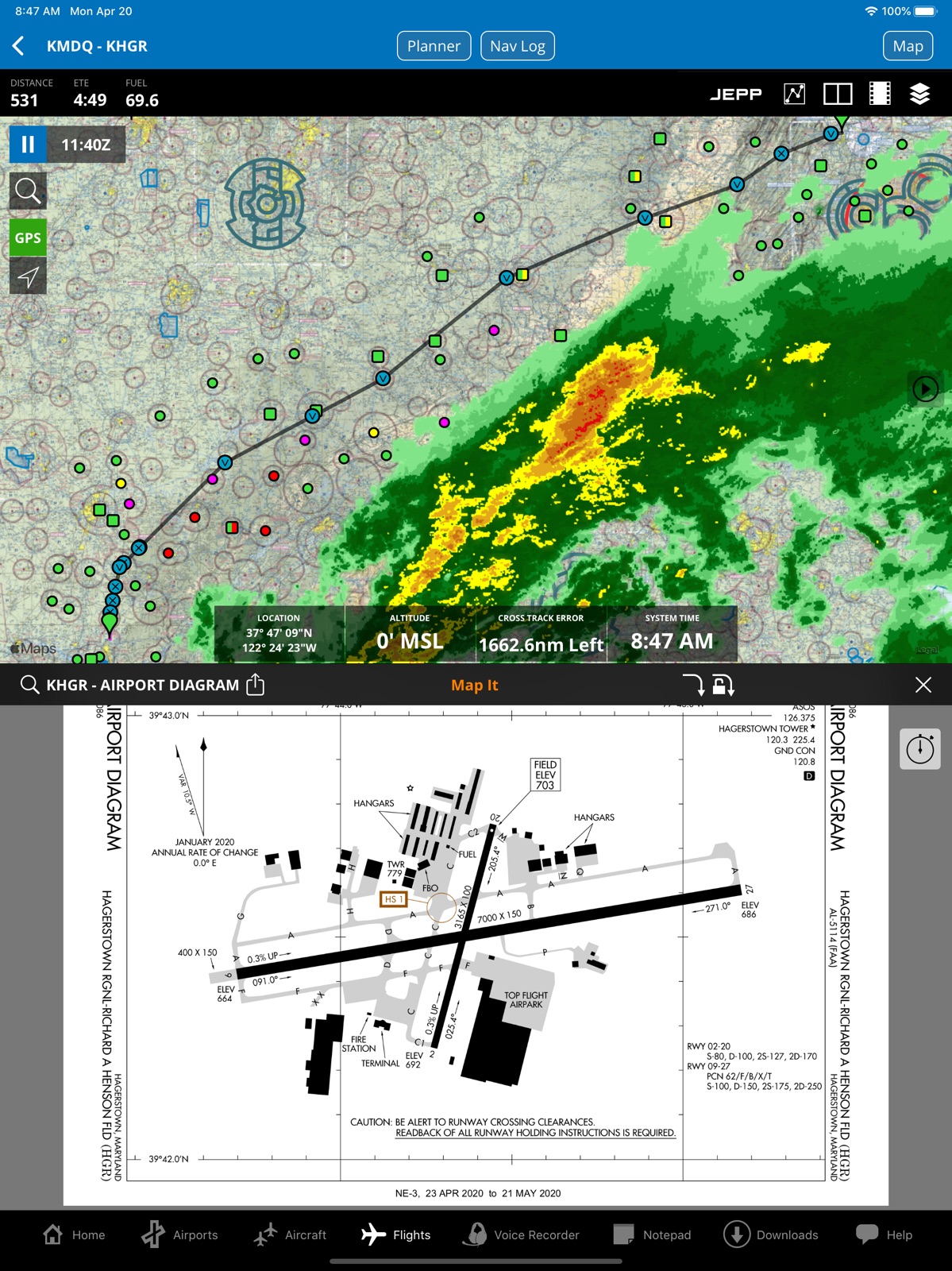
16 store screenshots

Pricing & paywalls
App Store
Shown for US
- Free to download
- In-app purchases
Ratings & reviews
App Store
Shown for US
-
5/5Cheap way to fly & log
I like the app, it has a great logbook as well which I use consistently. Includes a place to add route information so that you can see basically you did multiple legs and landed at different airports without having to start a new flight for short hops over to an airport that’s 10 miles away etc. Cannot say the same thing about Log10 which is useless at that. (I get it that they want to have every flight to a different airport logged at a XC for Pt. 135 and/or 121 mins., but it’s still a pain.) I see 172Capt said 10 years ago that it crashes a lot. Don’t find that true, but my iPad that is really old crashes a lot. I also like the timer that can come up on the same page as the plate. AND much cheaper than Foreflight!
Gassaver12345 · 31 Jul 2026
-
4/5Easy to use flight planning app
The flight planning is easy to use. Developer quickly responded to an in app navigation issue on my older iPad 3. The updated version is now current. I look forward to further refinements of the app. The forte of this app is that I can plan a flight on my PC using the desktop version of the program using the much larger screen and a keyboard. The saved flight plan is then available on my iPad where I can transfer the flight plan to Garmin Pilot for use in my airplane. This app is usable in the airplane, particularly for VFR flight. It needs further refinements to match the capabilities of Garmin Pilot and Foreflight for IFR flight use. Where I will definitely use this app is on my older iPad3 which is too old for the other apps. iFlightPlanner on my iPad3 easily pairs with X-Plane 11 offering moving map display and approach charts for IFR practice flights on the simulator. For the modest cost of an annual basic iFlightPlanner subscription I’ve got a great use for my older iPad on the sim.
Bc9538 · 31 Jul 2026
-
5/5Excellent Value
I used the free version of IFlight Planner when I fly my Kitfox 3 from Seattle to Houston to Kitty Hawk and back to Seattle before the days of ADS-B. It was very adequate. Now in order to support ADS-B in, I subscribe. It is still a bargain. Customer support is superior to ANY product line inside or outside aviation. I couldn’t recommend it more highly. Jimmy Wayne Ball Maple Valley, WA
#@&$%*@#$&*% · 31 Jul 2026
-
5/5Great app and EFB
Great flight planning app and EFB for me as a casual general aviation instrument rated pilot at an incredible value. I have reached out to them for support several times and was delighted with how quickly and attentively my concerns were addressed directly by iFlightplanner co-founder John Burnside.
therealcleaveland · 31 Jul 2026
-
5/5Best application for flight planning
I have been using iFlightPlanner for YEARS, and I continue to love this application.
OldNavyAirdale · 31 Jul 2026
Privacy & accessibility
App Store
Privacy
- Data Not Collected Developer declared
Accessibility
No accessibility labels collected yet.
Versions
App Store
-
4.0.8
* When viewing airspace info on the map, you may tap the "Airspace" title bar to expand/collapse the info or press and drag to move the info box. We fixed an issue where these gestures would conflict with tapping on the Clear or Close button.
-
4.5
New Date/Time Settings & Time Zone Enhancements Under Settings, you may now select your preferred time display format, including three local time formats and Zulu. We also introduced enhanced time zone detection for all airports to make selecting and viewing your departure dates much easier! Bring Your Own EFB Many of our members love the online flight planning capabilities at iFlightPlanner.com, but some prefer a different EFB for in-flight features, including EFBs that don't also offer an integrated web-based planning option. With the April introduction of iFlightPlanner for AOPA, AOPA members now also have access to our feature-rich online flight planning, but many already had an alternate EFB subscription. Based on this feedback, we created the ability for members to plan online, open iFlightPlanner for iPad or iPhone, which will automatically load their flights planned online, then tap to send flight info to their preferred EFB. Pilots can choose to send info ForeFlight, Garmin Pilot, FltPlan Go, FlyQ, WingX, or Jeppesen. Simply go to Home > Settings, then scroll down to select your preferred EFB. Once selected, open the Flight on the Flights tab, then tap the export button (square with arrow pointing up icon) in the black toolbar above the map. We hear all the time from pilots that they're interested in having a choice in the various tools they use and we'll always work to provide options to fit each pilot's individual needs!
-
4.5.1
* v4.5.1 contains a quick bug fix for iOS 12, but otherwise the new features for v4.5 are highlighted below! New Date/Time Settings & Time Zone Enhancements Under Settings, you may now select your preferred time display format, including three local time formats and Zulu. We also introduced enhanced time zone detection for all airports to make selecting and viewing your departure dates much easier! Bring Your Own EFB Many of our members love the online flight planning capabilities at iFlightPlanner.com, but some prefer a different EFB for in-flight features, including EFBs that don't also offer an integrated web-based planning option. With the April introduction of iFlightPlanner for AOPA, AOPA members now also have access to our feature-rich online flight planning, but many already had an alternate EFB subscription. Based on this feedback, we created the ability for members to plan online, open iFlightPlanner for iPad or iPhone, which will automatically load their flights planned online, then tap to send flight info to their preferred EFB. Pilots can choose to send info ForeFlight, Garmin Pilot, FltPlan Go, FlyQ, WingX, or Jeppesen. Simply go to Home > Settings, then scroll down to select your preferred EFB. Once selected, open the Flight on the Flights tab, then tap the export button (square with arrow pointing up icon) in the black toolbar above the map. We hear all the time from pilots that they're interested in having a choice in the various tools they use and we'll always work to provide options to fit each pilot's individual needs!
-
4.5.2
* v4.5.2 contains a bug fix for iOS 8, 9, and 10 where the navigation button at the top right of the Flight view, allowing you to change between flight views (Map, Wx Brief, File, Log, etc.) was not visible. You could still change between views using the small arrow on the right side of the map or by swiping left or right on any of the other flight views.
-
4.5.3
* Minor code adjustments for iOS 14 to ensure proper connectivity of ADS-B devices and flight simulators, including X-Plane
-
4.5.4
* Enhancements to X-Plane integration to improve performance, especially on older iPads with iOS 9.3.5
-
4.5.5
* Enhancements to ADS-B device connectivity
-
4.5.6
* "Bring Your Own EFB" flight plan transfer enhancements
-
4.5.7
* Flight plan filing enhancements
-
4.5.8
* Flights list display speed enhancements
-
4.5.81
* Auto-routing enhancements
-
4.5.82
* U.S. Sectional download bug fix * Airport Directory Fuel Types display bug fix Thanks to our members for reporting these couple items! We always appreciate the feedback!
-
4.5.90
Minor adjustments for iOS 17 interface changes
-
4.5.91
Enhanced capabilities for Stratus 3/3i devices allowing for one-touch transition between device modes
-
4.5.92
Fixed issue with airport selection from list of airport fuel prices in map view
-
4.5.93
Three minor bug fixes thanks to member reports!
-
4.5.94
ADS-B data processing enhancements
-
4.5.95
Flight plan filing enhancements
-
4.5.958
Corrected an issue with "Bring Your Own EFB" flight plan transfers in iOS 18.
-
4.5.959
Quick bug fix for a display issue with flight plan statuses
-
4.6.000
Quick fix for issue with the full United States IFR Low chart download package
-
4.6.010
Fixes for the tab bar display issues introduced by recent iOS versions and a flight date limitation to 12/31/2025
-
4.7.0
Added FAA U.S. helicopter charts, including those in metro areas and the Gulf VFR and IFR charts. The new chart downloads may be enabled in the Downloads section under Settings, available at the top right of the Downloads view. Then use the Map Layers menu in the flight/map view (last icon on the right in the black toolbar above the map) to turn on any of the three new helicopter map layers.
-
4.7.010
Updates to airport company (FBO, Flight School, etc.) information display
-
4.7.20
· 30 Jul 2026
* Enhanced auto-recording for flight track data * New record ("REC") button and associated timer directly on the map view * The record button will highlight in green when recording is active and provides manual recording control without opening the recording settings menu
Alternatives
- 8Flight Aviator EFB — Same category + similar ratings
Availability by market
- US
Data quality & evidence
- Page completeness
- Live store listing
- Last verified
- 31 Jul 2026
- Sources
- App Store
- Independent summary has not been published yet.