
Quick verdict
- What it is
- Store information collected; independent summary not yet available.
- At a glance
-
- Free to download
- In-app purchases
Categories and search queries
Official categories
- Photo & Video
- Entertainment
AppCorpus categories
Key functions
| Function | Availability | Access | Scope | Evidence |
|---|---|---|---|---|
| Free app | Yes | Free | — | Store published |
| In-app purchases | Yes | Limited free | — | Store published |
Screens
App Store
15 store screenshots
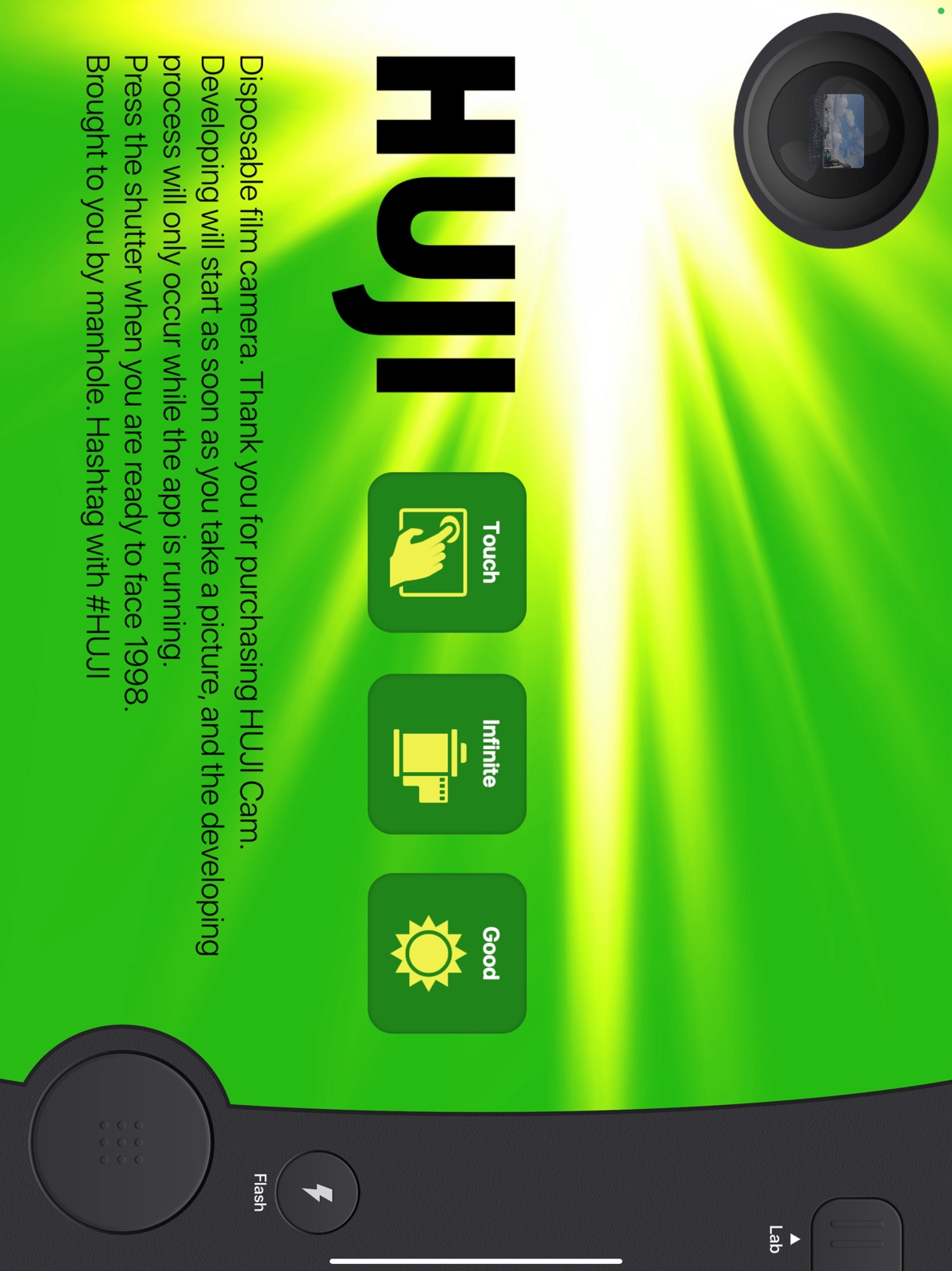

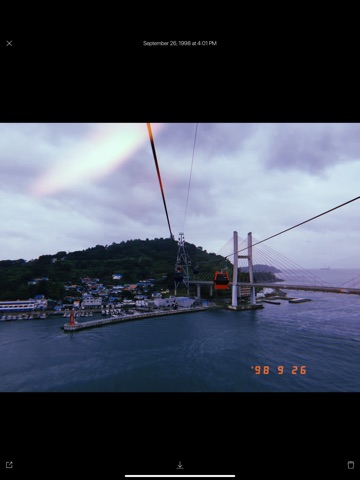
Pricing & paywalls
App Store
- Extra Options — $0.99
Ratings & reviews
App Store
-
4/5Great App! Would Download Again!
I love HUJI. It is an extraordinary app that helps take wonderful, filtered photographs. Sometimes it puts sweet little rainbows on your photos, or makes it golden hour; little things like that. However it always has a beautiful filter that, in my opinion, is the best part. This app is add free and does not need internet nor data to function. There are small adds on the top but ones that are easily ignored by me. These are not mobile app adds most of them are brands or company’s advertising. They are not videos they are simple photos saying the brand name or a quick sentence about it. I delight in taking photos on HUJI very much and I believe that this is a great app! I recommend. You can set a timer for before you take your photos. You can choose no timer, 3 second timer, or 10 second timer. There is also a setting where you can put dates on the photos in a vintage orange writing; or should I say font? It automatically sets the date to year ‘98 because that’s what I assume the kids call vintage today. You can change this in settings and make the date the current time easily with one blink of an eye. You may also if you wish have no date on the photo at all. HUJI is an amazing, great, and creative app. You should download. The only thing I do not love about this app is when you open it the camera is not full screen as it is in real cameras. To fox this you flip your device over and put your eye to the small circular camera part in the top right corner. Thank you! This is a great app.
cynthiaiscool · 30 Aug 2026
-
5/5A rave and a request! Please please please fix this
I’ve been using this app for 5 years. I run all of the pictures from my camera roll through this app before sharing with family and friends. The fact that this date stamps the pictures makes it easier to be in the moment, snap a photo here and there, and then dump lots of pictures at once to socials where my family can see what I’ve been up to without being confused about when I took trips or did stuff. I recommend it to everyone I know, I have put so many friends and family on this app, and I constantly get compliments on the way the filter makes each of the pictures have a little something extra special. My ONLY qualm is that I don’t have the option to date stamp pictures without also having the huji filter on them as well. As much as I love it, it became prevalent when I got back from Alaska with photos of the northern lights but after running them through the Huji filter you can barely see the colors dancing in the sky. I want the date stamp on those original photos without the huji filter on it affecting the lighting Instead of searching for a replacement app i figured I could ask the developers to adjust the capabilities for users 🙏 I don’t want to use a new application, I want to keep using yours. Please consider making the huji filter over photos an on/off option so i can date stamp pictures without the filter when needed!! Thank you in advance ♥️
Cass Stol · 30 Aug 2026
-
4/5Account/Login
I have had this app for the past 4 and I am obsessed with it like I was when I first got it. Over the course of time I’ve had to get new phones and thankfully! All my photos were saved in the app, that it never crossed my mind I would need to save them separately, until now… ☹️. In the past, I’ve backed-up the app and I had no issues with losing photos but this time around I did a final backup and set up my new iPhone. I had to redownload the app (which I can’t remember if it was always like that or if the set up process for a new phone is different now??), which is fine I assumed all data would be saved but unfortunately when I opened the app all my photos were gone 💔🥺. I was able to recover some that were sent to friends but overall majority of my photos have been lost, I didn’t have the huji photos automatically save onto my iPhone, since it would take up more space and I liked how I could keep it separate. A suggestion, if you could create some kind of way to make an account that would safely store/archive any photos taken, that way when transitioning or repairing a broke phone it’s not a total loss. I will automatically be saving hujifilm photos to my actual photo album. RIP to my past captured memories 🥺. Still love the app and can’t wait to capture new memories.
astrotrek · 30 Aug 2026
-
4/5I LOVE LOVE LOVE IT
i LOVEEE huji I’ve first downloaded it last summer and i’ve been using it nonstop ever since I probably have over 3000 pictures by now, which leads me to a point I’m worried about, i have experienced before the sudden loss of all data on my phone it basically fell into water and it didn’t work again, luckily i had backed it up into my computer a few months back before the accident but still i lost a pretty big amount of pictures from my camera roll, now that was before I downloaded huji, but now that i did I can’t help but feel scared that this might happen again and all 3000+ pictures on huji will be long gone, what i mean is i really hope the app developers can make an update where you can save the pictures into the app with some kind of account(usernames and stuff) so that even if you delete the app or somehow lose all the data they can still be safe and there , and i know i can save everything into my camera roll but for me that’s not convenient because there is A LOTT pictures in there so i really can’t, but i really hope they can make an option like that so the pictures will always be saved sort of my the memories section of snap chat
totaredo · 30 Aug 2026
-
1/5Dates on Imported photos
I really do love this app for bringing a “vintage” feel to my photos. I take a lot of pictures so one aspect of photo editing apps that important to me is being able to preserve the original content of the photo (like date, time, and location) on the copy. Typically if I import a photo, it does preserve all of that original info. But since updating, the date the photo is imported is replacing the actual date of the photo. The correct location is still on the photo, just not the date and time. It makes my camera roll so incredibly messy, because typically the original and imported photo would be side by side in my camera roll, but now they are just at the end of it. If I edit a photo from a month ago, then the photo is now out of place from the other photos. If it takes me several days to get to editing or running something through HUJI, then again they are out of place bc of the time and date stamp. It’s going to affect my “memories” or apps like timehop (which again, I love all things from the past lol). This is probably a small complaint, but it’s almost not even worth using the app anymore because it’s more hassle than it’s worth at this point. In addition, since updating HUJI has malfunctioned a lot. It’s glitchy and won’t allow me to select/save photos with out tapping for minutes at a time, or generally trying to pull on the photo till it asks if I want to save or share. If these issues is corrected I would be happy to change my review. Thanks
Onestarusuuck · 30 Aug 2026
Privacy & accessibility
App Store
Privacy
- Data Linked to You — Analytics — Diagnostics — Performance Data Developer declared
- Data Linked to You — Analytics — Identifiers — Device ID Developer declared
- Data Linked to You — Analytics — Location — Coarse Location Developer declared
- Data Linked to You — Analytics — Usage Data — Advertising Data Developer declared
- Data Linked to You — Analytics — Usage Data — Product Interaction Developer declared
- Data Linked to You — Third-Party Advertising — Diagnostics — Performance Data Developer declared
- Data Linked to You — Third-Party Advertising — Identifiers — Device ID Developer declared
- Data Linked to You — Third-Party Advertising — Location — Coarse Location Developer declared
- Data Linked to You — Third-Party Advertising — Usage Data — Advertising Data Developer declared
- Data Linked to You — Third-Party Advertising — Usage Data — Product Interaction Developer declared
- Data Linked to You — Diagnostics Developer declared
- Data Linked to You — Identifiers Developer declared
- Data Linked to You — Location Developer declared
- Data Linked to You — Usage Data Developer declared
- Data Not Linked to You — Analytics — Diagnostics — Crash Data Developer declared
- Data Not Linked to You — Third-Party Advertising — Diagnostics — Crash Data Developer declared
- Data Not Linked to You — Diagnostics Developer declared
- Data Used to Track You — Diagnostics — Crash Data Developer declared
- Data Used to Track You — Diagnostics — Performance Data Developer declared
- Data Used to Track You — Diagnostics Developer declared
- Data Used to Track You — Identifiers — Device ID Developer declared
- Data Used to Track You — Identifiers Developer declared
- Data Used to Track You — Location — Coarse Location Developer declared
- Data Used to Track You — Location Developer declared
- Data Used to Track You — Usage Data — Advertising Data Developer declared
- Data Used to Track You — Usage Data — Product Interaction Developer declared
- Data Used to Track You — Usage Data Developer declared
Accessibility
No accessibility labels collected yet.
Versions
App Store
- 1.0
-
1.1
Bug fix
-
1.3
- Date Stamp Mode - Viewfinder Touch Mode - Bug fixes.
-
1.5
This new version includes the following updates: - Camera Selfie, Timer, Random Light Effects On/Off Photo quality settings Selfie flash -Lab 3D Touch: preview, share, save and delete Batch process to save and delete multiple photos - Photo Preview Sharing a photo by swiping up Closing Preview by swiping down Zoom-in by double tap Save button -Features Option to keep photos within the app when Auto Save Creating HUJI album when save in Photos Photo quality adjustment when save Option to preserve original photos Geo tagging when taking photos Date format option New font for Date Stamp - Minor UI Improvement - iOS 9 support
-
1.6
This new version includes the following updates: - Improvements .Importing photos from you album: You can now apply beautiful, gorgeous 1998-film-looking HUJI filter to your previous photos waiting in Photos app! This feature is packed in the In-App-Purchase item. No additional purchase needed If you already bought the IAP item before. .Adds Photo Recovery Mode: Please read the app description for detail .More Light Effects .Support for iPhone X - Bug Fixes .Fixed the issue that photos were occasionally taken when starting .Fixed Date Stamp issue appearing in the date of Japanese or Buddhist calendar
-
1.7
- More Light Effects - Bug Fixes
-
1.71
- Bug Fixes
-
2.0
- Meet big sized HUJI Cam on your iPad. - Bug Fixes.
-
2.1
Fixed the issue occurring a crash when deleting photos. Fixed the wrong orientation of photos when importing photos.
-
2.2
This new version includes the following updates : .More Beautiful Light Effects .Selfie flash support for iPad .Language support and improvement in 13 countries (If you found something unnatural in translation, please let us know) .Bug Fixes
-
2.3
This new version includes the following updates: - Adds iPhone XR, iPhone XS and iPhone XS Max support. - Adds the option to choose 'Current' date when imported from Photos. - Changes the behavior of Light Effect to continuously on if the Random Light Effect is 'On' when importing pictures from Photos. - Improves upon the roll film image that appears when taking pictures. - More Beautiful Light Effects.
-
2.5
· 11 Dec 2024
Fixed a bug where the app would crash after developing photos and other minor issues.
Alternatives
- Kamon - Vintage Film Camera — Same category + similar ratings
- OldRoll - Vintage Film Camera — Same category + similar ratings
Availability by market
- US
Data quality & evidence
- Page completeness
- Live store listing
- Last verified
- 30 Aug 2026
- Sources
- App Store
- Independent summary has not been published yet.