
Quick verdict
- What it is
- Store information collected; independent summary not yet available.
- At a glance
-
- $4.99
Categories and search queries
Official categories
- Graphics & Design
- Entertainment
AppCorpus categories
Key functions
| Function | Availability | Access | Scope | Evidence |
|---|---|---|---|---|
| Family Sharing | Yes | Unknown | App Store | Store published |
Screens
App Store
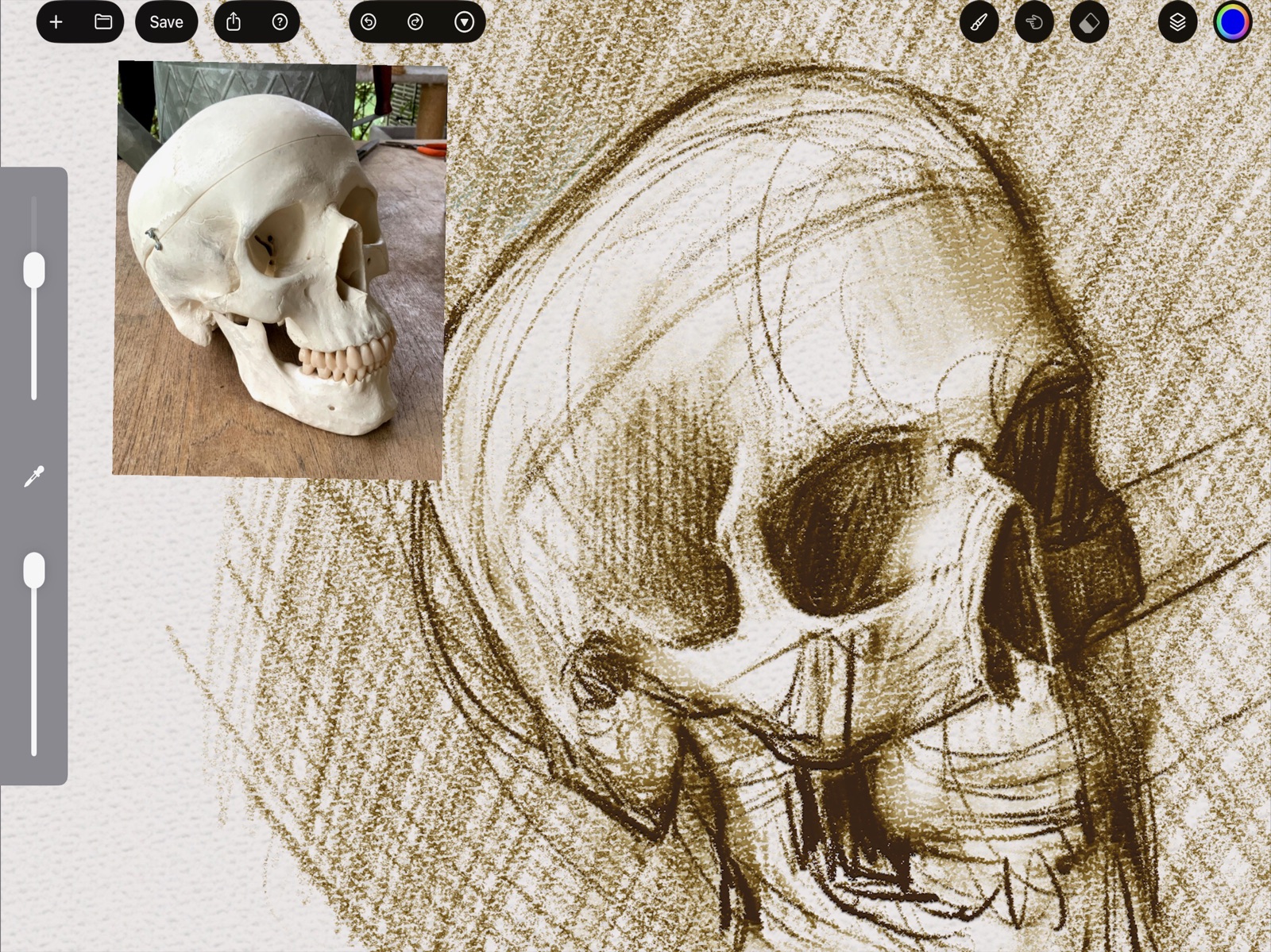
3 store screenshots

Pricing & paywalls
App Store
Shown for US
- Price: $4.99
Ratings & reviews
App Store
Shown for US
-
4/5App tech issues
Hi I was just trying out this new app I discovered on my iPad when I downloaded and went into the app the screens were blank therefore I can’t see the canvas or anything paint settings to show on the screen I also did a few strokes with my apple pencil and it ended up glitch me back to the Home Screen, so I tried it on my iPhone and it did really well as it was supposed to be shown when I download but I was hoping if The app can be fixed for iPads Because this app seems interesting to test out as an Artist and looking forward to what it can do, thank you for your time 👋🙂
colorful Inc · 6 Aug 2026
-
5/5i wish more apps were like yours
This app is awesome!! its sorta like a physical-modelling painting app that still feels digital in an endearing way. some very unpredictable or rather unexpected behaviors in some tools. ui is kinda clunky and confusing, some buttons not so responsive and it gets laggy and buggy now and then but i love the concept, i love the execution, i love it! i wish u would never leave this behind and i hope i get to see it bloom into a flushed out mature app some day
haaaraam · 6 Aug 2026
-
5/5Fantastic- but,,
/why/ does it interrupt one’s drawing every time the canvas is flipped - that unskippable pause and full screen grey out - :( - no option to turn it off. - Other: not able to set eraser to a different brush then what is selected for drawing & painting - wanting charcoal texture eraser for oil and vice versa - Accessibility: high contrast mode - it’s hard to tell sometimes what’s being clicked out the change in hues is so fine - Good work with this - your brush engine is chef kiss - some tweaks with flow improvement could make this a main drawing app for us
oooooboi · 6 Aug 2026
-
1/5Caused my iPad to shut down
Okay, this is an interesting app. It's a tweaker's delight (if you're a person who spends days tweaking the sound of a synthesizer but never actually make music, this is the art app for you).…The brush settings are amazing, in an overwhelming tech way. Color mixing here is wonderful, maybe better than Adobe Fresco's live brushes.…The canvas size is small. I tried creating a large one and that caused not only the app but my device to shut down. As soon as I rebooted I deleted the app. Bummer. So much potential. Great ideas. Someone else needs to get involved with the development to make this a useful painting app.
M. Myshack · 6 Aug 2026
-
5/5Nothing else like it
I love having an app that I can approach like I’m painting traditionally. I would encourage anyone from a traditional painting background to give it a try.
MisterMollusk · 6 Aug 2026
Privacy & accessibility
App Store
Privacy
- Data Not Collected Developer declared
Accessibility
No accessibility labels collected yet.
Versions
App Store
-
2.1.1
"Eugene Green" Edition -New default Dirty Brush -Eraser mode improvements (can adjust eraser setting when toggled on) -Brush Updates / improvements -Green Default Color ;-)
-
2.1.2
Small fix to avoid halo artifact
-
2.2.0
- Background improvement, don't apply bump map to background image, which makes it look strange and lumpy - Reduce specular highlights more, avoid more halo artifacts
-
2.2.1
Fixes an issue with iOS 17 and non-m1/m2 iPads. MetalFX is not supported on these devices but was enabled automatically. Alternatively to updating, one can disable MetalFX in FocalPaint preferences
-
2.3.0
- New color picker square model (similar to HSV Square) - Adjust colors mid-stroke for smooth gradients and faster workflow - Revamped canvas rendering for larger canvas support and better performance - Updated brushes
-
2.3.4
- fix an incorrect calculation for Direction Changed brush input - updated brushes
-
2.4.0
- fixes an issue where smudge erases at the beginning of strokes - new color picker UI based on color history - brush editor fix for special characters in brush name - brush updates, new custom brush to shift color/value
-
2.6.2
Update smudge paint algorithm for thickness Update brushes Add optional tip / contribution links to in-app purchases, so you can support FocalPaint if you enjoy it
-
2.6.3
- Maintenance updates for supporting new iOS versions - Fixed default brush eraser
-
2.6.6
- Fixes an issue drawing near edges of the canvas - Make sliders easier to use - Fix a background texture/canvas loading issue - Import Photo as Layer now scales and rotates the image to fit the canvas
-
2.7.0
New Brush Input! Barrel Rotation (Roll Angle), for Apple Pencil Pro on iOS 17.5 or newer!
-
3.0.0
- Brush Cursor / Preview - This previews the brush shape and orientation, including barrel roll! - Makes using an external monitor more pleasant - Fixes for various display issues, Display Zoom, etc - Brush Updates
-
3.0.1
- Makes brush cursor turn into a regular cursor over other UI elements - Fixes a default brush - Disabled MetalFX Upscaling by default for better performance
-
3.0.2
- fixes brush preview cursor (don't use multiply mode)
-
3.0.3
- Improve window resizing when rotating device or split view - Fixes a problem with zoom getting stuck
-
3.1
Eraser Mode can use and remember a different brush than Painting Mode Apple Pencil Pro Squeeze support Palette Mixer panel can be color picked with a finger now while mid-stroke Brush Updates Fixes to the Travel Distant input Avoid crashing when picking color outside the canvas
-
3.2
- dedicated smudge brush mode to complement normal and eraser modes - fixes for brush lists odd behaviors
-
3.3
At last pinch/zoom/pan work as you might expect!
-
3.4
- Even more realistic brushes with variations on each bristle - New default oil brush - Bug fixes for saving modified brushes
-
3.5
Fixes bugs: - bristle count too high caused a crash - metalFX upscaling had a rendering artifact
-
3.7
Now you can adjust the size of tool windows; color wheel, palette mixer, and color editor. Just click the gear icon and slide the UI Scale slider to your personal preference
-
3.8
Set a maximum canvas size of 25 megapixels, to avoid problems with excessive memory usage.
-
4.0.4
- per-layer custom shader code editor (make your own special FX or custom layer modes) - brush updates and fixes - removes donation links (removes in-app purchases)
-
4.0.5
- added additional canvas textures - added preference option to disable brush cursor - updated slider style to more modern thumbless look
-
4.1.0
· 15 Jul 2026
- Brush Tag menu system. Brushes grouped by keywords added in the brush editor - Major Performance improvements - Rendering problem with tiny brushes fixed - New Light Sketch brush added
Alternatives
- Paintstorm Studio — Same category + similar ratings
Availability by market
- US
Data quality & evidence
- Page completeness
- Live store listing
- Last verified
- 6 Aug 2026
- Sources
- App Store
- Independent summary has not been published yet.