
Quick verdict
- What it is
- Store information collected; independent summary not yet available.
- At a glance
-
- Free to download
- In-app purchases
Categories and search queries
Official categories
- Graphics & Design
- Entertainment
AppCorpus categories
Key functions
| Function | Availability | Access | Scope | Evidence |
|---|---|---|---|---|
| Family Sharing | Yes | Unknown | App Store | Store published |
| Free app | Yes | Free | — | Store published |
| In-app purchases | Yes | Limited free | — | Store published |
Screens
App Store
17 store screenshots
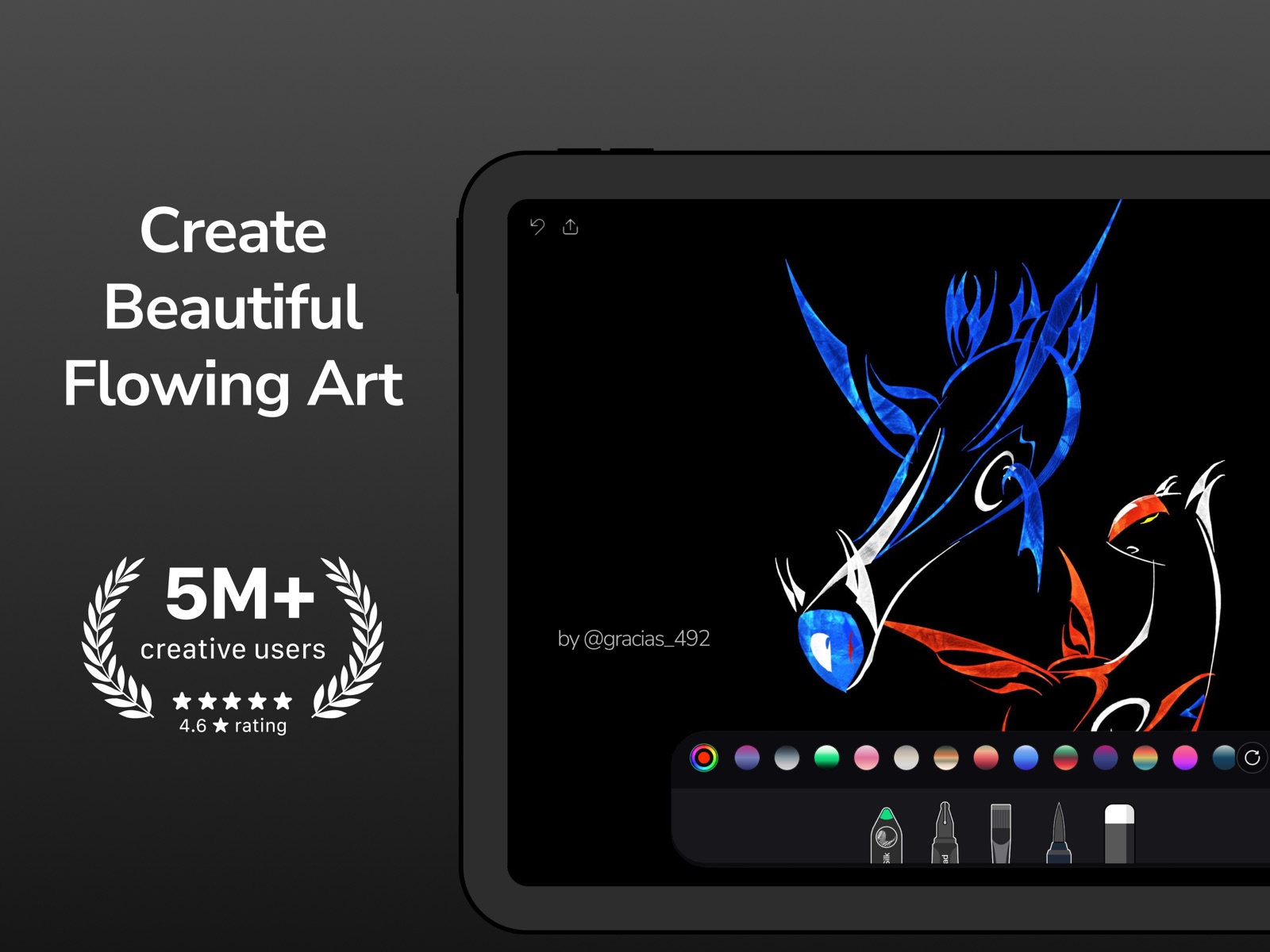


Pricing & paywalls
App Store
Shown for US
- Free to download
- In-app purchases
Ratings & reviews
App Store
Shown for US
-
5/5Fun little app!
One issue- on my iPad Pro (which admittedly has not been updated in quite a while so perhaps this is causing problems) , the white circular controls for the app are offset at the bottom, at the very edge of the screen, so I can’t see the symbols on them- they are just half moon shapes instead of circles- and I can’t tell which control is what without tapping each (I learned which one is the “clear entire screen” this way. I hesitate to buy the extra in-app purchase for the continuous drawing feature, without having the app controls fixed so I can see them better. ONE REQUEST (actually two) - the ability to pinch to zoom in closer, and the ability to just color with plain, solid paints too.
specialappssk · 31 Jul 2026
-
5/5Waiting and Waiting for an update
It's been a year since Botto Studios updated this very beautiful application and I am wondering if it will ever happen. It has been a couple of months since my last communication with them, when they promised an update was forthcoming. Come on, guys and gals...what are you waiting for? I will give a well-deserved FIVE STARS once I can start using Flowpaper again. Thank you! Apparently the app works on iphoneX, because I just redownloaded and it seems to work well. So...I gave back the FIVE STARS to this very creative, flexible app. I would like to see an update to the interface if at all doable.
Laker31 · 31 Jul 2026
-
5/5Responsive developer!
I couldn’t figure out how to draw with multiple fingers at once (now in May 2026), and the developer responded to my previous review with instructions on how to activate that ability again. “iOS Settings> Apps> Flowpaper> Disable Pinch and zoom”. It works perfectly! Thank you for the response!
Morning_Star_42 · 31 Jul 2026
-
4/5A superb player with other apps!
I have thrown this app in the art apps playground and it was greeted very warmly by the others😆🙌🏻👏🏻 Art takes me away from the ugliness of the world for a bit so that when I return, I can offer some beauty for weary eyes and minds. Thank you for helping me do this with your wonderful app. My rating would be 5 stars if we could (if possible) have a non netting effect on just one of the brushes as suggested by another user. God bless you with more creative genius. Your app has blessed me for sure!
M. Artie · 31 Jul 2026
-
5/5The NEW Flowpaper is great!
I was very sad when the original Flowpaper disappeared or became only a business application. But suddenly a new Flowpaper has appeared and I love it! The techniques are somewhat different from the original, but it’s still wonderful. The effects one can get are so different from every other art app I have tried.
Egg-art-fan · 31 Jul 2026
Privacy & accessibility
App Store
Privacy
- Data Not Linked to You — Analytics — Diagnostics — Crash Data Developer declared
- Data Not Linked to You — Analytics — Diagnostics — Other Diagnostic Data Developer declared
- Data Not Linked to You — Analytics — Usage Data — Product Interaction Developer declared
- Data Not Linked to You — App Functionality — Diagnostics — Crash Data Developer declared
- Data Not Linked to You — App Functionality — Diagnostics — Other Diagnostic Data Developer declared
- Data Not Linked to You — App Functionality — Diagnostics — Performance Data Developer declared
- Data Not Linked to You — Diagnostics Developer declared
- Data Not Linked to You — Usage Data Developer declared
Accessibility
No accessibility labels collected yet.
Versions
App Store
-
1.2.1
- new background and brush colours - minor bug fixes - by default asks before clearing the canvas (settable) - by default auto hides the toolbar (settable)
-
1.3.0
- New custom color selector - Unlimited undo levels - Save Flowpaper's in Hi Resolution (up to 1536 X 2048 )* - Remembers your settings. your app will always be setup just the way you leave it - Change background colours without clearing your drawing *Resolution will vary based on screens aspect ratio and devices IOS version.
-
1.3.1
- Bug fixes in iPad version. - Restore accidentally deleted flowpapers by pressing undo.
-
1.3.2
-iOS 5 support added. -iPad 3 Retina display support added.
-
1.4.0
We're proud to present Flowpaper update 1.4 . This ones a big update and we hope you enjoy it! ★ New upgradable drawing mode, Continuous Flow. We’re really excited about this new feature. It allows brush strokes keep flowing after you lift your finger, mixing together to make beautifully rich patterns. ★ iPhone 5 resolution support and iOS 6 support. This should fix a lot of the crashes that some of you have been experiencing. ★ Stability fixes. Import and save image functions have been rewritten and are more stable. ★ New GUI look and feel. The GUI has been updated to provide a more enjoyable experience. ★ Auto backup. Flowpapers are automatically saved and restored after a crash. enjoy
-
1.4.1
We're proud to present Flowpaper update 1.4.1 ★ In-App purchase fix for New upgradable drawing mode, Continuous Flow. We’re really excited about this new feature. It allows brush strokes keep flowing after you lift your finger, mixing together to make beautifully rich patterns. ★Menu disappearing problem fixed. recently updated: ★ iPhone 5 resolution support and iOS 6 support. This should fix a lot of the crashes that some of you have been experiencing. ★ Stability fixes. Import and save image functions have been rewritten and are more stable. ★ New GUI look and feel. The GUI has been updated to provide a more enjoyable experience. ★ Auto backup. Flowpapers are automatically saved and restored after a crash. enjoy
-
1.4.2
A small sized update to patch those bugs pointed out in the comments, thanks for your feedback! ★ Additional menu disappearing problems fixed. ★ Auto-hide menu off by default. ★ Minor UI fixes. ★ iOS 6.0.1 fixes.
-
1.4.3
- Added Support for The Pogo Connect pressure sensitive stylus by Ten One Design. - Updated Facebook SDK and UI. - New Settings UI.
-
1.4.4
- Adds import photos button to settings. - Minor bug fixes. - GUI improvements.
-
1.5.0
-New eraser tool. -Added support for Pencil by Studio Fiftythree. -Fixed iOS 8 compatibility issues. -Fixed import photo bug.
-
1.5.1
This update from Apple will improve the functionality of this app. No new features are included. -New UI for iPhone 6 & 7 Plus -Improved resolution support for iPad Pro, iPhone 6 & 7 Plus. -iOS 10 compatibility improvements. -Speed improvements. -Updated brand identity to reflect our studios new name.
-
1.6.0
- New flowing and generative brushes and fills! - New responsive UI - New colors - New symmetry mode - Fixes for iOS 18 devices - Transitioning from paid to free with subscription support. Existing paid users can select "restore purchase" to be upgraded to the same features as previously with pro users being upgraded to our Flowpaper Plus tier. Please contact us if you have any issues with the transition. Hope you enjoy.
-
1.6.1
• Minor UI enhancements for a better experience • Symmetry mode now enabled by default (easily adjustable in page settings) Hope you enjoy the update!
-
1.6.2
• Fullscreen Toggle for a more immersive experience. • New Splash Screen. • Minor bug fixes in the subscription UI and flow.
-
1.6.3
Bug Fixes! In this update, we’ve squashed a few bugs! • Thread Strokes: Length now stays under control in continuous mode. • Bloom Brush: Works smoothly in symmetry mode. • UI Glitches: Minor visual tweaks and fixes. Enjoy!
-
1.6.4
Hotfix: Resolved an issue where the annual subscription was displayed by default instead of the selected Lifetime option.
-
1.6.5
We’ve made it easier for you to share your thoughts with us! You can now contact the Flowpaper team directly from the app to send your ideas, questions, and feedback.
-
1.7.0
Custom Color Picker: Create your perfect palette with our new color picker and brush palette builder.
-
1.8.0
New Eraser Tool - Easily correct mistakes and remove unwanted animated continuous lines with our new precision eraser. More Room for Second Thoughts - Now with 10 undo levels by default - Increase up to 40 levels in iOS Settings > FlowPaper Enhanced Precision Controls - Navigate fine details with new pinch-to-zoom and pan gestures. This can be disabled in iOS Settings > FlowPaper. Symmetry off by default - Symmetry is now off by default for the traditional drawing experience - Enable symmetry anytime through page settings (top right icon) General Improvements - Various UI bug fixes and stability improvements Questions or feedback? We're here to help. Contact us anytime.
-
1.9.0
We're excited to bring you our latest high-resolution update! Plus members can now create stunning artworks on massive 4K canvases (4096x4096px), giving you more space for detailed creations and professional-quality exports. We've also improved app stability for users on older iOS versions, ensuring a smoother creative experience for everyone. Your feedback helps shape Flowpaper's future - we'd love to hear your thoughts on these improvements. Stay tuned for more exciting updates coming soon!
-
2.0.0
Flowpaper 2.0.0 – Brush Settings & Improved UI By popular demand, brushes now include customizable settings for more precise creative control! We’ve also improved the user interface, making these new options easier and quicker to access. Subscribers can enjoy several new brushes, including the Texture Flow brush for creating rich, flowing textures. Thanks as always for your valuable feedback—it’s appreciated. Happy drawing! — The Flowpaper Team
-
2.1.0
- New Generative, Branching Strokes: a brush that grows like roots, rivers, and trees across your canvas, with settings to shape how it spreads. - Color picker now remembers your last color across restarts, with a new gradient mode added. - Updated render engine for better visuals and smoother drawing. - Performance improvements and bug fixes.
-
2.1.1
New app icon, splash screen and App Store category.
-
2.1.2
Bug fixes and new preset colors. Fixed an issue where the new brush drew unexpected fractal-style patterns after closing the settings panel, and resolved a rare crash. A few new preset colors added too.
-
2.2.0
· 14 May 2026
- Animation Export: turn your paintings into shareable videos that capture every stroke. - Brush and Fill, together: brush strokes now interact beautifully with filled areas for more expressive results. - Fixed: Set Background Image now works as expected. Thanks for painting with us! - Improvements: Improved brush UI responsiveness.
Alternatives
- Video Reverser. — Same category + similar ratings
Availability by market
- US
Data quality & evidence
- Page completeness
- Live store listing
- Last verified
- 31 Jul 2026
- Sources
- App Store
- Independent summary has not been published yet.