
Quick verdict
- What it is
- Store information collected; independent summary not yet available.
- At a glance
-
- Free to download
- In-app purchases
Categories and search queries
Official categories
- Weather
- Utilities
AppCorpus categories
Key functions
| Function | Availability | Access | Scope | Evidence |
|---|---|---|---|---|
| Free app | Yes | Free | — | Store published |
| In-app purchases | Yes | Limited free | — | Store published |
Screens
App Store
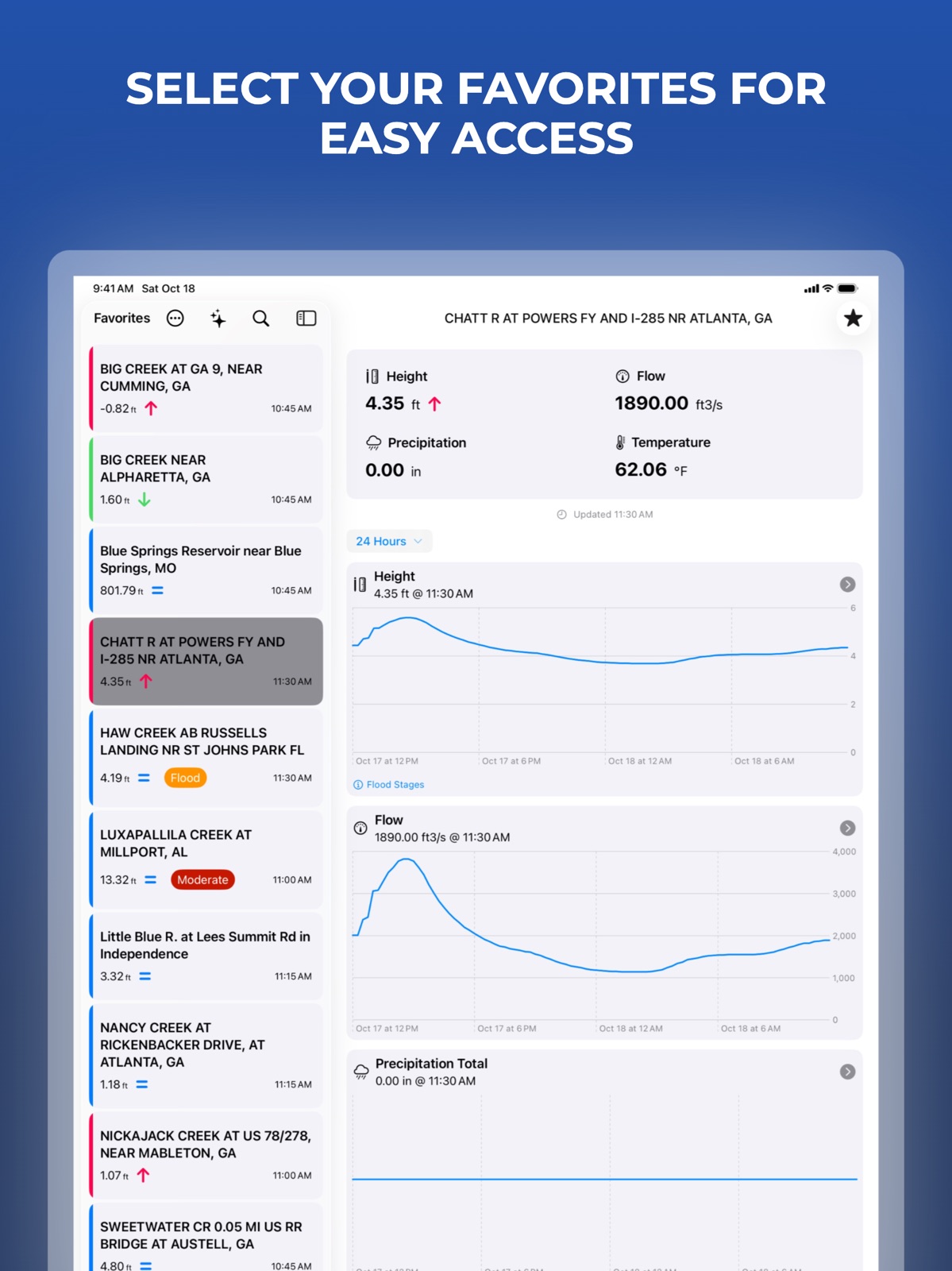
13 store screenshots



Pricing & paywalls
App Store
- Free to download
- In-app purchases
Ratings & reviews
App Store
-
4/5Very intuitive
Is there a way to add alerts to the app if what you are monitoring surpasses a certain height?
j._.so · 31 Jul 2026
-
4/5Layout change
I used the old layout style very often (im a fisherman) Not sure why the layout changed, but I don’t like it. I’d rather know the CFS instead of water height
><>k · 31 Jul 2026
-
1/5You ruined it.
You people have ruined what once was a great tool. Can not move map to look for other monitor sites. Map keeps coming back to my location. I don’t want alphabetical order I want west to east order like I had it setup before you changed it. Please advise, send phone number for consultation.
Big Fish 621 · 31 Jul 2026
-
5/5Excellent !!!!'nnnnnnn
One of my favorite apps. Fast accurate info. I'd like to see the favorite screen expanded as I'm monitoring all rivers in six states. They fit but kick me out of the app after viewing which is annoying. Also I'd like push capability and the ability to email the charts created. This app is actually better and more user friendly than the USGS web site. Just keep making it better. Also, is like the capability to automatically surf over to the USGS web page without leaving the app like the app on earthquakes takes you to the website and gives the ability to email the page to others. I literally use this app every day - is tremendous with great potential.
Javier rover · 31 Jul 2026
-
1/5Paid for ad free twice.
This app has been useful to me for a long time as I live in a flood zone. It doesn’t do much, and what it does do is not in real time, but it’s helpful. However, over the years the ads have gotten more and more intrusive. They take over the screen and it requires closing and reopening the app. I think developers deserve to get paid, either by users or advertising, but not both. I’ve given this dude $1.99 on at least two occasions to no effect. Mind you, there have never ever been any added features. He simply converts 3 data points from the USGS and makes it work on a mobile platform. I should ask for my money back. I’ve bought a real rain gauge and will check the creek height using a device with larger screen. I would have thought the app had been abandoned, but dev is selling more ads all the time and has updated enough to work on iOS 13.
Contrari · 31 Jul 2026
Privacy & accessibility
App Store
Privacy
- Data Linked to You — Analytics — Usage Data — Advertising Data Developer declared
- Data Linked to You — Analytics — Usage Data — Product Interaction Developer declared
- Data Linked to You — App Functionality — Location — Coarse Location Developer declared
- Data Linked to You — Third-Party Advertising — Identifiers — Device ID Developer declared
- Data Linked to You — Third-Party Advertising — Usage Data — Advertising Data Developer declared
- Data Linked to You — Third-Party Advertising — Usage Data — Product Interaction Developer declared
- Data Linked to You — Identifiers Developer declared
- Data Linked to You — Location Developer declared
- Data Linked to You — Usage Data Developer declared
- Data Not Linked to You — Analytics — Diagnostics — Crash Data Developer declared
- Data Not Linked to You — Third-Party Advertising — Diagnostics — Crash Data Developer declared
- Data Not Linked to You — Diagnostics Developer declared
- Data Used to Track You — Identifiers — Device ID Developer declared
- Data Used to Track You — Identifiers Developer declared
- Data Used to Track You — Location — Coarse Location Developer declared
- Data Used to Track You — Location Developer declared
- Data Used to Track You — Usage Data — Advertising Data Developer declared
- Data Used to Track You — Usage Data — Product Interaction Developer declared
- Data Used to Track You — Usage Data Developer declared
Accessibility
No accessibility labels collected yet.
Versions
App Store
-
1.10.0
FloodWatch: the social distancing and self-quarantine update! - Add support for Dark Mode - Design updates for iOS 13 - Make gauge graph duration options more apparent - Make ads less intrusive - Various bug fixes and performance improvements
-
1.11.0
- Added widget in small and medium sizes - Widgets configurable for gauge and reading type - Removed full-screen ads - Bug fixes and performance improvements
-
1.11.1
- Added widget in small and medium sizes - Widgets configurable for gauge and reading type - Removed full-screen ads - Bug fixes and performance improvements
-
1.11.2
- Bug fixes and performance improvements
-
1.11.3
- Bug fixes and performance improvements
-
1.11.4
- Bug fixes and performance improvements - Behind-the-scenes improvements to remove ads/upgrades view
-
1.11.5
Bug fix on remove ads/upgrades view
-
1.11.6
Bug fixes and performance improvements
-
1.12.0
- Lock screen widgets - Bug fixes and performance improvements
-
1.12.1
Bug fixes and performance improvements
-
1.12.2
Bug fixes and performance improvements.
-
1.12.3
Added support for dark and tinted icons.
-
1.9.4
Fixes for rare crashes
-
1.9.5
- Bug fixes and performance improvements - For users who have not removed ads: addition of a single ad unit, which may be shown occasionally before viewing gauge details
-
1.9.6
- Review and acceptance of privacy policy, terms of service, and advertising agreements required - Bug fixes and performance improvements
-
1.9.7
Bug fixes and performance improvements
-
1.9.8
Bug fixes and performance improvements
-
2.0.0
- Completely rebuilt and redesigned for an improved experience - Added water temperature display (where available) - Improved support for larger accessibility text sizes - Requires iOS 26
-
2.0.1
- Completely rebuilt and redesigned for an improved experience - Added water temperature display (where available) - Improved support for larger accessibility text sizes - Requires iOS 26
-
2.0.2
- Completely rebuilt and redesigned for an improved experience - Added water temperature display (where available) - Improved support for larger accessibility text sizes - Requires iOS 26 - 2.0.2: bug fixes and performance improvements
-
2.0.3
Bug fixes and performance improvements
-
2.0.4
Bug fixes and performance improvements
-
2.0.5
Bug fixes and performance improvements
-
2.0.6
- Fixed a bug where some gauges would not load - Fixed a bug where the map would snap back to your location after panning
-
2.0.7
· 7 Jun 2026
- Bug fixes and performance improvements
Alternatives
- Riffle: River Gauges & Weather — Same category + similar ratings
- River Levels & Flows — Same category + similar ratings
Availability by market
- US
Data quality & evidence
- Page completeness
- Live store listing
- Last verified
- 31 Jul 2026
- Sources
- App Store
- Independent summary has not been published yet.