
Quick verdict
- What it is
- Store information collected; independent summary not yet available.
- At a glance
-
- $2.99
Categories and search queries
Official categories
- Productivity
- Business
AppCorpus categories
Key functions
| Function | Availability | Access | Scope | Evidence |
|---|---|---|---|---|
| Family Sharing | Yes | Unknown | App Store | Store published |
Screens
App Store
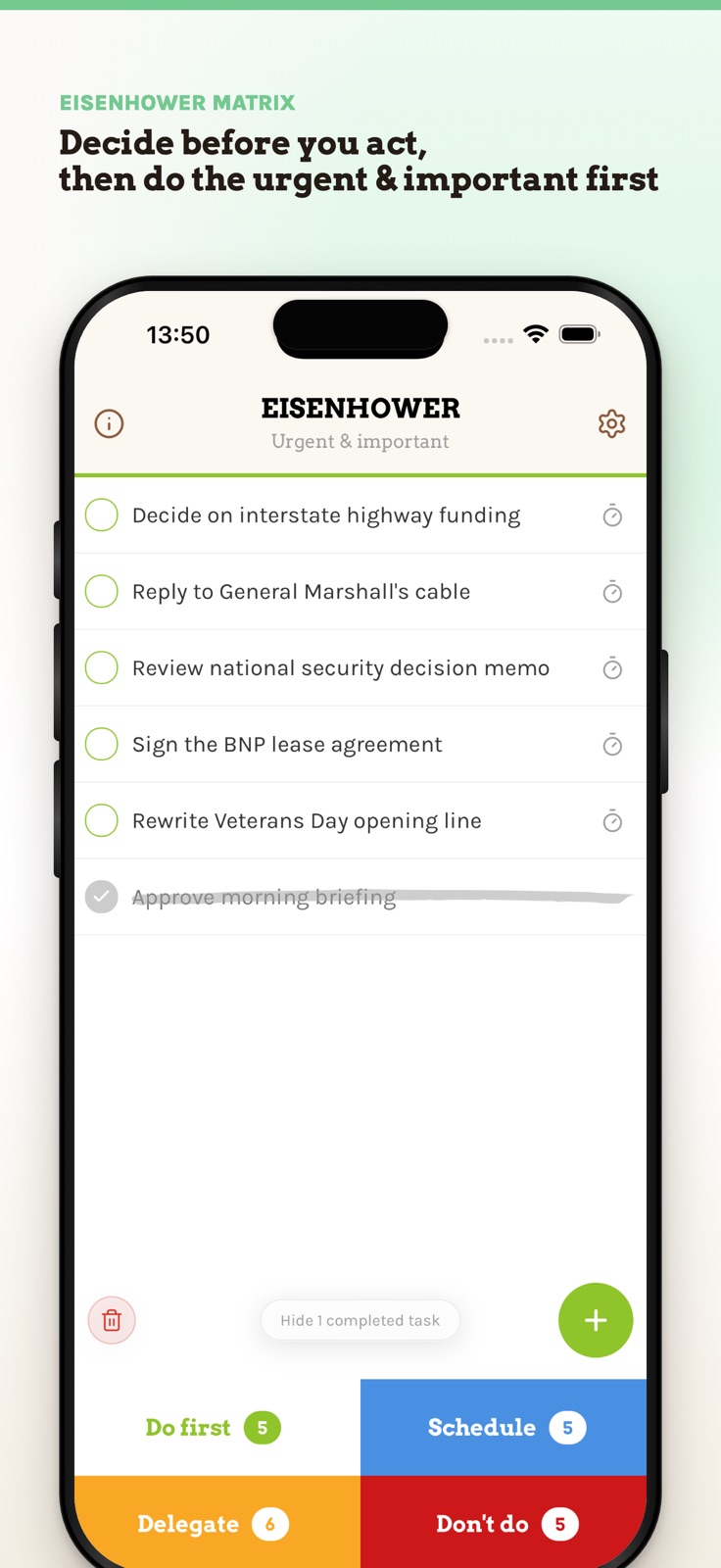
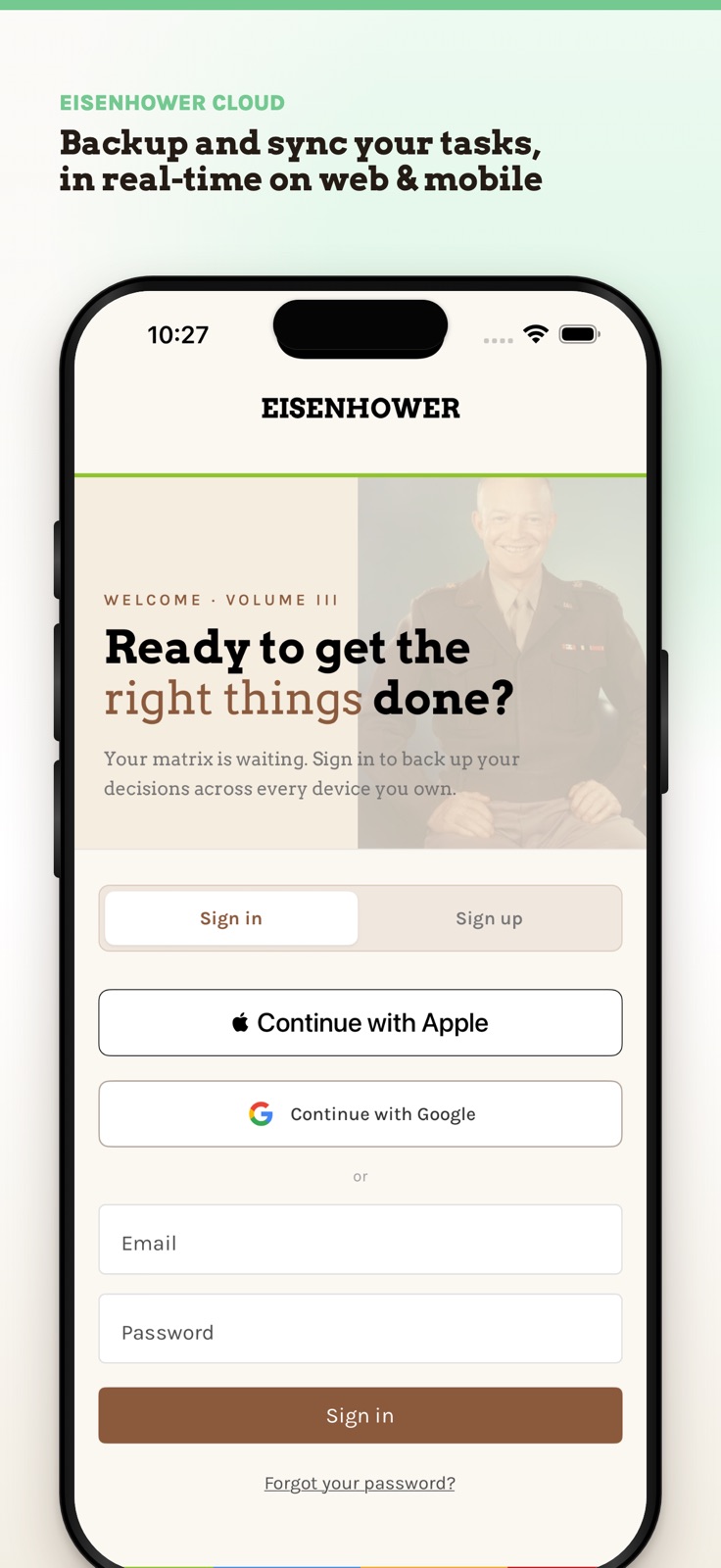
6 store screenshots


Pricing & paywalls
App Store
- Price: $2.99
Ratings & reviews
App Store
-
4/5Needs iOS reminders app task integration
This app delivers on its promises, and I haven't run into any problems so far. I also really like how you can easily drag a task to a different priority quadrant, since the 4 quadrants are neatly displayed at the bottom of each screen view. However, I would really like to see an option to easily transfer items from the built-in iOS Reminders app!! Please, developers????? Pretty please??!? Even if the imported tasks had to show in a new, separate screen view (maybe under settings or something?) and each task be manually dragged into the respective priority quadrants, I would love it. Also, it would be cool if we could adjust the timer to settings other than 30 minutes (e.g. 5 minutes, 15 minutes, 45 minutes). I also agree with one of the previous reviewers that it would be nice to have an option to turn off the ticking sound but still hear an alert when the timer runs out. Otherwise, it's a great app, though. It helps with prioritizing (using an Eisenhower/Covey-type method) and also focusing on completing just one task at a time. If you struggle with those things, this app will probably help you.
Ravensdream · 31 Jul 2026
-
4/5Simplicity helps me get through tasks
This app has been helpful so far, maybe it will turn out better or worse, but it does help my brain organize. One con: after setting the 30min clock, it seems that either you leave the clock going and making sounds, a distraction, or go out of the app and lock the phone. I have yet to know at the time end that the 30mins was up. It should let you know the time is up with a email and a notification and a clearly audible sound.
Classic_iMac · 31 Jul 2026
-
5/5It's different...that's good
Because it is different, it took awhile for me to catch on, so my advice is keep doing it until it works for you---then the breakthrough happens. And it is GOOD. As far as the limit of To-do's, I found that some daily tasks could be clumped together. For example 1) supplements 2) salad 3) juice drink 4) drink water 4) healthy breathing all go under DAILY NUTRIENTS. When I started using the timer, the magic kicked in. It is set for 30 minutes so I hit start. The task may continue longer according to my discretion. Sometimes I go shorter to get to the next task. It doesn't matter. I'm doing it and checking it off. I'm in control and getting to each item and that is just what I wanted!
Thinkingisfree · 31 Jul 2026
-
5/5Calendar Will Be Fixed Soon!
Calendar is working fine. The program is great! It's never crashed (I'm using a 4S) and it does what it's supposed to, help me be more productive. Well worth the $2 if you have a demanding job or if you're in grad school like me! Excellent developer feedback, I got a response from an email in less than an hour and a follow up to make sure I wasn't having any more issues (the older version had an issue with iOS 6 and calendar updates, but everything's perfectly fine and functional since the recent update). Very highly recommend this app!
Bacon_Dick · 31 Jul 2026
-
5/5Effective without being complicated!
Limiting each quadrant to 8 items max prevents having to do list that are too long. Best thing about app is how you can easily move items between quadrants and rearrange them the same way with just a touch. Improvements would be having a link that would automatically bring up calendar app for scheduling like the link they have that brings up ail app for delegation. But these are minor compared to the ease of use and Simplicity of the program itself.
coldcash57 · 31 Jul 2026
Privacy & accessibility
App Store
Privacy
- Data Linked to You — App Functionality — Contact Info — Email Address Developer declared
- Data Linked to You — App Functionality — Contact Info — Name Developer declared
- Data Linked to You — App Functionality — Identifiers — User ID Developer declared
- Data Linked to You — App Functionality — User Content — Other User Content Developer declared
- Data Linked to You — Contact Info Developer declared
- Data Linked to You — Identifiers Developer declared
- Data Linked to You — User Content Developer declared
- Data Not Linked to You — Analytics — Identifiers — Device ID Developer declared
- Data Not Linked to You — Analytics — Usage Data — Product Interaction Developer declared
- Data Not Linked to You — App Functionality — Diagnostics — Crash Data Developer declared
- Data Not Linked to You — App Functionality — Diagnostics — Other Diagnostic Data Developer declared
- Data Not Linked to You — Diagnostics Developer declared
- Data Not Linked to You — Identifiers Developer declared
- Data Not Linked to You — Usage Data Developer declared
Accessibility
No accessibility labels collected yet.
Versions
App Store
- 1.0
-
1.0.1
- iPhone 5 support - Minor improvements
-
1.1
The most requested feature: Movable Tasks (tap and hold/long press a task to make it draggable) Also: iOS 6 calendar access fix
-
1.2
- Improved access to tips and settings (account synchronization with free web client) - Bug fixes and minor improvements
-
1.2.1
Performance tweaks
-
2.0.0
Oh happy day! With the kind support from a few friends I've been rebuilding Eisenhower from scratch. And here it is: Ready for iOS 11 and syncing with the new web app at app.eisenhower.me — I hope you like it! Additional features are in the works, but feel free to get in touch with whatever feedback or ideas you might have!
-
2.0.1
Oh happy day! With the kind support from a few friends I've been rebuilding Eisenhower from scratch. And here it is: Ready for iOS 11 and syncing with the new web app at app.eisenhower.me — I hope you like it! Additional features are in the works, but feel free to get in touch with whatever feedback or ideas you might have!
-
2.1.0
This update from Apple will improve the functionality of this app. No new features are included. Back for good: Move tasks around and schedule them in your calendar!
-
3.0
Finally: A fully rebuilt EISENHOWER Matrix! Supporting your modern devices and real-time sync across iPhone and web. Long-press to move tasks, even across quadrants. Now including a new customizable focus mode and productivity stats. Plus settings to further customize Eisenhower to your needs. Last but not least: Sign in with Apple on top of Google or email and password authentication. We much appreciate your patience. And are looking forward to hear your feedback!
-
3.0.1
· 24 Jun 2026
A little bit of extra polish for a fully rebuilt EISENHOWER Matrix!
Alternatives
- Tiimo: To-Do List Planner — Same category + similar ratings
Availability by market
- US
Data quality & evidence
- Page completeness
- Live store listing
- Last verified
- 31 Jul 2026
- Sources
- App Store
- Independent summary has not been published yet.