
Quick verdict
- What it is
- Store information collected; an Apoku editorial summary is not yet published.
- At a glance
-
- Free to download
Categories and search queries
Official categories
- Business
- Productivity
Apoku categories
Key functions
| Function | Availability | Access | Scope | Evidence |
|---|---|---|---|---|
| Free app | Yes | Free | Context-specific | Store published |
Screens
App Store
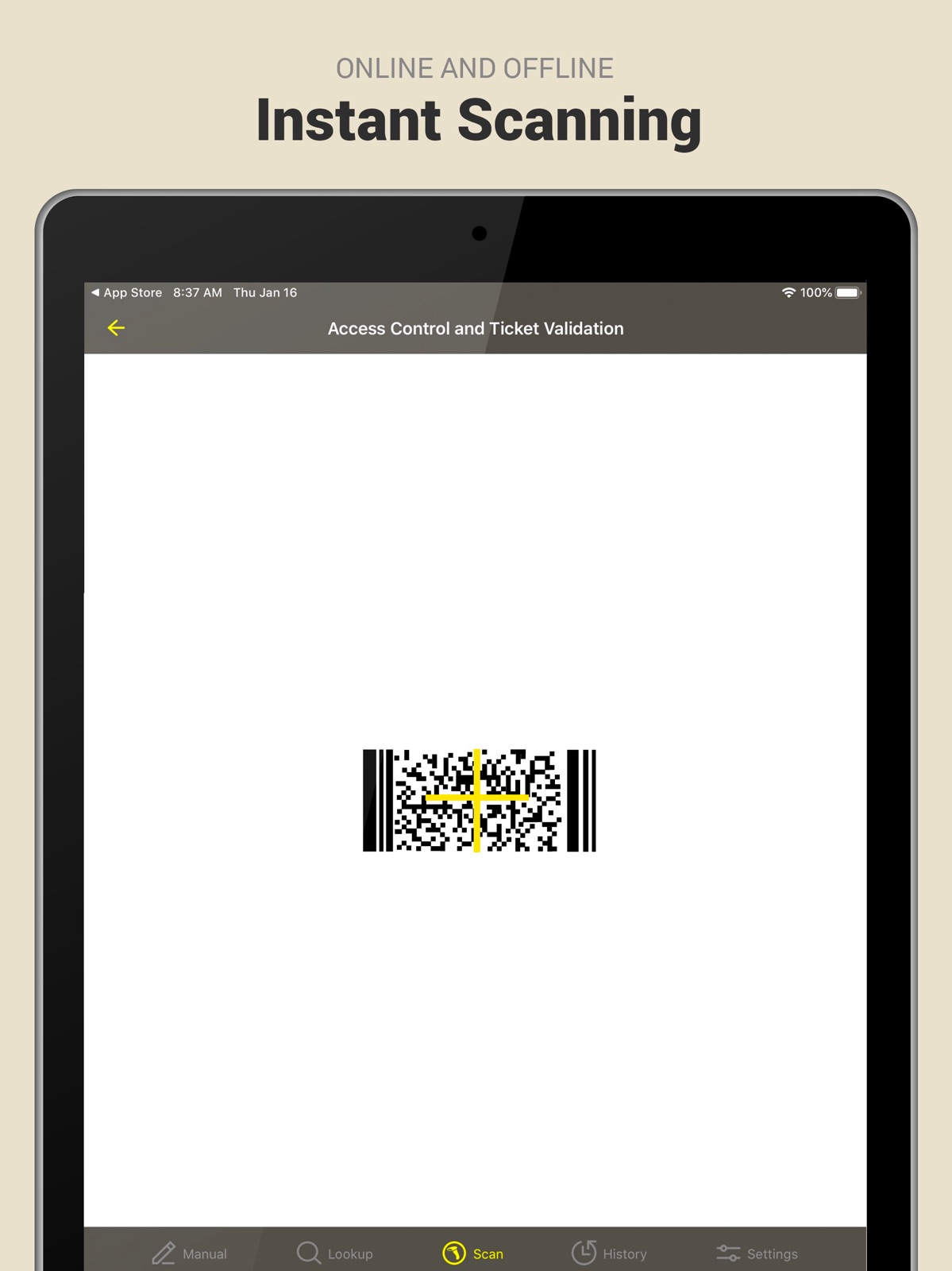
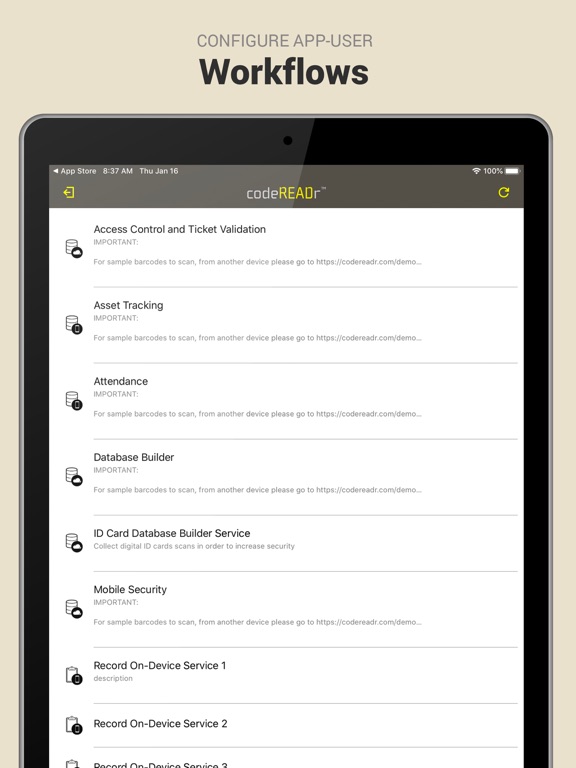
15 store screenshots

Pricing & paywalls
App Store
- Free to download
Ratings & reviews
App Store
-
2/5Scanning
It is not scanning any product in my house, like foods, electronics with the barcode still on them. Can't log in, Nor have I received any email as well with a log in user name or password if that was to be sent to me or what?. WTH
Big AL KING · 7 Aug 2026
-
1/5Error
The photo scanning feature is not working
Myself63 · 7 Aug 2026
-
5/5Perfect solution
This app is not created for scanning groceries at home or to find good deals in the supermarket. This app is for scanning barcodes in your database and is perfect because is wireless. So if you have an event and the tickets you sold have a barcode you can know how many people you have inside, if somebody is trying to access with a fake ticket or if somebody is trying to acces using a validated ticket. (duplication error) Please read before download the app and posting your comments...
DRT11132 · 7 Aug 2026
-
5/5Useful for custom solutions.
This is not a scanner for checking store/book barcodes prices and product information. It has other uses, such as sending barcode outputs to your own server for processing. Thus, you might put codes on tickets or coupons, and then scan them into your own system to validate attendance or track usage. As such, it is very useful for developers who know something about CGI processing.
Atferli · 7 Aug 2026
-
1/5Problem
When I sign in it takes me to a section where I choose what service I want. However, there are no services to choose from. It does not work. The developer needs to make sure there are services there. I think it maybnot be compatible yet with the iPhone 4 and the iOS 4 software.
1123456789 · 7 Aug 2026
Privacy & accessibility
App Store
Privacy
- Data Not Linked to You — App Functionality — Diagnostics — Crash Data Developer declared
- Data Not Linked to You — Diagnostics Developer declared
Accessibility
No accessibility labels collected yet.
Versions
App Store
-
2.16.3
- Expanded low-code/no-code functionality for writing Custom On-Device Validation scripts (COV) and Custom Question scripts (CQ). Generally, these scripts improve data collection accuracy and utility. - Added the ability for COV scripts to alter Question-Answers. - Added the ability for COV scripts to Scan Search. - Added the ability for CQ scripts to Scan Search and Database Search. - Bug fixes and general improvements. Previous Update: - Added Pabbly to integrations, now including Zapier, Make (Integromat), Dropbox, FTP/SFTP, Drive, Box, Email, and S3. Coming soon: Microsoft Azure. - App now supports the Spanish language.
-
2.16.4
- Fast Sync was added to sync databases to devices every 30 seconds. - Batch scan up to 200 barcodes in a single action and validate before submission. - Integrations scanning directly to URLs (DSU) can auto-sync in batches with custom request headers. - Remote configuration of the beep sound when images are decoded in batch scans. - Added support of more context variables. - Bug fixes and improvements. Previous Update: - Expanded no-code/low-code functionality for custom validations and custom questions.
-
2.16.5r1779
- Parsing GS1 barcodes to show the result in a human-readable format and in JSON for programmers. - Added French localization. - Updated Spanish localization. - Initiating a scan with the device's built-in camera by requiring a long press or double tap. That's useful when toggling between imagers, RFID/NFC, and the camera for data capture.
-
2.16.6
General improvement's and bug fixes. From last release… - Parsing GS1 barcodes to show the result in a human-readable format and in JSON for programmers. - Added French localization. - Updated Spanish localization. - Initiating a scan with the device's built-in camera by requiring a long press or double tap. That's useful when toggling between imagers, RFID/NFC, and the camera for data capture. - Updated OCR scanning.
-
2.16.7
- Fixed bug with Google Drive integration. - General improvements. From last release… - Parsing GS1 barcodes to show the result in a human-readable format and in JSON for programmers. - Added French localization. - Updated Spanish localization. - Initiating a scan with the device’s built-in camera by requiring a long press or double tap. That’s useful when toggling between imagers, RFID/NFC, and the camera for data capture. - Updated OCR scanning.
-
2.16.8
- Ability to override default and choose to scan with a specific camera on multi-camera devices. For example choose the "ultra-wide-angle" camera on the iPhone 14 Pro Max. - Fixed a camera zoom related issue and added option for app users to enable/disable zoom when allowed. - Fixed a bug in Dropbox. - General improvements.
-
2.16.9
- Added Emergency Mode. - Improved History and Lookup pagination. - Bug fixes and general improvements. From last release… - Ability to override default and choose to scan with a specific camera on multi-camera devices. For example choose the "ultra-wide-angle" camera on the iPhone 14 Pro Max. - Fixed a camera zoom related issue and added option for app users to enable/disable zoom when allowed. - Fixed a bug in Dropbox. - Fixed a bug with Google Drive integration. - General improvements and bug fixes.
-
2.17.0
- Added Emergency Mode. - Improved History and Lookup pagination. - Bug fixes and general improvements. From last release… - Ability to override default and choose to scan with a specific camera on multi-camera devices. For example choose the “ultra-wide-angle” camera on the iPhone 14 Pro Max. - Fixed a camera zoom related issue and added option for app users to enable/disable zoom when allowed. - Fixed a bug in Dropbox. - Fixed a bug with Google Drive integration. - General improvements and bug fixes.
-
2.17.1
- Added the ability for Custom Validation scripts to alter Scan Properties. - Bug fixes and general improvements. From last release... - Added Emergency Mode. - Improved History and Lookup pagination.
-
2.17.2
Improved the app user's ability to know what's already scanned and not scanned for specific tasks, e.g. attendance tracking, asset tracking, and verifying picking, delivering, and receiving items. From last release... - Added the ability for Custom Validation scripts to alter Scan Properties. - Bug fixes and general improvements.
-
2.17.3
- Sign in with Google now supported. - Bug fixes and general improvements. From last release... - Improved the app user's ability to know what's already scanned and not scanned for specific tasks, e.g. attendance tracking, asset tracking, and verifying picking, delivering, and receiving items.
-
2.17.4
- Bug fixes and general improvements. From last release... - Sign in with Google now supported.
-
2.17.5
- Bug fixes and general improvements. From last release... - Sign in with Google now supported.
-
2.17.6
- Bug fixes and general improvements. From last release... - Sign in with Google now supported.
-
2.17.7
- "Hybrid Validation" validates scans against both an on-device database and online database. If the on-device validation result is "Invalid. Not in Database" then the app automatically retries against a database on our servers or third party servers. - Authorized app users can now use "Forgot Password" when signing into the mobile app with app usernames that are email addresses. - GS1 barcode decoding and parsing is now enabled for scans from the device camera or a dedicated scanner's imager. - Bug fixes and general improvements. From last release... - Sign in with Google now supported.
-
2.17.8
- "Hybrid Validation" validates scans against both an on-device database and online database. If the on-device validation result is "Invalid. Not in Database" then the app automatically retries against a database on our servers or third party servers. - Authorized app users can now use "Forgot Password" when signing into the mobile app with app usernames that are email addresses. - GS1 barcode decoding and parsing is now enabled for scans from the device camera or a dedicated scanner's imager. - Bug fixes and general improvements. From last release... - Sign in with Google now supported.
-
2.17.9
- "Hybrid Validation" validates scans against both an on-device database and online database. If the on-device validation result is "Invalid. Not in Database" then the app automatically retries against a database on our servers or third party servers. - Authorized app users can now use "Forgot Password" when signing into the mobile app with app usernames that are email addresses. - GS1 barcode decoding and parsing is now enabled for scans from the device camera or a dedicated scanner's imager. - Bug fixes and general improvements. From last release... - Sign in with Google now supported.
-
2.18.0
- "Hybrid Validation" validates scans against both an on-device database and online database. If the on-device validation result is "Invalid. Not in Database" then the app automatically retries against a database on our servers or third party servers. - Authorized app users can now use "Forgot Password" when signing into the mobile app with app usernames that are email addresses. - GS1 barcode decoding and parsing is now enabled for scans from the device camera or a dedicated scanner's imager. - Bug fixes and general improvements. From last release... - Sign in with Google now supported.
-
2.18.1
- "Hybrid Validation" validates scans against both an on-device database and online database. If the on-device validation result is "Invalid. Not in Database" then the app automatically retries against a database on our servers or third party servers. - Authorized app users can now use "Forgot Password" when signing into the mobile app with app usernames that are email addresses. - GS1 barcode decoding and parsing is now enabled for scans from the device camera or a dedicated scanner's imager. - Bug fixes and general improvements. From last release... - Sign in with Google now supported.
-
2.18.2
- "Hybrid Validation" validates scans against both an on-device database and online database. If the on-device validation result is "Invalid. Not in Database" then the app automatically retries against a database on our servers or third party servers. - Authorized app users can now use "Forgot Password" when signing into the mobile app with app usernames that are email addresses. - GS1 barcode decoding and parsing is now enabled for scans from the device camera or a dedicated scanner's imager. - Bug fixes and general improvements. From last release... - Sign in with Google now supported.
-
2.18.3
- Enhanced the app's GS1 barcode scanning capabilities maintaining alignment with current industry standards for robust data capture. - The "Test Scanning Barcodes" feature in "Learn More" now includes the option for new users to try OCR (Optical Character Recognition) simply enable the OCR switch and press and hold the shutter button to activate. - Bug fixes and general improvements. From last release... - "Hybrid Validation" validates scans against both an on-device database and online database. If the on-device validation result is "Invalid. Not in Database" then the app automatically retries against a database on our servers or third party servers. - Authorized app users can now use "Forgot Password" when signing into the mobile app with app usernames that are email addresses. - GS1 barcode decoding and parsing is now enabled for scans from the device camera or a dedicated scanner's imager. - Bug fixes and general improvements.
-
2.18.4
- The "Camera Focus Mode" setting allows for selection between "Auto" and "Continuous" to optimize scanning performance based on user workflow. - The "Camera Scanner View" option provides "Fit," "Fill," and "Stretch" settings to adjust the visual presentation of the live feed. - Bug fixes and general improvements. From last release... - Enhanced the app's GS1 barcode scanning capabilities maintaining alignment with current industry standards for robust data capture. - The "Test Scanning Barcodes" feature in "Learn More" now includes the option for new users to try OCR (Optical Character Recognition) simply enable the OCR switch and press and hold the shutter button to activate. - Bug fixes and general improvements.
-
2.18.5
- The "Camera Focus Mode" setting allows for selection between "Auto" and "Continuous" to optimize scanning performance based on user workflow. - The "Camera Scanner View" option provides "Fit," "Fill," and "Stretch" settings to adjust the visual presentation of the live feed. - Bug fixes and general improvements. From last release... - Enhanced the app's GS1 barcode scanning capabilities maintaining alignment with current industry standards for robust data capture. - The "Test Scanning Barcodes" feature in "Learn More" now includes the option for new users to try OCR (Optical Character Recognition) simply enable the OCR switch and press and hold the shutter button to activate. - Bug fixes and general improvements.
-
2.18.6
- The "Camera Focus Mode" setting allows for selection between "Auto" and "Continuous" to optimize scanning performance based on user workflow. - The "Camera Scanner View" option provides "Fit," "Fill," and "Stretch" settings to adjust the visual presentation of the live feed. - Bug fixes and general improvements. From last release... - Enhanced the app's GS1 barcode scanning capabilities maintaining alignment with current industry standards for robust data capture. - The "Test Scanning Barcodes" feature in "Learn More" now includes the option for new users to try OCR (Optical Character Recognition) simply enable the OCR switch and press and hold the shutter button to activate. - Bug fixes and general improvements.
-
3.0.0
· 7 Jul 2026
- Sign in with Microsoft — single sign-on (SSO) with your Microsoft Entra ID work account. - Multiple company support — sign in to more than one company and switch between them anytime. - OneDrive file collection — collect and upload files straight to Microsoft OneDrive. - Bug fixes and general improvements. From last release... - The "Camera Focus Mode" setting allows for selection between "Auto" and "Continuous" to optimize scanning performance based on user workflow. - The "Camera Scanner View" option provides "Fit," "Fill," and "Stretch" settings to adjust the visual presentation of the live feed. - Bug fixes and general improvements.
Alternatives
- Inventory Management-Scanoid — Same category + similar ratings
- Inventory Manager & Scanner — Same category + similar ratings
- Amoa: Easy scanner & Inventory — Same category + similar ratings
- Inventory for Business — Same category + similar ratings
Availability by market
- US
Data quality & evidence
- Page completeness
- Live store listing
- Last verified
- 7 Aug 2026
- Sources
- App Store
- Apoku editorial summary has not been published yet.