
Quick verdict
- What it is
- Store information collected; independent summary not yet available.
- At a glance
-
- $4.99
- In-app purchases
Categories and search queries
Official categories
- Photo & Video
- Social Networking
AppCorpus categories
Key functions
| Function | Availability | Access | Scope | Evidence |
|---|---|---|---|---|
| In-app purchases | Yes | Limited free | — | Store published |
Screens
App Store
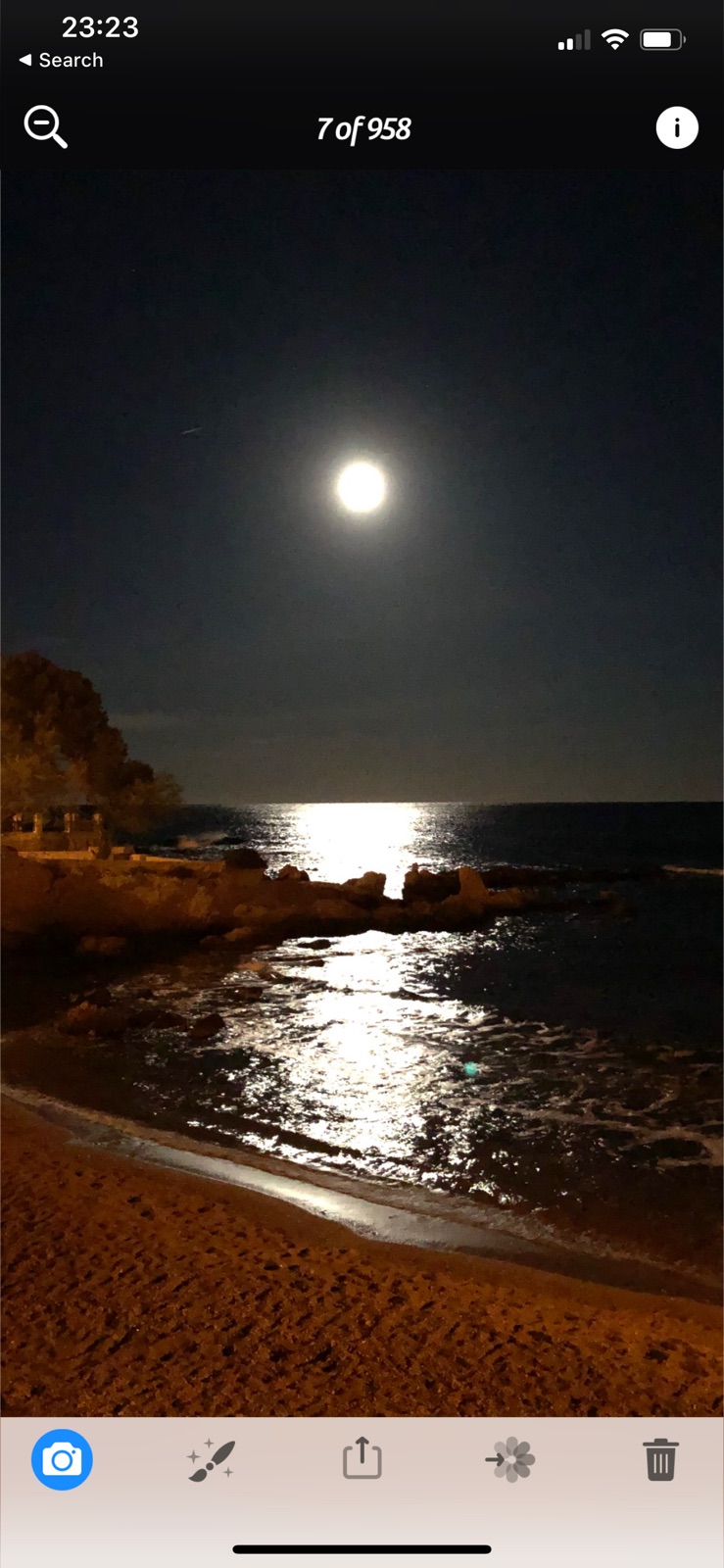
10 store screenshots



Pricing & paywalls
App Store
Shown for US
- Price: $4.99
- Hollywood Filter Pack — $0.99
- I <3 Analog Filter Pack — $0.99
Ratings & reviews
App Store
Shown for US
-
5/5Indispensable For Professionals
As a professional photographer I have loved this app for a long time, but with its recent updates it has now moved to an honored place on my coveted front page. 1) It allows you to set your ISO and shutter manually, AND importantly, your EXIF data reflects the exact settings you put in. Other apps with manual settings do not actually capture anything longer than 1/15 second. 2) Your shutter can be open for as long as several seconds and you can even combine a long shutter with ridiculously low ISO values to allow controlled blurring effects (e.g., waterfalls) in bright daylight. 3) HUGE: Unlike Apple's own camera, this allows you to take pictures with the 7 Plus zoom lens in lower light. As a pro you probably already know that because of Apple's smaller 2.8 aperture in its zoom lens, Apple's native camera app set at 2X actually shoots from its 1X wide 1.8 lens in lower light and then [gasp!] just digitally zooms it to mimic the telephoto focal length. 4) It shoots in RAW format – indispensable for certain occasions. 5) The developers – despite their obsessive commitment to technical proficiency – have a wonderful whimsical way of talking about their updates (go to the Versions section of the app description to see what I mean) which always makes me smile. PS: There are a lot of editing effects as well, but those are not unique and I actually find the ballyhooed Clarity feature overbearing. But that is all moot because as a shooting app there is simply no comparison. Highly recommend.
Paul in NJ · 5 Aug 2026
-
5/5Nordic233
I have been a customer since tap~tap~tap first started. I watched it get better and better. I don't know if the creators remember me but a few Years ago I wrote a manual. Basically I took their user manual which were in no specific order on line and printed them all. Then made dividers between the sections and designed a slick looking title cover. I took a few pictures and sent them to the creators. I only did this for myself because I love this app. I've probably this app to over 150 people and they became believers. Actually this type stuff I do for a living. I'm a marketing director for a medium sized firm and making a user manual was kind of fun. But it's obsolete now. The technology is so advanced that anything you do will be no good because of changes. This app has come a long way. For those who have read this, order this and if there's any charges for add ons buy them! You so t be sorry. There is no one app better then this in the entire world. I commend the engineering photographic experts for their many hours of hard work. I hope that you all have achieved your rewards and payback time. Thanks a ton for your work. Jimmy
Stavanger1234 · 5 Aug 2026
-
2/5Has Dev changed?
As I finance professional I understand the need for subscription-based pricing; without it, an app becomes unsustainable for the Dev long term. In its infancy the App Store only had free and one-time-purchase offerings, essentially creating the belief by some users they were entitled to a lifetime subscription, to include maintenance and upgrades, with no further cost. App development is an occupation, and compensation is the motivation that provides further development; without it, a developer’s interest may wane and cause the app to drown in the sea of abandonware we saw in early days. The vast saturation of mobile devices leaves a small handful of first time purchasers, unlike the early days of App Store. That being said… I’ve used Camera+ for many years and noticed it stopped working due to the addition of the subscription model. What I’m confused about is what developer own the app. There appears to be (at least) two Camera+ apps along with an app called Photon but are these by the same developer? Can we get some transparency into the transition and information on whether three apps are supported by the same team (despite having different dev names? I see my comment has already been asked but I’d like to see an answer before committing to an annual sub. I also thought there was a video app that no longer appears in the store.
LAX20531 · 5 Aug 2026
-
5/5Great app!
This was the first app I started with years ago for photo editing on my iPhone and as an amateur I found it completely life-changing. Easy to use but kind of like a crash course in basic editing. It’s a high-quality, trustworthy app that rarely crashes & is as good or often better than apps that charge. Just seems like a great team is running the show there. While I now use several other apps I always check things out first on Camera+ or Camera+ 2 (mostly stick with +2 now). The option to save to lightbox and/or camera roll is great & their filters are a lot of fun. Their editing tools are fine also. What I would love is the option to change opacity, color, intensity, & radius on the memory and nostalgia filters so I don’t have to switch to other apps but hey- this is free & great. I also love the option of jpeg or tiff & the choice of actual camera settings like ISO, white balance, etc. I should also note that a phone died once and years later when I re-installed Camera+, photos I thought I’d lost forever were still right there. Great job, guys!
lovemelovemyfotos · 5 Aug 2026
-
5/5Almost perfect
I use this app every day an it has allowed me to (mostly) abandon adobe systems’ clunky software and subscription model. I sincerely appreciate it. That said I noticed a minor issue in the integration that I hope you will address; when routing images through the iPhone x’s native Photos app, the window shade that replaced the home button cuts off icons and text in the lower portion of the screen. I bring it up because it seems that going through camera+’s lightbox software ultimately creates more steps. It would also be handy to include a specific 11x17 and 10x13 crop feature so we may all utilize the printers available to us. Moving forward it may be wise for the developers to look into what is currently readily accessible for frames and mattes, (ie whatever is available cheap on a big box craft store shelf). I would also encourage them to look into a method of upscaling a lower resolution image in acceptable way. The app has told me repeatedly that it must save at a lower resolution than the imported photo. That is unacceptable, especially with the new processors available in most phones. Offering it as an in-app purchase might be might be a way to wrangle a few extra bucks out of the power users. All that being said, it’s still a five star app. Keep up the good work, it’s appreciated. Please resist the urge to use the subscription model. It is the reason I’ve abandoned adobe’s desktop software.
Xmnemonicx · 5 Aug 2026
Privacy & accessibility
App Store
Privacy
- Data Not Linked to You — App Functionality — Diagnostics — Crash Data Developer declared
- Data Not Linked to You — Diagnostics Developer declared
Accessibility
No accessibility labels collected yet.
Versions
App Store
-
10.17
In this update we have added iOS 13 along with the new iPhone 11 and iPhone 11 Pro line.
-
10.18
In this release we have further improved iOS 13 support and fixed several other issues.
-
10.19
Bug fixes and performance improvements.
-
10.19.1
In this release we have fixed an issue with capturing slow shutter pictures.
-
10.20
In this release we added iOS 14 and iPhone 12 support, and fixed some bugs.
-
10.23
Bug fixes and performance improvements.
-
10.24
Fixed a crash when using iOS 12.
-
10.25
Editor launch issue fix.
-
10.26
Bug fixes and performance improvements.
-
10.27
Bug fixes and performance improvements.
-
10.28
Bug fixes and performance improvements.
-
10.29
Bug fixes and performance improvements.
-
10.30
Bug fixes and performance improvements.
-
10.31
Bug fixes and performance improvements.
-
10.32
This update brings bug fixes.
-
10.33
This update brings bug fixes.
-
10.34
Optimized interface elements for better clarity and consistency.
-
10.35
Fixed an issue preventing smart albums from appearing correctly on iOS 18 and resolved a crash that could occur during startup on devices running iOS 18.
-
10.36
We have introduced minor changes in the settings menu.
-
10.37
We have made a few subtle improvements to the photo editor to keep your editing experience smooth and reliable.
-
10.38
Fix editor saving, broken in the previous release. Our apologies!
-
10.39
This version fixes a crash in the photo editing extension.
-
10.40
This version fixes a crash in the photo editing extension.
-
10.41
This version allows to remove the queue of photos when using a share sheet.
-
10.42
· 20 Jan 2026
We've resolved issues related to importing and deleting pictures, ensuring a smoother and more reliable experience. Now you can easily manage your photos without any hiccups.
Alternatives
- NotanIzer — Same category + similar ratings
- Camera+ I Pro Camera & Editor — Same category + similar ratings
Availability by market
- US
Data quality & evidence
- Page completeness
- Live store listing
- Last verified
- 5 Aug 2026
- Sources
- App Store
- Independent summary has not been published yet.