
Quick verdict
- What it is
- Store information collected; an Apoku editorial summary is not yet published.
- At a glance
-
- Free to download
Categories and search queries
Official categories
- Photo & Video
Apoku categories
Key functions
| Function | Availability | Access | Scope | Evidence |
|---|---|---|---|---|
| Free app | Yes | Free | Context-specific | Store published |
Screens
App Store
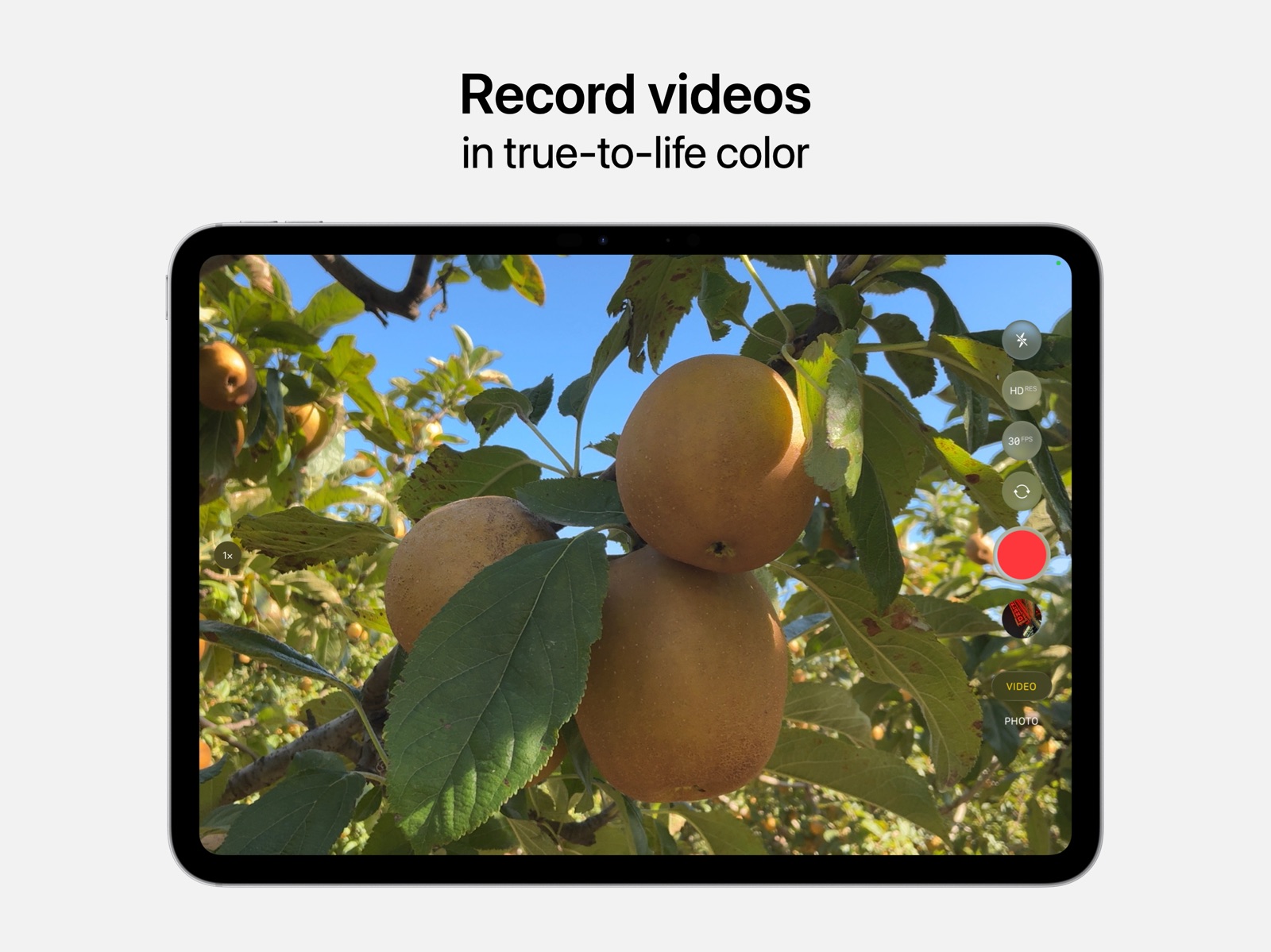
13 store screenshots



Pricing & paywalls
App Store
Shown for US
- Free to download
Ratings & reviews
App Store
Shown for US
-
3/5Not a fan of the cam’s settings
I prefer the more interesting settings, such as GIFs for example, offered by most social media that are available to use for cams as opposed to what’s on the actual app itself. In my opinion, Camera has too many settings that seem more technical yet pointless since a lot of them either barely change the photo taken or drastically make it look so different that it becomes an eyesore (well, to me at least). There are some interesting ways on how to edit photographs that are snapshot by having multiple filters & settings adjust screenshot selfies, etc. After taking picture, you can also crop to how you want it to look or revert back to normal if a mistake is made. This can also all be done on another app that most if not all iPhones are installed with upon purchase called Photos so you can always do that specific activity later instead of making whichever picture you took look creative at that exact moment only. Anyways, another thing that bothers me is that every time I go to take a picture, LIVE setting automatically on and never turns off for good no matter how many times I tap on it to do so. I wouldnt care if it was a cool setting at least, but all it does is make your picture move for a second as soon as you pull it up on your phone which kind of makes it look creepy in my eyes. Also seems to be almost pointless to have added to your home screen, since it automatically is an option that can’t be deleted or changed at the bottom of the lock screen. Other than dat though, this is a useful app to have for times of whenever a picture is either wanting or has to be taken by an iPhone user whenever they in an area without any physical cam nearby.
Bella's brother Tristan · 6 Aug 2026
-
5/5Not bad, but still a few problems, not the camera app though, the actual camera
I used to have an IPhone X and it was pretty great. It took really good photos and I was pretty happy about it. Now I have the IPhone 14 and I’m REALLY happy about it with all the new features including cinematic mode, my favorite. But there is just one tiny but I absolutely hate. How the iPhone 14 has the 12mp and the iPhone 14 Pro has 3 times that. WOULD IT HURT TO MOVE IT UP TO 24MP AT LEAST. Well now it’s too late anyway. One more thing about the camera mp is that why can’t you zoom 2x on the iPhone 14 but you can on the iPhone 15. You could just literally add a button that says 2x. And one more problem I encountered was the brightness. Whenever I try to take low light photos it is really, really good. But when I try to take pictures that are low light but want it to look like that, for example A PERSON WATCHING THE ECLIPSE AND TRYING TO TAKE A PHOTO OF HOW DARK IT IS BUT IT TURNS OUT TO BE REALLY BRIGHT, you should add a button where you can press it so it can be for real like how much light is actually there, and I’m not talking about the night mode thingy. I know making the base models bad makes people buy the pro models I get it but at least put some work into the base and plus or mini whatever models. I’m rating 5 stars because I’m complaining about the camera not the camera app. The camera app is AMAZING as always.
Exedera · 6 Aug 2026
-
2/5I guess it got the job done
So check it if you didn’t read my review from the memos app go check it out it will help you don’t understand. So after listening to all of the audios and memos, I decided to go back and look at all of my picture recordings all of my lives. Everything I start scrolling on my daughter‘s tablet sing what looks like a normal four year-old would do with a tablet lots of pictures screenshots drawings you name it. I see a picture a live picture of her father naked I press onto the screen and guess what I saw the blowfish. there were a few things that were missing. The quality was not top-tier but all right. I wish the live stamps were longer than 2 to 3 seconds. That would’ve been amazing although my daughter kept snapping pictures every second or either of these were accidentally tapped by her I’m not sure it was pretty much like watching a video. I also noticed while pressing and holding on the picture the live picture. Sometimes the picture wouldn’t play or it would outline the video and zoom in. Oh let’s not forget that feature on the cameras now zooming in on faces that was pure genius. The camera focused right where it needed to be. The fisherman tried to push the blowfish back under, but this camera is focus and zoom in captured everything. It would be great if you could. tweak that a little not a lot just a little. I also noticed there was a delay with the timing and details that needs a little work as well. I’m not sure why the details showed it was 42 hours after it actually happened. I checked the date and time that Monday to call my mother and tell her the pain and anxiety was real. I felt like I. Had lifted 1000 pounds off my back in Short the app did what it was supposed to do.
Babycakez 23 · 6 Aug 2026
-
1/5Please add camera reset settings and filter option in camera app in iphone 17 pro max
In my phone my camera quality drop a lot. In old time it was very very good. Now it not giving that much quality and and color not that good as first time. Please fix it. And also give a reset camera settings cache. So that if happens again we can clean cache and setting of camera. And why you didn’t adding iphone old filter like vivid etc filter in camera app. we want filter option again with style both. And i see people can add filters but from settings and when select most compatible in format then when it click then people can add filter from photos app. Fix vivid filters not in camera app fix this. In old iphine it has but why new one don’t have. My friend 13 pro max camera now better then 17 pro max . Fix iPhone 17 pro max camera. Day by day my iPhone 17 pro max cameras quality loss. And another big problem in iphone 17 pro max that the photo view shows during capture picture. When i click and a captured photo the photo color and quality not the same anymore. The photo clicking time view photo quality very very good we sometimes i feel i should take screenshots of that picture because after click the photo color not same and quality also down. Can you fix iPhone 17 pro max camera. Please please fix iPhone 17 pro max camera
Md. Mahfuz · 6 Aug 2026
-
1/5Please fix bugs in iOS 16 & 17 upgrades
I have a 13 Pro Max, that came with iOS 15 and is upgraded to the latest iOS 17.5. When the camera app is opened, it freezes in Photo Mode within 5 seconds on the forward facing camera 1x, 0.5 & 3x zoom modes do not work either in this mode of operation. I have tried the other options after it begins working again. Time-lapse, SLO-mo, and Pano modes work on their respective camera lenses. Cinematic, Video, Photo and Portrait Modes freeze the forward facing camera within seconds of switching to those modes. I can’t even snap a quick photo as it will not capture the photo on forward face. Rear-facing photos are the only photos that save in the captured library and are the only videos or photos that will capture, along with Pano front facing, SLO-mo videos , and time-lapse videos. 3rd party apps like Snapchat, can capture and save photos from its app both forward and rear facing, but your built-in Camera app has bugs. If it was a hardware issue, no apps would be able to capture anything. I didn’t start having camera issues until Apple rolled out newer iOS versions. Note: the previous review about an iOS version update which rendered the camera hardware incompatible, was resolved when the next version rolled out. That’s already proof that the problem is within the software not hardware.
March2023 review · 6 Aug 2026
Privacy & accessibility
App Store
Privacy
- Data Not Linked to You — Analytics — Diagnostics — Performance Data Developer declared
- Data Not Linked to You — Analytics — Identifiers — Device ID Developer declared
- Data Not Linked to You — Analytics — Other Data — Other Data Types Developer declared
- Data Not Linked to You — Analytics — Usage Data — Product Interaction Developer declared
- Data Not Linked to You — Diagnostics Developer declared
- Data Not Linked to You — Identifiers Developer declared
- Data Not Linked to You — Other Data Developer declared
- Data Not Linked to You — Usage Data Developer declared
Accessibility
No accessibility labels collected yet.
Versions
App Store
-
1.3
· 12 Dec 2025
Bug Fixes and Feature Enhancements
Availability by market
- US
Data quality & evidence
- Page completeness
- Live store listing
- Last verified
- 6 Aug 2026
- Sources
- App Store
- Apoku editorial summary has not been published yet.