
Quick verdict
- What it is
- Store information collected; an Apoku editorial summary is not yet published.
- At a glance
-
- From $1.49/mo
- Free to download
- In-app purchases
Categories and search queries
Official categories
- Photo & Video
Apoku categories
Key functions
| Function | Availability | Access | Scope | Evidence |
|---|---|---|---|---|
| Free app | Yes | Free | Context-specific | Store published |
| In-app purchases | Yes | Limited free | Context-specific | Store published |
| Family Sharing | Unknown | Unknown | Scope unknown | Store published |
Screens
App Store
7 store screenshots
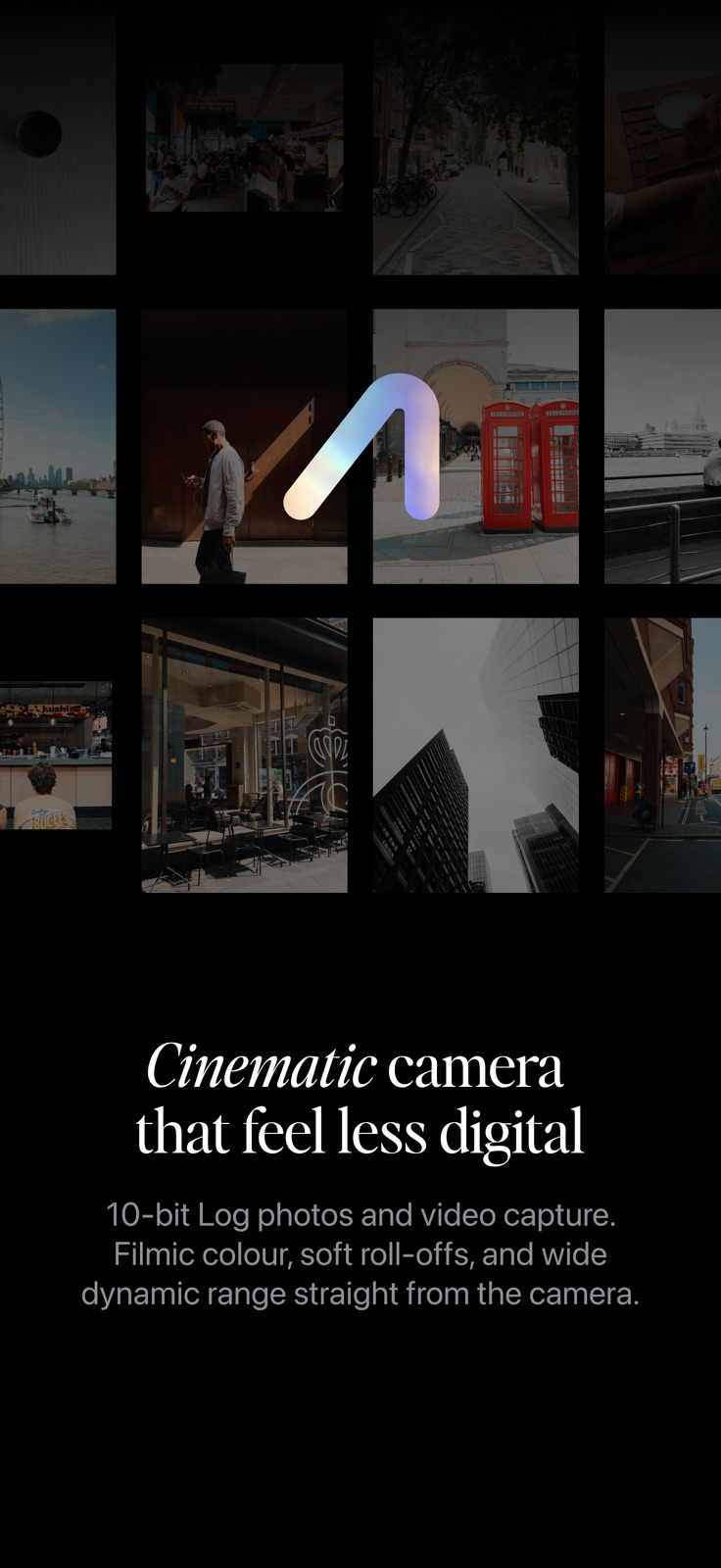


Pricing & paywalls
App Store
- Monthly — $2.99/month
- Monthly — $17.99/year ($1.49/mo)
- Lifetime — $29.99
Ratings & reviews
App Store
-
5/5As good as Fuji
I’ve been using Fuji cameras for years because the output from my phone has always disappointed me. This is the only app that rivals the shots I get on my X-T30. I bet if I put the same shot side by side, most wouldn’t be able to tell which came from my Phone and which came from my camera. Why travel with a camera/sd card/battery and endure the hassle of file transfer when I can get the same shots on my 16 pro max? I bought a lifetime license and enjoy using it every day.
JZ in ATL · 5 Aug 2026
-
3/5Generates low res images with a nice feel
Analogue is a different and interesting approach to a camera app. From what I can tell, the app is in essence a frame capture utility. At this time, it captures an 8 MP image from an iPhone's video feed at a 16:9 aspect ratio, applies a LUT to it, and then upscales it to a 33 MP HEIC file. If you want a different aspect ratio, it crops the original 16:9 capture even further and then upscales to about 24 MP. It seems possible that the open gate capability of the 17 Pro models will improve the available resolution somewhat, but not anywhere close to the 48 MP of detail one can achieve with a camera app shooting in ProRAW. Aside from the low resolution of the images it generates, the quality of the output is pleasing. The app comes with five built-in LUTs. The black and white Ultra LUT is a favorite. Shooting with Analogue feels a little like shooting with a FUJIFILM camera. Analogue does offer manual controls for shutter speed and ISO that are adjustable in 1-stop increments, but compared to an app like ProCamera, it offers minimal options for configuration. It only generates HEIC files. No RAW. No JPG. Its lack of options makes the app pretty simple to use. The real reason to use Analogue though is the feel of its images. Because every image starts as a low contrast, low resolution LOG image, its output does have a different feel. It’s a unique approach to the challenge of capturing images that look “less digital”.
tlinn · 5 Aug 2026
-
5/5Obsessed.
This is my new favorite camera app, as a Fuji shooter, this is the perfect extension when I don’t have my camera on me. Love this app so much.
Jaybot- · 5 Aug 2026
-
5/5Great!
Excellent at what it’s intended for, natural softer cinematic photos. Best camera app so far.
Fgrave · 5 Aug 2026
-
5/5Amazing!
Love this app! Amazing and so fun. Thanks you!
Dee3 · 5 Aug 2026
Privacy & accessibility
App Store
Privacy
- Data Not Collected Developer declared
Accessibility
No accessibility labels collected yet.
Versions
App Store
- 1.0
-
1.0.1
– Fixed an issue where location was not displayed correctly in the app
-
1.0.2
– Minor updates to base LUTs
-
1.0.3
– Fixed an issue where photos were not always rotated correctly – Updated compatibility for iPhone 17 Pro and iPhone 17 Pro Max
-
1.0.4
– Updated compatibility for iPhone 17 Pro and iPhone 17 Pro Max
-
1.0.5
· Added support for 8x (200mm) telephoto on iPhone 17 Pro · Added support for the front ultra wide lens on iPhone 17 Pro · Added FAQs section to the menu · Fixed an issue where lenses did not show correctly after migrating from an older iPhone · Fixed an issue with focus and spot metering when using tap to focus on the front lens · Fixed an issue where sharpness was applied to Log images
-
1.0.6
· Added Shadows and Highlights sliders · Added support for camera control button · Fixed an issue where reprocessed images could look slightly different · Fixed an issue that caused exposure to change when locked and switching lenses · Fixed an issue where the telephoto lens focal length was displayed incorrectly · Performance improvements across Photo Viewer and Studio · Updated grain engine curve for better response in dark areas · UI improvements
-
1.0.7
This update focuses on stability, exposure accuracy, and overall shooting experience. It introduces a self-timer, better exposure controls, refined rotation handling, and multiple fixes that improve reliability when saving photos and using grain. · Added self-timer functionality · Refactored exposure compensation functionality and improved behaviour when EC is adjusted while locked · Updated standard shutter speed and ISO values to 1/3 increments for finer control · Improved device rotation detection to work correctly when Portrait Lock is on · Fixed a few issues related to exposure lock that could cause the app to crash or clip highlights · Fixed an issue that prevented photos from being saved in some edge cases · Fixed an issue that added a thin border to photos when using grain
-
1.1
This is the biggest update since launch. It introduces video recording, a new base LUT, and a range of UI and performance improvements. · Video recording with real-time LUT preview · New FP100F base LUT inspired by Fujifilm Provia 100F · Save custom presets from Studio · Expanded EV range (-5 to +5) · Focus lock · General UI and performance improvements
-
1.1.1
This update focuses on improving video performance and reliability, better colour accuracy, and more reliable stabilisation. · Fixed a crash that could occur when starting video recording · Fixed audio drop issues in video when using stabilisation · Fixed colour space issues that caused videos to look slightly faded compared to the preview · Fixed an issue that caused bright highlights to be crushed when using Lock EV on Record · Optimised preview and removed the Boost setting as it is no longer needed · Renamed Cinematic to Cinematic Live · Added a new Cinematic stabilisation mode using raw preview with no delay
-
1.1.2
This update introduces Custom Settings for faster shooting, along with several stability and camera handling improvements. Custom Settings Save up to five custom settings, including preset, white balance, crop, stabilisation, and frame rate. You can also enable separate Photo and Video settings from the menu. Base remains the auto-save slot, just like before. Improvements · Fixed an issue where music would stop playing when the app launched, even in Photo mode · Fixed an issue where videos sometimes recorded without audio · Improved front-facing camera handling. The 1:1 wide crop now uses the full sensor on iPhone 17 Pro · Improved device orientation handling
-
1.1.3
· Fixed several issues that caused the Photo Gallery to not work properly without Full Photo Access · Fixed an issue where photos were not added to the Analogue album and did not appear in the Photo Gallery
-
1.2
Record Ungraded Video: Record ungraded Apple Log video and grade it later in Studio. Camera Control: Launch the app using the dedicated camera button on supported devices. New Film Grain: A new grain type based on scanned 35mm film negative. Clarity & Halation: Two new filters that add subtle texture and highlight bloom to your images. · Improved Color Space handling · Fixed an issue where the exposure compensation slider did not show the correct value after app restart · Fixed an issue with LUT loading that could cause the app to crash · Fixed an issue where the front ultra-wide camera was not detected correctly after app restart · Performance improvements · UI improvements
-
1.2.1
· Fixed an issue when launching the app from the Lock Screen · Added the preset used to the photo / video caption
-
1.3
Preset Library Browse featured presets and submit your own to share with the community. Histogram Get a quick read on exposure while shooting. iCloud Backup for Presets Back up your presets to iCloud and restore them any time. • Added new Warmth LUT option • Added 65:24 crop mode • Added option in Studio to update an existing preset • Added the preset used to photo / video captions • Fixed an issue where deleting a preset could remove all Custom Presets • Fixed issues with persistence of focus lock, EV, and manual settings • Fixed tap to focus adjusting exposure while EV was locked • Improved orientation handling • Improved Studio performance • Improved Cinematic stabilisation • Improved video start/stop timing • Improved front ultra-wide camera detection and handling • Improved Photo Gallery ordering to better match swipe behaviour • Updated EV slider behaviour to match iOS limits and EV lock behaviour • Studio edits now keep the original creation date in Photos • Performance and UI improvements
-
1.3.1
· Added Open Gate and HD video resolutions · Added option to update Custom Settings directly from the preview · Improved front ultra-wide lens handling · Improved frame rate handling for high FPS video recording · Improved Studio video grain application · Bug fixes and performance improvements
-
1.3.2
This update improves video stability and bitrate handling, adds non-destructive crop editing in Studio for photos, and fixes several issues affecting front camera video, Cinematic recording, and image processing. · Fixed an issue that sometimes caused the rendered photo layer to be saved as just a grey image · Fixed an issue where front camera video ignored selected resolution · Fixed an issue that could cause exposure, focus, or white balance temperature to drift during video recording in Cinematic · Added crop option to Studio: crops are now non-destructive when photos are saved as editable. If you shoot in 4:3, you can restore · Improved video bitrate handling: bitrate now adapts based on resolution and frame rate · Improved Cinematic stabilisation · Improved Studio video grain application · Improved settings persistence when shutter speed or ISO are locked
-
1.4
This update expands Analogue’s creative control across capture and Studio, with new color workflows, faster access to key camera functions, more flexible editing and saving, and a round of fixes that improve shooting and processing reliability. Fujifilm F-Log2 Support Bring Fujifilm's iconic film simulation looks to your photos and videos with official F-Log2 LUT imports from the Preset Library. Update Original Photo Studio edits can now update the original in Photos or be saved as a new photo. Custom Functions Menu Swipe up on the preview for quick controls, then long-press a CF slot to assign it. · Added Apple Log 2 support · Added Extended Dynamic Range preview in Menu > Display · Added front camera mirroring control · Added Extended Preview for full-screen 16:9 and 65:24 camera previews · Fixed an issue where changing EV triggered the Custom Settings change indicator · Fixed several issues with Studio video reprocessing · Fixed an issue where the level indicator showed incorrect values during startup · Studio: added option to copy and paste edits · Studio: added option to use a white background · Improved Studio loading of presets after they are renamed · Improved handling of photos edited outside Analogue by loading the original instead · Improved handling of graded videos by indicating that only Apple Log videos can be processed · Improved file naming so it continues from the last file even after reinstalling the app · Improved audio handling with new menu options and audio meter · Performance and UI improvements
-
1.4.1
This update focuses on video and audio reliability, with fixes for recording, sharing, Cinematic Live audio, and improved handling of custom settings and controls. · Fixed an issue where videos shot in Cinematic Live recorded no audio for the first 0.5 seconds · Fixed an issue in the share sheet that caused videos to be shared as photos · Improved audio handling and audio meter · Improved Allow Audio Playback · Improved Custom Settings so the active control is saved correctly · Improved ISO handling when switching lenses · Performance and UI improvements
-
1.4.2
This update adds a free trial for new users, improves Cinematic stabilisation and Log video handling, and includes a number of performance and UI improvements. · Added Trial mode for new users · Improved Cinematic stabilisation · Improved Log video crop handling. Videos are now saved at full resolution with crop data, allowing them to be re-cropped later in Studio · Performance and UI improvements
-
1.5
· 28 Jul 2026
Analogue 1.5 introduces RAW. Take photos with more detail in the new Pro capture mode, with the same Analogue processing as before, keep the DNG, and reprocess it any time with the new RAW tools in Studio. Plus, Analogue now supports non-Pro iPhones with new SDR, P3, and HLG video recording. · Updated Lens Layout · Added Photo RAW capture (see Menu > Capture Mode) · Added option to save RAW (DNG) and Processed + RAW (DNG) · Added RAW processing in Studio · Added support for non-Pro iPhones · Added Cine Preview for Pro capture · Added Flash for Pro capture · Added 180° shutter angle video exposure bias · Added SDR, P3, and HLG video recording · Added Super Resolution options · Added option to open photos in Studio directly from iOS Photos (Share → Analogue) · Added Startup Mode (Auto, Photo, Video) to the menu · Added Photo Min. Shutter Speed · Added highlight clipping indicator · Refactored preview rendering pipeline, significantly reducing CPU and GPU usage · Refactored Standard grain · Improved EV / SS / ISO slider behaviour · Improved handling of the Camera Control button and Lock Screen widget · Improved front camera handling on iPhone 17 Pro · Improved lens switching and photo/video mode switching · Fixed an issue that caused autofocus to stop working when changing lenses · Fixed an issue that caused white balance to drift in Cinematic mode when using Kelvin · Fixed an issue that caused Studio exports to be saved as 8-bit · Fixed an issue that caused highlights to be crushed during video recording · Performance and UI improvements
Alternatives
- LUMA Camera & Presets — Same category + similar ratings
Availability by market
- US
Data quality & evidence
- Page completeness
- Live store listing
- Last verified
- 5 Aug 2026
- Sources
- App Store
- Apoku editorial summary has not been published yet.