
Quick verdict
- What it is
- Store information collected; independent summary not yet available.
- At a glance
-
- $1.99
Categories and search queries
Official categories
- Utilities
- Productivity
AppCorpus categories
Key functions
| Function | Availability | Access | Scope | Evidence |
|---|---|---|---|---|
| Family Sharing | Yes | Unknown | App Store | Store published |
Screens
App Store
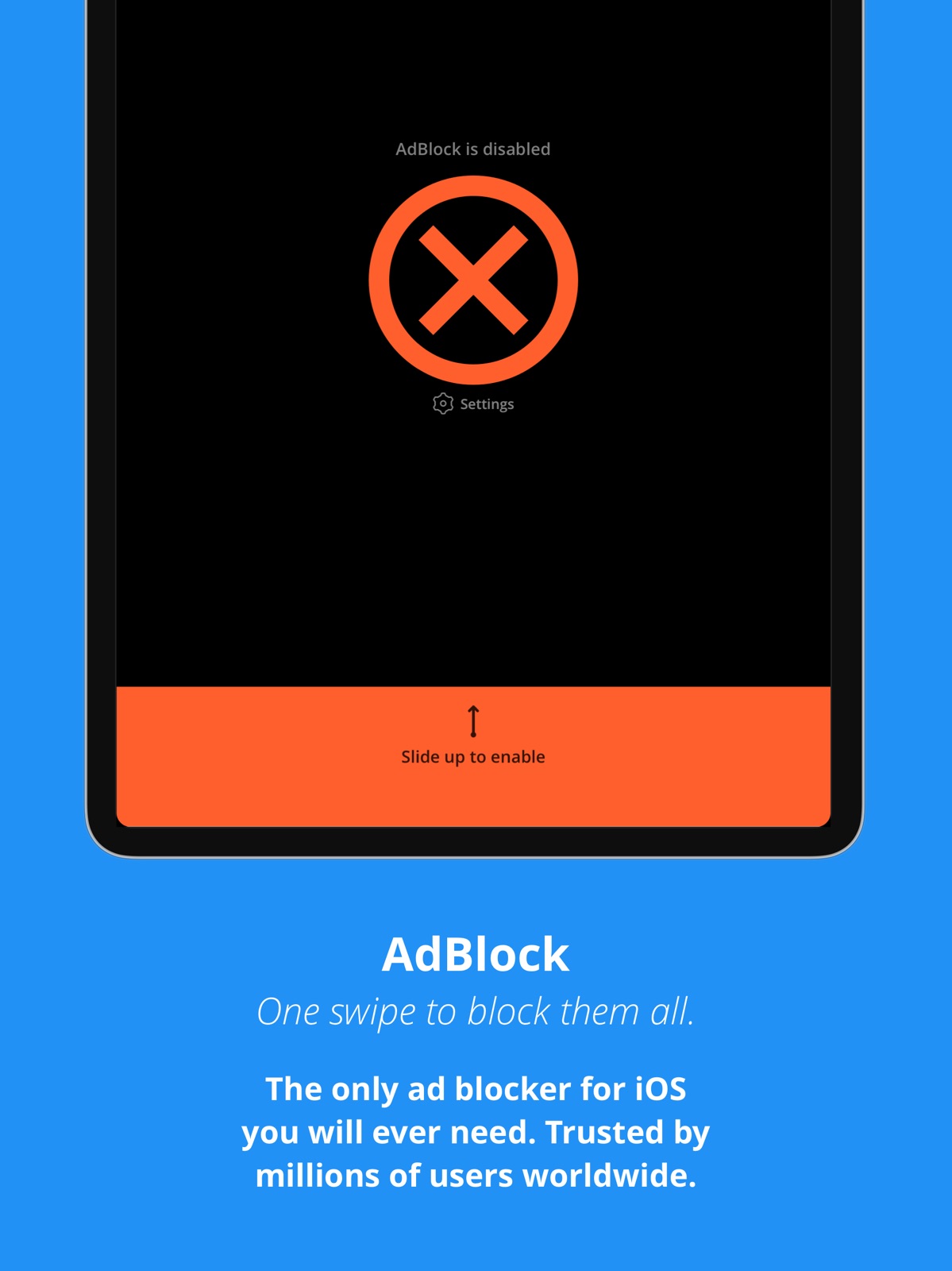
15 store screenshots


Pricing & paywalls
App Store
Shown for US
- Price: $1.99
Ratings & reviews
App Store
Shown for US
-
5/5Easy Setup and Works Great!
PLEASE READ IF YOU WANT TO KNOW THE TRUTH...Regardless of some other reviews, this app DOES WORK if setup correctly! At the time of this review, I am using an iPhone 12 Max Pro with iOS 14.4. I decided to give this app a try since it was very low cost and I’m glad I did. Some of the other App Store ad blocking software is subscription based requiring monthly or yearly payments or simply much, much more expensive with similar features. I know because I installed and tried them. Some other apps weren’t necessarily up front about this (specifically AdGuard for iOS). Also, the other apps perform analytics and collect information about the user and/or their device; regardless of their claim they don’t collect information about you. The other apps do! Just read the permissions that are required once other ad blocking apps are installed or go directly to the app’s websites and read their privacy policies. Highly recommend you read any apps privacy policies carefully and thoroughly especially if you’re concerned about privacy. AdBlock wins every time and includes ad blocking with a LOCAL VPN. Meaning, none of your browsing traffic (or DNS requests) is transferred or translated to any of AdBlocks servers. OTHER APPS DO! AdBlock keeps your information LOCAL to your device only and I validated this claim by intercepting ALL my traffic using network forensic techniques. AdBlock is clean and awesome! It was easy to setup the LOCAL VPN, apply add blocking rules to Safari, and monitor my DNS traffic requests! One last thing... I highly recommend you investigate where the headquarters of any App Store app is located. I prefer to ONLY SUPPORT AND INSTALL apps from countries that are allies of the USA. AdBlocks parent company, FutureMind, is based in Poland (also called Polska). Poland is a stalwart ally in Central Europe and one of the United States’ strongest partners in fostering security.
Life in Truth · 30 Aug 2026
-
1/5Useless. Ignore fake reviews and hype
It places a VPN icon on my phone, but outside of this it really doesn’t do much else. I use the same apps that most of the world uses and this doesn’t affect the ads within those apps at all, including browsers. I really just do not understand the purpose of this app as it does nothing it says it does. Even more suspicious, are the fake reviews that claim it’s an amazing app and a must buy and listed as most useful of reviews. what is that? Can you be a bit more explicit on why this app has changed your life and why you need it? From the first day of purchasing it i have been waiting for this life changing affect to take place and nothing has happened. I still get ads in all of my apps and the only difference is that a VPN icon appears on my phone. So, perhaps this is good if you want need to change your IP but beyond that I don’t see any benefits. and further, i’ve never tested the VPN functionality just that an icon appears nor do i have any motivation to do so. I am deleting this app immediately and asking for a refund - you should too. But if you don’t i would really love to understand why you have decided to keep it. It literally has just sat on my phone for over a year and i just realized today that i never ever use it and when i do i question “what is this app doing?” Everything is exactly the same. Ads appear on any game or any streaming device. Safari takes care of itself and this app does nothing literally nothing on safari. Lastly, the developers haven’t updated this for a very long time. It appears abandoned. Deleting the app right now, i advise you to do the same or at least tell us why, explicitly, how it has improved your experience...
ilovenotetakingapps · 30 Aug 2026
-
5/5If you are about to leave a bad review, read this!
As of December 1, 2024, this app works PERFECT. Although the ad system was changed by Apple not long ago, this app does still disable not 99%, but 100% of all ads, whether it be on a mobile game, social media, or a browser. For people that have purchased it and can’t set it up, casing them to leave a bad review, try my little tutorial, and it should work for you (NOTICE: THSI TUTORIAL IS BASED OFF OF WHAT I EXPERIENCED); 1. When you download it, it gives you a kinda bad tutorial on the app, but I will break it down; so once you download it, go to settings, swipe up to get the search bar, search “safari”, then tap on “content blockers”, then enable Adblock. That’s search>safari>content blockers>enable Adblock. 2. I have an iPhone 12, which may make my experience different because older phones have outdated iOS’, but when I swiped up to activate it, I got a message saying to allow the app to use a vpn. Tap yes, then enter your passcode if you need to. After this, the app should change to an Orange theme. This is because the proxy DNS isn’t activated. Without it, the ads won’t go away, to enable it, press “settings” in the middle of the screen, scroll till you see “enable dns”, and enable it. And that’s it! Then it should turn green. I just got this app, but fidgeted around with it, so I know how it works. If something goes wrong, I recommend doing the same, or looking online/looking at other reviews. Anyways, awesome app, 10/10, 5 stars, would recommend!
DO NOT DOWNLOAD EVONY · 30 Aug 2026
-
5/5Works great if you can follow instructions
I swear the reviews on this app are either five stars or one stars. All of the five star people clearly follow the instructions correctly and got it working for them like it should, and conversely, all of the compute illiterate have done something wrong, or aren’t used to configurations and vpns. One of the reviews that shows up in the “most helpful“ category literally says that they are a technophobe and that it should be as simple as downloading the app if it is truly made for iOS. Look, it’s not that simple, but it is pretty straightforward and the results are great. I turned it off recently, and was horrified with the amount of ads that show up on mobile sites. Also, it works for most in app as well.. They were some apps that I didn’t even know had them until it turned it off. The only thing you need to be aware of is that some apps play ads to give you “credits” (many of the free AI apps do this) and it seems to break that functionality. So I guess you can turn it off when you absolutely have to use an app with ads. Lastly, I am hoping this app is not abandoned. It is the only systemwide ad blocker that has worked for me and the last update was two years ago. It still works as it is right now, but eventually may become outdated. So download away people, it’s only a couple bucks and it is totally worth it.
Millermk · 30 Aug 2026
-
3/5SHOULD be as simple as downloading
As a Technophobe i struggle with terminology and suffer over anything related to computers. This app should be effortless to activate if it is genuinely compatible with ipads and iphones. The video (very thoughtful) was so fast i had to watch it 12 times and take screen shots hoping to match the trail of steps. End result is,I can’t seem to install it. I’m sure the problem lies with me, but you need to make this much much easier. My safari in settings did NOT have the “Content Blocker” tab you suggested i merely need to flip on to allow adblock in. When i put my setting search bar to work for the first time ever tonight i found it, but not where you said it was. I followed the steps right up to “Swipe up to Enable” and guess what… it’s locked. Won’t allow swipe of any kind. Seriously, how do you install this thing, and i also suggest you allow folks to use the app for a few weeks to form a solid opinion of it before soliciting reviews. I would not likely have posted my difficulties so publicly if you had waited.
Charlotte Lindsor · 30 Aug 2026
Privacy & accessibility
App Store
Privacy
- Data Not Collected Developer declared
Accessibility
No accessibility labels collected yet.
Versions
App Store
-
2.5.6
v2.5.6 - fixed the problem with rating reminder If you like AdBlock, please spare a minute to write a nice App Store review. This will allow us to stand out among simple Safari content blockers. Thank you! And if you need a good, EasyList based Safari content blocker, get it for free - look for ADmosphere app. [iOS 9.3 - 9.3.5 support]: due to a bug in iOS 9.3 - 9.3.5, AdBlock may cause some websites to freeze when loading. Unfortunately this can't be fixed by us (it's an iOS VPN Manager issue). We had reported this bug and Apple fixed it in iOS 10. Please upgrade to iOS 10 to resolve this problem. We are sorry for the frustration this might have caused, but we could not fix this problem by simply updating the app and we had to wait for help from Apple Engineering Team (thank you!).
-
2.6.0
- added widget for easy switching on/off, also via 3D touch - minor fixes and improvements If you like AdBlock, please spare a minute to write a nice App Store review. This will allow us to stand out among simple Safari content blockers. Thank you! And if you need a good, EasyList based Safari content blocker, get it for free - look for ADmosphere app. [iOS 9.3 - 9.3.5 support]: due to a bug in iOS 9.3 - 9.3.5, AdBlock may cause some websites to freeze when loading. Unfortunately this can't be fixed by us (it's an iOS VPN Manager issue). App works fine with iOS versions <9.3. We had reported this bug and Apple fixed it in iOS 10. Please upgrade to iOS 10 to resolve this problem. We are sorry for the frustration this might have caused, but we could not fix this problem by simply updating the app and we had to wait for help from Apple Engineering Team (thank you!).
-
2.6.1
- minor fixes and improvements - Arabic language support
-
2.8.0
- major update for iCloud sync mechanism - support for 8 new languages: Chinese, French, German, Italian, Japanese, Korean, Russian and Spanish - other bug fixes and improvements If you enjoy ad free iOS experience, please post a review and let other people find out about AdBlock! Thank you!
-
2.8.1
- a few bugs squashed
-
2.8.2
Fixed a bug with widget randomly disabling AdBlock Fixed a problem with with AdBlock being disabled on first run/profile installation Other fixes and improvements
-
3.0.0
Changes in v3.0.0: - new and faster ad blocking method used, everything happens right on your device - removed possible network issues ("yellow status") caused by some network ISP and carriers (DNS hijacking) - added a switch to display a VPN icon when ad blocking is enabled (still, there is no VPN server on the other side - everything stays direct and secure) - compatibility with major personal VPN service providers
-
3.0.1
This is a final release of the v3 line of AdBlock, which addresses bugs found in recent major release. We've started working on AdBlock v4 with some exciting, new features. Changes in v3.0.1: • fixed a crash when local VPN profile was removed in AdBlock's Settings • fixed a problem with personal VPN profile (v2) not being removed properly • fixed a problem with local VPN turning off by itself • fixed a possible crash in Network Extension • fixed IP of the tunnel (should display 127.0.0.1/localhost, so nothing leaves your device) • fixed copying groups of domains - press and hold on a user group to copy all domains from that group • other fixes and improvements Check out our free Safari Content Blocker for even less ads distracting you in Safari - search for ••• ADmosphere ••• app in the App Store. Changes in v3.0.0: • new and faster ad blocking method used, everything happens right on your device • removed possible network issues ("yellow status") caused by some network ISP and carriers (DNS hijacking) • added a switch to display a VPN icon when ad blocking is enabled (still, there is no VPN server on the other side - everything stays direct and secure) • compatibility with major personal VPN service providers • display log of blocked connections
-
4.0.0
AdBlock v4 is here. Please read the change log carefully... This version of AdBlock for iOS, which brings a lot of major changes in the app. First of all, we had to drop VPN based ad blocking. This was required to keep AdBlock in the App Store. To reward this loss to our beloved users, we've worked very hard to introduce the new DNS proxy feature, which now puts you in control of the domain name resolution process (basically it's a local DNS server). AdBlock becomes a powerful tool, which allows you to monitor which domains are contacted from your device. You can now assign any IP address to any domain, which puts you in total control of if and how you're accessing all kinds of content on the Internet. It's not just about ads anymore. You can use this features for much more advanced scenarios, including iOS app development and testing. Second of all, we're introducing a Safari Content Blocker extension as an addition to our other exciting new feature. To enable AdBlock in Safari, please go to "iOS Settings -> Safari -> Content Blockers" and enable "AdBlock". Now you can use our app to subscribe to some of the popular filter subscription lists, like EasyList. You can also add your own sets of rules, including specialised and regional filters to fully customise your Safari browsing experience. This is just the first of many releases from the v4 line of AdBlock. We're excited to bring you new features and we're not stopping here. Our goal is to put you in charge of your iOS device. On top of the major changes, there is quite a lot going on under the hood. We've squished many bugs, enhanced iOS 11 compatibility and improved stability of the app. Please contact [email protected] if you have any questions about the new features and how to use them. We're here to help!
-
4.1
In this release we've improved DNS proxy rules import and export. You can now easily share your rules by long pressing on the IP or any group assigned to it. When exporting an IP or group, the export format will now include information about contained domains and how they are organised into groups. Now you can also import rules from hosts files, coma and new-line separated lists and our own format (.adblock file extension). You can import DNS rules into AdBlock from URL or directly from other apps like Files or Dropbox. We've also improved the Safari Content Blocker with better rule handling and duplicate rule detection.
-
4.2
Long time, no see! We're back with a handful of fixes: • fixed an issue with AdBlock randomly turning itself off, • fixed DNS proxy log screen layout and filtering issues, • fixed an issue with saving IP addresses in DNS proxy rules, • improved onboarding, • FaceID support, • iOS 13 support, • improved rule handling for Safari content blocker, • new icon and new UI, which plays well with the iOS Dark Theme, • new support mechanism built into the app, • ... and our favorite: other fixes and improvements. And there are quite a few.
-
4.2.1
New in v4.2.1: • support wildcards in domains for DNS proxy (credit to BigDargon/hostsVN), • turn on/off via widget (works only if Always-on is *disabled*), • fixed a possible crash when VPN profile was removed via the app, • fixed a possible crash when the device is restarted and remains locked, • restored 3D Touch actions, • dropped iOS 10 / 32-bit support (we needed to do this for the Content Blocker to work).
-
4.3
Ad-blocking is now more reliable. We've fixed a bunch of crashes around importing and exporting rules. We simplified the setup process (but if you need help, please do not hesitate to hit the "Contact support" option in Settings). Stay safe and see you soon!
-
4.3.1
Ad-blocking is now more reliable. We've fixed a bunch of crashes around importing and exporting rules. Importing DNS rules is now much faster. Fixed a couple of UI glitches. We simplified the setup process (but if you need help, please do not hesitate to hit the "Contact support" option in Settings). Stay safe and see you soon!
-
4.3.2
Fixed issues with iCloud sync plus you can now disable it entirely. Improved how DNS rules are stored. You can now import more rules and do it quicker. Local DNS resolution is faster and more reliable. You can now see how many domains are in each IP or group. Other fixes and improvements. Let us know if you need help with the setup!
-
4.3.3
We removed the "Always on" switch in Settings - the app is now running in this mode by default. We improved detection of network changes. AdBlock will not cause any more issues when you're changing networks or temporarily loosing Internet connectivity. Other fixes and improvements.
-
4.4
Sorry it took this long, but (hopefully) we how now fixed the DNS proxy tunnel orchestration to make it more reliable.
-
4.5
We fixed a crash happening on older iOS versions and brought back the ability to disable DNS proxy from the widget. This can now be done without turning off DNS logging.
-
4.6
• You can now disable DNS Proxy from the widget or the main screen (keeps the DNS logging active if the VPN is running). • Fixed Safari Content Blocker listing and improved the update process. • Multiple fixes and improvements in the area of DNS proxy stability and reliability - no more occasional VPN icon blinking and random Internet freezes when switching networks! • Setup instructions are more detailed now. We'll keep on working on further improving the ease of use in the coming updates. We really want to make it much simpler for less tech-savvy users! • Other minor fixes and improvements here and there.
-
4.6.1
• Fixed a bug that was sometimes causing the VPN to go into a restart-loop • Fixed a possible crash in the DNS Log view • Other minor fixes and improvements
-
4.6.2
• Fixed the reconnect-loop issue (this time - for everyone, it was still happening for some users with very large DNS log - sorry for that!). • Fixed DNS log searching. • Fixed the issue where the DNS proxy rules were not applied after iOS restart. • Removed app analytics framework to further reduce user-data sharing and further improve user privacy. We collect as little information as possible. • Improved accessibility - better large font size handling. • Improved DNS proxy rules import process.
-
4.7
• Fixed issues with blocking on iOS 14.5 and newer.
-
4.7.1
Fixed a potential crash when saving DNS proxy rules
-
4.7.2
Squashed some bugs. Please report any issues with blocking via the app.
-
4.7.3
· 27 Jul 2021
This version contains bug fixes. Please consider updating to iOS 14.7, as it solves most of the blocking issues.
Alternatives
- AdGuard Pro: Safari Ad Blocker — Same category + similar ratings
- Noir - Dark Mode for Safari — Same category + similar ratings
- Mapper for Safari — Same category + similar ratings
- 1Blocker: Ad Blocker — Same category + similar ratings
- Wipr 2 — Same category + similar ratings
- µBrowser: Watch Web Browser — Same category + similar ratings
Availability by market
- US
Data quality & evidence
- Page completeness
- Live store listing
- Last verified
- 30 Aug 2026
- Sources
- App Store
- Independent summary has not been published yet.